✨ New: Sell Gifts & Personalized WooCommerce Products with Engraver. Learn more



Best WooCommerce Payment Gateways in the USA
The United States is the world’s second-largest e-commerce market, with online retail sales surpassing $1.1 trillion in 2023 and continuing to climb. American consumers shop online via desktop and mobile, pay with credit cards, debit cards, digital wallets like Apple Pay and Venmo, and increasingly expect a fast, friction-free checkout. For WooCommerce store owners, the gateway you choose can mean the difference between a completed sale and an abandoned cart.
But here’s the uncomfortable truth: every time a customer pays you through a traditional payment gateway, 2.9%–4.4% of that sale walks out the door as transaction fees. For a store doing $10,000 a month in sales, that’s up to $440 every single month going to a payment processor and not to your business.

In this guide, we review the best WooCommerce payment gateways available to US store owners. We cover their benefits, fees, and setup so you can make an informed choice.
What Is a WooCommerce Payment Gateway?
In WooCommerce, a payment gateway is the system that enables your store to accept payments for products and services. It integrates into your checkout and handles how transactions are processed, verified, and completed.
However, not all gateways are created equal. Some are built specially for your local market and support local e-wallets and online banking. Others are international gateways that may not even work with local stores.
1. Direct Payments for WooCommerce (Editor's Pick)
Before we get to the gateways that charge you 3% of every sale, let’s talk about the one that doesn’t.
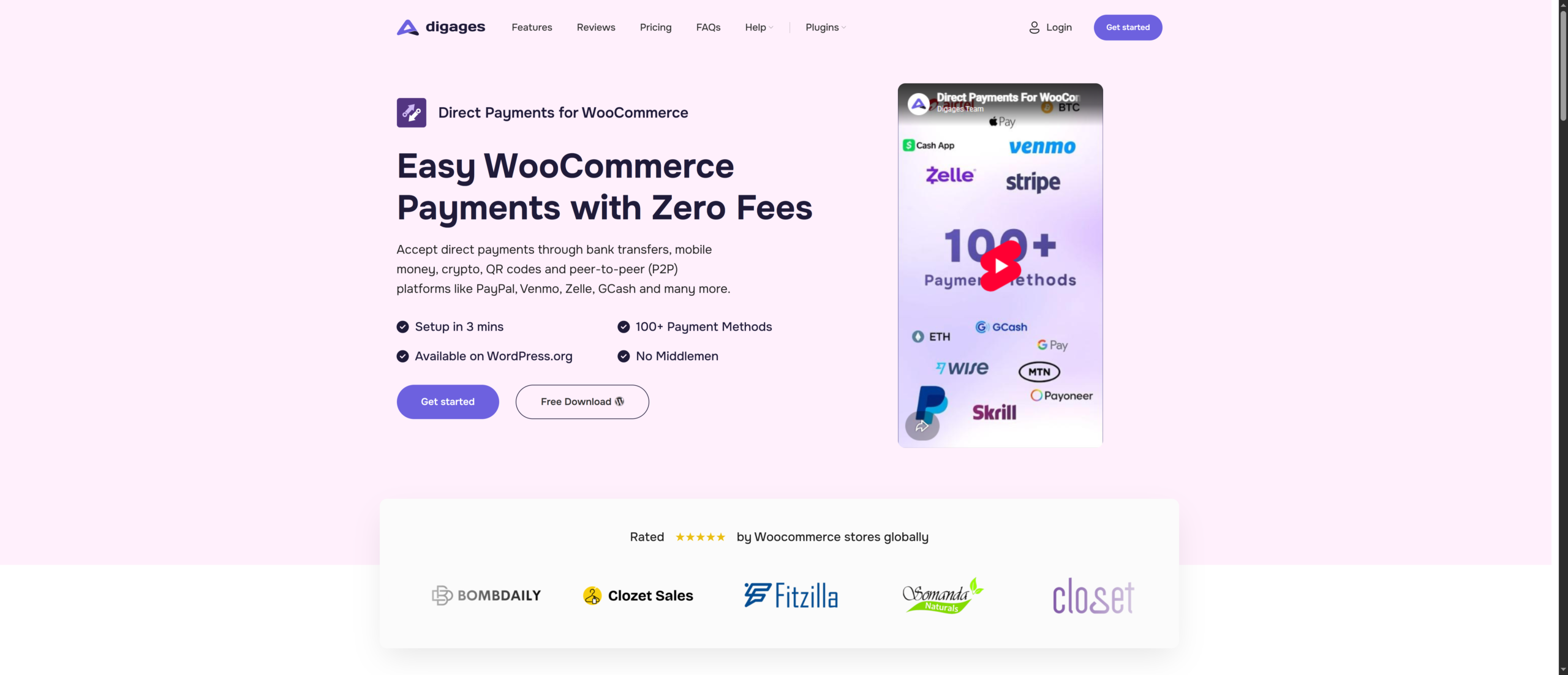
Direct Payments for WooCommerce is built on a fundamentally different philosophy, instead of routing your customer’s payment through a third-party processor and charging you for the privilege, it lets customers pay you directly via Zelle, Venmo, Cash App, bank transfer, PayPal, cryptocurrency, or any other method you choose. The result? Zero transaction fees. What your customer pays, you receive in full.
For American WooCommerce store owners, this is particularly powerful. Zelle is available to virtually every US bank customer and processes over $1 trillion in transactions annually. Venmo has more than 90 million users in the US. Cash App and PayPal are household names. Your customers are already using these apps every day. Direct Payments for WooCommerce simply lets them use them on your WooCommerce checkout, without you paying a middleman.
How It Works
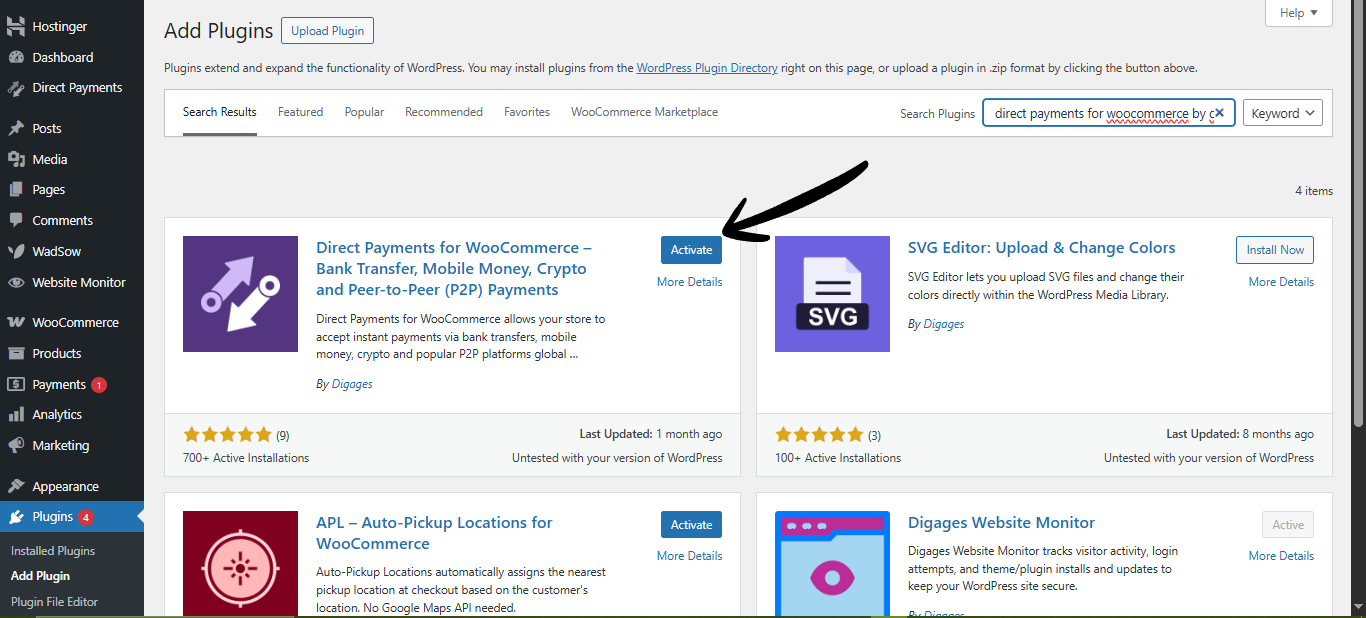
At checkout, your customer selects Direct Payments for WooCommerce as their payment option. A customizable pop-up appears showing your payment details, your Zelle phone number or email, Venmo handle, bank account info, crypto wallet address, or whichever method you’ve configured. The customer sends the payment directly to you. You review it in your WordPress dashboard and confirm or cancel the order, all without leaving WordPress admin.
Key Benefits
- No setup fees or monthly fees, 0% Transaction Fees, keep every payment you receive with zero processing charges.
- No Coding Required, no API Keys needed, no integrations, no developer needed.
- Fast Setup in Under 3 Minutes. Install, configure, and start accepting payments quickly.
- No KYC or Approval Process. Install the plugin and begin accepting payments immediately.
- WooCommerce Dashboard Control. Confirm or cancel orders directly from your WordPress admin area.
- 100+ Payment Methods Supported. Add as many payment accounts and payment options as your business needs.
Pricing
Direct Payments for WooCommerce lets you keep 100% of your revenue with no transaction fees or hidden costs. Give your WooCommerce store the freedom to accept payments your way, all set up in under 3 mins – Get started now
2. Stripe
If there’s one payment gateway that has fundamentally changed how online businesses handle payments, it’s Stripe. Founded in 2010 with a mission to remove the “pain” from payment processing, Stripe is now trusted by millions of businesses worldwide, from solo entrepreneurs to Amazon and Shopify.
For WooCommerce, Stripe offers a free official plugin at WordPress.org that integrates seamlessly. Customers never leave your website during checkout, which keeps the experience smooth and reduces abandonment. Stripe’s Radar fraud detection engine uses machine learning to flag suspicious transactions automatically, and its support for 135+ currencies makes it a natural fit for US stores with international customers.
Key Benefits
- Accepts all major credit/debit cards, Apple Pay, Google Pay, Link (one-click checkout), ACH Bank Transfers, and more
- Stripe Radar — machine learning fraud detection built in at no extra cost
- Supports recurring billing and subscriptions natively
- Developer-friendly API with extensive documentation
- Payouts within 2 business days for most US merchants
Pricing
Stripe charges 2.9% + $0.30 per successful card transaction. There are no setup fees, monthly fees, or cancellation fees. ACH direct debit transactions are charged at 0.8% (capped at $5). International cards and currency conversion carry additional fees. Stripe also offers custom pricing for high-volume businesses.
3. PayPal
PayPal has over 430 million active accounts worldwide and is the most recognized name in online payments. In the United States, the PayPal button at checkout is virtually synonymous with safe online shopping, particularly for older shoppers and those who are cautious about entering card details on unfamiliar websites.
For WooCommerce, PayPal Payments is available at WordPress.org, and it offers a comprehensive plugin that combines multiple PayPal products in one integration: PayPal standard checkout, PayPal Pay Later (Buy Now Pay Later), and Venmo (US only).
Key Benefits
- Over 430 million active PayPal accounts — many customers can pay without entering card details
- PayPal Pay Later — BNPL option built in, at no extra cost to the merchant
- Supports 100+ currencies and 200+ countries for international transactions
- Express Checkout and Buy Now buttons can be added to product pages
Pricing
PayPal’s standard transaction fee for US merchants is 3.49% + $0.49 per transaction for standard checkout. PayPal Checkout (the more integrated version) is charged at 3.49% + $0.49. Chargeback fees are $20 per dispute. There are no monthly fees on standard accounts. Volume discounts are available for qualifying merchants.
4. Square
Square started as a mobile card reader company and has evolved into a comprehensive commerce platform. If you run a physical retail store, a restaurant, a salon, or any brick-and-mortar business alongside your WooCommerce store, Square’s unified ecosystem is genuinely hard to beat.
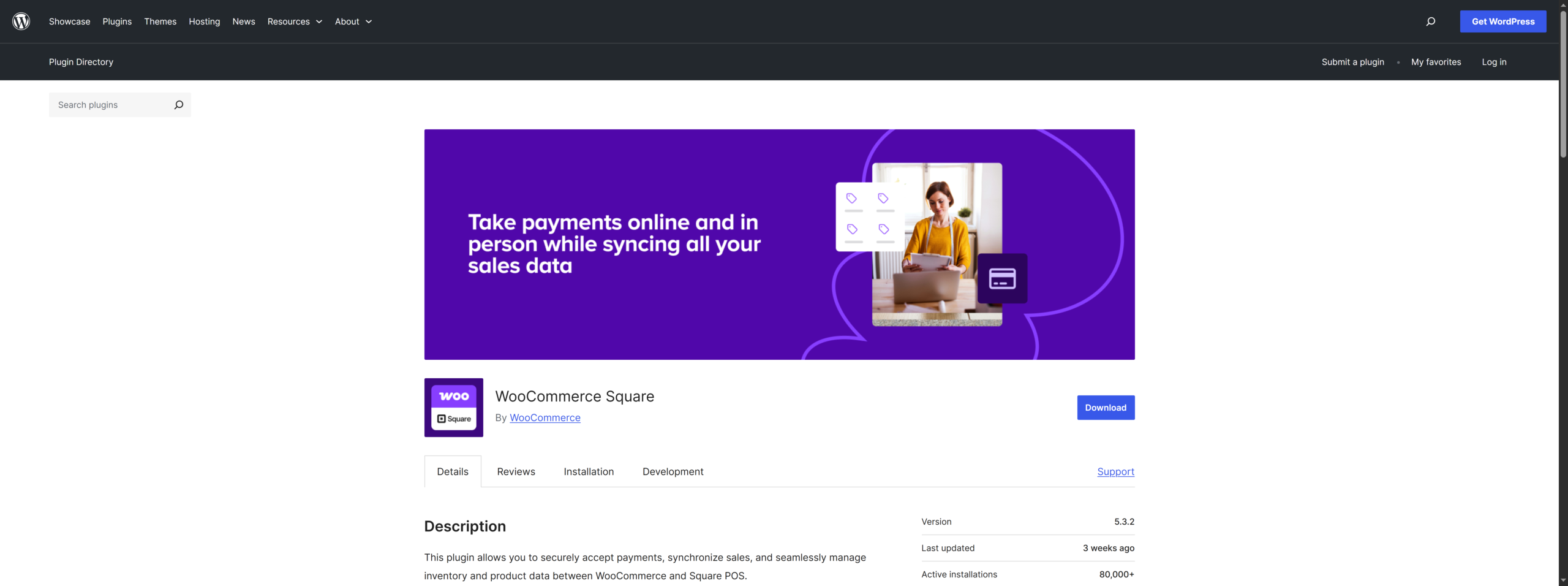
The WooCommerce Square plugin is available at WordPress.org, and it syncs your product catalog bidirectionally between your physical Square POS and your online store. Inventory updates in-store automatically reflect online, and vice versa. For a US retailer managing both channels, this eliminates a significant operational headache.
Key Benefits
- Seamless sync between Square POS and WooCommerce — inventory, orders, and customers unified
- Accepts all major credit/debit cards, Apple Pay, Google Pay, Cash App Pay, and gift cards
- Contactless card readers and mobile POS solutions for in-person sales
- Square Gift Cards: sell and redeem both online and in-store
- Delayed payment capture, store payment details at checkout, charge only when you ship
- Square Savings: built-in business banking option for Square merchants
Pricing
Square charges 2.9% + $0.30 per online transaction. In-person transactions are cheaper at 2.6% + $0.10. There are no monthly fees for the base plan. Advanced features like phone support and customer accounts require Plus ($29/month) or Premium plans.
5. WooPayments (WooCommerce Payments)
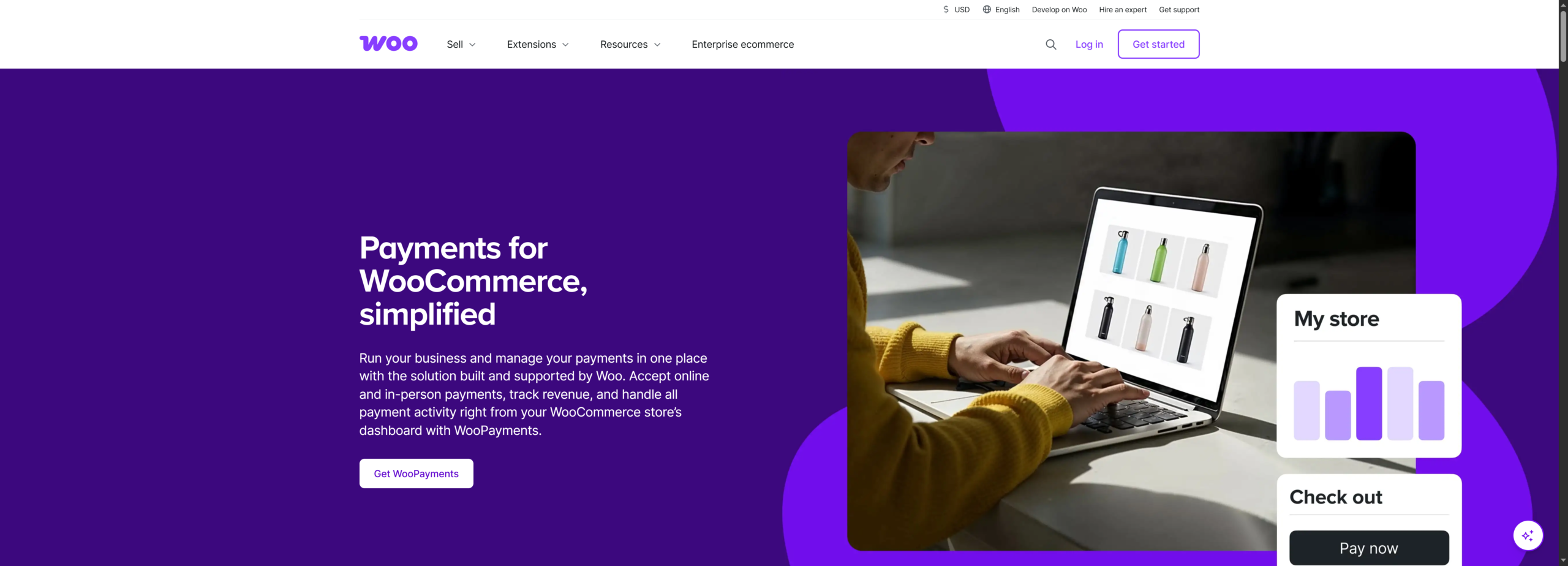
WooPayments is the official payment gateway built by Automattic, the company behind WooCommerce. Powered by Stripe’s infrastructure under the hood, it offers WooCommerce store owners a deeply integrated payment experience — all managed directly from the WordPress dashboard without setting up a separate Stripe account.
For new WooCommerce store owners who want to accept card payments as quickly as possible with minimal configuration, WooPayments is the path of least resistance. Everything, transactions, refunds, disputes, deposits, and reporting, lives inside your WooCommerce dashboard.
Key Benefit
- Manage payments, refunds, disputes, and deposits from WordPress admin, no third-party dashboard
- Accepts major credit/debit cards, Apple Pay, Google Pay, and select local payment methods
- Buy Now Pay Later options available in select regions
- Multi-currency support: display prices and charge in 135+ currencies
- Tap to Pay: accept contactless card payments on iPhone or Android with no additional hardware
- Recurring billing and subscription support built in
- No setup fees or monthly fees
Pricing
WooPayments charges 2.9% + $0.30 per US card transaction, identical to Stripe’s base rate. International cards carry an additional 1.5% fee. There are no setup or monthly fees.
6. Authorize.Net
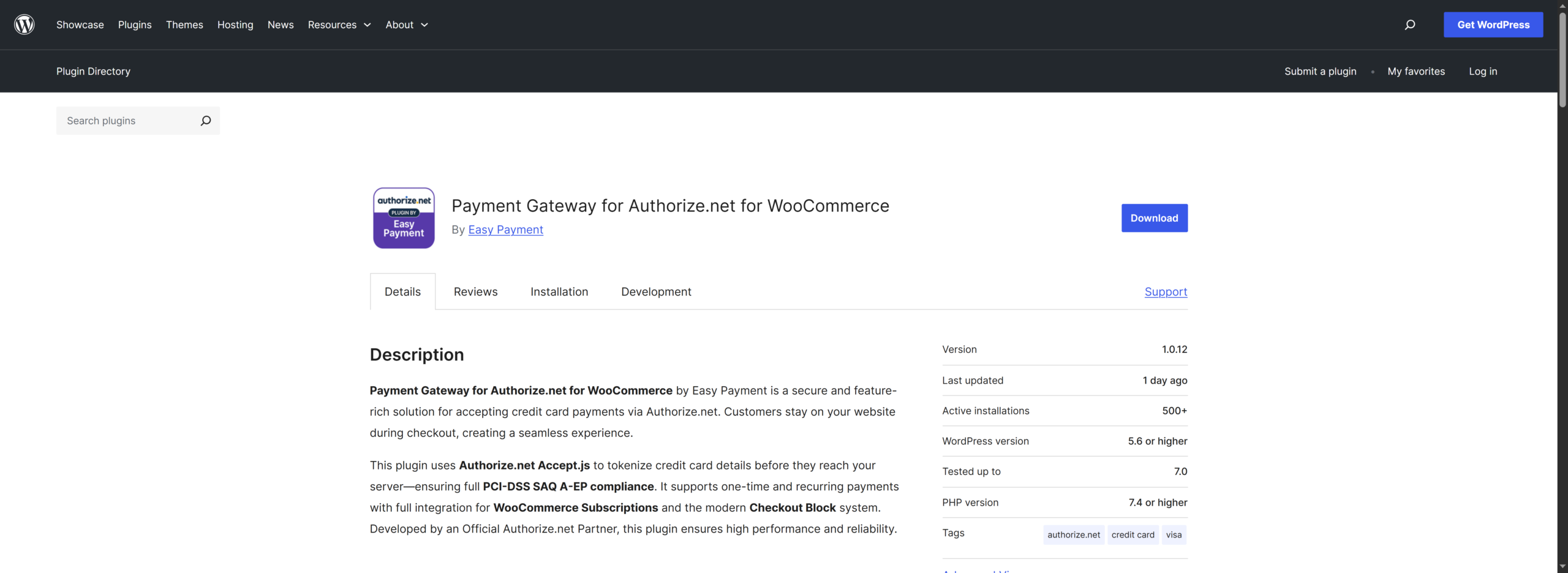
Authorize.Net has been processing online payments since 1996 and is now backed by Visa. It handles billions of transactions annually and has earned a reputation as one of the most reliable and feature-rich payment gateways in North America. Unlike newer gateways, it’s built for businesses that need enterprise-level control, advanced fraud tools, and the ability to handle complex payment scenarios.
For WooCommerce, Authorize.Net offers a dedicated plugin available at WordPress.org that supports credit cards, debit cards, eChecks (ACH), Apple Pay, and PayPal. It provides multiple ways for customers to pay, including a hosted payment page, an embedded form, or a virtual terminal for phone orders.
Key Benefits
- eCheck (ACH) processing: a significant fee advantage over card transactions for B2B sellers
- Customer Information Manager (CIM): securely store customer payment profiles for repeat purchases
- Recurring billing: fully automated subscription and installment payment management
- Card updater: automatically updates stored card details when customers receive new cards
- Pre-authorization: reserve funds at order time, capture when you ship
- Enterprise plan includes phone support and dedicated account management
- Backed by Visa, one of the most financially stable gateway providers available
Pricing
Authorize.Net’s All-in-One plan (gateway + merchant account) is priced at 2.9% + $0.30 per transaction with a $25 monthly gateway fee. The Gateway Only plan (for merchants with their own merchant account) costs $25/month plus $0.10 per transaction. eCheck transactions are charged separately. There are no setup fees.
How to Pick the Best WooCommerce Payment Gateway for Your US Store
Choosing a payment gateway is not a one-size-fits-all decision. Below are the most important factors to evaluate as a US WooCommerce store owner — with a clear winner for each.
1. What Are Your Transaction Fees Really Costing You?
Many merchants focus on percentage rates without calculating the actual financial impact. A 2.9% fee translates to $290 on every $10,000 in sales, or $3,480 annually on a modest $10K/month store. Over time, these costs compound and significantly reduce profit margins. Introducing a zero-fee payment option can meaningfully improve retention.
Winner: Direct Payments for WooCommerce
2. Which Payment Methods Do Your Customers Expect?
US consumers expect flexibility at checkout. Credit and debit cards remain standard, but Apple Pay, Venmo, and bank-based payments like Zelle are widely used. If your store does not support these options, you increase friction and risk cart abandonment.
Winner: Stripe
3. Do You Have a Physical Store Too?
If you operate both online and offline, syncing inventory and payments across channels becomes critical. A unified system reduces operational overhead and prevents stock inconsistencies. For hybrid retail models, this is a major efficiency factor.
Winner: Square
4. How Technical Is Your Setup?
Some gateways require minimal configuration, while others involve API keys, webhooks, and custom integrations. If you want a fast, no-code setup, choosing a gateway with native WooCommerce integration is the practical approach.
Winner: WooPayments
5. Do You Need Recurring Billing or Subscriptions?
Subscription-based businesses require reliable recurring billing, automated renewals, and strong dispute handling. While several gateways support this, trust and reliability play a major role in customer retention for recurring payments.
Winner: PayPal
6. Are You Selling to International Customers?
If you serve customers outside the US, your gateway must handle multi-currency payments, international cards, and cross-border compliance. The ability to scale globally without friction is essential for growth.
Winner: Direct Payments for WooCommerce
Conclusion
The most profitable US WooCommerce stores don’t use just one gateway, they strategically combine a zero-fee direct option for customers who use Zelle or Venmo with an automated gateway for card transactions. This approach maximizes margins while ensuring no customer is left without a checkout option they’re comfortable with.
Ready to start accepting payments with zero transaction fees? Install Direct Payments for WooCommerce today, with setup in under 3 minutes. No API keys, no KYC, no transaction fees.








