✨ New: Sell Gifts & Personalized WooCommerce Products with Engraver. Learn more



Best WooCommerce Payment Gateways in Canada
Canada is one of the world’s most digitally advanced e-commerce markets. With a market size of approximately CA$52 billion and over 27 million online shoppers representing 75% of the total population, Canadian consumers expect seamless, secure, and familiar checkout experiences. Digital payments now account for 88% of all transaction volume in Canada, and digital wallets like Apple Pay and Google Pay are rapidly gaining ground, especially among younger shoppers.
For WooCommerce store owners in Canada, your payment gateway is one of the most critical decisions you’ll make. The wrong choice can mean paying unnecessary transaction fees on every single sale, or offering a checkout experience that drives shoppers away at the final step.

In this guide, we break down the 6 best WooCommerce payment gateways actively used by Canadian store owners. We cover their benefits, pricing, and who they’re best suited for, so you can choose with confidence.
What Is a WooCommerce Payment Gateway?
In WooCommerce, a payment gateway is the system that enables your store to accept payments for products and services. It integrates into your checkout and handles how transactions are processed, verified, and completed.
However, not all gateways are created equal. Some are built specially for your local market and support local e-wallets and online banking. Others are international gateways that may not even work with local stores.
Not all gateways work in Canada. Some major international gateways have limited Canadian support, particularly when it comes to Interac, the country’s dominant debit network, or local Bank Transfers. Choosing a gateway that actually supports Canadian payment preferences is essential for maximizing your conversion rate.
Read on for a full breakdown of each gateway, including features and pricing.
1. Direct Payments for WooCommerce (Editor's Pick)
Every time a Canadian WooCommerce merchant uses a traditional payment gateway, they hand over 2.9% or more of every sale. On a CA$100 order, that’s nearly CA$3.20 gone. On CA$10,000 a month in sales, that’s CA$320 walking out the door every single month, CA$3,840 per year just in gateway fees. Direct Payments for WooCommerce eliminates this.
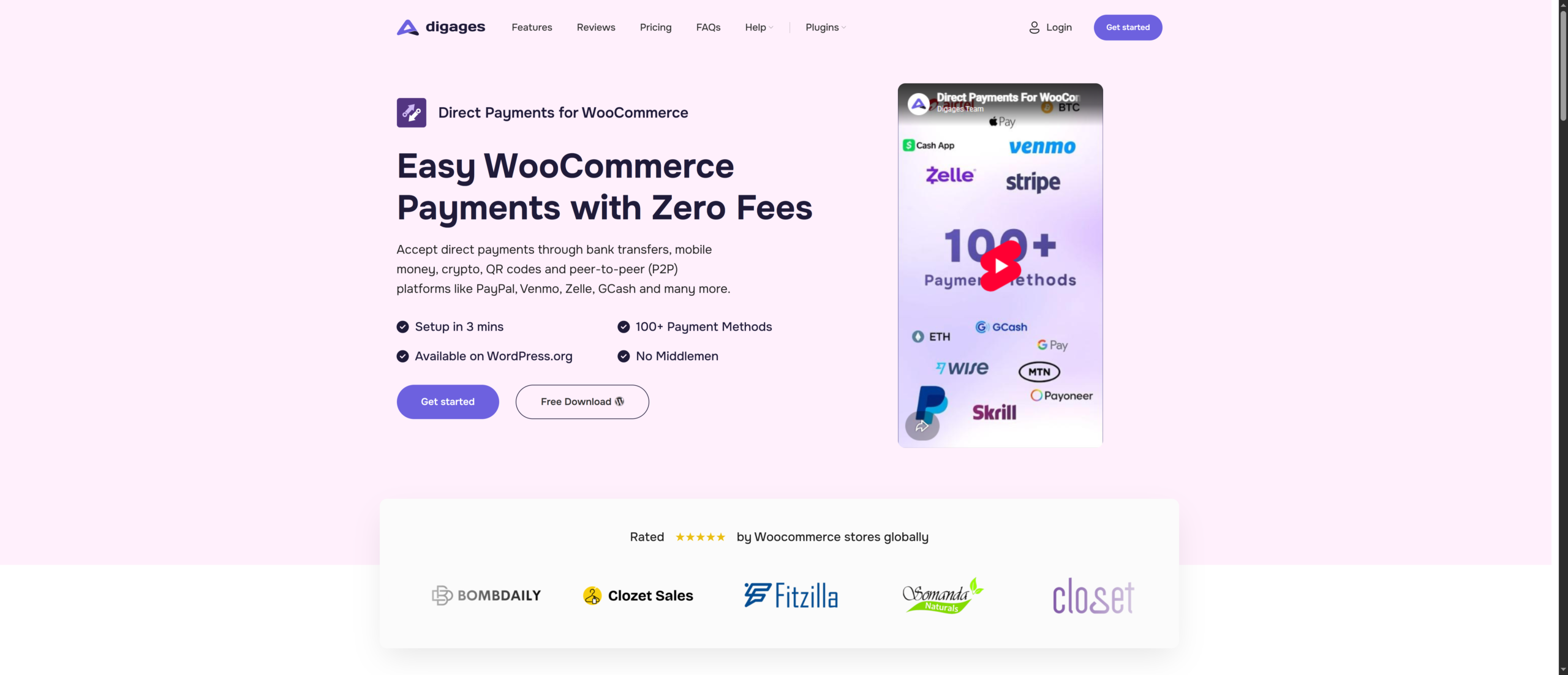
Direct Payments for WooCommerce takes a fundamentally different approach from every other gateway on this list. Instead of routing your customer’s payment through a third-party processor and billing you for the privilege, it lets customers pay you directly, via bank transfer, peer-to-peer platform, mobile money, cryptocurrency, or any method you choose. There are zero transaction fees. What your customer pays, you receive in full.
How It Works for Canadian Store Owners
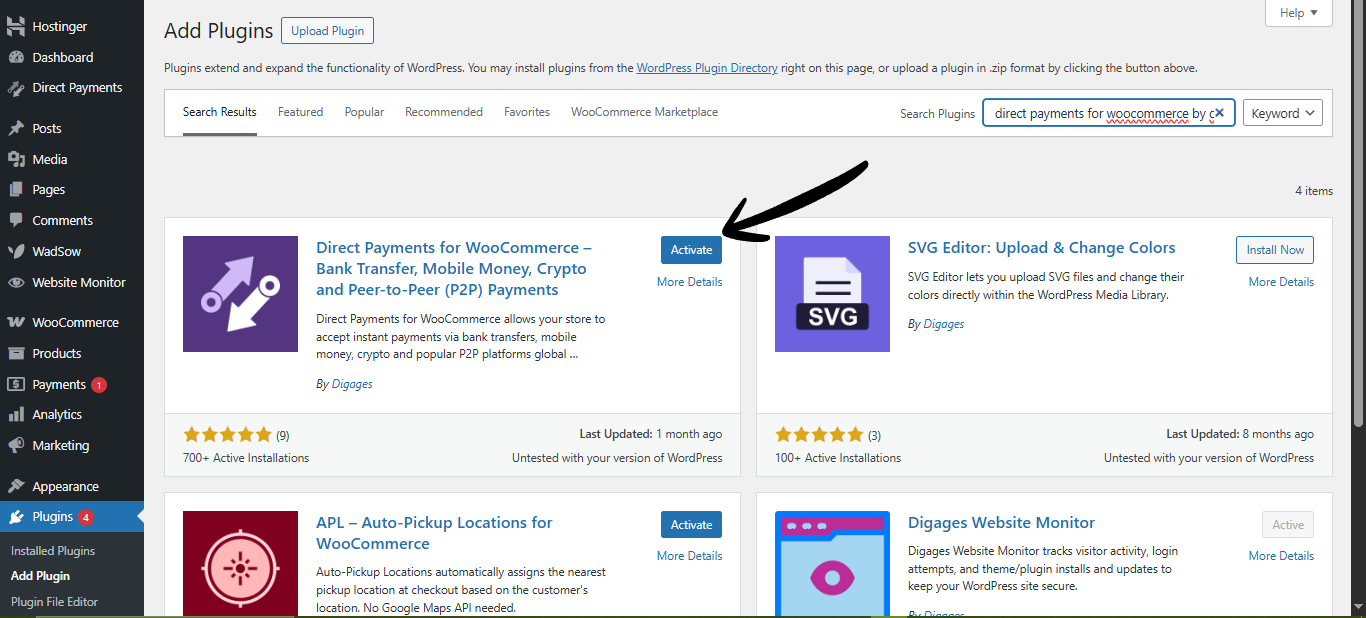
At checkout, your customer selects Direct Payments. A customizable pop-up displays your payment details, your bank account or e-Transfer information, your crypto wallet address, your PayPal handle, or any other method you’ve set up. The customer sends the payment directly to you. Once you confirm receipt in your WordPress dashboard, the order is processed and fulfilled.
For Canadian merchants, this is particularly compelling because:
- Interac e-Transfer is Canada’s dominant bank-to-bank payment rail, processing over 1.6 billion transactions annually. With Direct Payments for WooCommerce, you can accept e-Transfers directly with zero processing fees.
- Direct Bank Transfers between Canadian accounts are familiar, trusted, and fee-free for the buyer, and with Direct Payments for WooCommerce, they’re fee-free for you too.
- Crypto Payments (Bitcoin, USDT, ETH, and others) are supported for digitally savvy Canadian customers.
- Global P2P platforms like PayPal, Wise, and Venmo work seamlessly, ideal for cross-border sales to the US or internationally.
- No merchant account, no payment processor application, no API keys, no KYC approval process. You can start accepting payments on the same day you install the plugin.
Key Benefits
- No setup fees or monthly fees, 0% Transaction Fees, keep every payment you receive with zero processing charges.
- No Coding Required, no API Keys needed, no integrations, no developer needed.
- Fast Setup in Under 3 Minutes. Install, configure, and start accepting payments quickly.
- No KYC or Approval Process. Install the plugin and begin accepting payments immediately.
- WooCommerce Dashboard Control. Confirm or cancel orders directly from your WordPress admin area.
- 100+ Payment Methods Supported. Add as many payment accounts and payment options as your business needs.
Pricing
Direct Payments for WooCommerce lets you keep 100% of your revenue with no transaction fees or hidden costs. Give your WooCommerce store the freedom to accept payments your way, all set up in under 3 mins – Get started now
2. Stripe
Stripe is the global standard for payment processing among serious e-commerce businesses, and it works exceptionally well in Canada. It’s used by some of the world’s biggest companies, such as Amazon, Shopify, and Kickstarter, among them, and it offers one of the most powerful and flexible payment APIs available to WooCommerce merchants.
Stripe was founded in 2010 with a mission to remove the “pain” from payment processing. Stripe is now trusted by millions of businesses worldwide, from solo entrepreneurs to WooCommerce, Amazon, and Shopify.
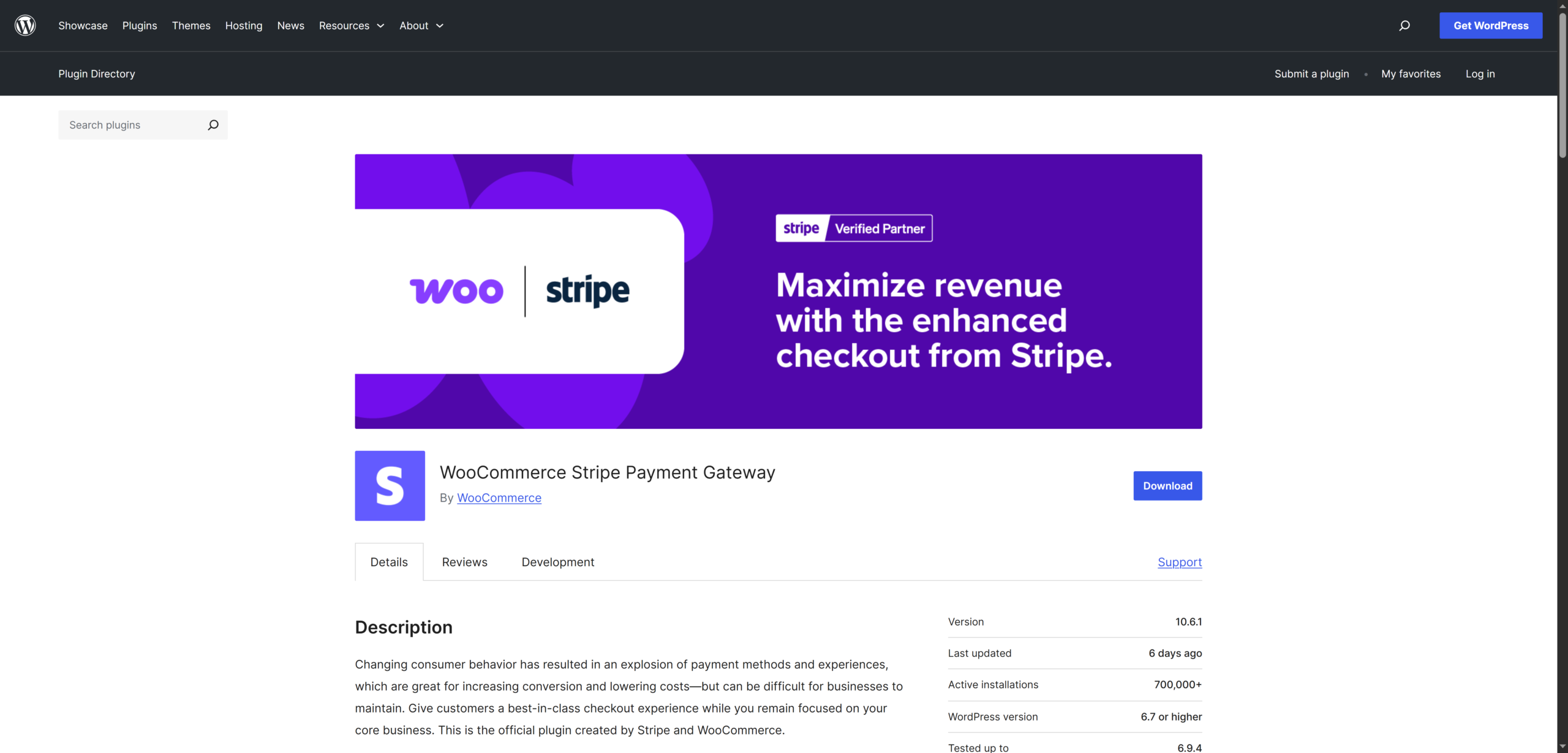
For WooCommerce, Stripe offers a free official plugin at WordPress.org that integrates seamlessly. Stripe’s WooCommerce integration is mature, well-maintained, and supports a broad range of payment methods relevant to Canadian shoppers: Visa, Mastercard, American Express, Apple Pay, Google Pay, and more. One of its standout features is that customers can complete purchases without leaving your website, no redirects, no friction.
Key Benefits
- Accepts all major credit and debit cards, Apple Pay, Google Pay, Link (one-click checkout)
- Supports recurring billing and subscriptions natively
- 135+ currencies supported, ideal for Canadian stores with US or international buyers
- Detailed analytics, reporting, and dispute management dashboard
- No setup fees, no monthly fees
Pricing
Stripe charges 2.9% + CA$0.30 per successful domestic card transaction. International cards carry an additional 1.5% fee. There are no setup fees, no monthly fees, and no hidden charges.
3. PayPal
PayPal is one of the most trusted payment brands in Canada and globally. With over 430 million active accounts worldwide, the PayPal button at checkout can significantly boost conversion rates, particularly for first-time buyers who are hesitant to enter their card details on an unfamiliar store. For Canadian stores with significant US traffic, cross-border shoppers, or customers in the large Canadian diaspora market, PayPal remains an important gateway to offer.
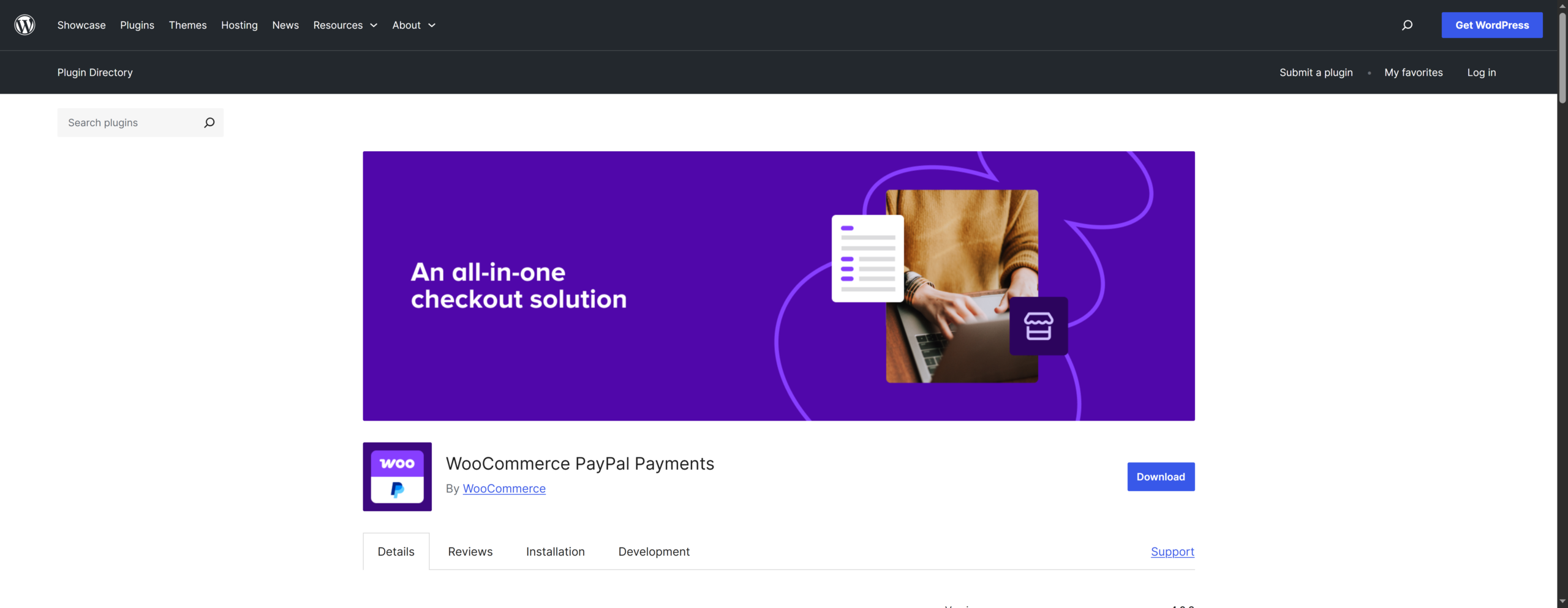
For WooCommerce, PayPal Payments is available at WordPress.org, and the familiar experience builds instant trust and removes a major friction point for cautious online shoppers.
Key Benefits
- Accepted by 430+ million active accounts worldwide
- Accepts PayPal balance, credit cards, debit cards, and Pay Later
- PayPal Pay Later and Pay in 4 installments for Canadian shoppers
- Multi-currency support
- Mobile-optimized checkout with one-tap payment for returning customers
- No setup fees or monthly fees for standard accounts
Pricing
PayPal’s standard transaction fee for Canadian merchants is 3.49% + a fixed fee per transaction. For CAD transactions, the fixed fee is CA$0.49. Volume discounts are available for merchants processing over CA$3,000 per month. International transactions (cross-currency) carry additional conversion fees.
4. WooPayments (WooCommerce Payments)
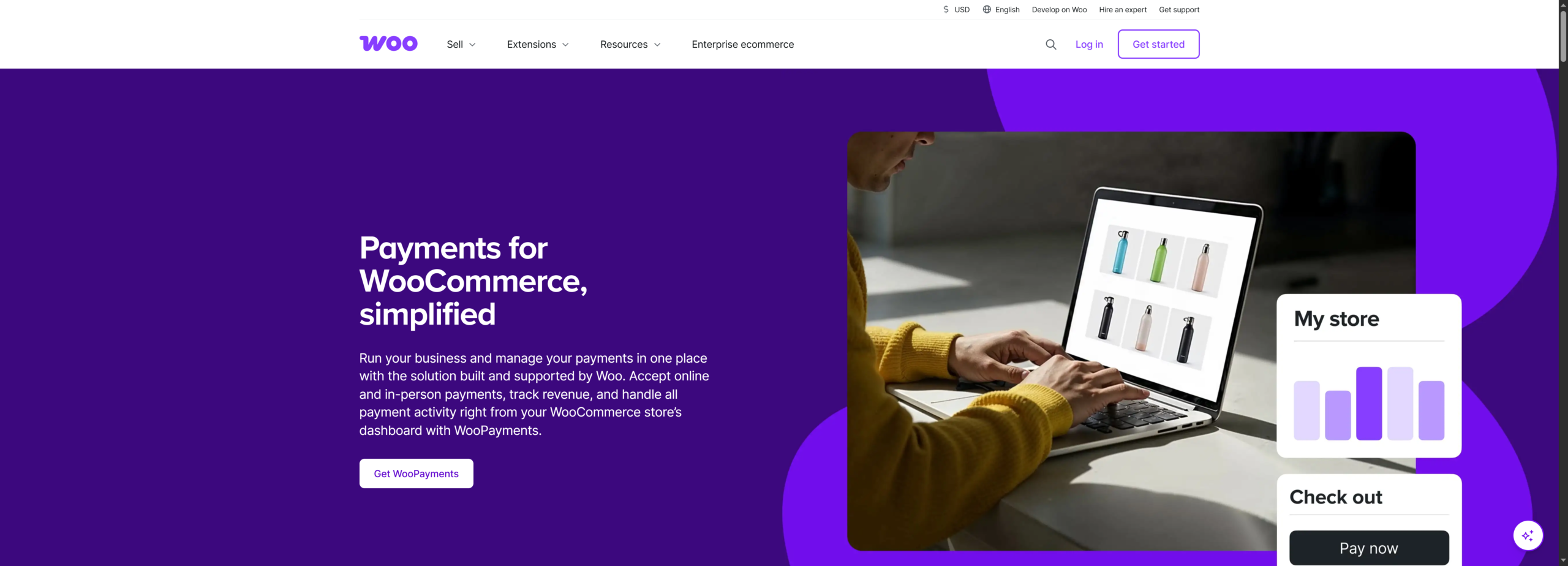
WooPayments is the official payment gateway built by Automattic, the company behind WooCommerce. Powered by Stripe’s infrastructure under the hood, it is the native, first-party payment gateway built directly into WooCommerce. If you want the simplest possible setup and prefer to manage everything from a single WordPress dashboard without juggling third-party accounts, WooPayments is purpose-built for you.
WooPayments is fully available in Canada, supports CAD transactions, and integrates seamlessly into your existing WooCommerce setup. You can manage payments, issue refunds, track cash flow, and handle disputes directly from your WooCommerce dashboard no separate payment portal logins required.
Key Benefits
- Native WooCommerce integration — manage payments directly from your WordPress dashboard
- Accepts Visa, Mastercard, Amex, Apple Pay, and Google Pay
- Supports CAD and 135+ other currencies
- Buy Now, Pay Later (BNPL)
- No setup fees, no monthly fees
- Real-time transaction notifications and cash flow tracking
Pricing
WooPayments charges 2.9% + CA$0.30 per transaction for domestic cards. International cards carry an additional 1.5% fee. Currency conversion is charged at 1.5% above the base exchange rate. There are no setup or monthly fees.
5. Square
Square is uniquely positioned among WooCommerce payment gateways because it’s not just an online payment processor; it’s a full retail ecosystem. For Canadian merchants who operate both a physical store and a WooCommerce website, Square’s ability to synchronize inventory, customer data, and sales records across both channels in real time is genuinely transformative.
Square is fully available in Canada, with strong support for CAD transactions. The WooCommerce Square plugin is available at WordPress.org, and it syncs your product catalog bidirectionally between your physical Square POS and your online store. Inventory updates in-store automatically reflect online, and vice versa. For a Canadian retailer managing both channels, this eliminates a significant operational headache.
Key Benefits
- Accepts Visa, Mastercard, Amex, Discover, Apple Pay, Google Pay, and Afterpay
- Two-way inventory sync between WooCommerce and Square POS
- Gift cards are supported as a checkout option
- No chargeback fees
- In-person hardware: card readers, terminals, and POS systems available
Pricing
Square charges 2.9% + CA$0.30 per online transaction. In-person transactions are charged at 2.65% in Canada. There are no monthly or setup fees for the standard plan. Afterpay (Buy Now Pay Later) is available for Canadian merchants through Square.
6. Authorize.net
Authorize.Net has been processing online payments since 1996 and is now backed by Visa. It handles billions of transactions annually and has earned a reputation as one of the most reliable and feature-rich payment gateways in North America. Unlike newer gateways, it’s built for businesses that need enterprise-level control, advanced fraud tools, and the ability to handle complex payment scenarios.
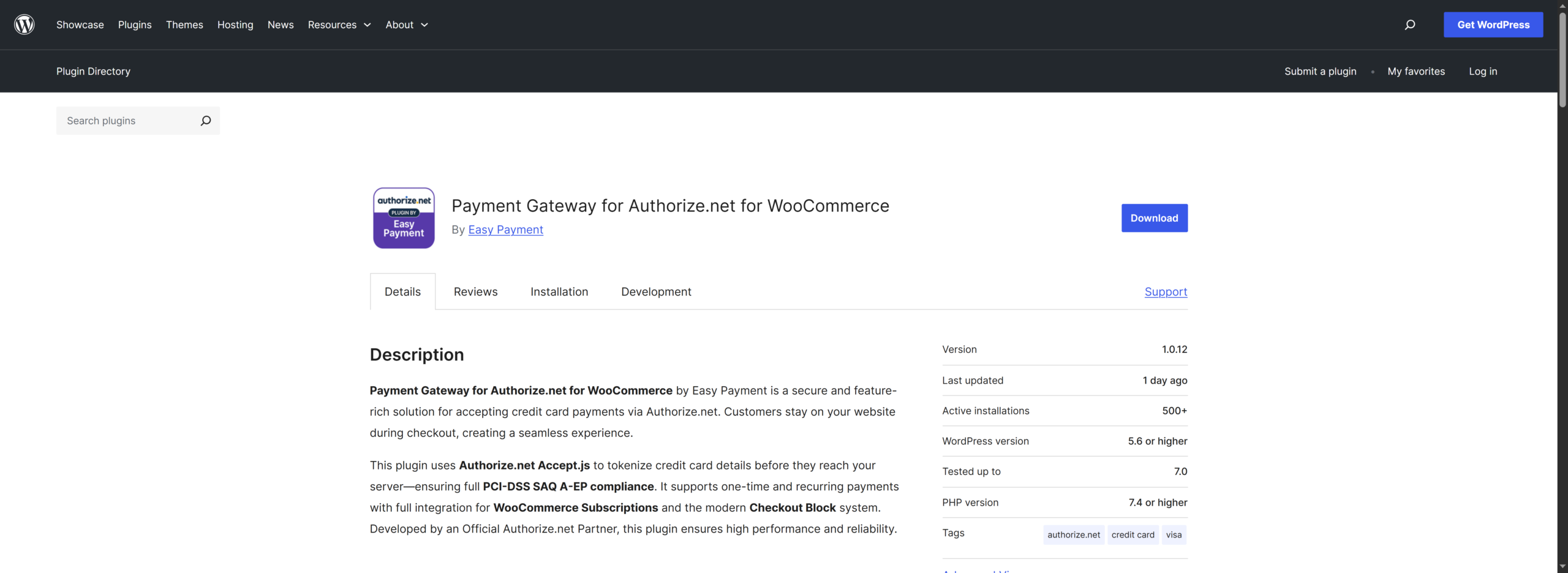
For WooCommerce, Authorize.Net offers a dedicated plugin available at WordPress.org that supports credit cards, debit cards, eChecks (ACH), Apple Pay, and PayPal. It provides multiple ways for customers to pay, including a hosted payment page, an embedded form, or a virtual terminal for phone orders.
Key Benefits
- eCheck (ACH) processing: a significant fee advantage over card transactions for B2B sellers
- Customer Information Manager (CIM): securely store customer payment profiles for repeat purchases
- Recurring billing: fully automated subscription and installment payment management
- Card updater: automatically updates stored card details when customers receive new cards
- Pre-authorization: reserve funds at order time, capture when you ship
- Enterprise plan includes phone support and dedicated account management
- Backed by Visa, one of the most financially stable gateway providers available
Pricing
Authorize.Net’s ‘Gateway Only’ plan is CA$25/month with CA$0.10 per transaction plus a CA$0.10 daily batch fee. The ‘All-In-One’ plan includes merchant account services at 2.9% + CA$0.30 per transaction with a CA$25 monthly fee. This pricing is higher than Stripe or WooPayments, but the enterprise-grade fraud tools and tokenization features can justify the cost for high-volume stores.
How to Pick the Best WooCommerce Payment Gateway for Your Canadian Store
Choosing a payment gateway is not a one-size-fits-all decision. Below are the most important factors to evaluate as a Canadian WooCommerce store owner, with a clear winner for each.
1. What Are Your Transaction Fees Really Costing You?
Canadian merchant fees add up faster than most store owners realise. A 2.9% fee on CA$5,000 in monthly sales costs CA$145/month — CA$1,740/year. On CA$20,000/month, that’s over CA$6,960 per year in gateway fees alone. If your customers are comfortable paying via Interac e-Transfer or bank transfer, a zero-fee solution can make a significant difference to your bottom line. Consider your order values and monthly volume when evaluating what total gateway costs will actually look like.
Winner: Direct Payments for WooCommerce
2. Interac e-Transfer Support
Interac is uniquely important in Canada. It processed nearly 1.6 billion transactions in 2024, with over CA$600 billion in annual transaction value — and Canadian consumers trust it deeply. Stores offering Interac e-Transfer as a payment option report recovering 3–5% of otherwise-abandoned carts from shoppers who prefer direct bank-based payments over card entry. None of the automated gateways on this list natively support Interac e-Transfer — but Direct Payments for WooCommerce does, with zero fees.
Winner: Direct Payments for WooCommerce
3. Do You Have a Physical Store Too?
If you operate both online and offline, syncing inventory and payments across channels becomes critical. A unified system reduces operational overhead and prevents stock inconsistencies. For hybrid retail models, this is a major efficiency factor.
Winner: Square
4. How Technical Is Your Setup?
Some gateways require minimal configuration, while others involve API keys, webhooks, and custom integrations. If you want a fast, no-code setup, choosing a gateway with native WooCommerce integration is the practical approach.
Winner: WooPayments
5. Do You Need Recurring Billing or Subscriptions?
Subscription-based businesses require reliable recurring billing, automated renewals, and strong dispute handling. While several gateways support this, trust and reliability play a major role in customer retention for recurring payments.
Winner: PayPal
6. Are You Selling to International Customers?
If you serve customers outside the US, your gateway must handle multi-currency payments, international cards, and cross-border compliance. The ability to scale globally without friction is essential for growth.
Winner: Direct Payments for WooCommerce
Conclusion
The real advantage often comes from combining gateways, not choosing only one. Many successful WooCommerce stores use a primary automated gateway for cards and wallets, then add a low-fee or zero-fee direct payment option to protect margins and give customers more choice.
Your checkout is not just a payment page; it is a profit engine. Review your fees, study how your customers prefer to pay, and choose the gateway setup that increases conversions while preserving revenue. The stores that optimize payments early usually outperform the ones that treat it as an afterthought.
Ready to start accepting payments with zero transaction fees? Install Direct Payments for WooCommerce today, with setup in under 3 minutes. No API keys, no KYC, no transaction fees.








