🎁 New: Build Customer Loyalty & Drive Repeat Purchases with WooCommerce. Learn more



On this page
- Introduction
- 1. Launch a Points-Based Rewards Program
- 2. Turn Refunds and Complaints into Store Credit
- 3. Give Customers a Wallet They Can Top Up and Use
- 4. Let Customers Combine Wallet Funds With Other Payment Methods
- 5. Reward New Signups and Reviews
- 6. Send Targeted Bonus Credit to Your Best Customers
- 7. Make Loyalty Transparent With Account Numbers and Transaction History
- Conclusion
7 Customer Loyalty Strategies Every WooCommerce Store Should Use in 2026
Getting a stranger to buy from your store once is hard enough. Getting them to come back is harder, and it’s where most of the long-term profit in e-commerce actually lives. If your WooCommerce store is only optimized for first-time conversions, you’re leaving repeat revenue on the table.
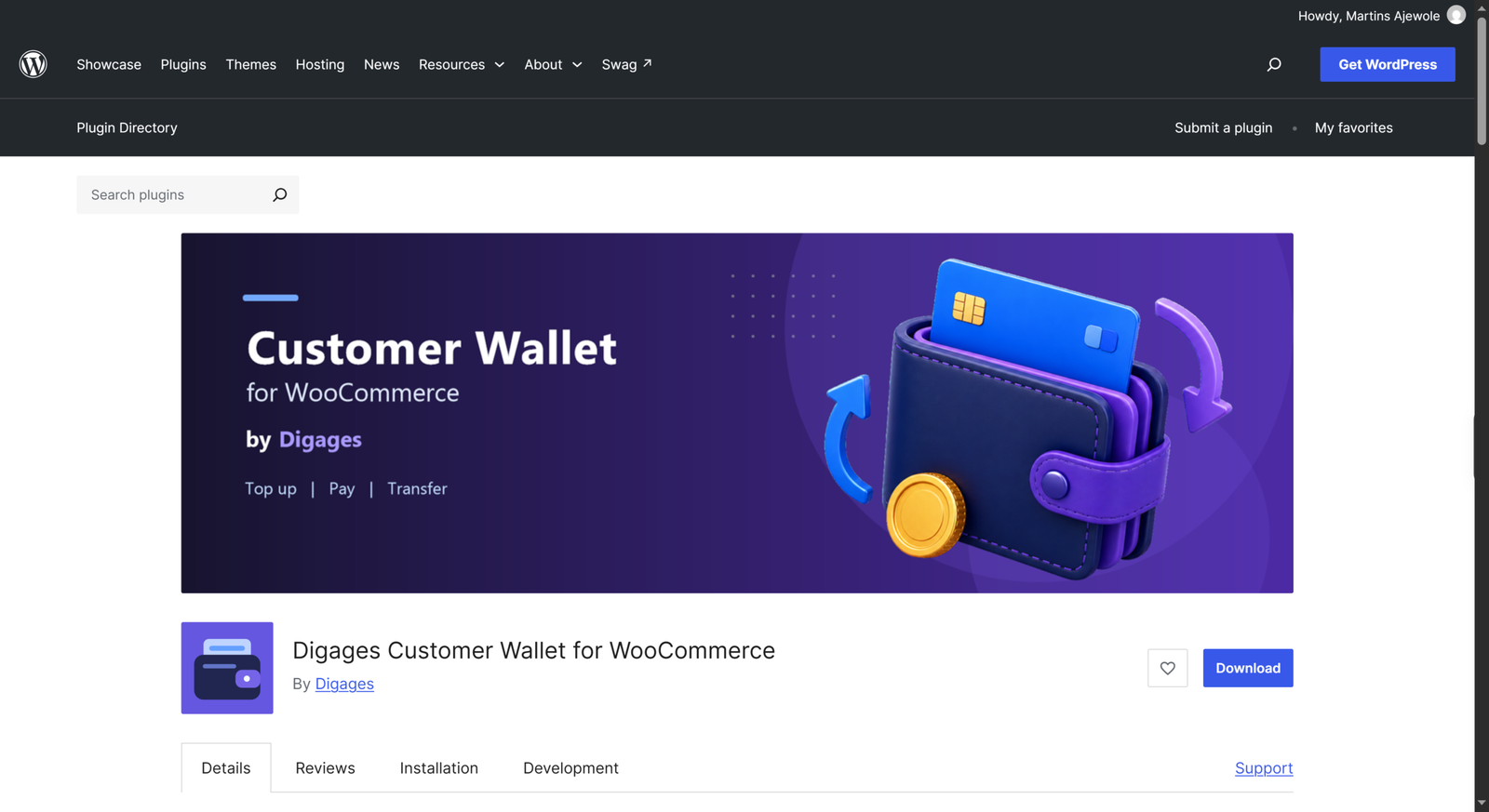
Here are seven loyalty strategies WooCommerce store owners can put to work in 2026, along with how a customer wallet and points system fit into each one.
1. Launch a Points-Based Rewards Program
A simple, well-explained points program gives customers a reason to think about your store between purchases. When someone earns points every time they check out, they start mentally tracking their progress toward a reward, which nudges them to come back and finish the order that gets them there.
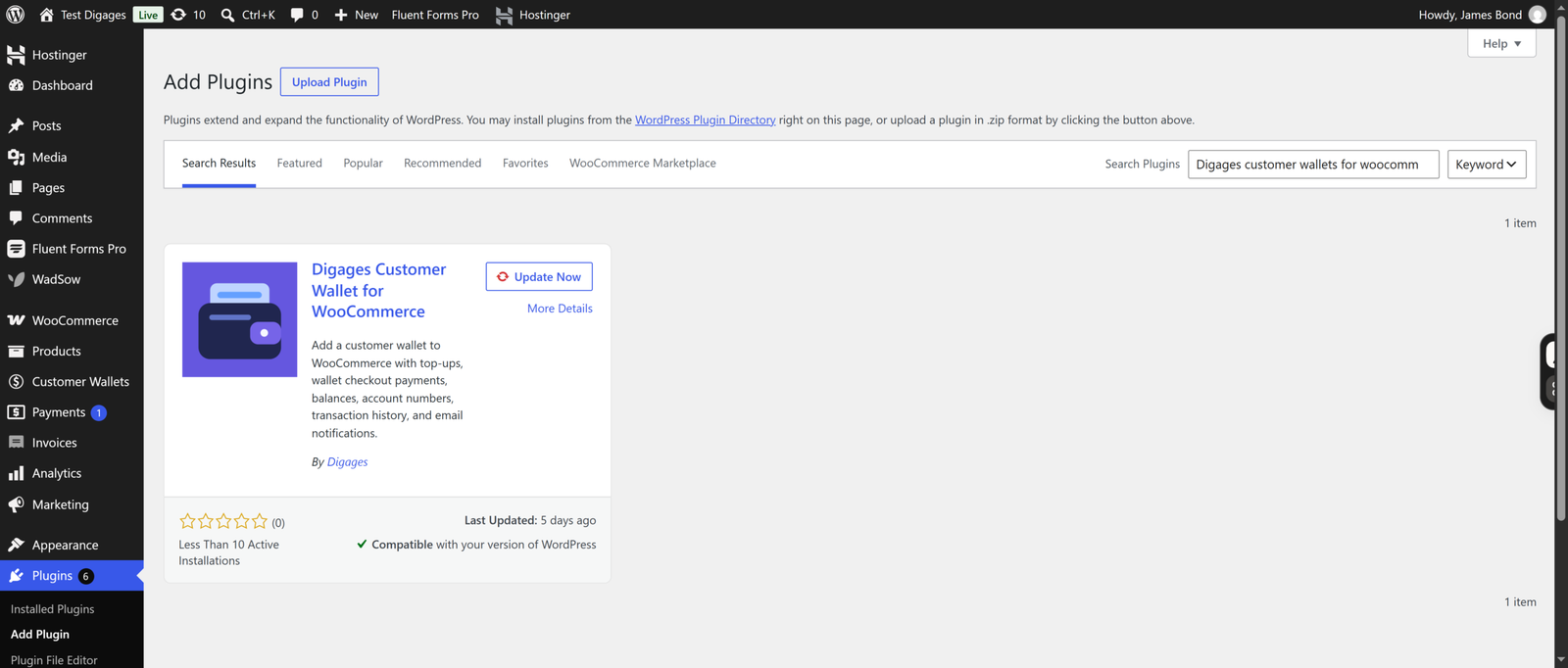
Digages Customer Wallet for WooCommerce includes a built-in Points & Rewards system in its free version. Store owners can configure how many points customers earn per purchase and how those points convert into checkout discounts, with customizable point labels (shown as something like “2,000 DP” by default, renameable to fit your brand).
2. Turn Refunds and Complaints into Store Credit
Not every refund needs to leave your store entirely. When a customer has a legitimate issue but doesn’t necessarily need cash back, offering wallet credit keeps that money and that customer inside your ecosystem instead of walking out the door.
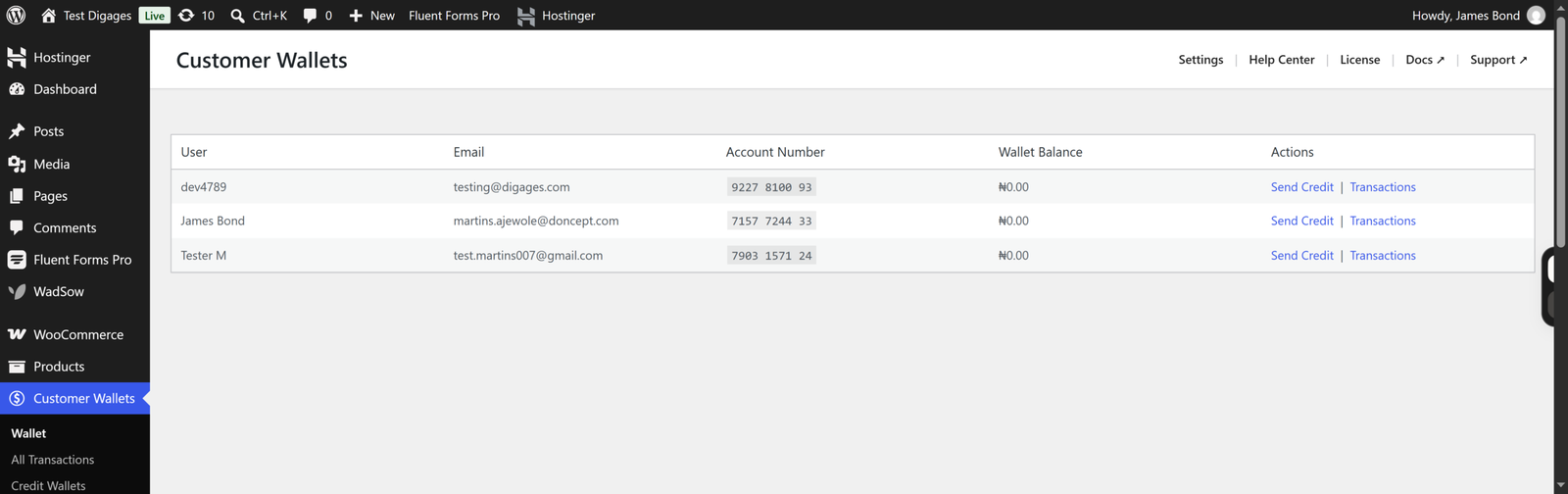
With Digages Customer Wallet for WooCommerce, store owners can review and manage customer balances directly from WordPress admin, making it straightforward to issue credit as compensation rather than a full cash refund, where appropriate.
3. Give Customers a Wallet They Can Top Up and Use
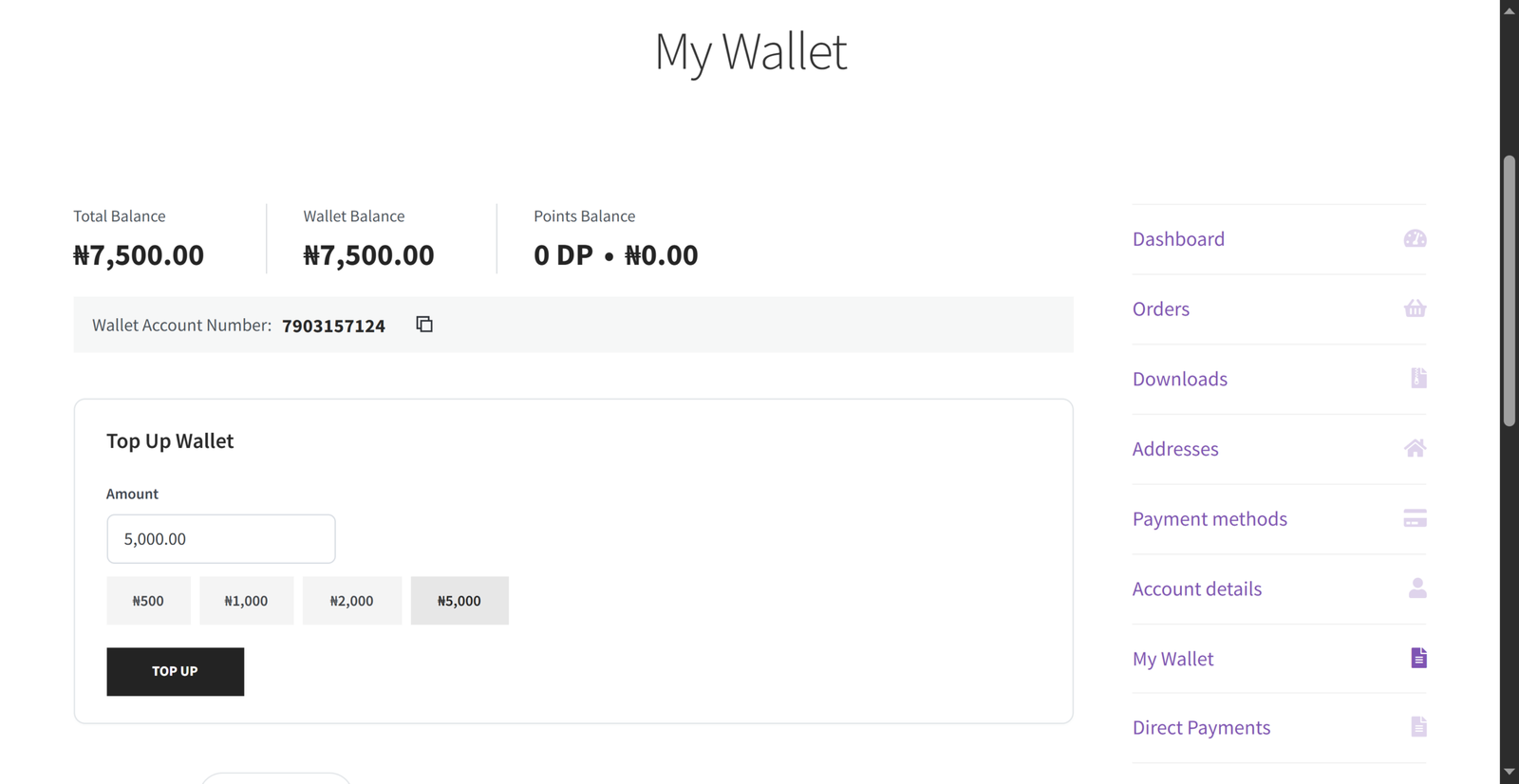
Store credit only works as a loyalty tool if customers can actually use it easily. A dedicated Customer Wallet Dashboard inside WooCommerce My Account lets shoppers see their balance, top up through your existing WooCommerce checkout, and view their transaction history, all in one place, with no separate login or third-party account needed.
Each customer also gets a unique wallet account number, making it easy for both the customer and your support team to reference a specific wallet in any transaction.
4. Let Customers Combine Wallet Funds With Other Payment Methods
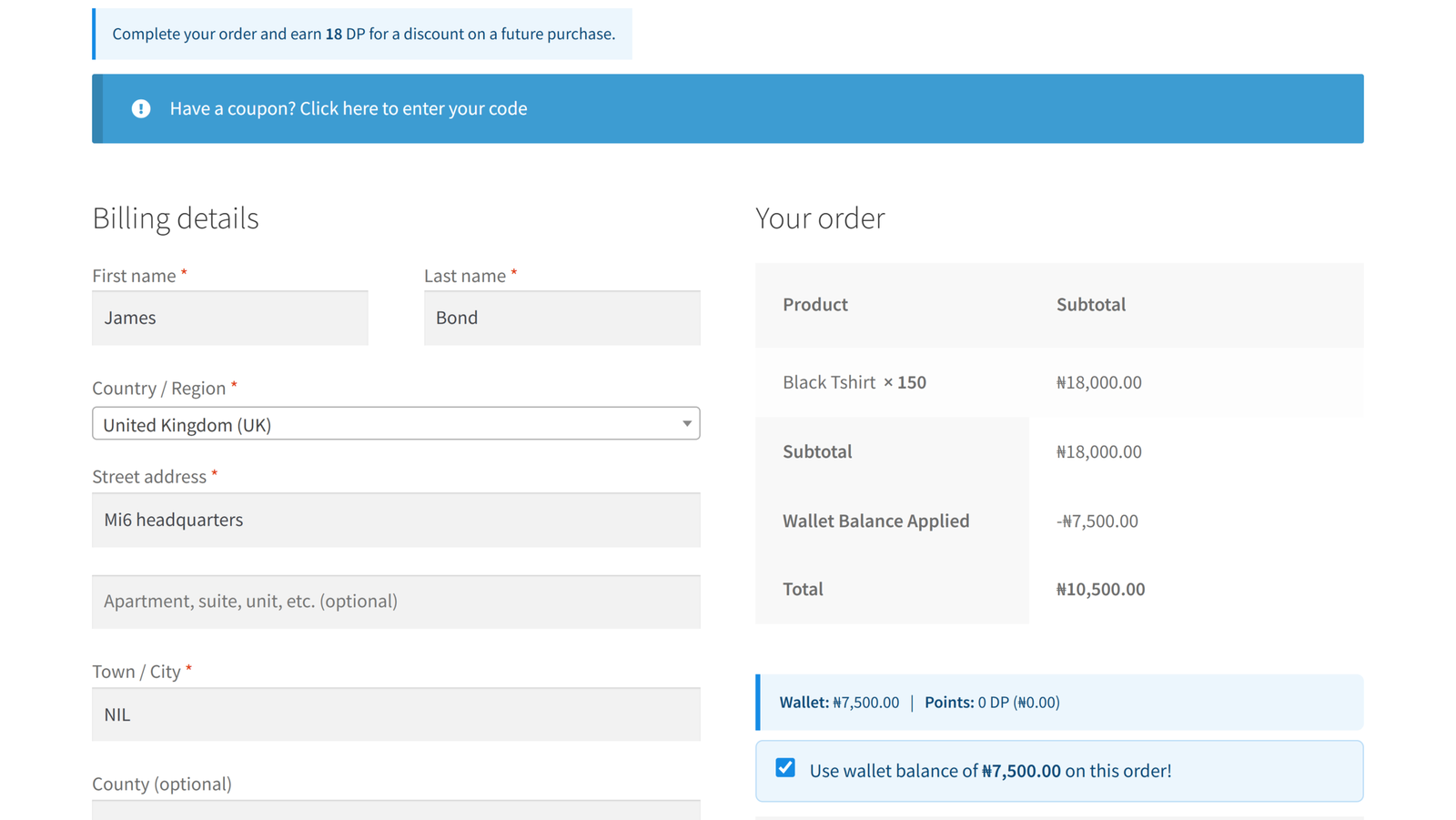
One of the most common reasons loyalty balances go unused is friction: customers don’t want to top up more than they need, or their balance doesn’t quite cover the order. Partial payments solve this by letting customers apply whatever wallet or points balance they have and pay the remaining amount through another WooCommerce payment gateway, all in a single checkout, whether you’re using the classic checkout shortcode or the WooCommerce Checkout Block.
This removes the “all or nothing” barrier that stops customers from using small balances, which in turn means less unused credit sitting idle.
5. Reward New Signups and Reviews
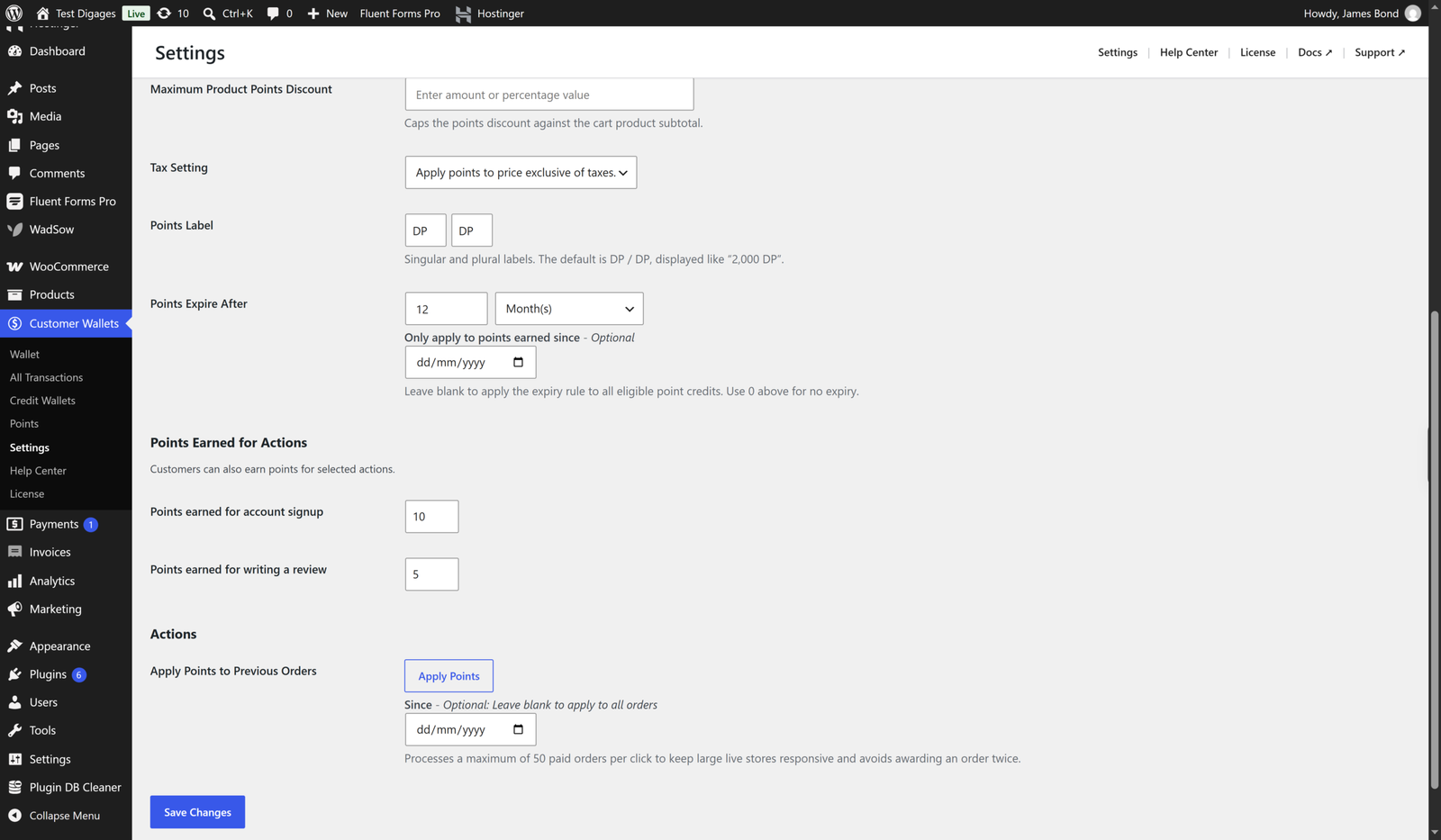
Encouraging account creation and product reviews is a well-known way to build a stronger, more engaged customer base, and rewarding those actions with points reinforces the behavior. This kind of reward, along with points expiry and previous-order point backfill, is available in Digages Customer Wallet for WooCommerce, giving store owners more control over exactly when and how points are earned.
6. Send Targeted Bonus Credit to Your Best Customers
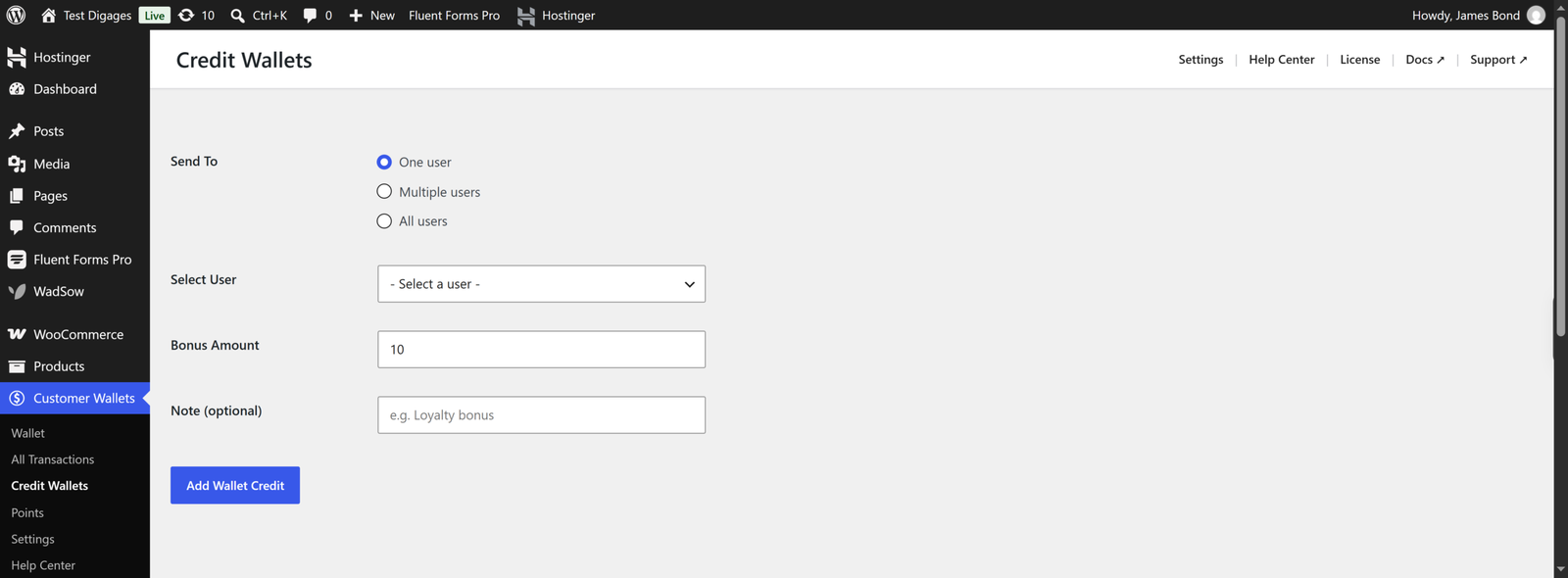
Occasionally, the most effective loyalty move is simply rewarding your most valuable customers directly: a birthday credit, a win-back incentive for lapsed buyers, or a thank-you for a large order. Digages Customer Wallet for WooCommerce supports crediting a single customer or multiple customers in one admin operation, so store owners can run these campaigns without manually processing each one.
7. Make Loyalty Transparent With Account Numbers and Transaction History
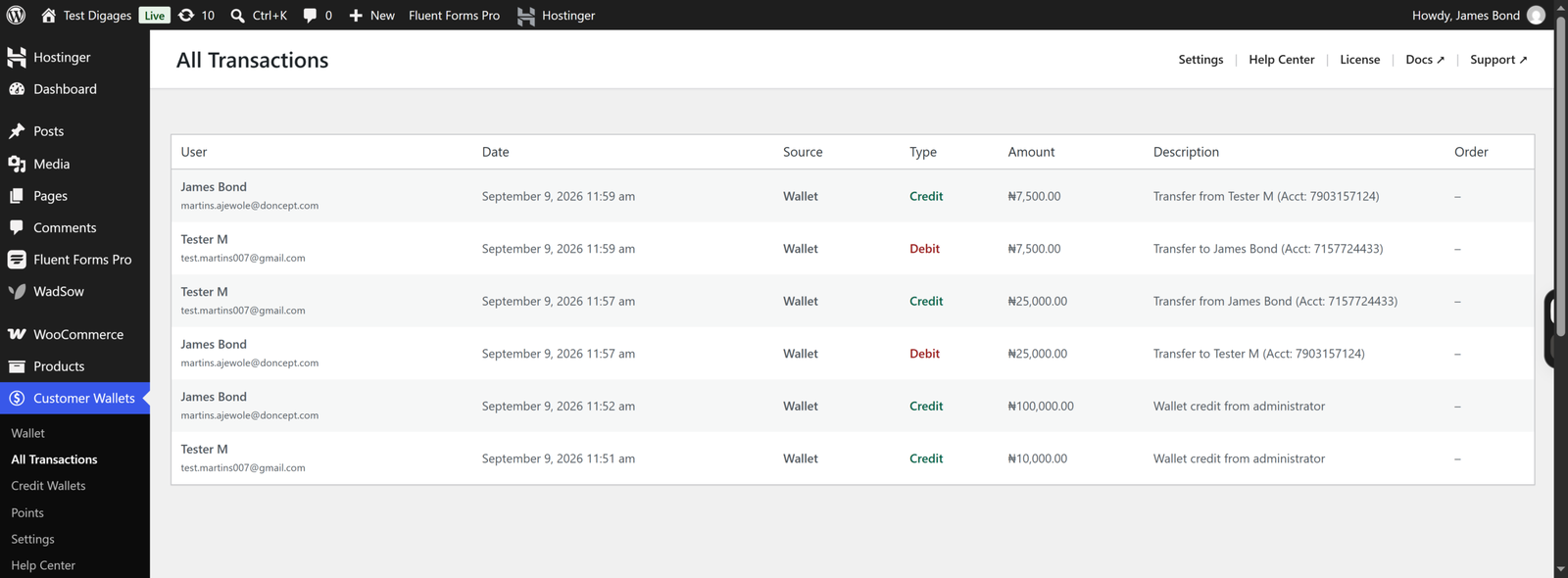
Trust matters as much as the reward itself. If customers can’t easily see how much credit or how many points they have, or how they earned it, the program stops feeling valuable. Customer Wallet’s transaction history shows every credit and debit with dates, descriptions, and related order information, so customers always know exactly where they stand, and store owners have a clear audit trail from the admin side, too.
Conclusion
None of these strategies guarantee a specific increase in repeat purchases; customer behavior depends on your products, pricing, and overall experience. But giving customers a wallet to save and spend in, along with a points system that rewards the purchases, signups, and reviews you want to encourage, gives them a concrete, visible reason to return rather than relying on goodwill alone.
If you’re running a WooCommerce store and want to put a loyalty foundation in place without building it from scratch, Customer Wallet for WooCommerce is free to install from the WordPress.org plugin directory, with Pro unlocking transfers, bulk credit, and advanced points controls when you’re ready to expand your program.