🎁 New: Build Customer Loyalty & Drive Repeat Purchases with WooCommerce. Learn more



Best WooCommerce Plugins for Product Customization in 2026
If you run a WooCommerce store and you want to offer your customers the ability to personalize products — whether that’s engraving a name on a ring, printing a photo on a mug, or adding a custom message to a gift — you are going to need the right plugin. WooCommerce, on its own, does not come with built-in tools for product customization. That means you need an extension to fill that gap.
The good news? There are many plugins available for this. The not-so-good news? They are not all built the same way, and choosing the wrong one can create unnecessary complexity or leave your store’s fulfillment workflow in a mess. In this guide, we break down the best WooCommerce plugins for product customization so you can make an informed choice.
Whether you sell jewelry, mugs, T-shirts, plaques, glassware, or any physical product that can carry a personal touch, this list is for you.
What Makes a Great WooCommerce Customization Plugin?
Before jumping into the list, here is what you should look for when evaluating any product customization plugin:
Easy setup: You should not need to write code or hire a developer just to add an engraving field to your product.
Clean customer experience: The fields customers fill out should be simple, clearly labeled, and easy to use on both desktop and mobile.
Order management: When an order comes in, the store owner needs to see exactly what the customer requested — without any guessing.
Pricing flexibility: The plugin should allow you to charge extra for customization if you want to, or offer it for free.
Template or assignment system: You should be able to apply customization options to specific products, categories, or your entire catalog — without repeating the setup for every single item.
With those criteria in mind, let’s get into the list.
1. Engraver for WooCommerce — Overall Best
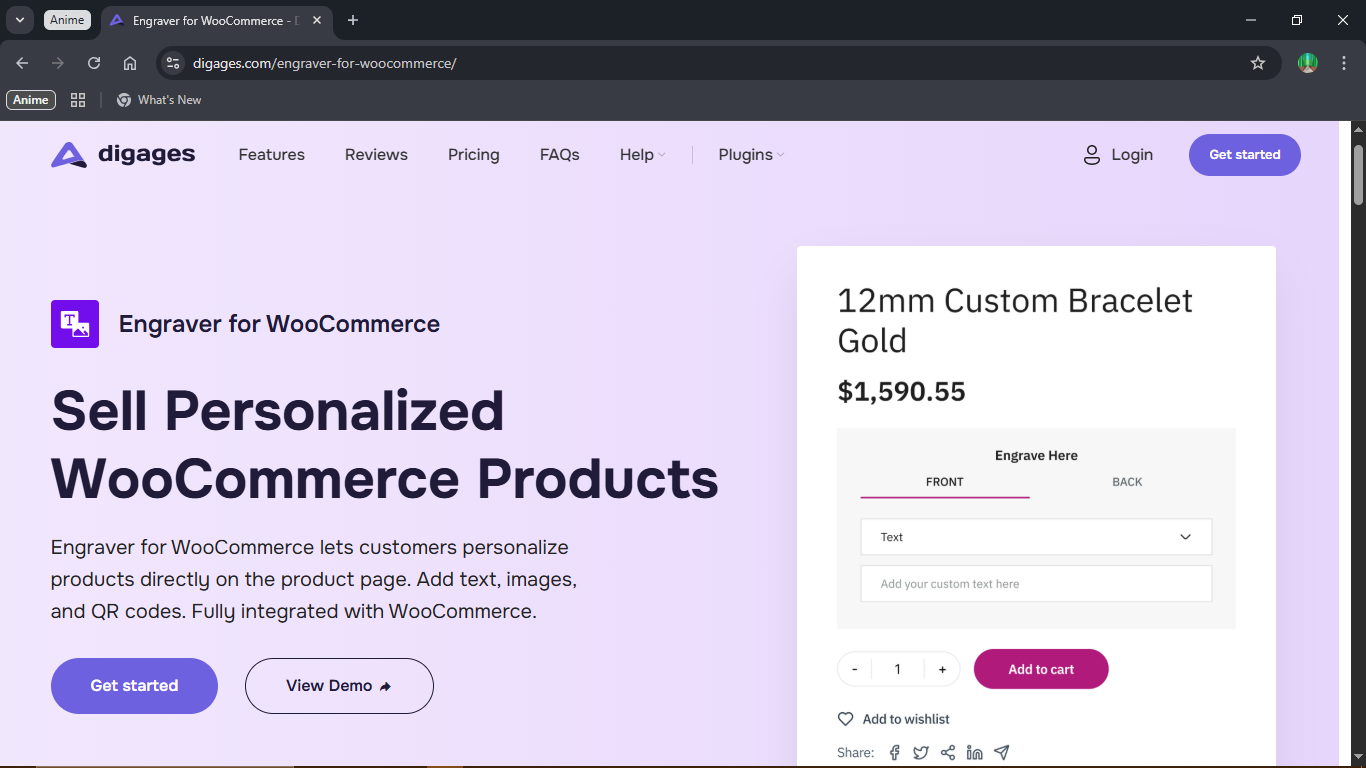
At the top of this list is Engraver for WooCommerce, a plugin built specifically for stores that sell engraved, personalized, or customized physical products. While most other plugins on this list are general-purpose customization tools, Engraver was designed from the ground up to handle the engraving and product personalization workflow — from the customer’s first click all the way through to production.
What it does
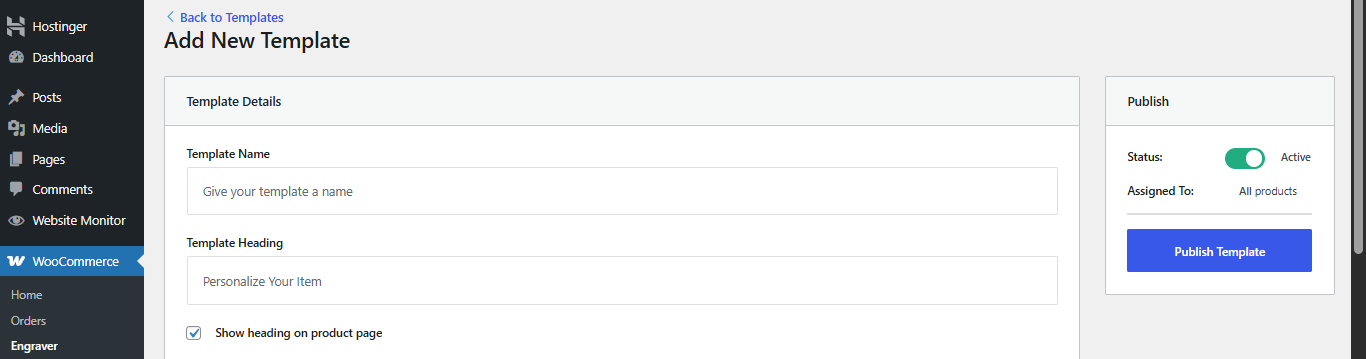
Engraver for WooCommerce lets you create customization templates and assign them to your products. A template is a set of fields that appear on the product page so customers can enter what they want on their item. You decide which sides of the product can be customized (Front, Back, Top, Bottom, or any custom name you choose), and for each side, you choose what input types customers can submit — short text, images, long-form messages, or QR codes.
Once a customer places an order, all their customization details are captured in a dedicated Engraver Orders dashboard inside your WordPress admin. Your fulfillment team can view every order’s customization details in one place, download uploaded images or QR codes, and mark orders as Done when the work is complete.
Key Features
Engraving templates: Create reusable templates and assign them globally, to categories, or to individual products — no repetitive setup.
Multiple input types: Accept short text, long-form messages, image uploads, and QR codes from customers.
Side-specific customization: Let customers specify what they want on the front versus the back, or top versus bottom.
Dedicated order management: A separate Engraver Orders panel organizes all personalization requests so your production team works with accurate data every time.
Pricing options: Offer customization for free or charge for it. Set different prices for text, image, and QR inputs.
Free version available: Get started with text engraving at no cost. Upgrade to Pro for advanced input types.
Who it is best for
Engraver for WooCommerce is the best choice for jewelry stores, gift shops, trophy and award sellers, glassware businesses, and anyone whose core products involve engraving or personalized text. If you want a purpose-built plugin for this exact use case — rather than a generic form builder stretched to fit — this is the one to choose.
Tip: The template-based system in Engraver means you set up your customization options once per product type and apply them across your entire catalog. This saves enormous time for stores with large inventories.
You can learn more about Engraver for WooCommerce . For a step-by-step walkthrough of how to set it up, see the complete Engraver setup guide.
2. Extra Product Options by ThemeHigh
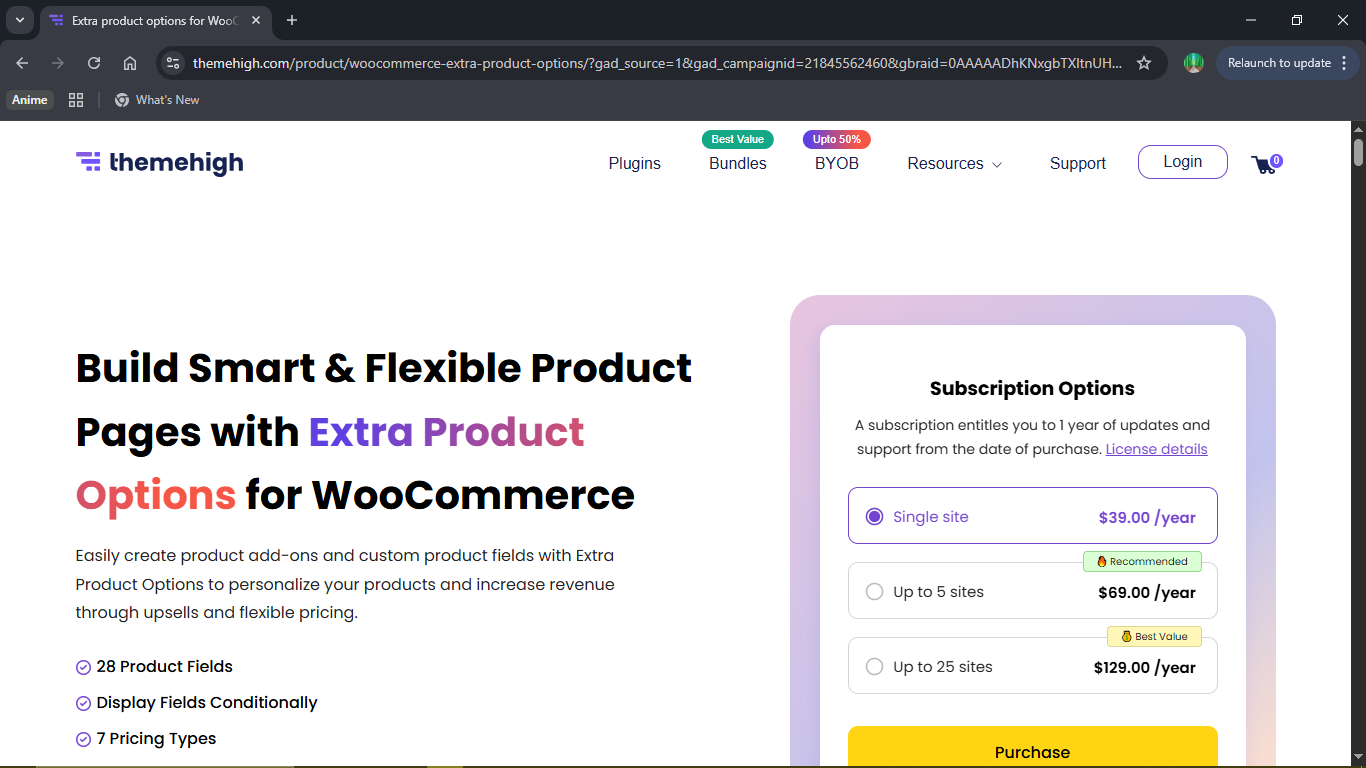
Extra Product Options is a popular plugin for stores that want advanced conditional logic and dynamic pricing. You can add a wide variety of field types — text boxes, color swatches, date pickers, file uploads, and more — and configure rules that show or hide fields based on what the customer selects. This makes the product page feel smarter and more responsive.
The free version is available on WordPress.org, and the Pro version starts at $39 per year for a single site. It is a strong choice for stores with complex product configurations where customers need to make a series of choices before the full set of options is revealed.
3. Zakeke — Best for 3D
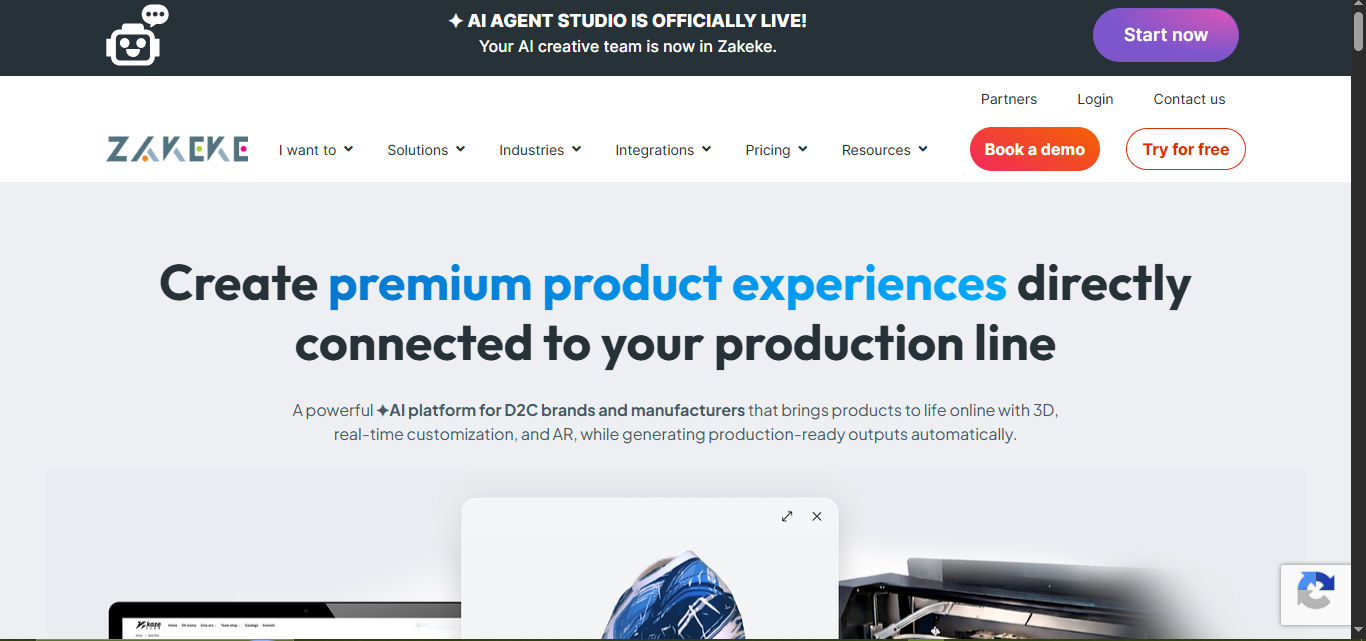
Zakeke is a cloud-based product customizer that takes the visual experience to the next level. It supports 3D product visualization and augmented reality, so customers can actually see what their customized product looks like in their physical space before placing an order. This is particularly powerful for high-value items like luxury goods, furniture, or statement jewelry.
Zakeke also integrates with multiple sales channels, allowing store owners to manage personalization across different platforms through one account. The free version is available on the WordPress plugin repository, and the premium version costs around $14 per month.
Key Benefits
Immersive product visualization: Enable customers to preview their customized products in 3D or through augmented reality, helping them make more confident purchase decisions.
Centralized customization management: Control and manage product personalization across WooCommerce and other channels from a single account, reducing operational complexity and saving time.
Zakeke is impressive but tends to be overkill for smaller stores that do not need 3D previews. The monthly cost can also add up over time, making it less ideal for budget-conscious businesses.
4. Product Add-Ons by Acowebs
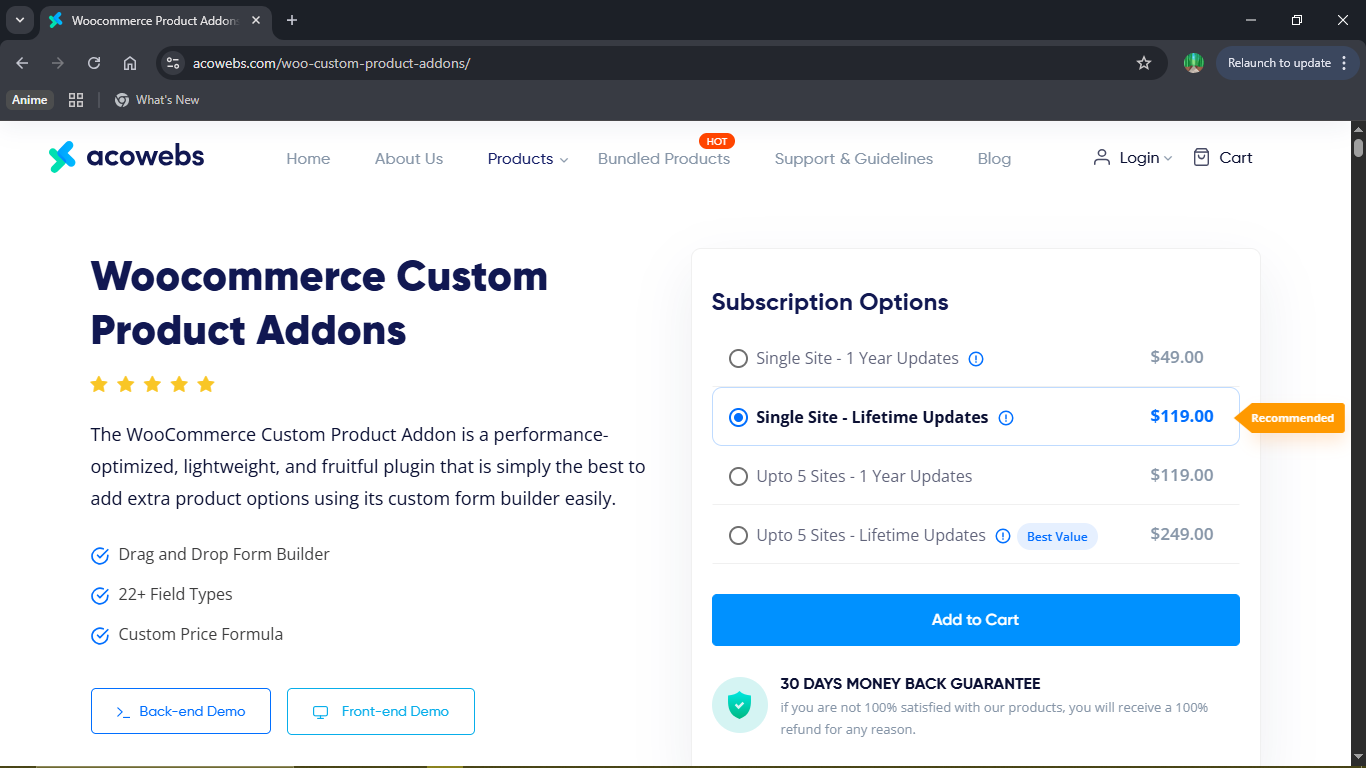
Product Add-Ons by acowebs is a flexible plugin that lets you add custom fields to WooCommerce product pages. You can add text inputs, file uploads, image swatches, color selectors, date pickers, checkboxes, and more. The plugin also supports conditional logic, so you can show or hide fields based on what the customer has already selected.
One standout feature is their Custom Price Formula — calculates price using a mathematical formula based on user input value, product quantity and product base price.
5. Product Tabs by Barn2
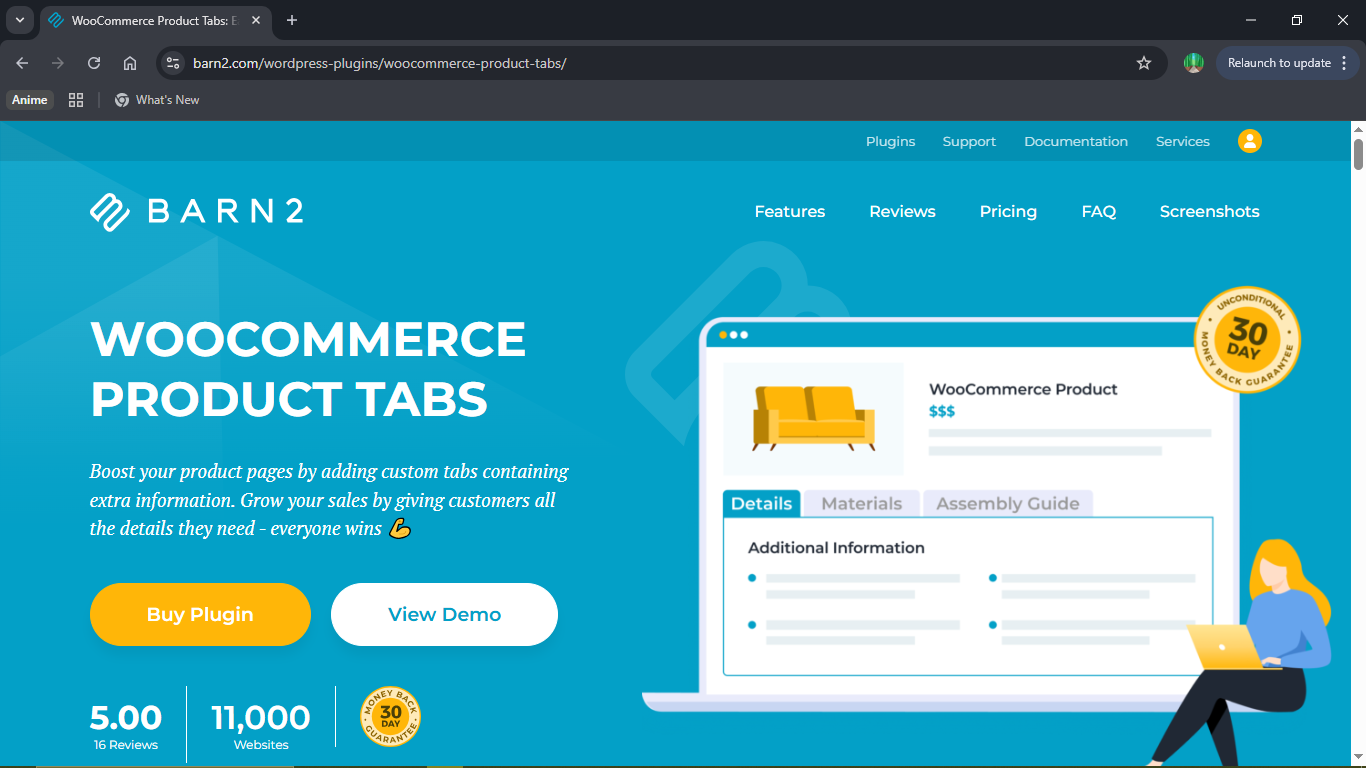
Product Tabs for WooCommerce allows you to create unlimited custom tabs across individual products or your entire catalog.
Each tab includes a WYSIWYG editor, giving you full flexibility to add any type of content. You can insert HTML, shortcodes, images, videos, or audio embeds, making it suitable for a wide range of use cases.
Using additional tabs is a practical way to present detailed product information without overcrowding the main product page or disrupting its layout.
Conclusion
For most stores selling physical personalized products, especially those built around engraving, text customization, and image uploads.
Engraver for WooCommerce offers the cleanest, most purpose-built solution. Its template system, side-specific input fields, and dedicated order management dashboard set it apart from general-purpose form builders.
Pro Tip: Start with Engraver for WooCommerce’s free version to test the core features. Once you’re confident it fits your workflow, upgrade to Pro for image uploads, long-form messages, and QR code support.
Start offering personalized products today with Engraver for WooCommerce. To set it up quickly and correctly, follow the complete Engraver for WooCommerce setup guide — it covers everything from installation to your first live template.








