✨ New: Sell Gifts & Personalized WooCommerce Products with Engraver. Learn more



Best Payment Form Plugins for WordPress
You built a beautiful WordPress site. Your content is compelling, your brand is sharp, and now it is time to get paid. But adding a payment form to WordPress is not always as straightforward as it should be.
Do you set up WooCommerce for a single product? Do you install three separate plugins that barely talk to each other? Do you hand over transaction fees to a payment processor every month?
The good news: a dedicated payment form plugin solves all of these headaches in one move. The even better news: you already have several excellent options

In this guide, we have researched and compared the best ones available so you do not have to. You will learn which payment form plugins are worth installing, what makes each one unique, and most importantly, how to pick the right one for your specific situation.
Why Payment Forms Matter in 2026
Worldwide retail e-commerce sales reached $6.419 trillion in 2025. E-commerce also accounted for a larger share of total retail, reaching about one-fifth of global retail sales. With over 85% of global consumers now shopping online. WordPress powers roughly 43% of all websites on the internet, which means hundreds of millions of sites are potential payment-collection points.
Yet many WordPress site owners still redirect visitors to a separate checkout page, a standalone invoicing tool, or a bank’s clunky portal. The result? Friction. And friction kills conversions.
A purpose-built payment form plugin keeps everything on your site. Your visitor fills a lightweight form, pays with their preferred method, and receives a confirmation, all without ever leaving your page. That seamless experience is what separates high-converting sites from ones that leave money on the table.
1. Direct Payments WP
If you want to accept payments on WordPress without API headaches, KYC requirements, or surprise transaction fees, Direct Payments WP is where you should start. Built specifically for the broad spectrum of WordPress users like freelancers, NGOs, consultants, event organisers, small business owners, and e-commerce stores, it is the most flexible and friction-free payment plugin on this list.
What sets Direct Payments WP apart from every other plugin reviewed here is its philosophy: your customers should be able to pay you their way. While most payment plugins lock you into Stripe or PayPal, Direct Payments WP opens the door to virtually every payment method in existence.

What Makes Direct Payments WP Stand Out
- Any Payment Method: Accept Bank Transfers, mobile money (MTN, M-Pesa, Airtel, and more), cryptocurrency, and every major P2P platform like Zelle, Venmo, PayPal, GCash, Cash App, Apple Pay, Google Pay, Skrill, Wise, and many more. No other plugin on this list comes close to this breadth.
- Zero Transaction Fees: Unlike most competitors that skim a percentage off every payment, Direct Payments WP charges you nothing per transaction. You keep 100% of your revenue.
- No API Keys or KYC Required: Connecting to payment platforms typically means navigating developer portals, creating API credentials, and waiting for account verification. Direct Payments WP skips all of that and gets you live in minutes.
- Customizable Payment Forms: Create tailored forms for any use case, donation forms, booking forms, invoice payment pages, product order forms, and more.
- Multi-Currency Support
- Dashboard Payment Management: Confirm or cancel payments directly from your WordPress admin.
Pricing
Direct Payments WP lets you keep 100% of your revenue with no transaction fees or hidden costs. Give your WordPress page the freedom to accept payments your way, all set up in under 3 mins – Get started now
2. WPForms
WPForms is arguably the most recognised form builder in the WordPress ecosystem. With over 6 million active installations and a reputation built on beginner-friendliness, it is usually a recommendation for users who want a polished experience out of the box.
The free WPForms Lite handles basic contact forms well, but payment functionality requires a paid plan. Once upgraded, WPForms integrates cleanly with Stripe, PayPal, Square, and Authorize.Net, covering the mainstream payment gateways used by most US and European businesses.

Key Benefits
- Drag-and-drop form builder with 300+ pre-built templates
- Stripe, PayPal (Standard & Commerce), Square, and Authorize.Net payment support
- One-click form abandonment recovery
- Integrations with Mailchimp, Zapier, ActiveCampaign, and more
- Built-in spam protection (CAPTCHA, honeypot)
- Recurring payment and subscription form support
Pricing
WPForms Basic plan costs $49.50 per year and supports 1 site. Payments are not included. The Plus plan costs $99.50 per year and supports 3 sites. Payments are not included. Meanwhile, the Pro plan costs $199.50 per year and supports 5 sites. It includes payment support for Stripe, PayPal, and Square. And then their Elite plan costs $299.50 per year and supports unlimited sites. It includes support for all payment gateways.
3. WP Simple Pay
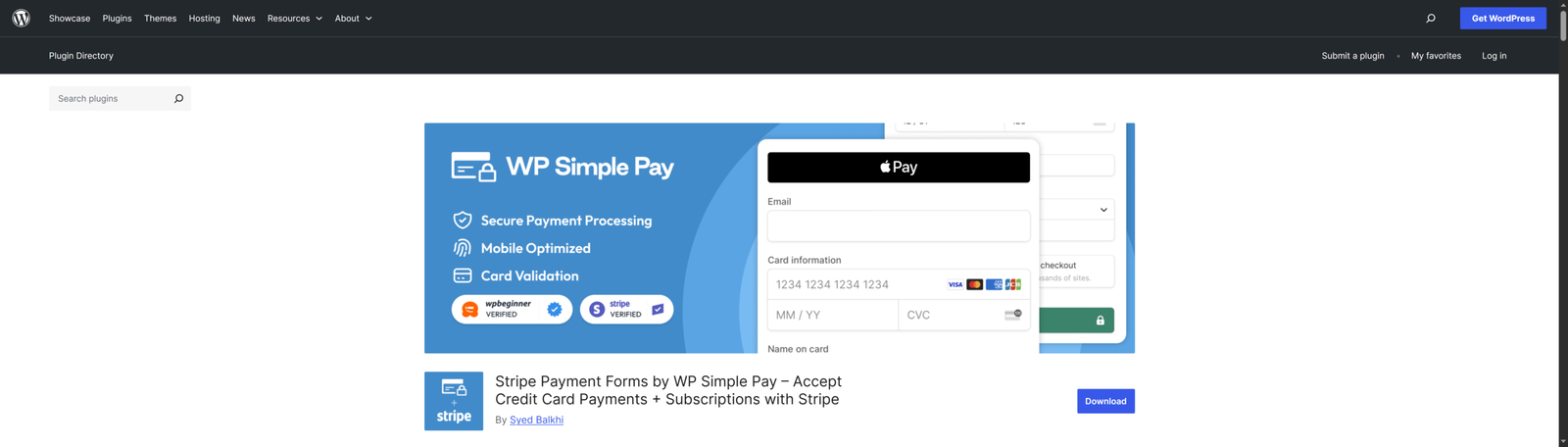
If Stripe is your payment processor of choice and you want to extract maximum functionality from it on WordPress, WP Simple Pay is the plugin for you. Used by more than 14,000 websites to process millions of dollars monthly, it is the definitive Stripe-only payment form plugin.
WP Simple Pay integrates directly with Stripe’s full features, both one-time and recurring payments, Stripe Connect for marketplace setups, buy-now-pay-later via Klarna and Afterpay, ACH Bank Transfers, and over 10 payment methods including Apple Pay and Google Pay.
Key Benefits
- Deep Stripe integration with every payment method Stripe supports
- One-time and recurring/subscription payments out of the box
- Buy-now-pay-later options: Klarna, Afterpay/Clearpay
- ACH Direct Debit and SEPA Direct Debit support
- Drag-and-drop form builder with pre-made templates
- Distraction-free payment page creation
Pricing
The Lite plan is free and supports 1 site, but includes a 3% transaction fee on payments. The Personal plan costs $49.50 per year and supports 1 site with 0% transaction fees. The Plus plan costs $99.50 per year and supports 3 sites, also with 0% transaction fees. Finally, the Professional plan costs $199.50 per year and supports unlimited sites, with no transaction fees applied.
4. Gravity Forms
Gravity Forms has been the enterprise-grade form builder of choice for WordPress professionals since 2008. It is fully premium (no free version) and commands higher pricing, but it justifies every cent for organisations running complex data-collection and payment workflows.
Where Gravity Forms plugin shines is in its extensibility. A rich add-on library covers Stripe, PayPal, Authorize.Net, Mollie, Square, and 2Checkout for payments, plus integrations with virtually every major CRM, email platform, and automation tool. For agencies building client sites with sophisticated requirements, Gravity Forms remains the gold standard.

Key Benefits
- Payment add-ons for Stripe (incl. Apple Pay / Google Pay), PayPal, Mollie, Square, etc.
- Coupons and discount codes for payment forms
- Deep developer hooks, filters, and API access
- Partial entry and form abandonment features
Pricing
The Basic plan costs $59 per year and supports 1 site. It includes payment support for Stripe and PayPal. The Pro plan costs $159 per year and supports 3 sites, adding support for Square alongside Stripe and PayPal. Finally, the Elite plan costs $259 per year and supports unlimited sites, with full payment support including all gateways such as Authorize.Net and Mollie.
5. Fluent Forms
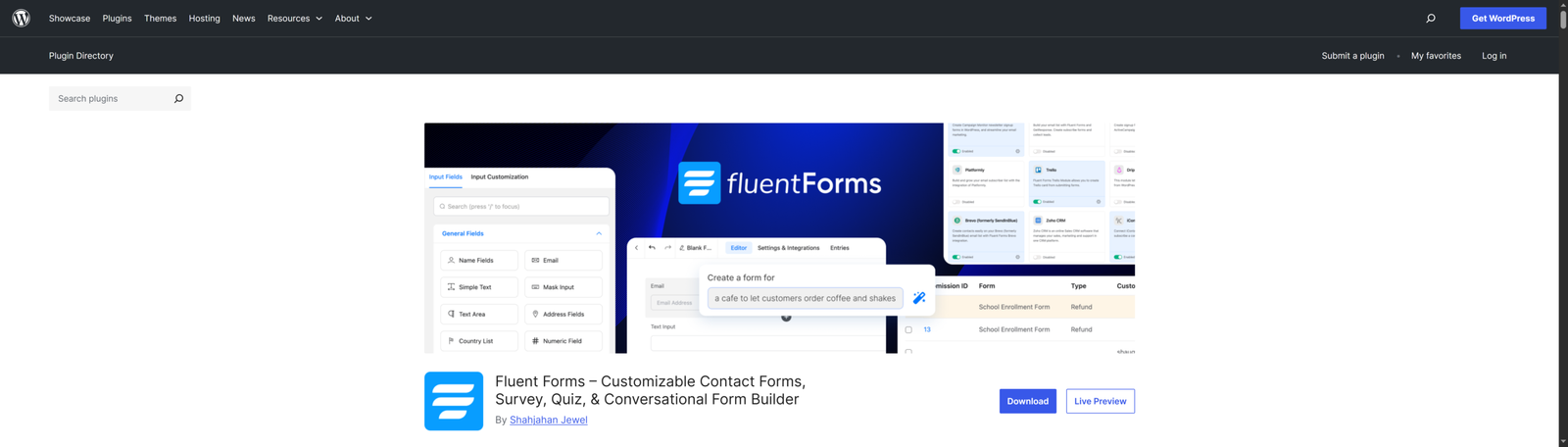
Fluent Forms punches well above its price point. It is packed with features that rival, and in some areas exceed, much more expensive plugins, it supports an impressive range of payment gateways including Stripe, PayPal, Square, Mollie, and Paystack.
For budget-conscious users who want broad gateway coverage and advanced features without breaking the bank, the Fluent Forms plugin is a compelling choice. It handles everything from simple contact forms to complex multi-step payment forms with conditional logic and recurring subscriptions.
Key Benefits
- Payment gateways: Stripe, PayPal, Square, Mollie, Razorpay, and Paystack
- One-time and recurring payment support
- Multi-step and conversational forms
- Over 70 input field types
- Integrations with 40+ CRMs, email tools, and automation platforms
- Built-in analytics and form conversion tracking
Pricing
The 1 Site plan costs $47 per year or $244 as a one-time lifetime payment, covering a single website. The 5 Sites plan costs $95 per year or $419 for lifetime access, supporting up to five websites. Finally, the Unlimited plan costs $179 per year or $629 as a lifetime payment, allowing use on unlimited sites.
6. Formidable Forms
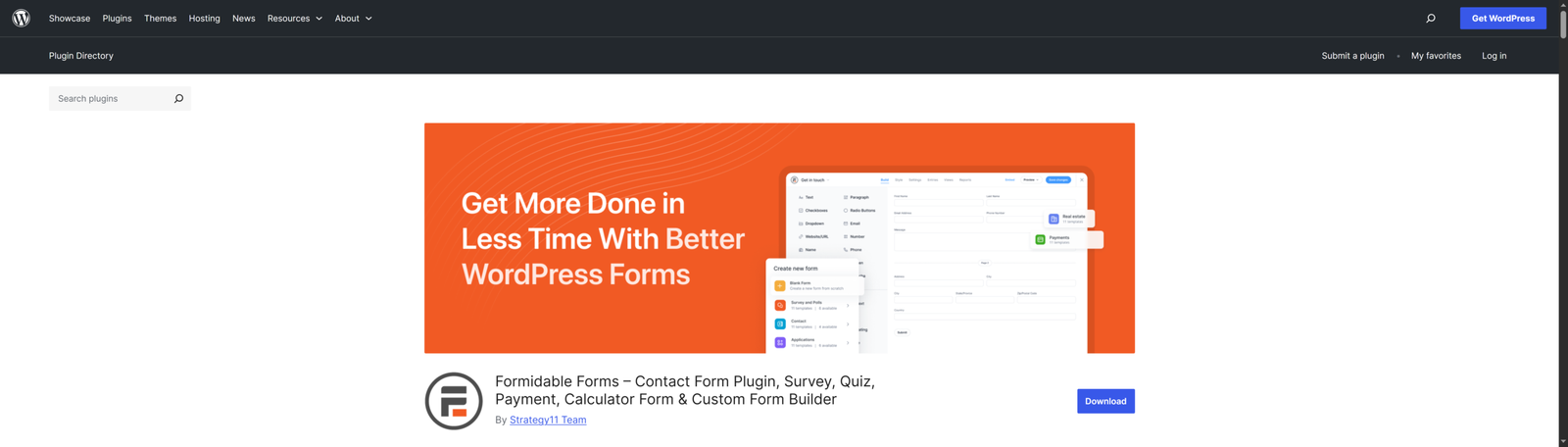
Formidable Forms occupies a unique niche in the WordPress form builder market. It goes beyond forms into full-blown applications, like mortgage calculators, loan calculators, directory listings, and quiz applications, all powered by a form backend that also handles payments.
For developers and technically minded site owners who need calculated payment fields (e.g., a pricing form that totals items dynamically), complex data views, or front-end user-generated content alongside payment collection, the Formidable Forms plugin is genuinely in a class of its own.
Key Benefits
- Advanced calculated fields
- Payment gateways: Stripe and PayPal (via add-ons)
- Front-end data views: display submitted form data in tables, calendars, or lists
- WooCommerce integration for combining form data with product checkout
- API and webhook support for custom integrations
Pricing
The Basic plan costs $39.50 per year and supports 1 site. Payments are not included. The Plus plan costs $99.50 per year and also supports 1 site, with no payment features included. The Business plan costs $199.50 per year and supports 1 site, adding payment support for Stripe and PayPal. Finally, the Elite plan costs $299.50 per year and supports unlimited sites, including full access to all add-ons and payment features.
Conclusion
Every plugin in this guide is capable, actively maintained, and used by real WordPress sites processing real payments every day. The best one for you depends entirely on your specific situation.
But if we are being direct: for most WordPress site owners, especially those serving diverse audiences, operating in emerging markets, or simply wanting to get live fast without API credentials and transaction fees, Direct Payments WP is the clear first choice. It is the only plugin that removes every barrier between you and your first payment.