🎁 New: Build Customer Loyalty & Drive Repeat Purchases with WooCommerce. Learn more


On this page
Direct Payments WP vs WP Simple Pay
Unlike the other form plugins people compare against each other, WP Simple Pay is not a form builder with payments tacked on. It is a payment plugin, through and through. That makes Direct Payments WP vs WP Simple Pay a very direct matchup; these are two plugins built to take money on WordPress, with very different ideas about where the money goes.
WP Simple Pay is a standalone Stripe payments plugin. Direct Payments WP, from Digages, collects payments through direct methods: bank transfer, mobile money, peer-to-peer apps and crypto. If you are choosing between them, you are really choosing a payment model.
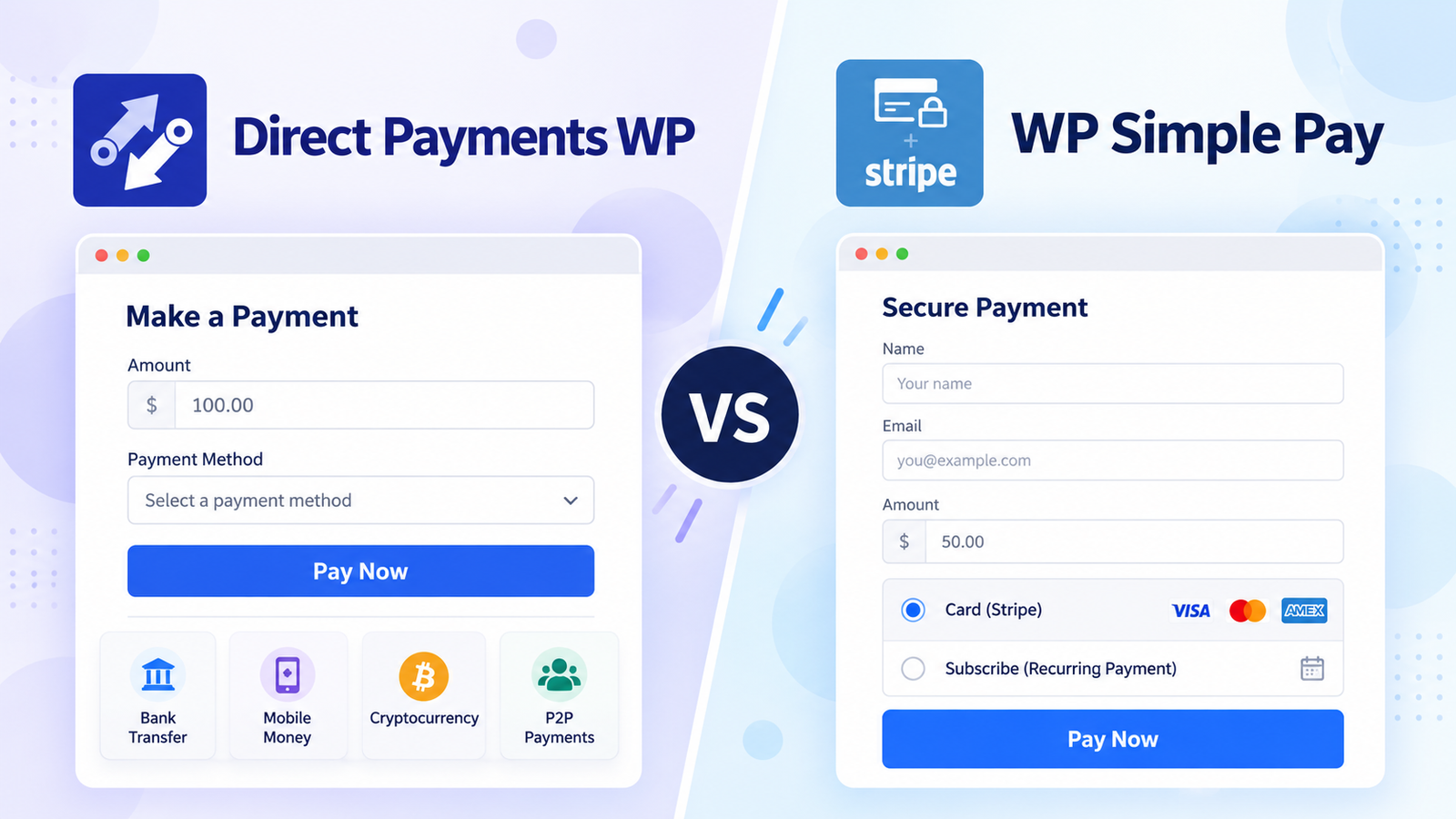
This article compares supported payment methods, workflows, forms and pages, processing requirements, pricing and fit for different businesses. We checked the information on official pages in October 2026. So, confirm the current figures before making your decision.
Understanding Both Plugins
WP Simple Pay
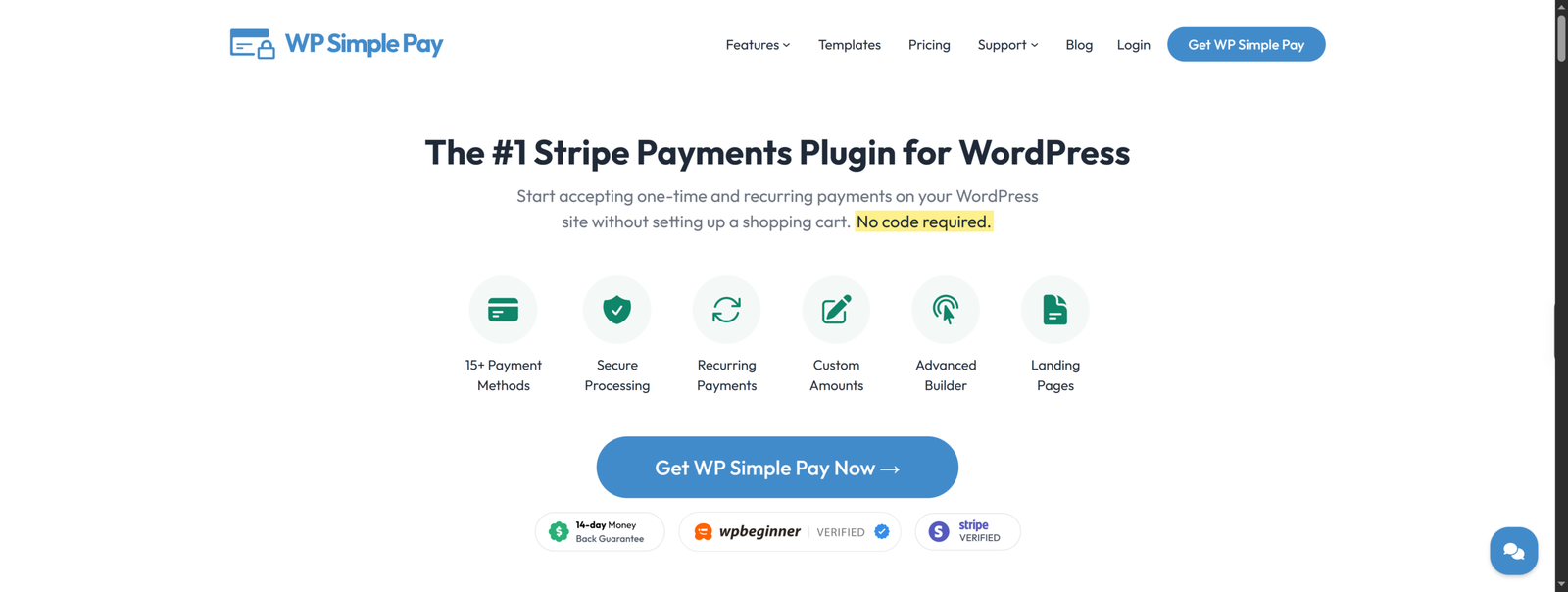
WP Simple Pay connects WordPress to Stripe. The WordPress.org listing describes it as a way to accept credit cards, Apple Pay, iDEAL and other payment types, and the company says it is a verified member of Stripe’s partner program. The free Lite version adds a 3% fee per transaction on top of Stripe’s fees. Pro licences remove that fee, per the company’s own documentation, and unlock features such as payment pages, coupon codes, tax rates, recurring payments and additional payment methods.
It needs a Stripe account, since Stripe is the only gateway it supports.
Direct Payments WP
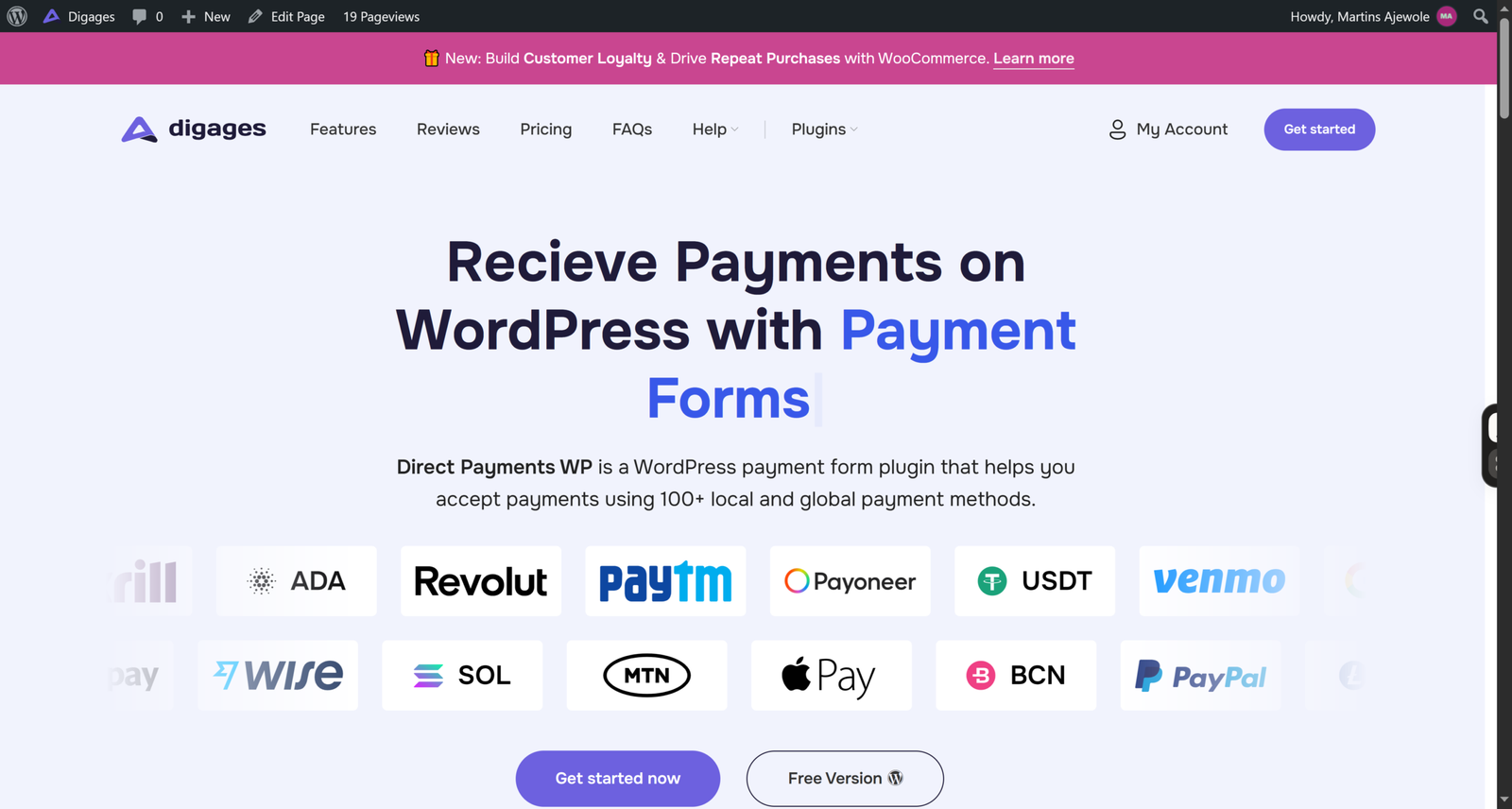
Direct Payments WP is a WordPress plugin for receiving payments through forms. You can build payment forms, order forms, and donation forms all without code, and the plugin supports 100+ local and global payment methods with no transaction fees from the plugin itself.
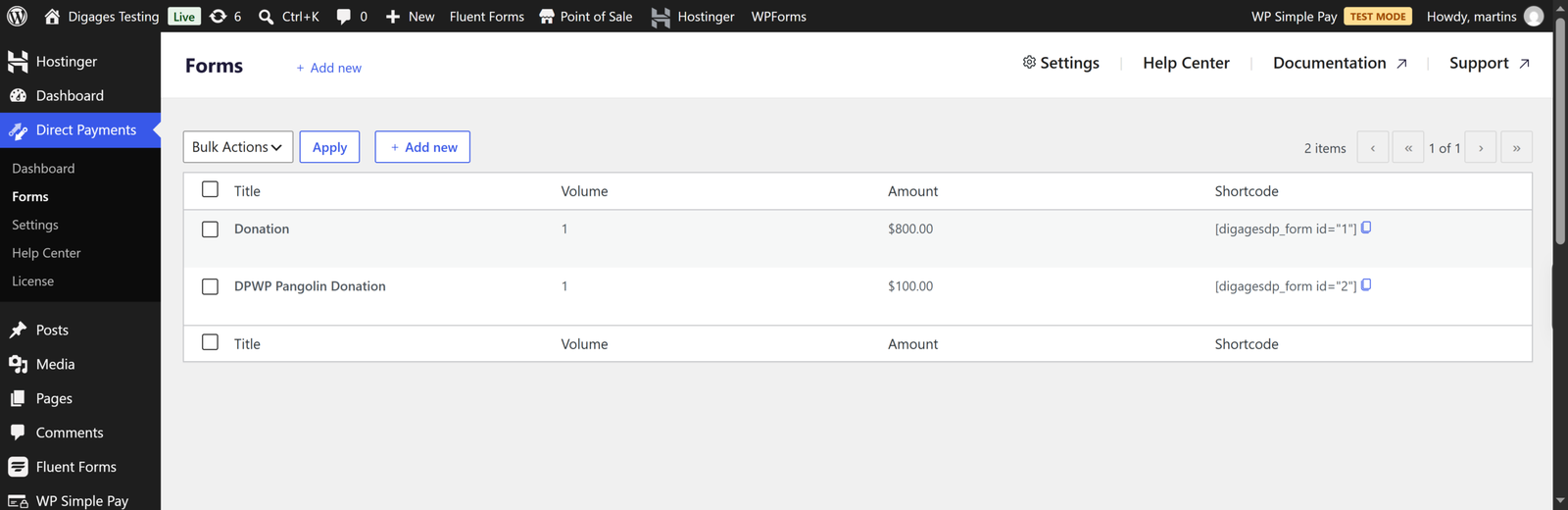
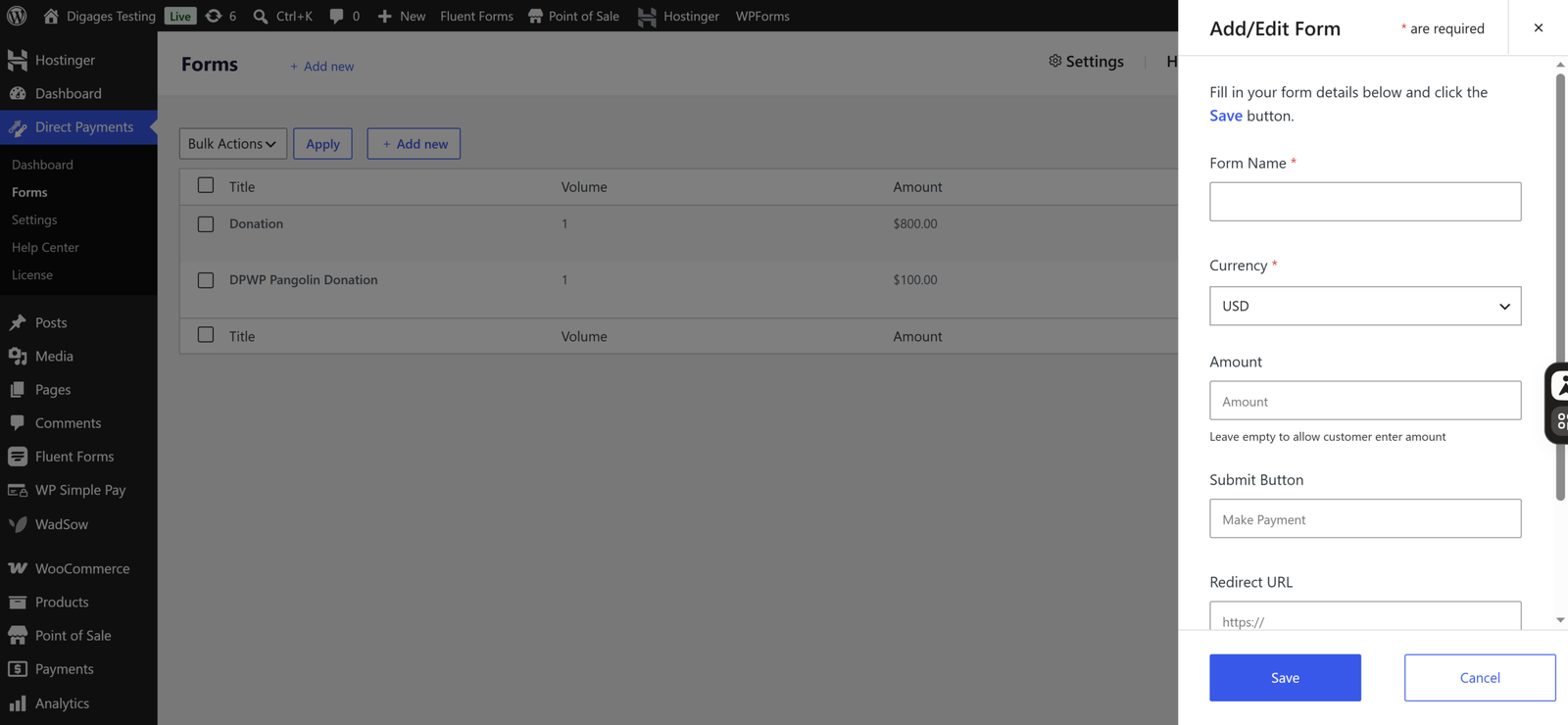
Basically, you configure payment methods in four categories: bank transfer, mobile money, peer-to-peer (P2P) apps, and crypto. You create a form under Direct Payments > Forms, and the plugin gives you a shortcode in the form [dpwp_form id="1"] to paste into a page or post. When a visitor submits the form, they see a payment popup and pay using the method they pick. You then confirm or cancel payments from your WordPress dashboard.
Free and Pro versions exist. The Pro version adds Unlimited Payment Methods and Multiple Currencies, with Telegram notifications and configurable payment receipts.
Key Differences
WP Simple Pay hands the transaction to Stripe. Direct Payments WP hands the transaction to you with payment instructions to your customer.
With WP Simple Pay, a customer enters a card or chooses a supported wallet or local method, Stripe processes it, and the status is recorded automatically. With Direct Payments WP, the customer picks one of your configured methods and pays you directly, and you verify receipt.
That produces contrasting strengths. WP Simple Pay is strongest where Stripe operates, and customers pay by card. Direct Payments WP is strongest where Stripe is unavailable, or customers prefer bank transfer, mobile money or P2P apps.
Head-to-Head Comparison
Installation and Initial Setup
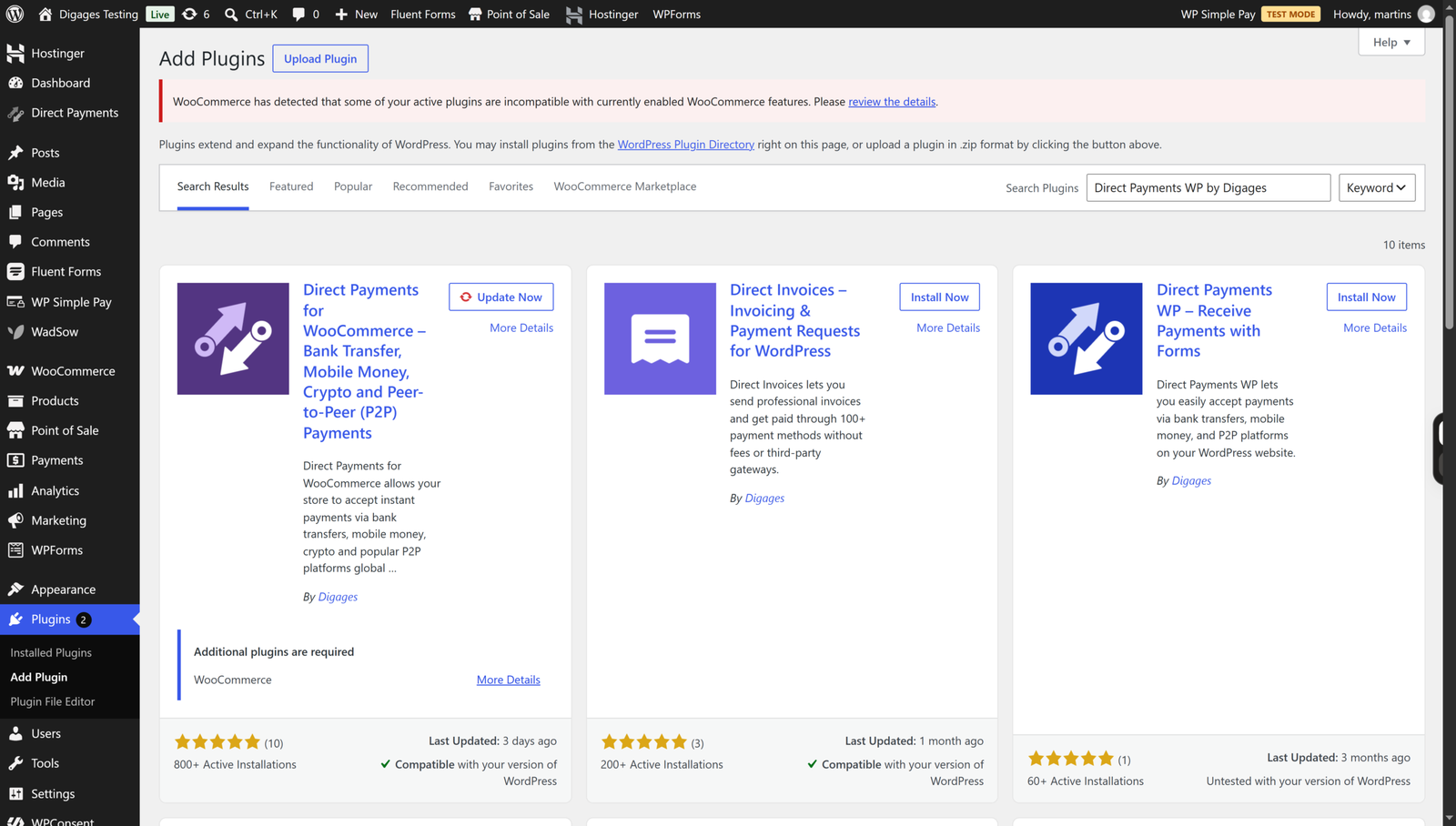
Direct Payments WP installs like any plugin: search for “Direct Payments WP by Digages” in the dashboard or upload the ZIP, then activate. Setup is three steps in the documentation: add payment methods, create a form, paste the shortcode. There are no API keys to generate, which the Digages site highlights.
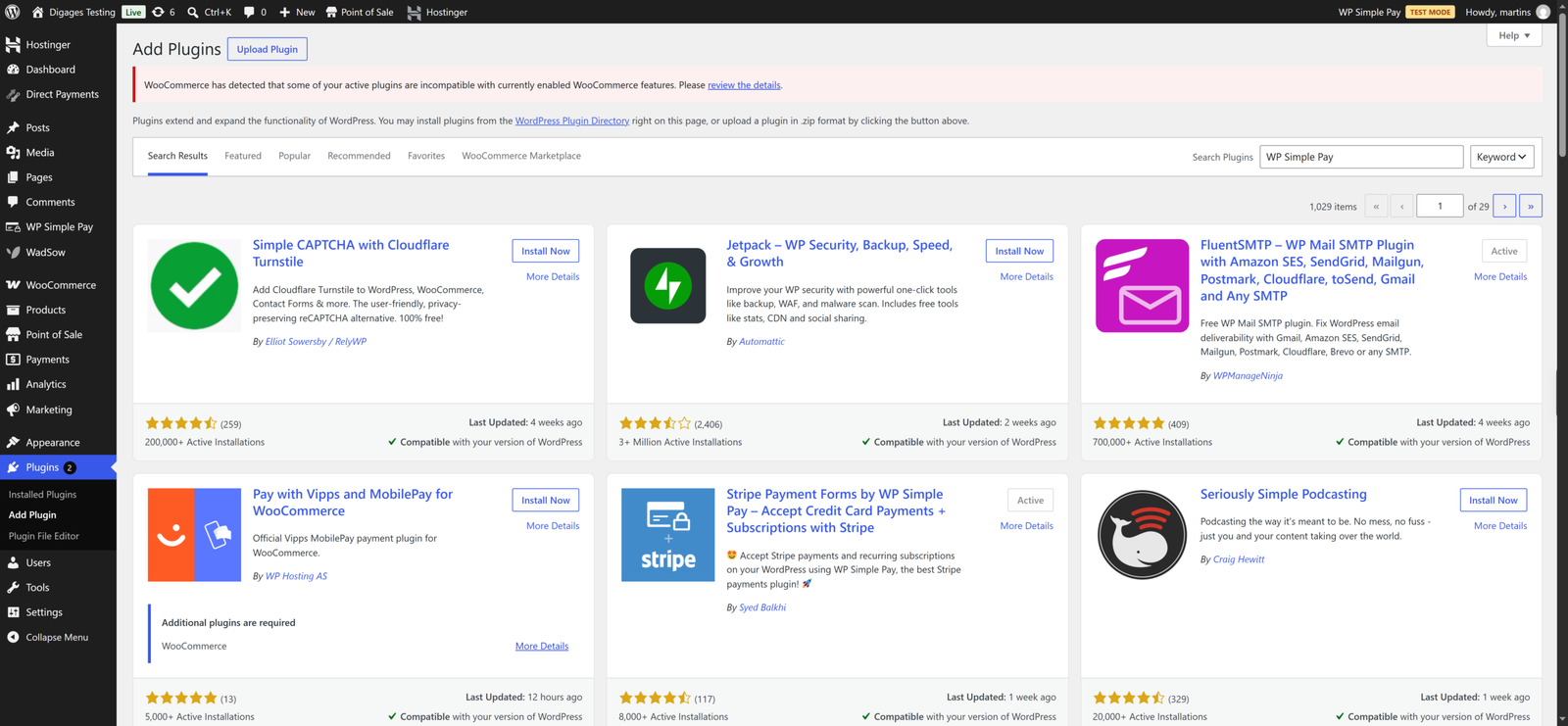
WP Simple Pay installs like any WordPress plugin. You can search for “WP Simple Pay” under Plugins → Add New in your WordPress dashboard or upload the ZIP file for the Pro version, then activate it. Once activated, the setup wizard guides you through connecting your Stripe account, configuring payment settings, and creating your first payment form. You can then add the form to any page using the WP Simple Pay block or a shortcode. Unlike Direct Payments WP, WP Simple Pay requires a Stripe account to process payments, although you can connect it directly without manually generating API keys.
Supported Payment Methods
WP Simple Pay supports cards, Apple Pay and Google Pay on all versions according to its pricing comparison, plus ten-plus Stripe payment methods on paid plans. Higher plans add methods including Klarna, Afterpay/Clearpay, Affirm, Cash App Pay and Bacs Debit, based on published tier information. Which methods are available to a given customer depends on Stripe’s coverage in your country and theirs.
Direct Payments WP documents bank transfer, mobile money, P2P and crypto, with logos for Zelle, Venmo, Cash App, GCash, MTN, Wise, Skrill, Payoneer, Alipay, Apple Pay, Google Pay and PayPal on its product page. These are direct methods that you configure with your account details. We did not find documentation of Stripe or card-processor integration in the plugin itself.
Payment Processing Requirements and Dependencies
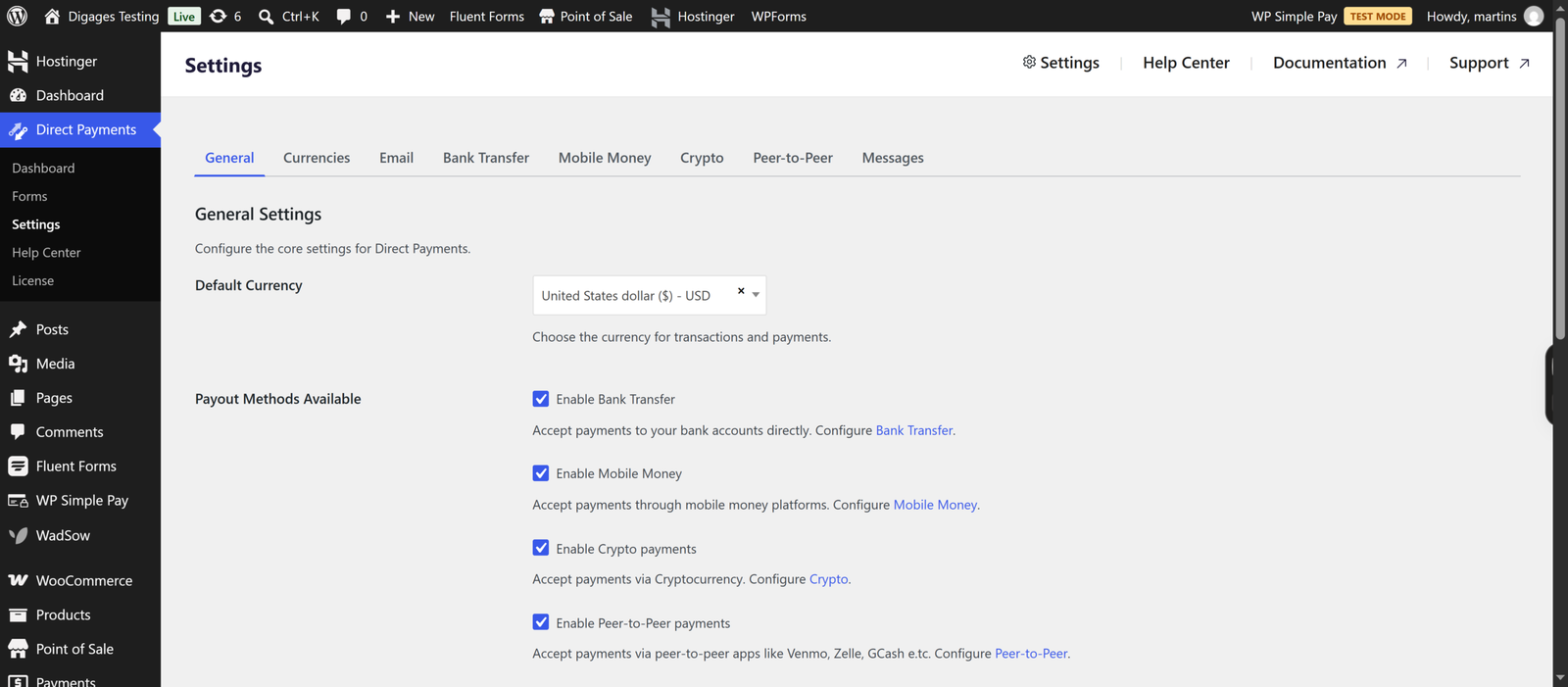
Direct Payments WP gives businesses the flexibility to accept payments through Bank Transfers, mobile money, cryptocurrency, and peer-to-peer payment platforms without relying on traditional payment processor integrations. There are no payment gateway API keys to generate, and businesses can receive payments through their existing accounts.
Payment confirmations can be managed manually from the WordPress dashboard. For Pro users, WadSow AI introduces automated payment confirmation, reducing the need to verify every transaction manually. This gives businesses the flexibility of direct payments alongside an option for automation.
Direct Payments WP is particularly useful for businesses operating in regions with limited payment gateway availability or those that prefer local payment methods and greater control over how they receive payments.
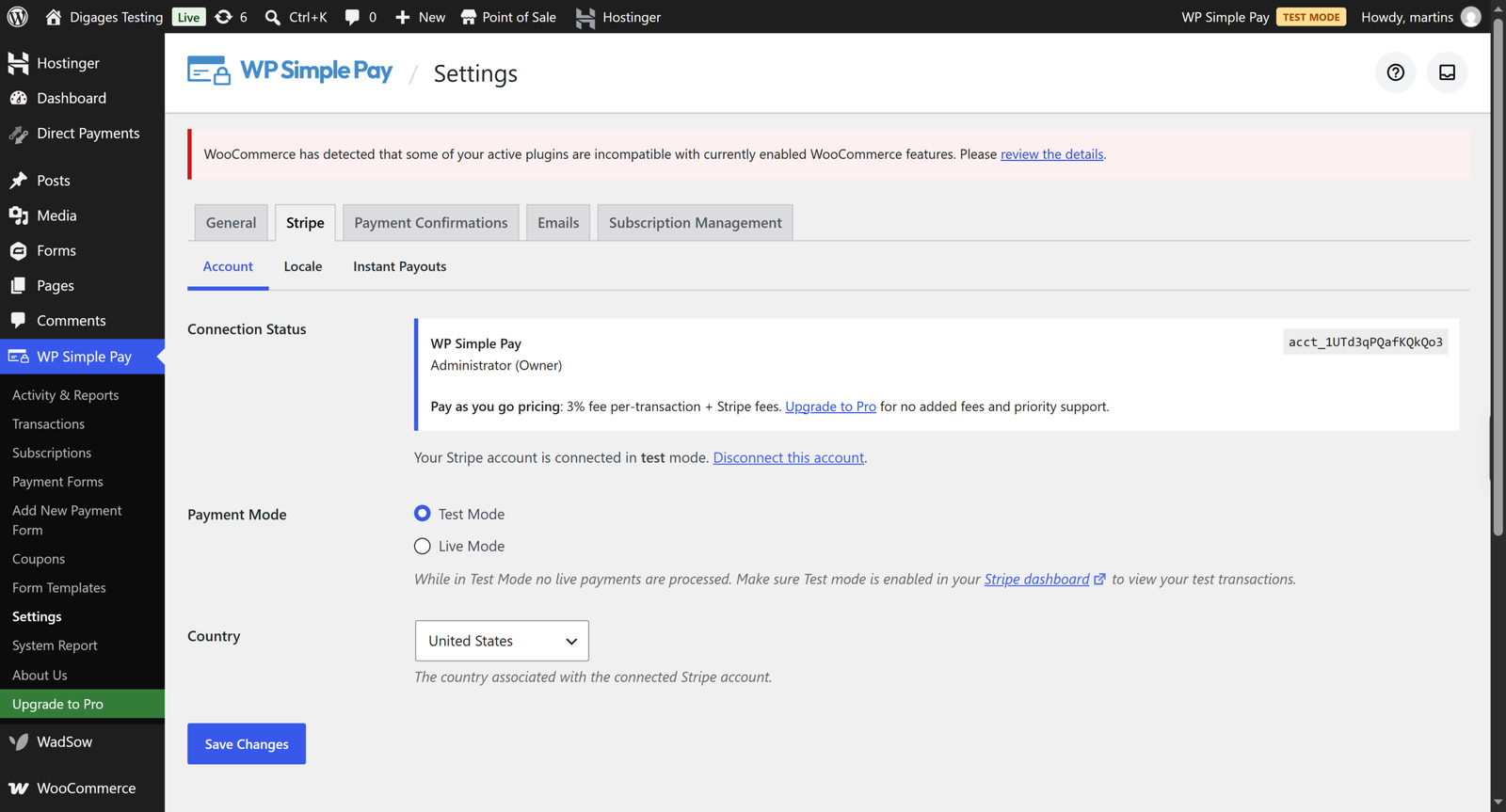
WP Simple Pay requires a Stripe account, and your ability to use it depends on Stripe supporting your business location. It is a standalone plugin, so it does not need WooCommerce or another form plugin.
Stripe is WP Simple Pay’s whole point. It supports Stripe Link-style fast checkout and fraud tools as part of Stripe’s platform, SCA compliance, subscriptions via Stripe Billing, and automatic tax features on higher tiers. If you want all of Stripe’s ecosystem inside WordPress, this is your plugin.
Payment Forms and Customisation
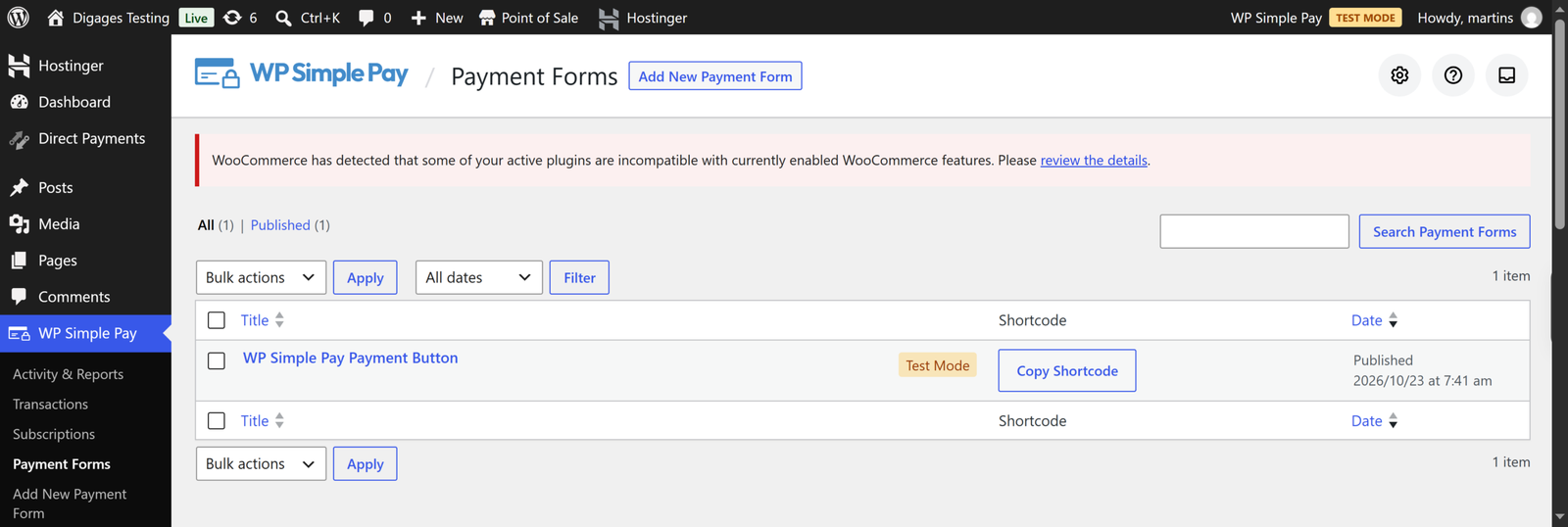
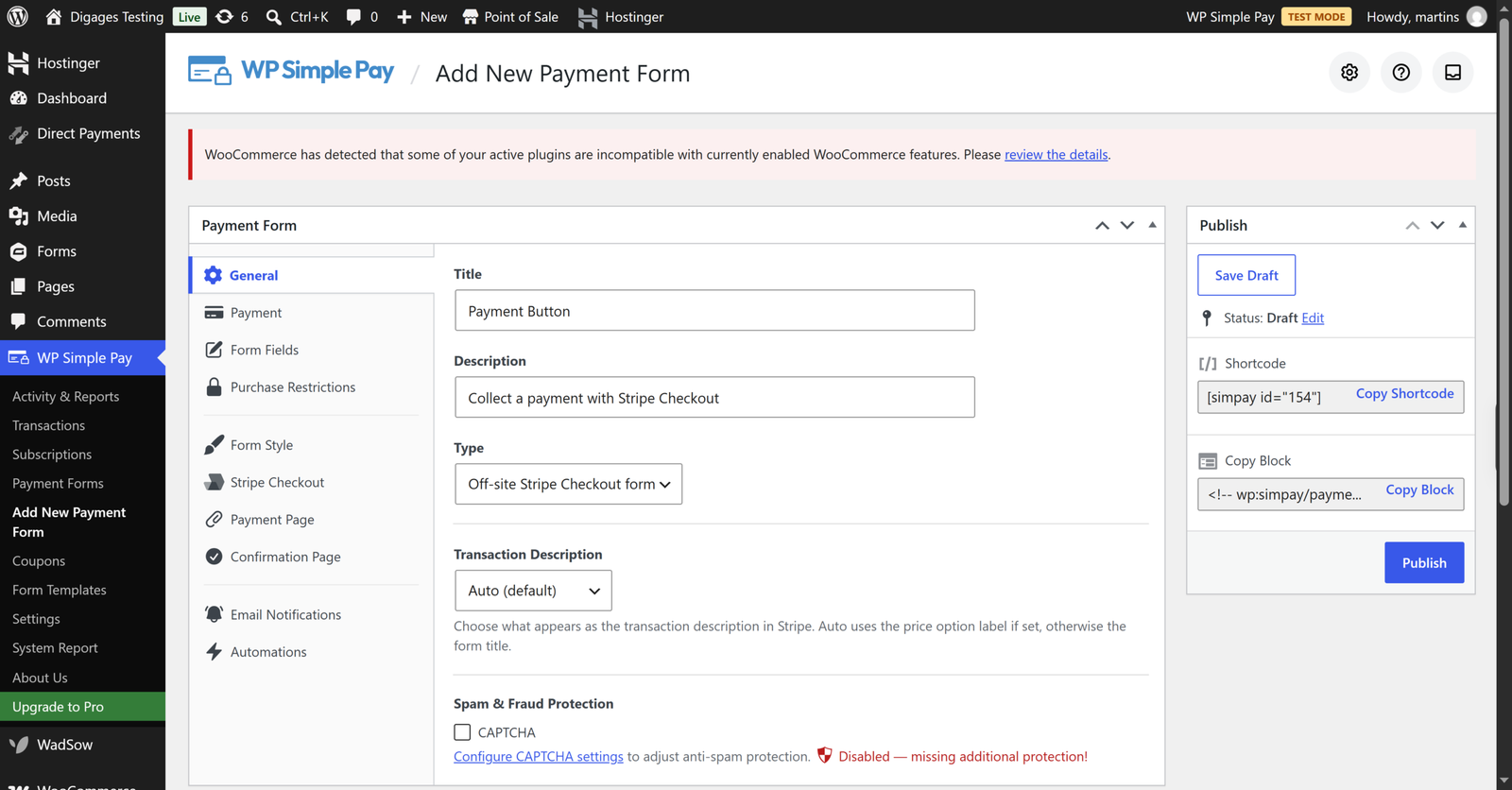
WP Simple Pay offers an advanced form customisation, including a drag-and-drop builder, pre-built templates, custom fields, conditional logic, and styling options. You can create forms for one-time payments, subscriptions, and donations.
Direct Payments WP is more minimalist. It lets you create payment, order, and donation forms without coding, then embed them anywhere on your WordPress site using shortcodes. Customers can choose from your configured payment methods through a payment popup, which Pro users can customise to match their branding. It is simpler by design. If your form is “name, email, amount, choose how to pay,” that simplicity is a feature.
Payment Management
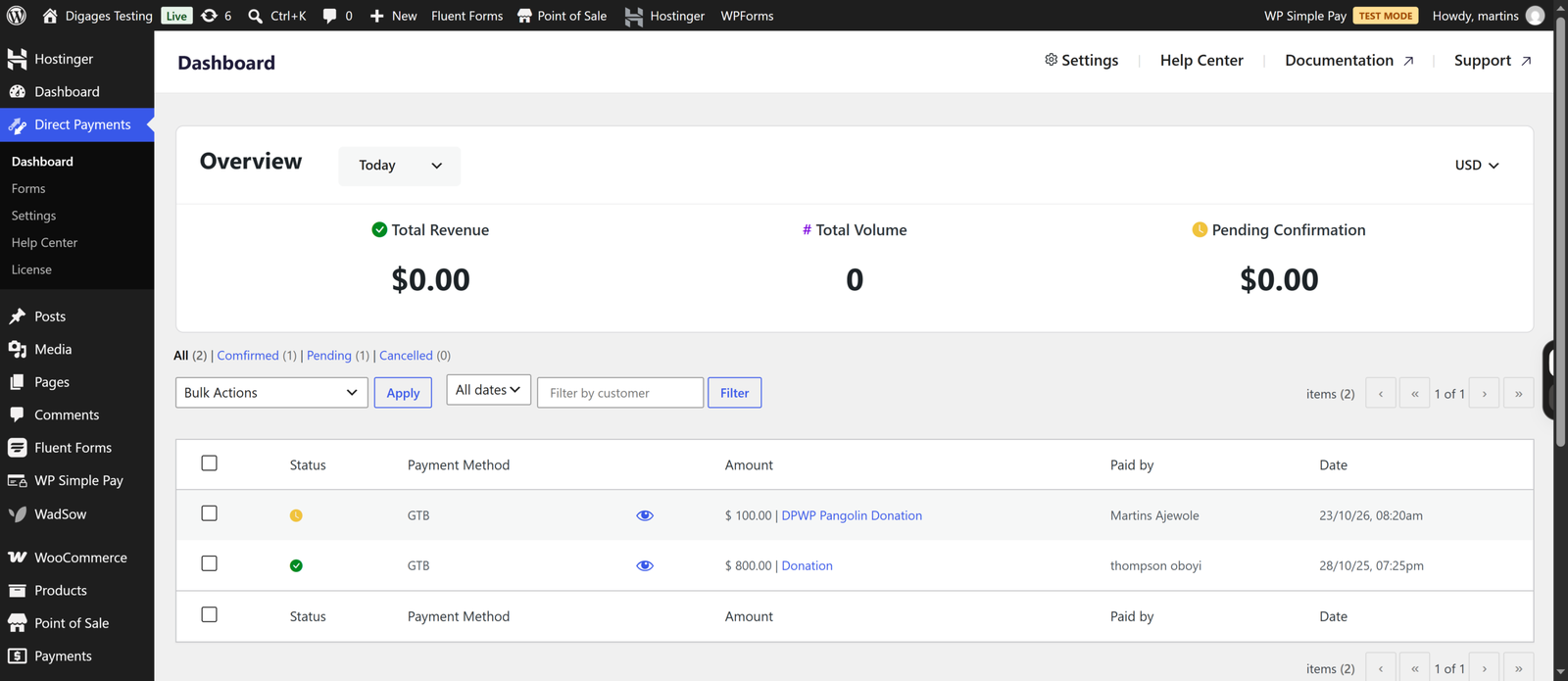
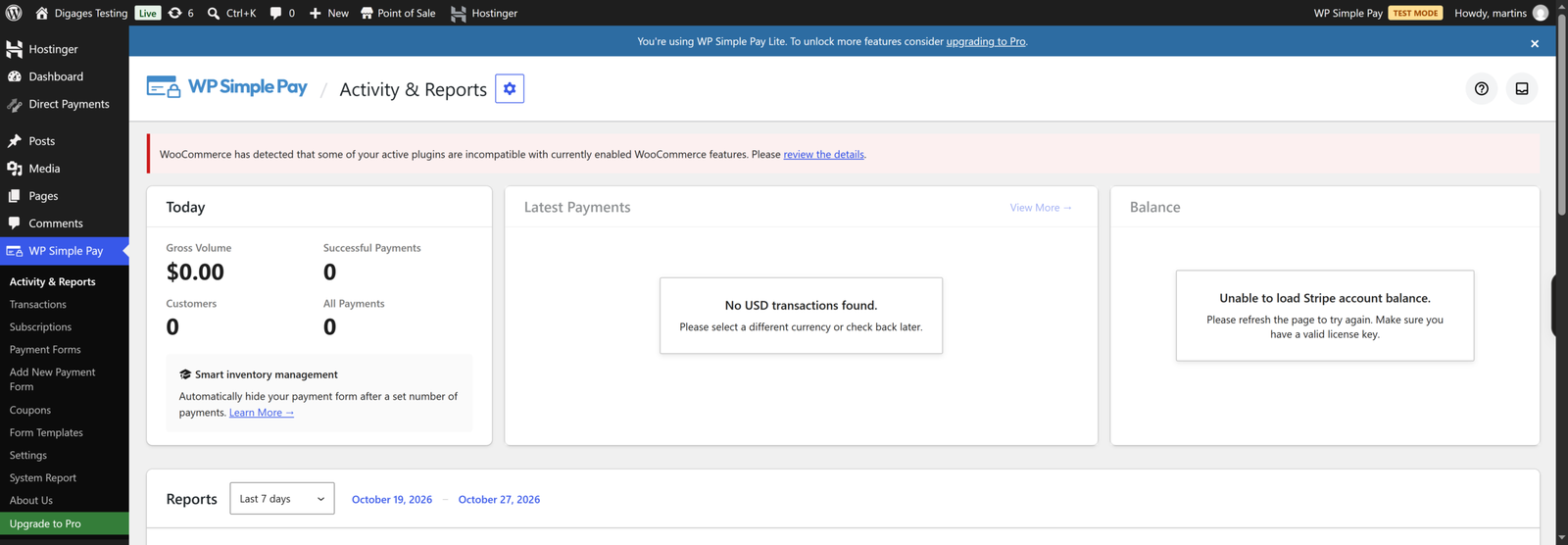
WP Simple Pay shows payments through Stripe in your Activity and Reports dashboard. Direct Payments WP gives you a Dashboard for confirming payments. If you want reports, payouts and disputes handled in one place, Stripe’s dashboard is an advantage.
Pricing and Value for Money
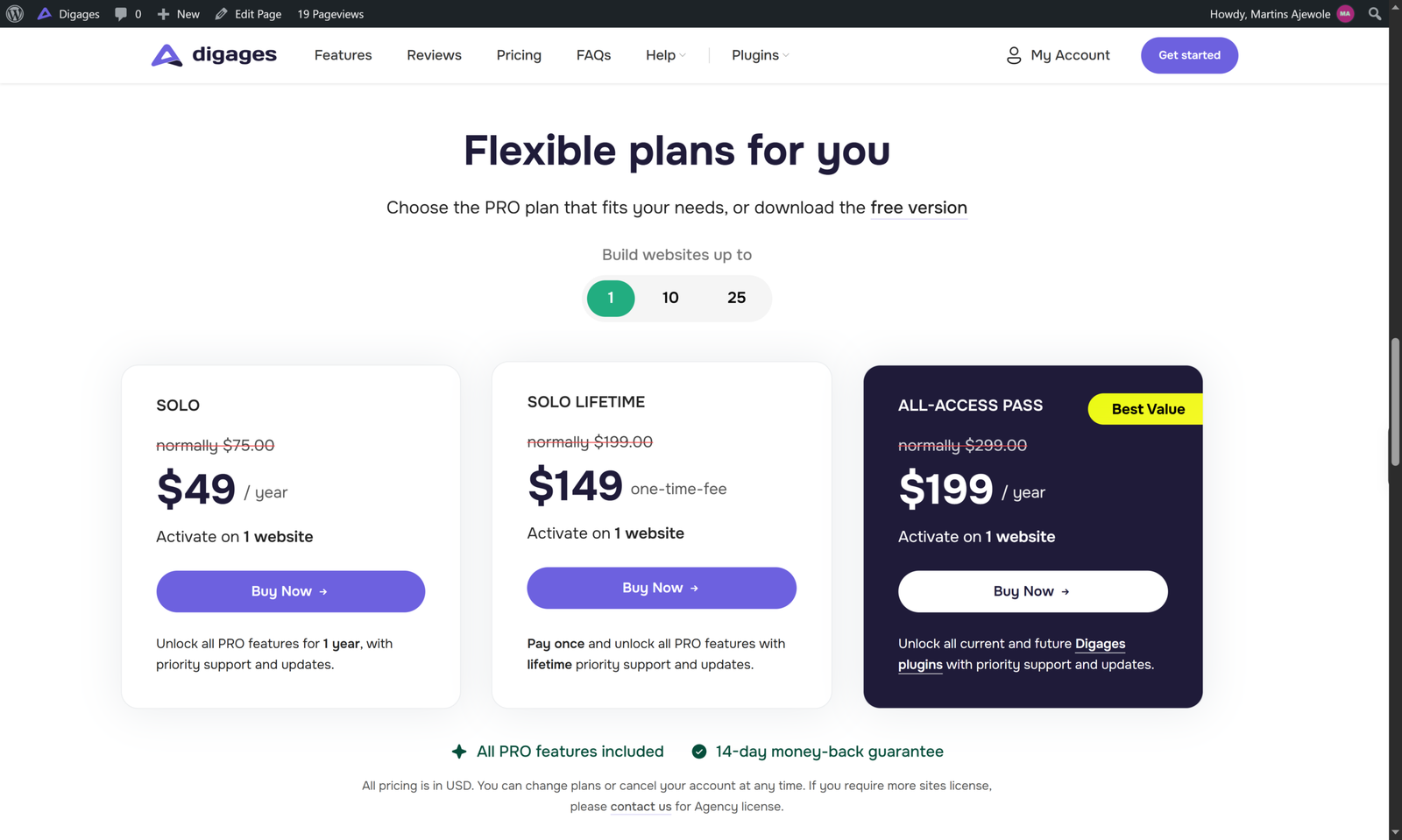
Direct Payments WP has a free version on WordPress and PRO licences on the product page. Digages lists these yearly prices: Solo at $75 per year for one site, Plus at $145 per year for 10 sites, and Enterprise at $250 per year for 25 sites. Lifetime licences are listed at $199, $345 and $659 respectively for the same site counts, and an All-Access Pass bundles all Digages plugins. A 14-day money-back guarantee applies.
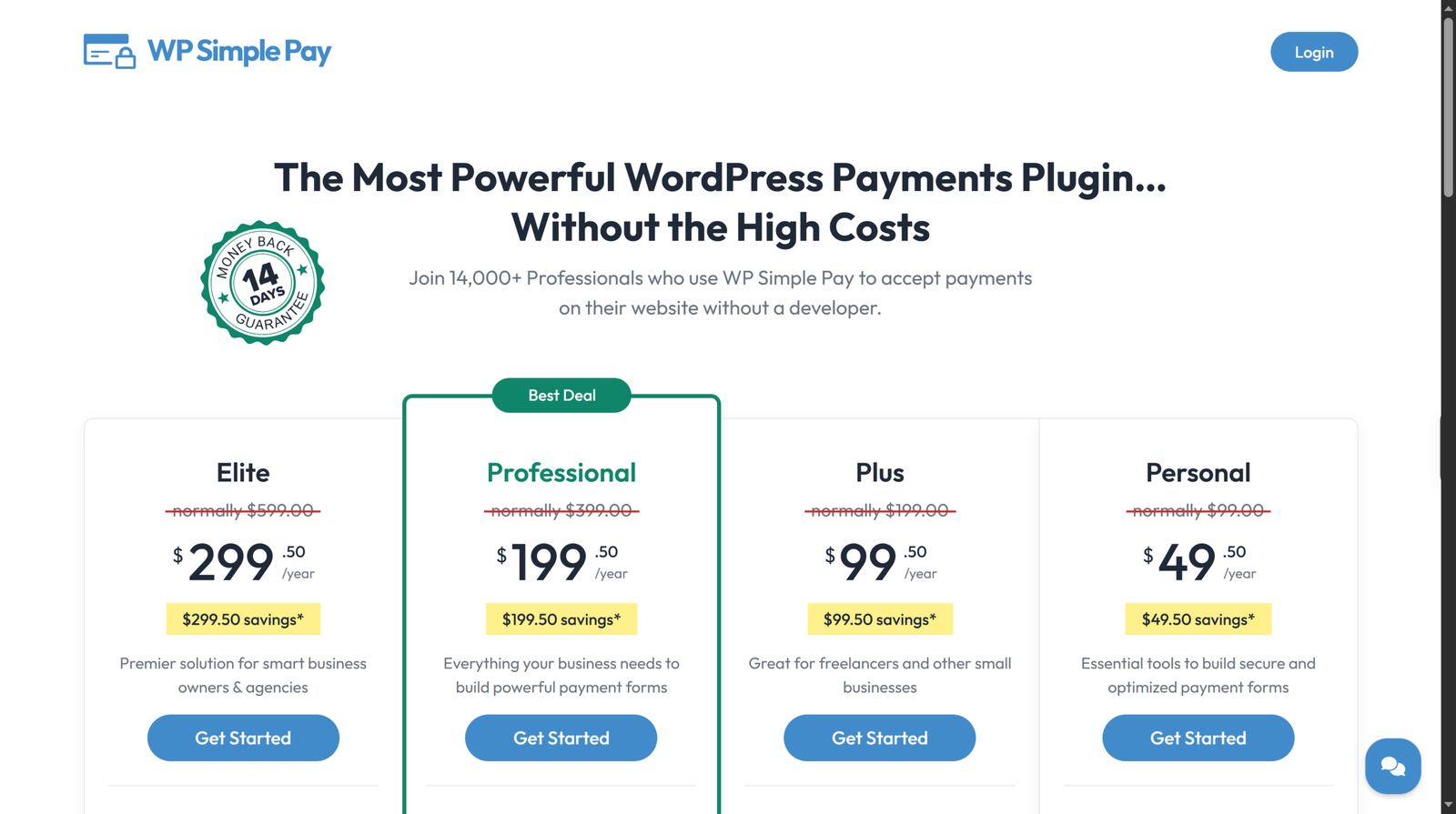
WP Simple Pay plans lists for Personal at $49.50 per year (one site), Plus at $99.50 (three sites), Professional at $199.50 (ten sites) and Elite at $299.50 (unlimited sites), as special introductory prices with renewals at full price. All paid tiers remove the 3% Lite fee, so your costs are WP Simple Pay’s licence plus Stripe’s processing charges. Lite is free but adds the 3% fee.
Licence prices may look similar, but total cost differs. WP Simple Pay’s cost grows with sales volume, because Stripe takes a percentage. Direct Payments WP’s cost is mostly the licence, with third-party fees depending on the method your customer uses.
Conclusion
These two plugins are closer to opposites than rivals. WP Simple Pay is the specialist for Stripe, and Direct Payments WP is the specialist for direct payment methods. Your customers’ habits and your country’s payment infrastructure should factor in.
Pick WP Simple Pay when cards, wallets and Stripe’s ecosystem are your priority. Pick Direct Payments WP when you need to receive payments by the methods Stripe does not cover. If your audience is mixed, running both is a reasonable approach.
If direct payments forms sound like your situation, try Direct Payments WP or install the free version from the WordPress plugin directory.


