🎁 New: Build Customer Loyalty & Drive Repeat Purchases with WooCommerce. Learn more



Best Alternative to Stripe for WooCommerce
Stripe is, without question, one of the most well-known payment processors on the internet. Its polished dashboard, robust developer API, and global reputation have made it the default choice for countless online businesses. But for a growing number of WooCommerce store owners, particularly those in Africa, Asia, Latin America, or running lean operations with tight margins, Stripe is simply not the right fit.
The reality many merchants face is that Stripe charges 2.9% + $0.30 on every transaction. Add international cards, chargebacks, or currency conversion, and that figure climbs quickly. Then there are the country restrictions, Stripe is not available in over 130 countries. Store owners in Nigeria, Ghana, Kenya, the Philippines, Pakistan, and dozens of other markets simply cannot use Stripe directly, or face severe limitations if they try.
Beyond geography, Stripe requires lengthy Know Your Customer (KYC) verification, API setup, and developer involvement to get running. For a small business owner who just wants to start selling, this is an unnecessary wall.

This article covers the five best Stripe alternatives for WooCommerce, platforms and plugins that help you get paid faster, cheaper, and with more flexibility, no matter where you or your customers are in the world.
1. Direct Payments for WooCommerce
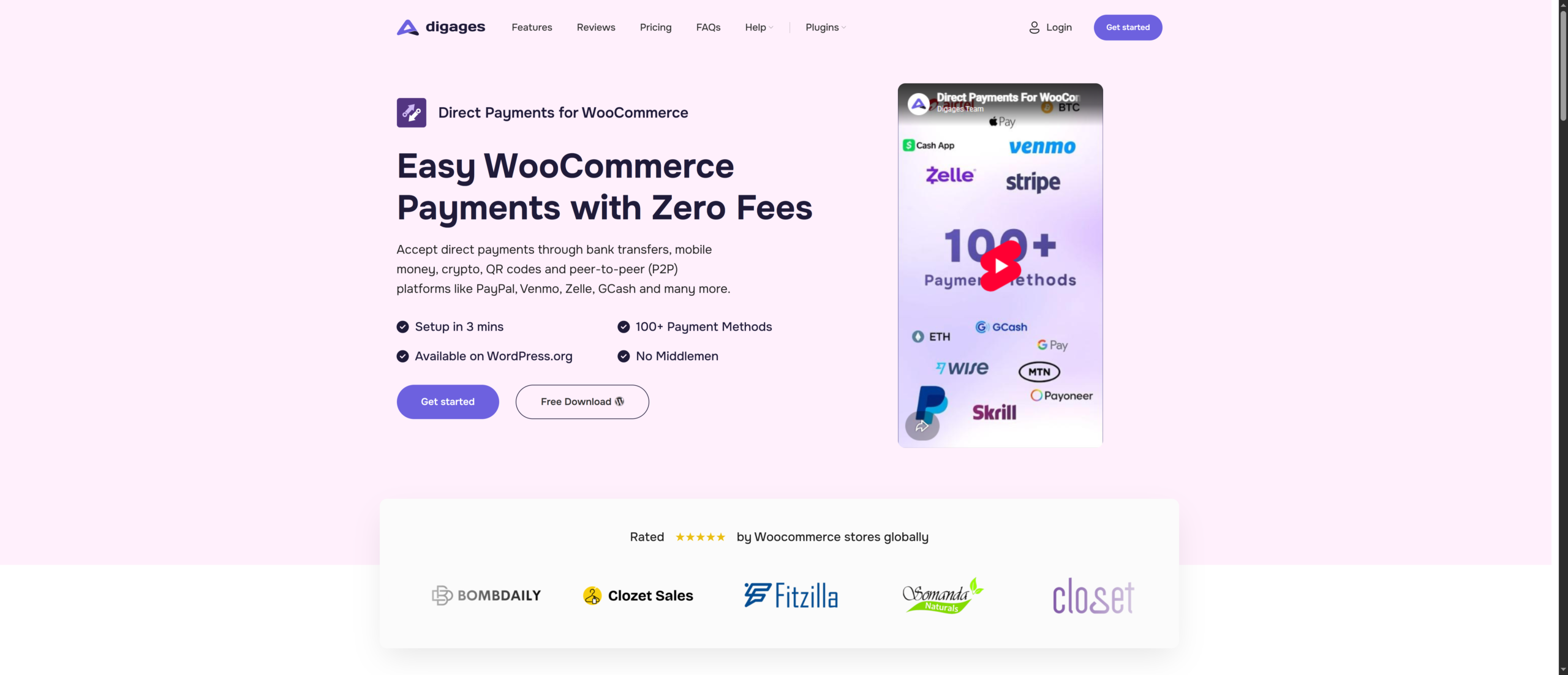
If you are searching for a genuine Stripe alternative for WooCommerce, one that removes transaction fees entirely, works in any country, and takes under three minutes to set up, Direct Payments for WooCommerce is the answer. It is not a Stripe clone or a rebranded card processor. It is a fundamentally different approach to online payments.
Instead of routing payments through a centralised processor that takes a cut of every sale, Direct Payments for WooCommerce connects your WooCommerce checkout directly to over 100 payment platforms, including Bank Transfers, mobile money, peer-to-peer apps, crypto wallets, and QR codes. Money goes straight from your customer to you. No middleman. No percentage skimmed off the top.
What Makes Direct Payments for WooCommerce Different?
Traditional payment gateways like Stripe act as intermediaries between you and your customers. Every transaction passes through their infrastructure, which is how they justify their fees. Direct Payments for WooCommerce removes that intermediary entirely.
When a customer reaches your checkout, they see the payment methods you have configured: bank transfer, PayPal, Zelle, MTN Mobile Money, GCash, cryptocurrency, or dozens of others. They send the payment directly to your account on that platform. You receive a notification, confirm the payment on your WooCommerce dashboard, and the order is processed. Simple, fast, and completely free of transaction fees.
Key Benefits
- Zero transaction fees on every sale — keep 100% of your revenue
- 100+ supported payment methods: Bank Transfers, mobile money, crypto, P2P apps, QR codes
- Supported platforms include PayPal, Venmo, Zelle, Cash App, GCash, Paytm, MTN MoMo, Airtel Money, Revolut, Wise, Skrill, Payoneer, and dozens more
- Works in any country — not limited by Stripe’s 47-country restriction
- No API keys, no KYC documents, no developer required
- Setup completed in under 3 minutes — install, configure, done
- Instant Payment Alerts by email and Telegram
- WooCommerce Order Sync — payments reflect automatically in your dashboard
- Geo-Currency support
- Fully customisable payment pop-up with your store’s branding
- Free version available on WordPress.org; PRO plans start from $49/year
2. WooPayments
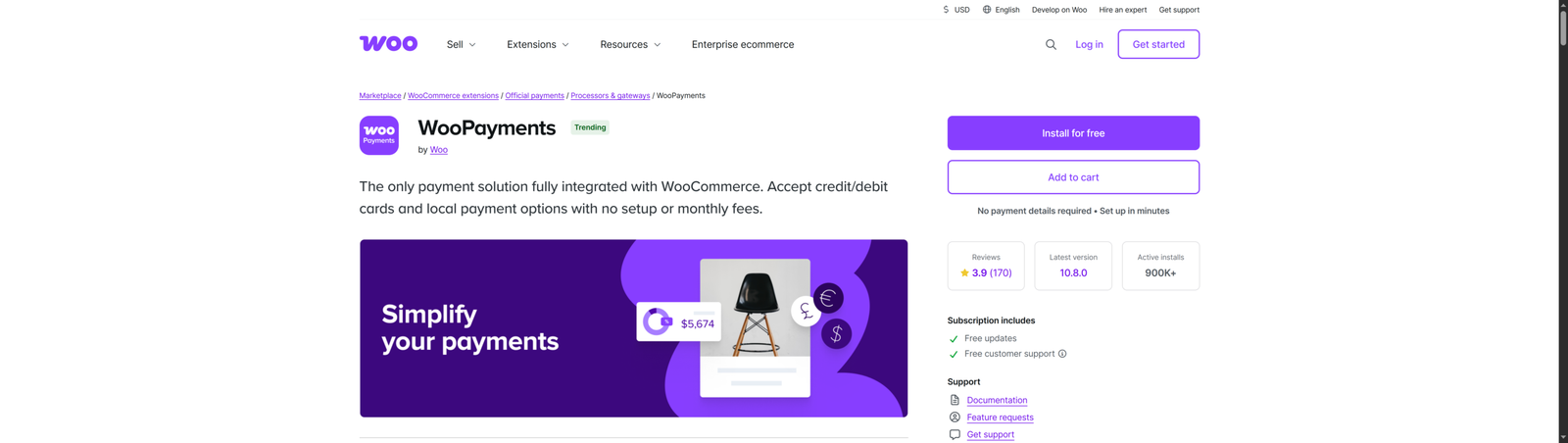
WooPayments is the official payment gateway built directly by WooCommerce. If you want everything managed within your WordPress dashboard, transactions, refunds, disputes, and chargebacks, without switching between external platforms, WooPayments delivers exactly that. It is, technically speaking, Stripe under the hood, which means it inherits both Stripe’s infrastructure strengths and its fee structure.
What WooPayments Does Well
- Seamless native integration — payments are managed entirely within WooCommerce
- Supports major credit and debit cards, Apple Pay, Google Pay, and local methods via extensions
- Built-in dispute management and refund processing inside your WordPress admin
- Supports recurring billing and WooCommerce Subscriptions
- No setup fees or monthly costs; pay per transaction only
Where WooPayments Falls Short
- Transaction fees of 2.9% + $0.30 per domestic transaction — identical to Stripe’s standard pricing
- Available in only 18 countries — not a viable option for stores in Africa, most of Asia, or large parts of Latin America
- International transactions and currency conversion attract additional fees
- KYC identity verification is required before you can start accepting payments
- Does not support local payment methods like mobile money, Bank Transfers, or regional P2P apps
WooPayments is an excellent choice if you are based in a supported country and value the convenience of managing payments inside your WordPress dashboard. But if you are outside the 18 supported markets, or if transaction fees are a concern, WooPayments offers no real advantage over Stripe.
3. PayPal for WooCommerce
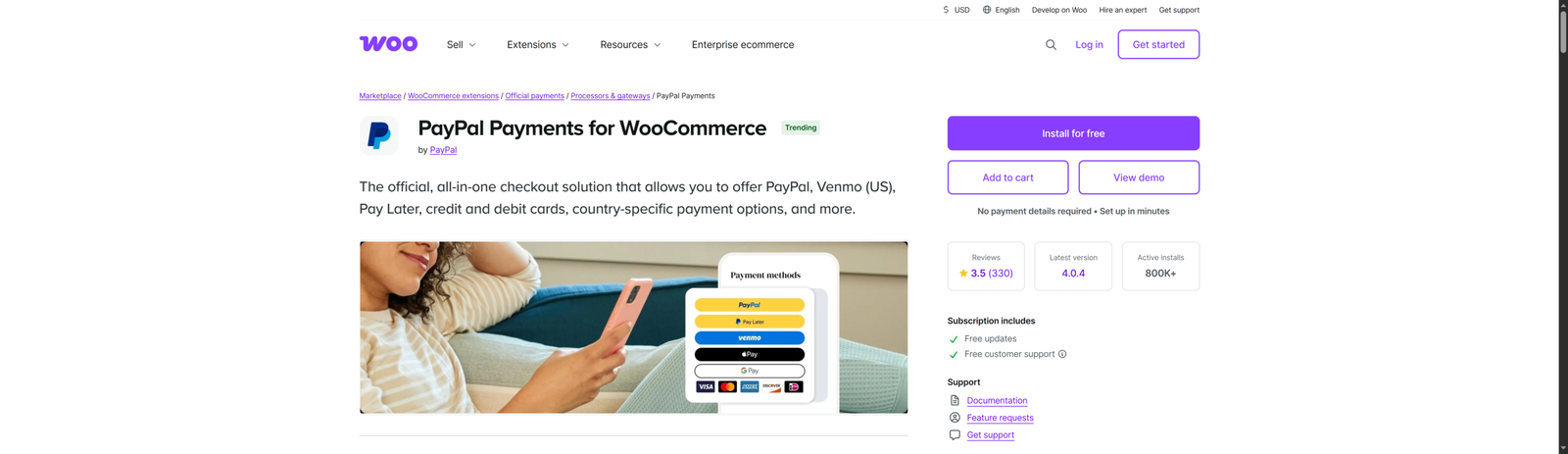
PayPal is, to many shoppers worldwide, synonymous with safe online payments. That brand recognition is genuinely valuable. When a first-time customer lands on your WooCommerce store and sees the PayPal button at checkout, their hesitation drops. They trust PayPal even if they have never heard of your brand. For this reason, PayPal for WooCommerce deserves a place in many WooCommerce stores, not necessarily as the primary gateway, but as an important supplementary option.
What PayPal Does Well
- Recognised and trusted by hundreds of millions of consumers globally
- Available in over 200 countries — one of the broadest international footprints of any payment processor
- Supports card payments even for customers who do not have a PayPal account
- WooCommerce PayPal Payments plugin is free to install and easy to configure
- Offers buyer protection, which gives customers added confidence
Where PayPal Falls Short
- Transaction fees of 2.9% + $0.30 per domestic transaction — among the highest on this list
- Standard integration redirects customers away from your site, which can reduce checkout conversions
- Account freezes and fund holds are a known issue, particularly for newer merchants or high-volume sellers
- PayPal is restricted or limited in several markets, including Nigeria, where merchants cannot reliably withdraw funds
- International and currency conversion fees add significantly to costs for cross-border stores
Add PayPal as a secondary payment method for brand recognition and international buyers, but pair it with Direct Payments for WooCommerce as your primary gateway to avoid its fees and restrictions on your core payment processing.
4. Square for WooCommerce
Square has built a strong reputation as a payments platform for businesses that operate both online and in-person. If you run a WooCommerce store alongside a physical shop, market stall, or pop-up retail presence, Square’s ability to sync inventory and transactions across both channels is a genuine operational advantage. Its point-of-sale (POS) hardware is well regarded, and the WooCommerce integration handles online orders cleanly.

What Square Does Well
- Clean syncing of inventory and orders between your online WooCommerce store and physical locations
- In-person transaction fees of 2.6% + $0.10 — slightly more competitive than Stripe for face-to-face sales
- Free POS app with affordable hardware options
- No monthly fees; pay per transaction only
- Reliable uptime and a professional dashboard
Where Square Falls Short
- Available in only a handful of countries: the US, UK, Australia, Canada, Japan, and Spain — not suitable for most emerging markets
- Online transaction fees of 2.9% + $0.30 match Stripe’s rates, offering no cost savings for e-commerce
- KYC and identity verification required
- Not suitable for stores that do not operate in a supported Square country
- Limited local payment method support for international or non-card customers
Square is a solid Stripe alternative if you run a hybrid business with both an online WooCommerce store and a physical retail presence, and if you are based in one of its supported countries. For purely online stores or international merchants, Direct Payments for WooCommerce remains a better fit.
5. Mollie Payments for WooCommerce
Mollie is a Dutch payment processor with a particularly strong position in European ecommerce. If a large portion of your customers is based in the Netherlands, Germany, Belgium, or broader Europe, Mollie’s pricing can offer meaningful savings over Stripe, particularly for iDEAL, SEPA Direct Debit, Klarna, and other local European payment methods that Stripe either does not support natively or charges extra for. You can check it out on WooCommerce.com

What Mollie Does Well
- Excellent support for European local payment methods: iDEAL, Bancontact, SOFORT, Klarna, SEPA Direct Debit
- Pay-per-transaction pricing with no monthly fees and competitive rates starting from €0.29 per iDEAL transaction
- Clean API and WooCommerce plugin with reliable documentation
- Quick account approval process compared to some competitors
- Supports popular card types as well as Apple Pay and Bank Transfers
Where Mollie Falls Short
- Primarily designed for European merchants — limited utility for stores outside Europe
- Card transaction fees are competitive but not dramatically lower than Stripe for most card types
- Does not support emerging market payment methods like mobile money, P2P apps, methods common in Africa or Asia
- KYC verification is required to process live payments
Mollie is the standout Stripe alternative for WooCommerce stores serving European customers, particularly when local payment methods like iDEAL or Klarna are important. For stores outside Europe or those that want zero transaction fees, Direct Payments for WooCommerce offers broader, more cost-effective coverage.
How to Choose the Right Stripe Alternative for Your WooCommerce Store
With five strong options on the table, the best choice depends on your specific business situation. Here is a practical framework to guide your decision.
1. Start with Your Location
If you or your customers are based in markets where Stripe, WooPayments, Square, or Mollie are unavailable, particularly in Africa, South Asia, Southeast Asia, or parts of Latin America, Direct Payments for WooCommerce is your only genuinely viable option. It is the only plugin on this list with no geographic restrictions.
2. Consider Your Transaction Volume and Fees
Do the maths. If your store processes $5,000 per month in sales, Stripe’s 2.9% + $0.30 fee structure costs you roughly $145 per month, $1,740 per year, in transaction fees alone. Direct Payments for WooCommerce charges zero. At $10,000 per month, the difference is over $3,400 annually. That is money staying in your business.
3. Think About Your Customers’ Payment Preferences
Not all customers want to pay by credit card. A study by the Baymard Institute found that 13% of shoppers abandon their cart when their preferred payment method is not available. If your customers are more comfortable with Bank Transfers, mobile money, or apps like Zelle, Cash App, or GCash, a gateway that does not support those methods is costing you sales.
4. Evaluate Setup Complexity
If you are not a developer and do not want to deal with API keys, KYC documents, or integration delays, Direct Payments for WooCommerce is the most accessible option on this list. The plugin is live in minutes, with no technical knowledge required.
5. Consider Using Multiple Gateways
No rule says you must choose just one. Many successful WooCommerce stores run Direct Payments for WooCommerce as their primary payment method, covering Bank Transfers, mobile money, and P2P apps, while also offering PayPal as a secondary option for customers who prefer it. This gives you the widest coverage with zero extra fees on your primary transactions.
Conclusion
To be fair to Stripe, it is a genuinely powerful payment processor. For a US or UK-based business with developers on staff, international customers paying by card, and sufficient volume to absorb the fees, Stripe is a reasonable choice. But for a significant portion of the global WooCommerce community, Stripe presents real problems.
This is where Direct Payments for WooCommerce comes in.
Ready to start accepting payments with zero transaction fees? Install Direct Payments for WooCommerce today, with setup in under 3 minutes. No API keys, no KYC, no transaction fees.








