🎁 New: Build Customer Loyalty & Drive Repeat Purchases with WooCommerce. Learn more



Best Plugins for Multi-Store Pickup in WooCommerce
Running a WooCommerce store with more than one physical location is a logistics challenge that most out-of-the-box setups simply weren’t designed for. The default WooCommerce shipping options handle single-location pickup passably well. Once you add a second branch, a fulfilment warehouse, or a franchise partner into the mix, the cracks start to show.
Customers end up assigned to the wrong pickup point. Staff at individual locations receive no notification that an order is coming their way. You’re manually editing orders to correct location assignments. It’s busywork that compounds with every new location you add.
The best plugins for multi-store pickup in WooCommerce solve this at the checkout level, automatically assigning the right location, surfacing clear pickup instructions, and routing notifications to the right people. The difference between a managed pickup workflow and an unmanaged one is felt by customers on every single order.

This guide reviews the leading options honestly. We cover what each plugin does well, where it falls short, and which type of store it suits best. If you’re setting up pickup for the first time or replacing a solution that’s no longer scaling with you, this is the comparison you need.
Why Multi-Store Pickup in WooCommerce Is Harder Than It Looks
WooCommerce’s built-in local pickup option is a shipping method, not a pickup location manager. It lets you mark an order as “pickup” and skip the shipping cost. That’s roughly where its multi-location capability ends.
For a business with one shop and one counter, that’s workable. For anyone running two or more physical locations, it creates a set of operational problems that grow more costly as order volume increases.
The Real Problems Multi-Location Stores Face
- Manual location assignment: Without automatic nearest-location logic, staff must review every pickup order and manually decide which branch should fulfil it. At low volume, this is annoying. At scale, it’s a real source of errors and delays
- No per-location notifications: WooCommerce’s default order emails go to the store admin. Individual branch managers or pickup coordinators don’t automatically receive notification of orders arriving at their location
- No location-specific instructions: Each pickup point may have different hours, a different entrance, and a different contact number. There’s no native way to surface this information to customers at checkout
- Customer confusion at checkout: Without a clear location selector, customers may not know which branch they’re being assigned to, leading to support tickets, no-shows, and frustrated repeat customers
- CSV import headaches: Adding 15 new franchise locations to a basic setup means 15 rounds of manual data entry. Any plugin without bulk import support becomes a bottleneck for growing businesses
What a Proper Multi-Store Pickup Plugin Should Do
- Detect or let customers select the right pickup location at checkout
- Display pickup-specific information: address, phone number, hours, special instructions
- Send order notifications to the correct location’s email address, not just the global store admin
- Support unlimited or a high number of locations without performance issues
- Allow bulk location management via CSV import and export
- Integrate cleanly with WooCommerce’s checkout flow without breaking other shipping methods
1. Auto-Pickup Locations for WooCommerce
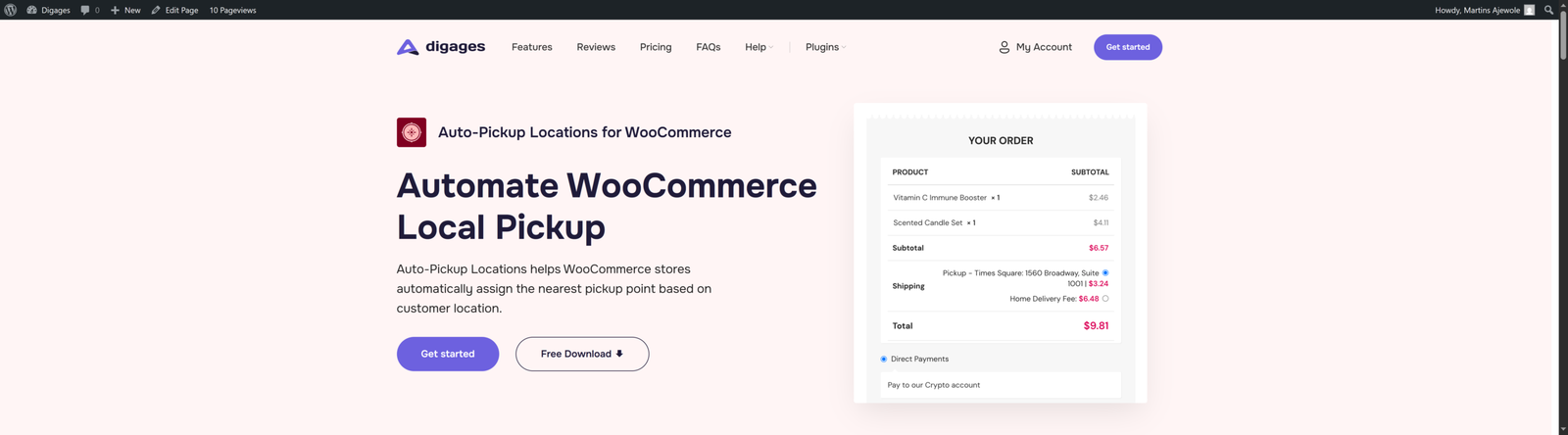
Auto-Pickup Locations is purpose-built for what most multi-store WooCommerce setups actually need: automatic nearest-location assignment, per-location email notifications, and a straightforward setup that doesn’t require developer involvement or third-party API accounts.
It’s the only plugin in this comparison that combines automatic location detection, location-specific email routing, and CSV bulk management in a single product. For businesses running two or more pickup points, whether that’s retail branches, franchise locations, or fulfilment centres, it handles the core workflow problems that WooCommerce’s native tools leave unsolved.
What Auto-Pickup Locations Does
When a customer reaches checkout, Auto-Pickup Locations uses their browser or device location to identify the closest pickup point from your configured list. It assigns that location automatically, or, if you prefer, displays a list so customers can choose their own preferred location. Both modes are available and configurable.
Each location entry holds a full set of information: name, address, city, state, country, postal code, phone number, email address, GPS coordinates, and custom pickup instructions. That’s the address details for the customer, the contact details for the branch, and the instructions for the handover, all in one place.
How to Install Auto-Pickup Locations
- Go to WordPress Admin → Plugins → Add New Plugin
- Search for “Auto-Pickup Locations”
- Click Install Now on Auto-Pickup Locations for WooCommerce by Digages
- Click Activate
- Go to WooCommerce → Settings → Shipping → APL Settings to begin configuration
How to Add a Pickup Location
- Go to WooCommerce → Settings → Shipping → APL Settings
- Fill in the location details: name, address, city, state, country, postal code, etc
- Add the contact email address for this specific location — this is where pickup notifications will go
- Add the phone number and any specific pickup instructions for the customer
- Enter the GPS coordinates: latitude and longitude to 15 decimal places
Save the location
Getting Accurate GPS Coordinates
Inaccurate coordinates are the most common reason pickup locations aren’t assigned correctly at checkout. Precise coordinates are critical for accurate nearest-location assignment. Use Google Maps:
- Click the coordinate numbers displayed to copy them (you need 15 decimal places)
- The format will look like: 6.524379315697352, 3.379205744524568
- Latitude comes first, longitude second
Key Benefits
- Smart Pickup Selection: Automatically assigns the nearest pickup location at checkout based on the customer’s location, it uses the customer’s browser or device location data
- Manual Customer Selection: Optionally allow customers to browse and select their preferred pickup point instead of accepting the automatic assignment
- Pickup Notifications: Order confirmation emails include pickup details for the customer. Separate alert emails are sent to the specific email address associated with the selected pickup location
- Unlimited Pickup Locations: Add as many locations as your business requires, with no artificial cap
- CSV Import and Export: Upload multiple locations at once using a CSV file. Export your location data for backup or migration. Essential for any business managing more than a handful of sites
- Per-Location Instructions: Each location can carry its own pickup instructions: opening hours, access details, contact numbers, and collection point information
- Full Location Profile: Name, address, city, state, country, postal code, phone number, email, GPS coordinates, everything a customer and a branch need
- Mobile Responsive: Works smoothly on mobile, tablet, and desktop. Customers on their phone at checkout get the same experience as desktop users
- No API Keys Required: Easy setup in less than 10 minutes
2. WooCommerce Local Pickup Plus
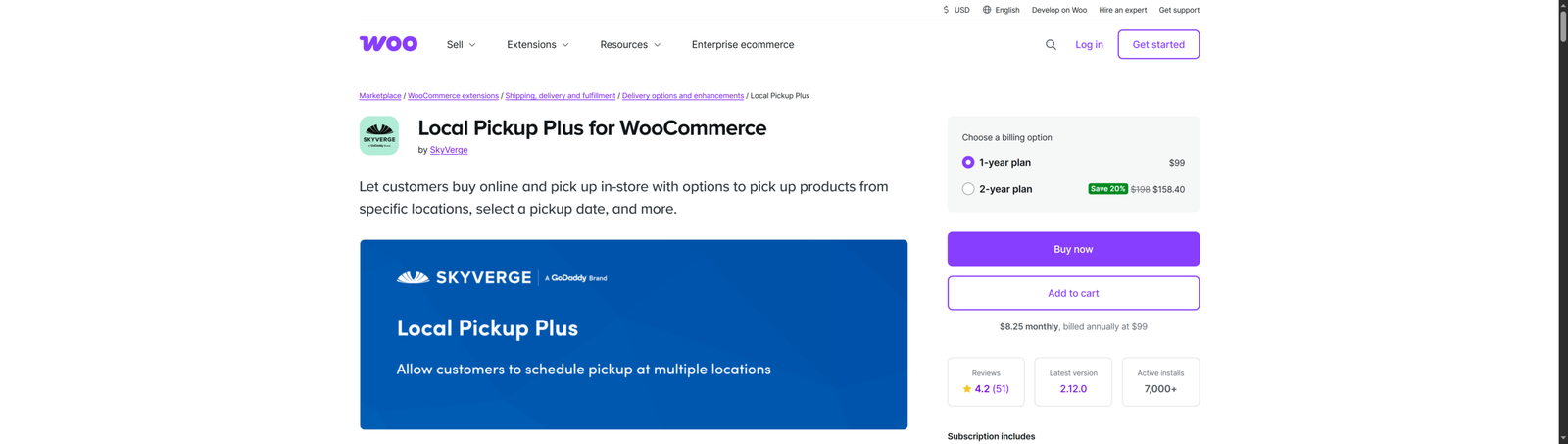
WooCommerce Local Pickup Plus is a premium extension from WooCommerce.com (by SkyVerge, now part of the Woo ecosystem). It’s been around for many years and focuses on a specific use case: letting customers choose not just a pickup location, but also a pickup date and time window.
What WooCommerce Local Pickup Plus Does
The plugin adds multi-location support to WooCommerce’s built-in Local Pickup shipping method. Customers see a list of available pickup locations and can choose which one they prefer. The standout feature is appointment-style pickup scheduling, where customers select a date and time slot for collection. This is particularly useful for businesses where orders need preparation time before pickup.
Key Benefits
- Multi-location support with a location selector at checkout
- Date and time pickup scheduling, customers choose when they’ll collect
- Per-location business hours and availability settings
- Location-specific pickup delays (e.g. “Orders need 2 hours to prepare”)
- Integrates with WooCommerce’s existing Local Pickup shipping method
Pros and Cons
Pros
- Pickup scheduling is the best in its class for date/time slot management
- Solid integration with native WooCommerce shipping methods
- Good documentation and long track record
Cons
- Premium only — no free version
- No automatic nearest-location detection — customers always select manually
- No per-location email notification routing — notifications go to the store admin
- More expensive than alternatives for comparable location management features
3. Zorem Local Pickup
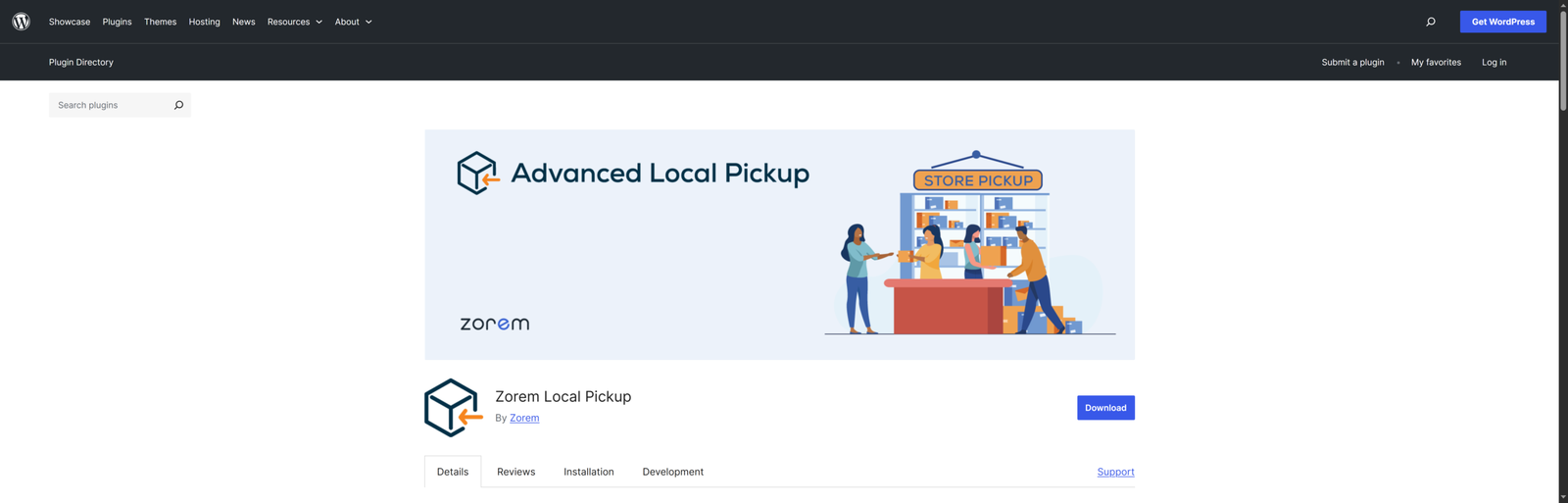
Zorem Local Pickup is a WooCommerce extension designed to improve how online stores manage in-store and curbside pickup orders. Instead of relying on a basic pickup option, it introduces a structured workflow that helps store owners track orders from preparation to collection using clear status updates, automated notifications, and detailed pickup instructions. The plugin enhances customer experience by ensuring buyers always know when their order is ready, where to collect it, and what to expect during pickup, while also giving store owners more control and flexibility over the entire fulfillment process.
What Zorem Local Pickup Does
Zorem Local Pickup transforms WooCommerce’s basic pickup option into a complete local pickup management system, helping stores deliver a faster, smoother, and more professional pickup experience. It automates the entire pickup workflow with custom order statuses, real-time customer notifications, pickup instructions, and location details, ensuring customers always know when and where to collect their orders. From curbside pickup and in-store collection to scheduled pickups, multiple locations, and mixed delivery orders, the plugin helps businesses reduce confusion, improve fulfillment efficiency, and create a seamless customer experience from checkout to pickup.
Key Benefits
- Custom Order Status: Ready for Pickup, Notify customers when their order is ready for collection.
- Custom Order Status: Picked Up, Mark orders as collected after pickup.
- Email Notifications for Custom Statuses – Automatically send emails when pickup statuses change.
- Customize Order Status Emails – Edit email subject lines, headings, and content.
- Pickup Location Setup – Add pickup location names, addresses, business hours, and instructions.
- Customize Pickup Info in Emails – Control how pickup instructions appear in customer emails.
- Display Pickup Instructions on Thank You Page – Show collection details on the order confirmation page.
- Show Pickup Details in Processing Emails – Keep customers informed early during order fulfillment.
Pros and Cons
Pros
- Streamlines local pickup workflows by introducing clear order stages like “Ready for Pickup” and “Picked Up.”
- Automated email notifications and consistent pickup instructions.
- Centralized pickup details (location, hours, instructions) across emails and order pages.
- Supports multiple pickup locations, making it suitable for multi-branch or franchise setups.
- Flexible scheduling and pickup rules, including appointments and product-specific pickup assignments.
Cons
- Advanced features (like multiple locations, scheduling, and product-based rules) are locked behind the PRO version.
- May add operational complexity for very small stores that only need a simple pickup option.
- Requires proper setup and configuration to fully benefit from its workflow system.
- No Automation: Relies on consistent staff discipline (updating order statuses) to function effectively.
4. WC Pickup Store
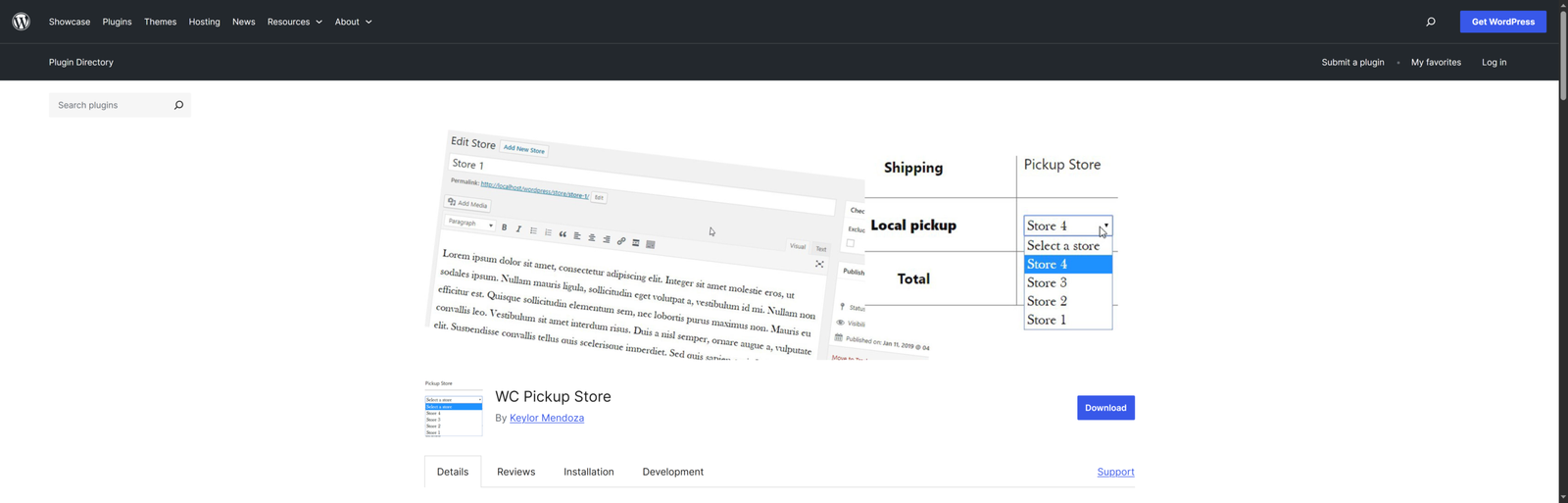
WC Pickup Store is a free WordPress plugin that adds basic pickup location support to WooCommerce. It’s a lightweight option for small stores with two or three locations that need more than WooCommerce’s built-in single-location pickup but don’t yet need automated assignment or advanced notification routing.
What WC Pickup Store Does
The plugin adds a list of pickup locations to the WooCommerce checkout page. Customers select their preferred location from a dropdown or list. Each location has a name and address. There are no advanced features like automatic assignment, per-location notifications, or bulk import.
Key Benefits
- Adds multiple pickup locations to the checkout dropdown
- Per-location name and address display
- Simple admin interface for managing locations
- Free to use with no premium tier
Pros and Cons
Pros
- Completely free with no premium upsell
- Simple to set up
- Adequate for very small stores with two or three static locations
Cons
- No automatic nearest-location detection — customers always choose manually
- No per-location email notifications
- No CSV import
- Limited location fields: no instructions, phone numbers, or custom details
- Not designed to scale beyond a small number of locations
- Development activity is limited compared to actively maintained alternatives
5. WooCommerce Built-In Local Pickup
WooCommerce includes a built-in Local Pickup shipping method. It’s not really a plugin; it’s part of the core WooCommerce installation. When enabled, it adds a “Local Pickup” option to the checkout shipping methods. The customer selects it, the shipping cost is typically set to zero, and the order is marked for pickup.
What the Built-In Pickup Does
WooCommerce introduced improved local pickup support with multiple pickup location addresses in later versions, accessible through WooCommerce → Settings → Shipping. However, the functionality remains basic: locations have an address but no extended details, no GPS coordinates, no per-location notifications, and no automatic assignment logic.
Pros and Cons
Pros
- Already installed — no plugin needed
- Zero cost
- Simple enough for a single-location shop
Cons
- No automatic nearest-location detection
- No per-location email notifications
- No pickup instructions, phone numbers, or custom fields per location
- No CSV import for bulk location management
- Not designed for the workflows of multi-location businesses
Conclusion
The operational advantage of automatic location assignment and per-location email routing is difficult to overstate for businesses at any scale above a single location. Every manual location correction, every missed pickup notification to a branch, every customer who shows up at the wrong store is a small friction that compounds with order volume.
The best plugins for multi-store pickup in WooCommerce solve these problems at the checkout level, before the customer even confirms the order. Auto-Pickup Locations does that more completely and more simply than anything else in this category.
Ready to elevate store pickup for your customers? Install Auto-Pickup Locations today, with setup in under 10 minutes. No API keys, no developer. Get it for free on WordPress.org








