🎁 New: Build Customer Loyalty & Drive Repeat Purchases with WooCommerce. Learn more



Best WooCommerce Payment Gateways in the UK
The UK is Europe’s most mature e‑commerce market, with online retail sales projected to surpass £130 billion in 2025. Digital wallets, Open Banking, and Buy‑Now‑Pay‑Later (BNPL) have fundamentally reshaped how British shoppers pay: 62 % of consumers now prefer cards online, while contactless and mobile wallets account for nearly 40 % of all transactions. Open Banking adoption has reached 31 million payments per month, and 52 % of UK adults now feel comfortable using it. For WooCommerce store owners, this is a blueprint for what must appear at checkout.
If you run a WooCommerce store in the UK, your payment gateway is the single biggest lever on your net profit after product cost. The wrong gateway can quietly drain 3‑5 % of every sale, fail to support Apple Pay or Pay by Bank, trigger unnecessary Strong Customer Authentication (SCA) friction, or leave you with a checkout so clunky that shoppers abandon their cart and buy from a competitor.

This guide breaks down the best WooCommerce payment gateways actively used by UK merchants. We’ll cover features, pricing, and ease of setup. At the end, you’ll know which gateway or combination will maximize your profit.
What Is a WooCommerce Payment Gateway?
In WooCommerce, a payment gateway is the system that enables your store to accept payments for products and services. It integrates into your checkout and handles how transactions are processed, verified, and completed.
However, not all gateways are created equal. Some are built specially for your local market and support local e-wallets and online banking. Others are international gateways that may not even work with local stores.
Read on for a full breakdown of each gateway, including features and pricing.
1. Direct Payments for WooCommerce (Editor's Pick)
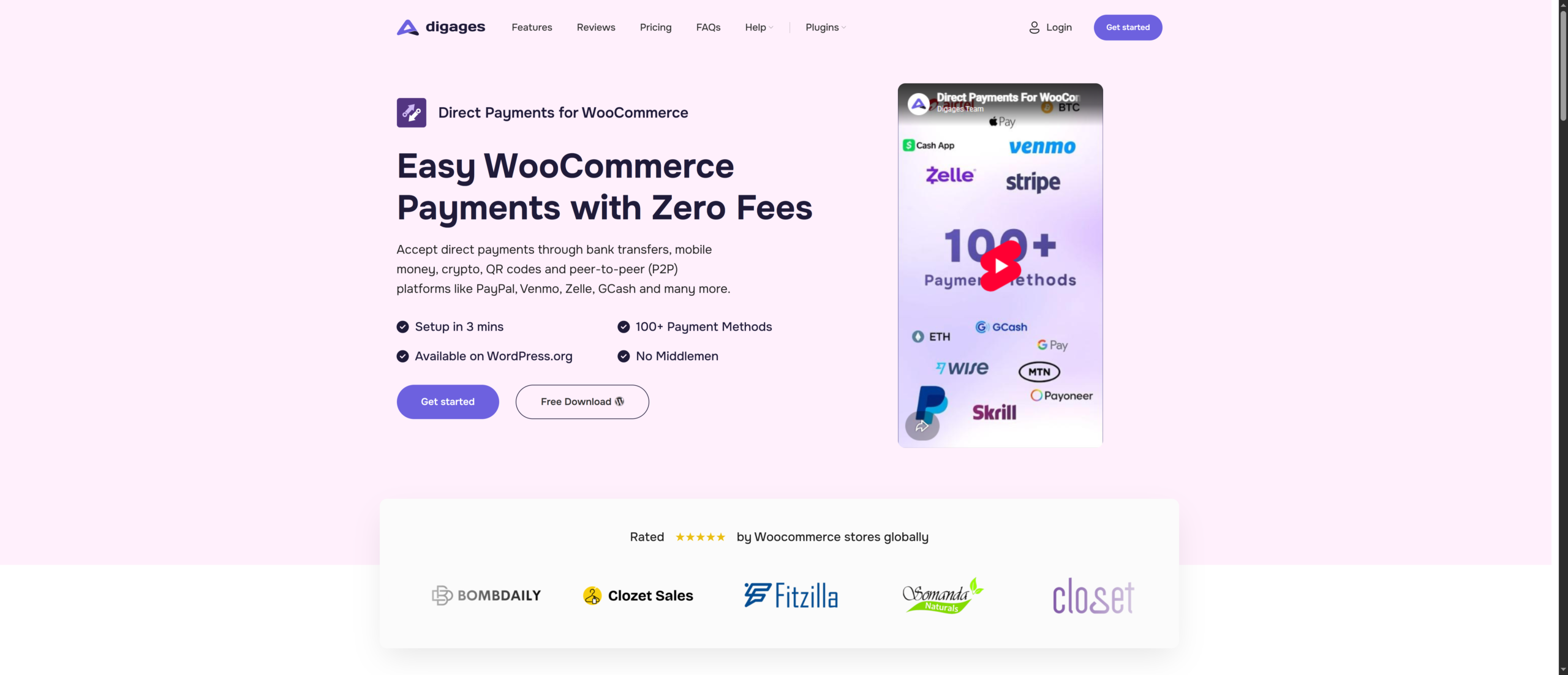
Zero fees. No API keys. Accept UK Bank Transfers, PayPal peer‑to‑peer, Revolut, and more in minutes. If you’re a UK WooCommerce owner tired of losing 1.4‑4 % of every sale to transaction fees, Direct Payments for WooCommerce is the plugin you didn’t know you needed.
Direct Payments for WooCommerce works differently from every other gateway on this list. Instead of routing your customer’s payment through a third‑party processor (and charging you for the privilege), it displays your own payment details , your UK bank account number, your Revolut handle, your PayPal, your crypto wallet, in a pop‑up at checkout. The customer sends the payment directly to you. Once you see the funds arrive, you confirm the order in your WordPress dashboard. There are zero transaction fees. Full stop.
How It Works for UK Store Owners
At checkout, the customer selects “Direct Payments”. A pop‑up shows your payment instructions. The customer pays via Faster Payments, PayPal P2P, Revolut, Monzo, Starling, Wise, or any method you’ve listed. You verify receipt and fulfil—no card networks, no interchange fees, no gateway skimming 3 % off the top.
This model is particularly powerful for UK merchants because:
- Faster Payments allows near‑instant, 24/7 Bank Transfers between UK accounts, so customers see “pay by bank” as a legitimate, familiar option.
- Open Banking adoption has surged, with customers increasingly comfortable paying directly from their banking apps.
- No FCA merchant account required: you’re not “acquiring” payments; customers are paying you directly.
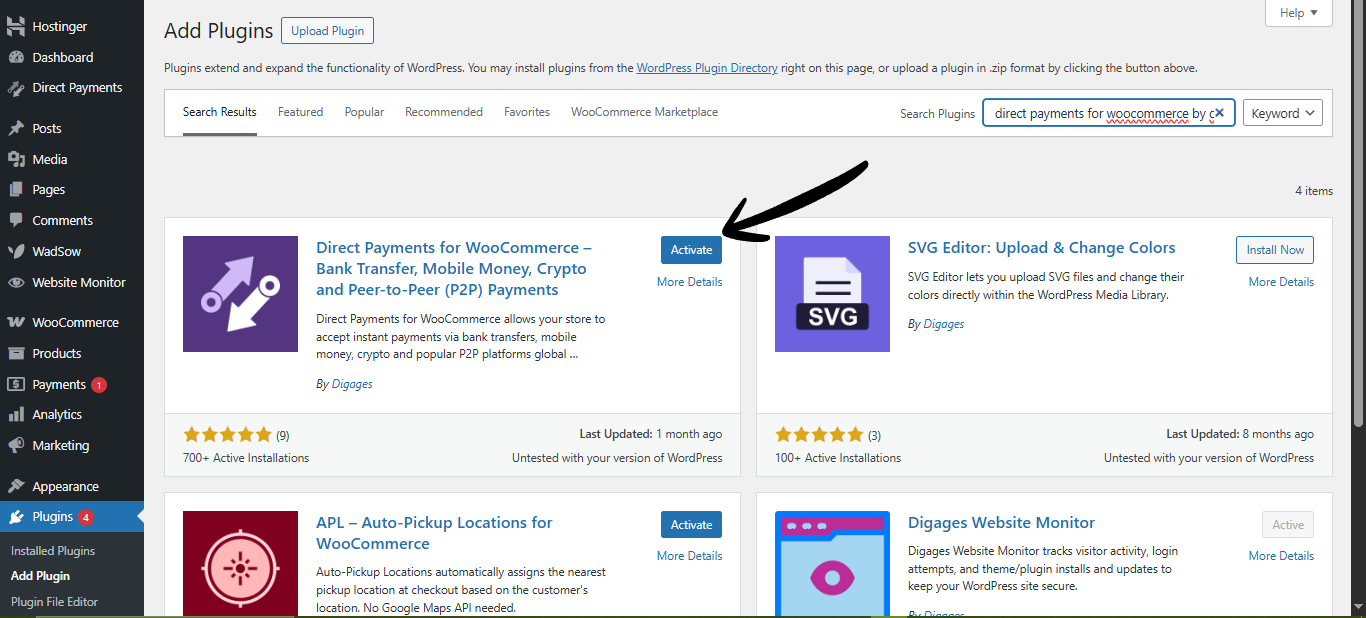
- No API keys, no KYC, no PCI burden: install the plugin, enter your bank details, and you’re live in under 3 minutes.
Key Benefits
- No setup fees or monthly fees, 0% Transaction Fees, keep every payment you receive with zero processing charges.
- No Coding Required, no API Keys needed, no integrations, no developer needed.
- Fast Setup in Under 3 Minutes. Install, configure, and start accepting payments quickly.
- No KYC or Approval Process. Install the plugin and begin accepting payments immediately.
- WooCommerce Dashboard Control. Confirm or cancel orders directly from your WordPress admin area.
- 100+ Payment Methods Supported. Add as many payment accounts and payment options as your business needs.
Pricing
Direct Payments for WooCommerce lets you keep 100% of your revenue with no transaction fees or hidden costs. Give your WooCommerce store the freedom to accept payments your way, all set up in under 3 mins – Get started now
2. Stripe
The developer’s choice. The default. The one almost everyone starts with. Stripe needs little introduction. It’s the de facto payment gateway for WooCommerce stores globally, with extensive APIs, support for 135+ currencies, and a mature UK operation. For most UK stores, Stripe is the “safe bet” that just works.
Stripe was founded in 2010 with a mission to remove the “pain” from payment processing. Stripe is now trusted by millions of businesses worldwide, from solo entrepreneurs to Amazon and Shopify.
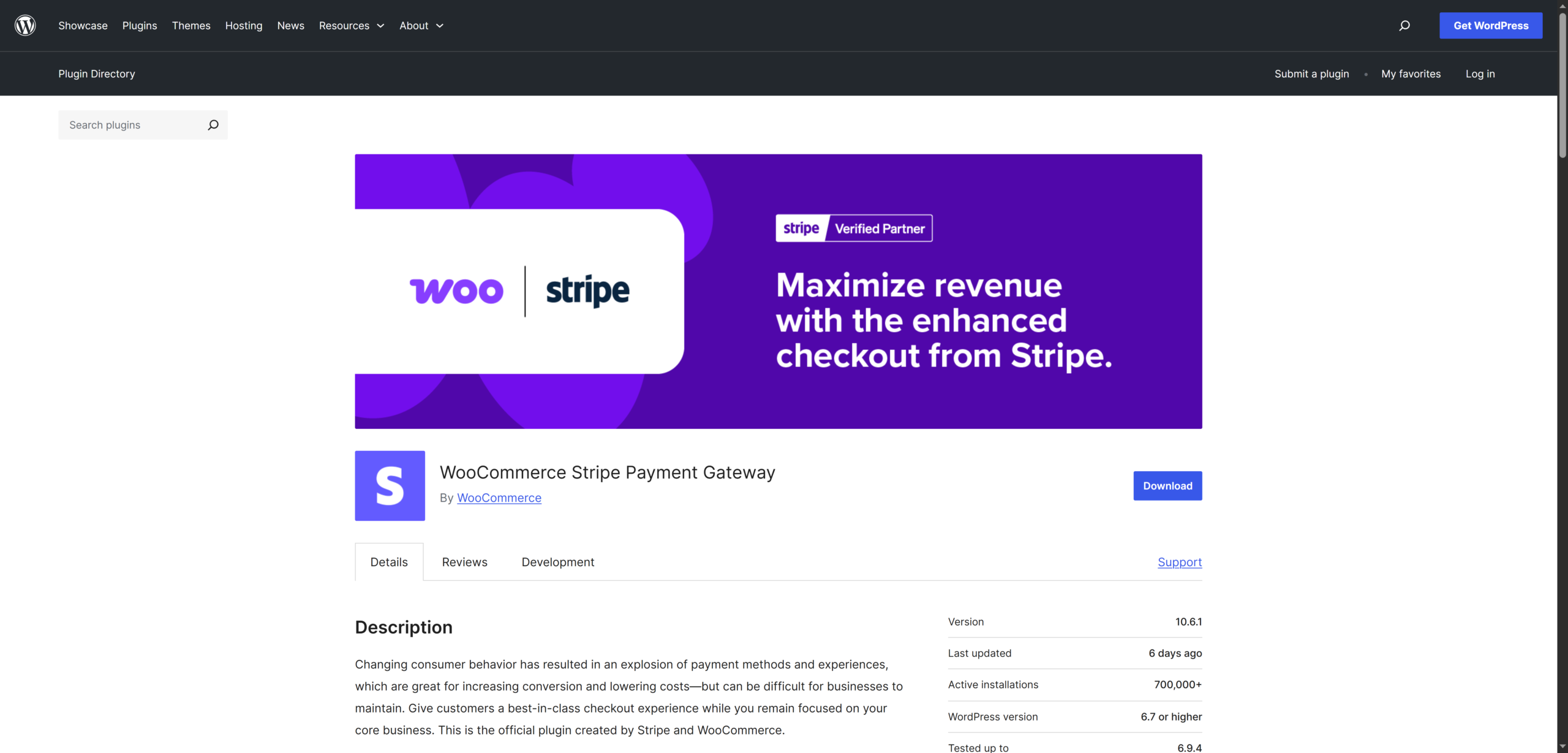
For WooCommerce, Stripe offers a free official plugin at WordPress.org that integrates seamlessly. Customers never leave your website during checkout, which keeps the experience smooth and reduces abandonment. Stripe’s Radar fraud detection engine uses machine learning to flag suspicious transactions automatically, and its support for 135+ currencies makes it a natural fit for UK stores with international customers.
Key Benefits
- UK card fees: 1.5 % + £0.20 per transaction.
- Supports Apple Pay, Google Pay, Link (1‑click), Klarna, and subscriptions.
- Advanced fraud detection with Stripe Radar.
- Strong SCA and 3D Secure handling that generally works well.
- Extensive developer tools and customization options.
- 45+ countries, 135+ currencies.
Pricing
Stripe’s 1.5 % + £0.20 for UK cards is competitive, but the blended cost can climb quickly. EEA cards cost 2.5 % + £0.20, and international cards cost 3.25 % + £0.20. Add a 2 % currency conversion fee on foreign transactions. Chargebacks cost £20 each, and refunds don’t refund the fixed fee. For a store doing £10,000/month in UK sales, Stripe costs roughly £152/month. With a 30 % international card mix, that figure jumps closer to £190–220/month.
3. WooPayments (WooCommerce Payments)
Everything inside WooCommerce. No separate dashboard.
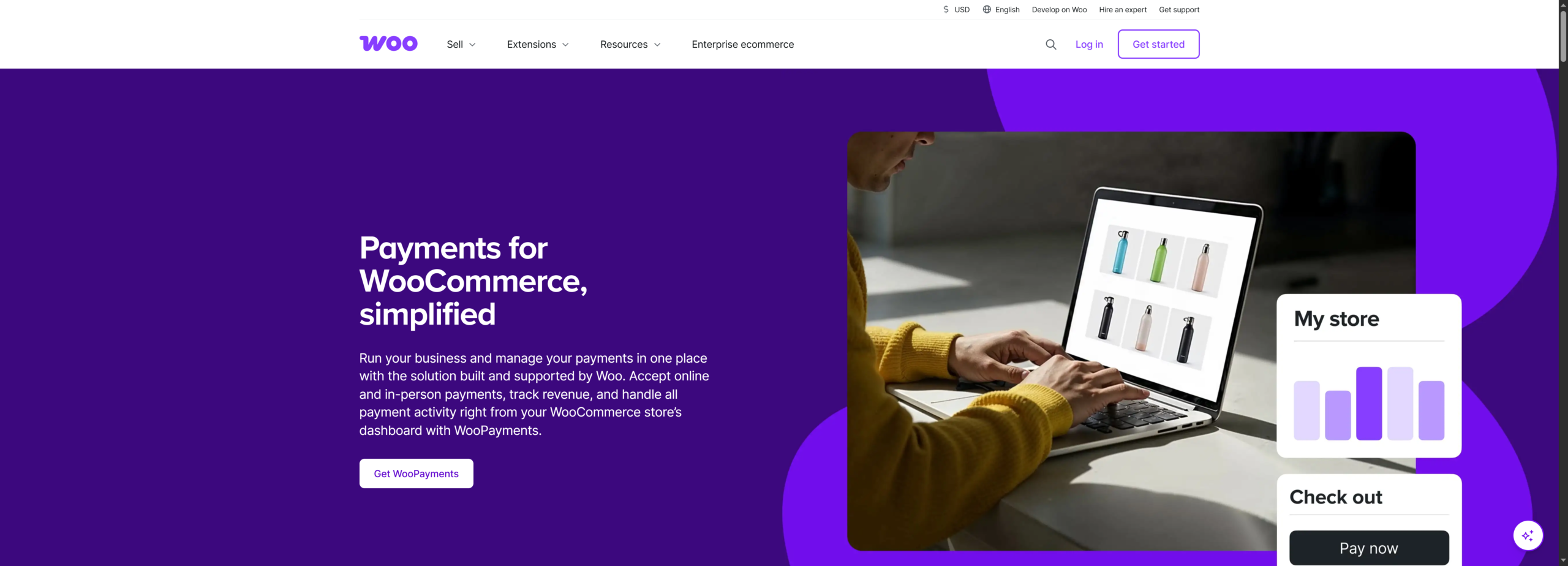
WooPayments is the official payment gateway built by Automattic, the company behind WooCommerce. Powered by Stripe’s infrastructure under the hood, it offers WooCommerce store owners a deeply integrated payment experience, all managed directly from the WordPress dashboard without setting up a separate Stripe account.
For new WooCommerce store owners who want to accept card payments as quickly as possible with minimal configuration, WooPayments is the path of least resistance. Everything, transactions, refunds, disputes, deposits, and reporting, lives inside your WooCommerce dashboard.
Key Benefits
- UK card fees: 1.75 % + £0.30.
- Supports major credit/debit cards, Apple Pay, and Google Pay.
- One‑click activation from the WooCommerce dashboard.
- Instant deposits available.
- Available in 38 countries.
Pricing
WooPayments is slightly more expensive than raw Stripe for UK cards (1.75 % + £0.30 vs. 1.5 % + £0.20). On £10,000/month in domestic sales, you’re paying about £205/month vs. Stripe’s £152. The premium buys you the all‑in‑one admin experience. Whether that’s worth it depends on how much you value operational simplicity.
4. PayPal
PayPal remains one of the strongest “trust levers” you can add to a UK checkout. With over 400 million active accounts globally, a percentage of shoppers actively look for the PayPal button, especially on mobile or when buying from unfamiliar brands. For UK stores serving the “silver surfer” demographic, expat communities, or international buyers, PayPal is often non‑negotiable.
For WooCommerce, PayPal Payments is available at WordPress.org, and it offers a comprehensive plugin that combines multiple PayPal products in one integration: PayPal standard checkout, PayPal Pay Later (Buy Now Pay Later), etc.
Key Features
- UK transaction fee: 2.9 % + £0.30. Supports PayPal balance, cards, and Pay in 3 (instalments).
- Available in 200+ countries.
- Instant fund access in your PayPal business account.
- Buyer protection and dispute resolution are managed by PayPal.
Pricing
PayPal is the most expensive gateway on this list for domestic UK transactions. On £10,000/month in UK sales, you’d pay approximately £293/month – nearly double Stripe. International fees climb to 4.19 % + £0.30. Withdrawing funds from PayPal to a UK bank account may incur additional fees depending on your setup.
5. Square
Square started as a mobile card reader company and has evolved into a comprehensive commerce platform. If you run a physical retail store, a restaurant, a salon, or any brick-and-mortar business alongside your WooCommerce store, Square’s unified ecosystem is genuinely hard to beat.
The WooCommerce Square plugin is available at WordPress.org, and it syncs your product catalog bidirectionally between your physical Square POS and your online store. Inventory updates in-store automatically reflect online, and vice versa. For a UK retailer managing both channels, this eliminates a significant operational headache.
Key Benefits
- UK card fee: 1.4 % + £0.25 – the lowest percentage rate on this list.
- WooCommerce plugin for online and in‑store payments.
- Accepts credit/debit cards, Apple Pay, and Google Pay.
- Instant deposits and unified reporting.
- PCI DSS Level 1, 3D Secure, built‑in fraud prevention.
Pricing
Square’s 1.4 % + £0.25 is the lowest percentage rate for UK cards, but the £0.25 fixed fee is slightly higher than Stripe’s £0.20. For higher‑value orders,
the lower percentage wins; for very low‑value orders, the fixed fee matters
more. International cards cost 2.5 % + £0.25.
6. Mollie
European sophistication. Multi‑method without the multi‑account headache.
Mollie is a European payment powerhouse now available in the UK. It’s particularly compelling for WooCommerce stores that sell across the UK and EU, offering localized payment methods through a single integration.
The WooCommerce plugin is available at WordPress.org, and you can accept a wide range of international and local payment methods, including credit and debit cards, PayPal, SEPA Bank Transfers, iDEAL, and Klarna. Beyond basic payments, Mollie occasionally offers business accounts with features like 2% cashback, capital funding for growth, and automated invoicing.
Key Benefits
- UK card fees: 1.2 % + £0.20 – the lowest headline rate on this list.
- 20+ payment methods: cards, PayPal, Klarna, Apple Pay, iDEAL, Bancontact.
- No monthly fees, no setup fees – purely pay‑per‑transaction fees.
- Recurring payments and subscription support.
- PCI DSS Level 1, 3D Secure, AI‑powered fraud detection.
Pricing
At 1.2 % + £0.20 for UK consumer cards, Mollie is cheaper than Stripe for UK transactions. However, UK domestic commercial cards and European cards jump to 2.9 % + £0.20, and “other” cards cost 3.25 % + £0.20. If your card mix is heavily UK consumer‑issued, Mollie can be the cheapest automated gateway available.
How to Pick the Best WooCommerce Payment Gateway for Your UK Store
With several strong options available, the right WooCommerce payment gateway depends on your business model, margins, and customer expectations. Below are the key factors that matter most:
1. Transaction Fees and Your Profit Margin
Fees compound quickly at scale. A 1.5% fee on a £150 order costs £2.25. At 500 orders per month, that’s £1,125 lost to processing fees. For stores with tight margins or high average order values, reducing or eliminating fees has a direct impact on profitability. Zero-fee models are particularly effective for bank transfer-based payments.
Winner: Direct Payments for WooCommerce
2. Which Payment Methods Do Your Customers Actually Use?
UK consumers expect a mix of payment options. Cards remain dominant, but Apple Pay, Google Pay, and Open Banking (Pay by Bank) are increasingly standard, especially on mobile. If your checkout does not support the methods your customers prefer, conversion rates will suffer.
Winner: Direct Payments for WooCommerce
3. Ease of Setup and Onboarding Speed
Some gateways require FCA verification, business documentation, and merchant account approval, which can delay launch. Others allow you to start accepting payments almost immediately with minimal configuration. For fast deployment and minimal friction, simplicity matters.
Winner: WooPayments
4. Do You Have a Physical Store Too?
If you operate both online and offline, syncing inventory and payments across channels becomes critical. A unified system reduces operational overhead and prevents stock inconsistencies. For hybrid retail models, this is a major efficiency factor.
Winner: Square
5. Do You Need Recurring Billing or Subscriptions?
Subscription-based businesses require reliable recurring billing, automated renewals, and strong dispute handling. While several gateways support this, trust and reliability play a major role in customer retention for recurring payments.
Winner: PayPal
Conclusion
The real advantage often comes from combining gateways, not choosing only one. Many successful UK WooCommerce stores use a primary automated gateway for cards and wallets, then add a low-fee or zero-fee direct payment option to protect margins and give customers more choice.
Your checkout is not just a payment page; it is a profit engine. Review your fees, study how your customers prefer to pay, and choose the gateway setup that increases conversions while preserving revenue. The stores that optimize payments early usually outperform the ones that treat it as an afterthought.
Ready to start accepting payments with zero transaction fees? Install Direct Payments for WooCommerce today, with setup in under 3 minutes. No API keys, no KYC, no transaction fees.








