🎁 New: Build Customer Loyalty & Drive Repeat Purchases with WooCommerce. Learn more



On this page
Direct Payments WP vs Fluent Forms
You already have a WordPress site, and now you need to get paid through it. Maybe you sell consulting hours, take event registrations, or accept donations for a small organisation. You search for a solution, and two very different kinds of plugins appear: a full form builder that can also take payments, and a plugin built specifically to collect payments and little else.
Fluent Forms is a general-purpose form builder with a payments module; meanwhile, Direct Payments WP, from Digages, is a payment-collection plugin that uses forms as its front door. Both can put a payment form on a page, but they differ about how the money should travel.
This article walks through what each plugin does, where they differ, what they cost, and who should pick which. Both products update often, so confirm anything that affects a purchase before you buy.
Understanding Both Plugins
Direct Payments WP
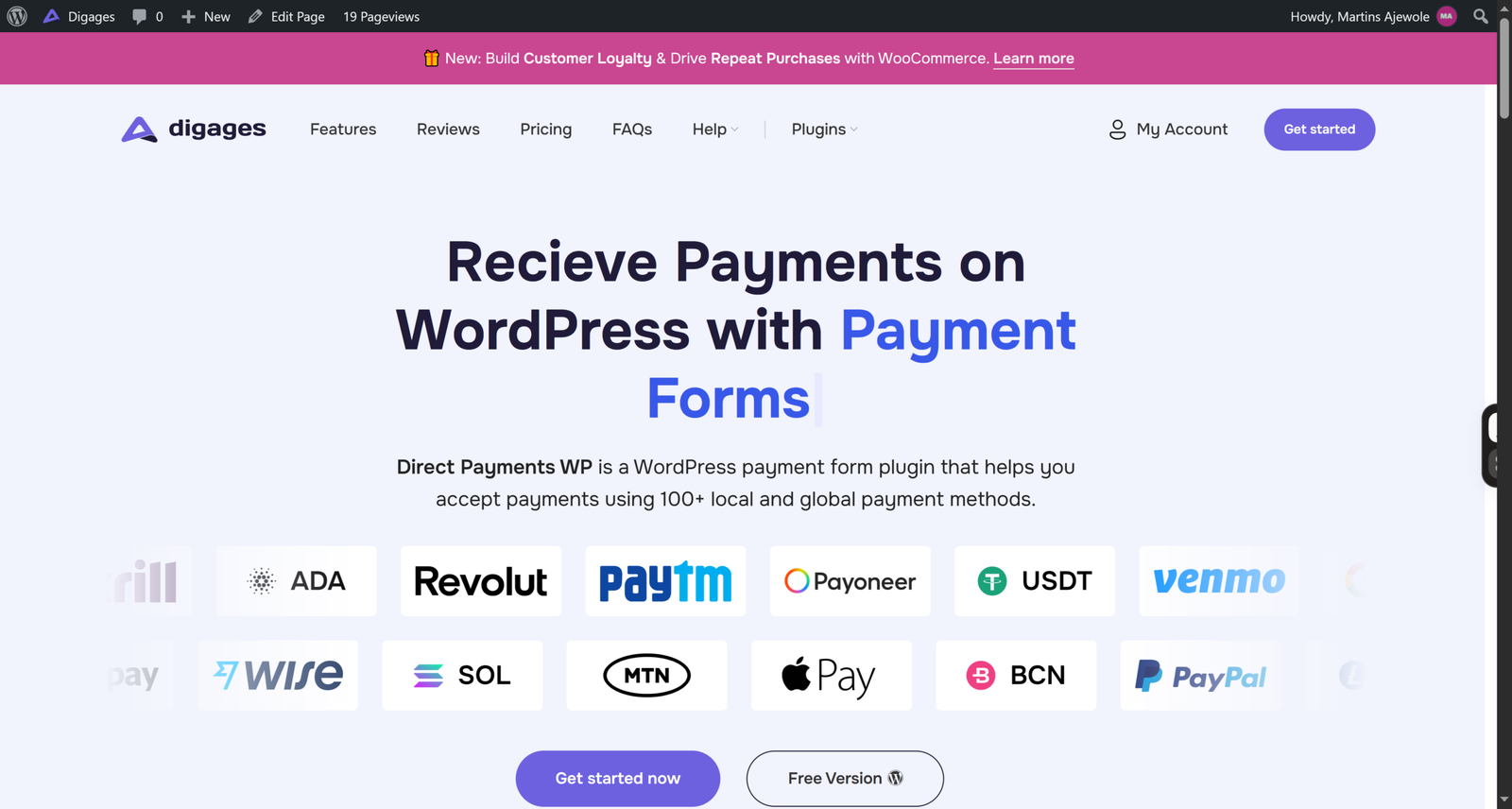
Direct Payments WP is a WordPress plugin for receiving payments through forms. You can build payment forms, order forms, and donation forms all without code, and the plugin supports 100+ local and global payment methods with no transaction fees from the plugin itself.
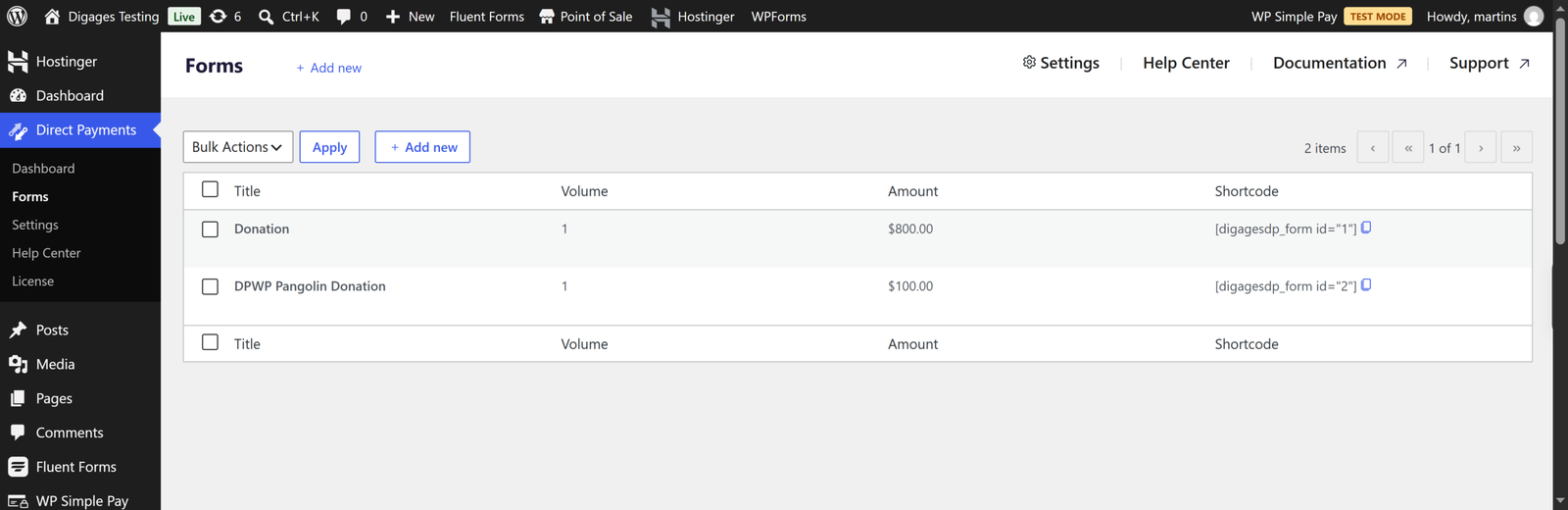
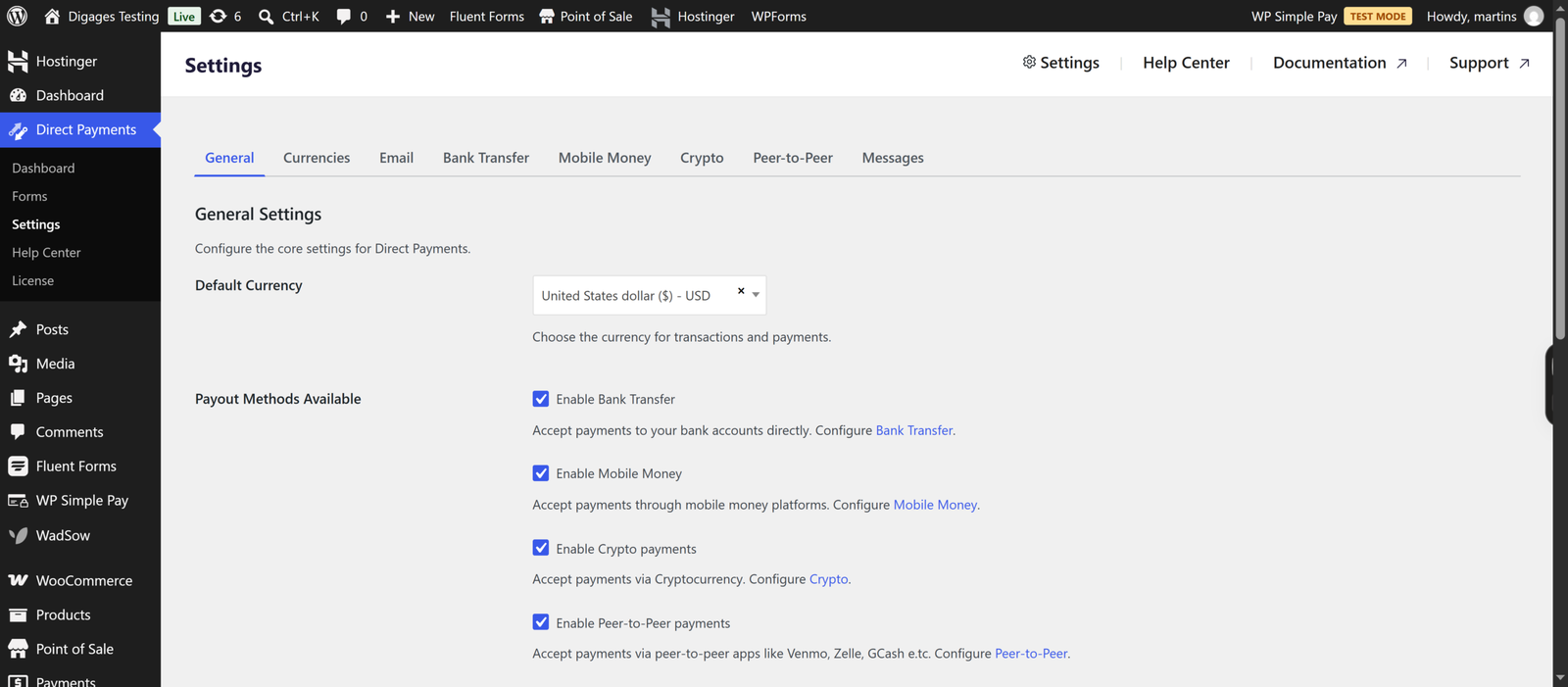
Basically, you configure payment methods in four categories: bank transfer, mobile money, peer-to-peer (P2P) apps, and crypto. You create a form under Direct Payments > Forms, and the plugin gives you a shortcode in the form [dpwp_form id="1"] to paste into a page or post. When a visitor submits the form, they see a payment popup and pay using the method they pick. You then confirm or cancel payments from your WordPress dashboard.
Free and Pro versions exist. The Pro version adds Unlimited Payment Methods and Multiple Currencies, with Telegram notifications and configurable payment receipts.
Fluent Forms
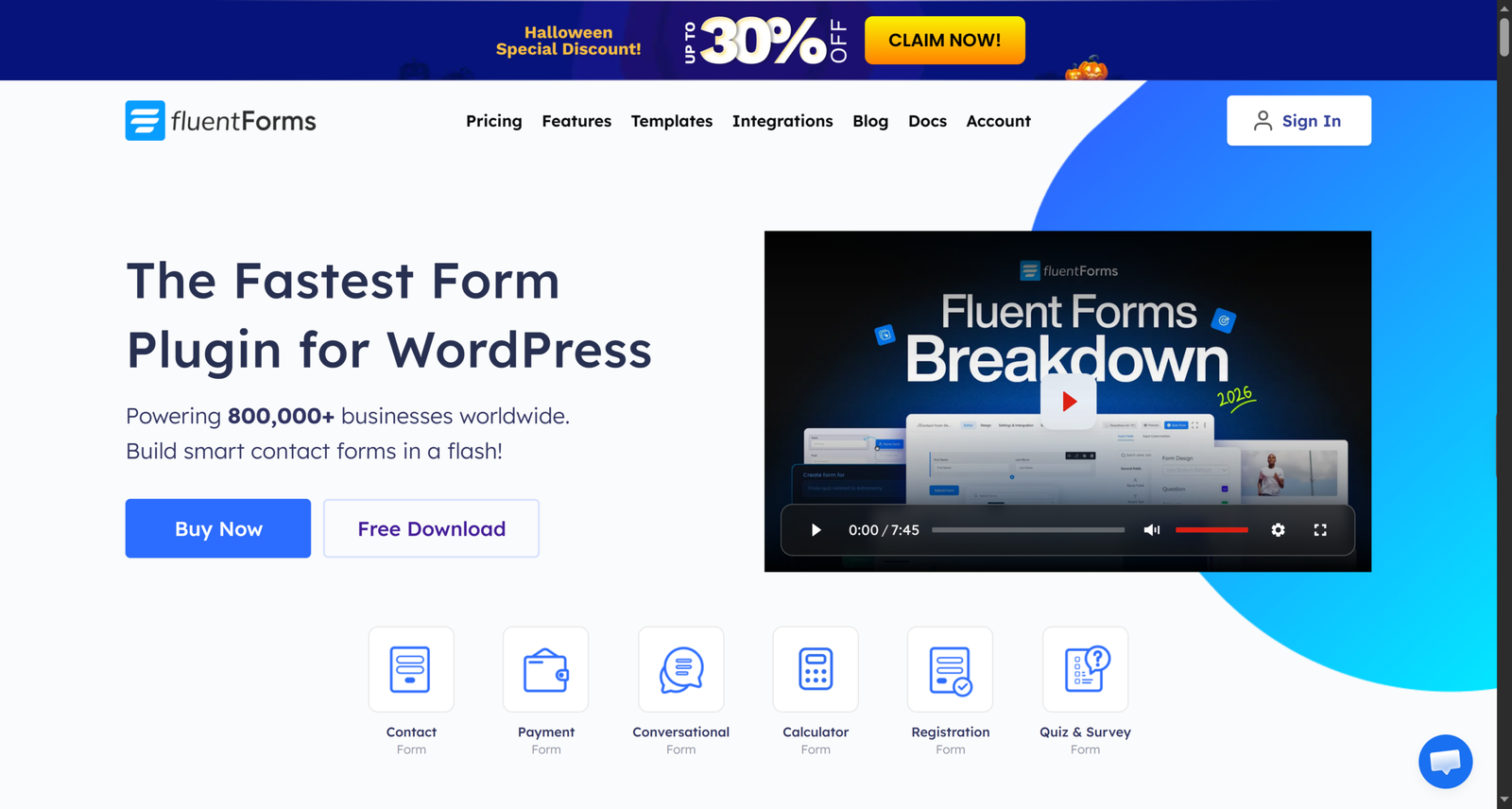
Fluent Forms is a widely used drag-and-drop form builder. Payments are one of many capabilities: contact forms, surveys, quizzes, conversational forms, registration forms, and more. Its payments documentation describes one-time payments, subscriptions, and donations collected inside forms, with fields for payment items, custom amounts, quantities, subscriptions, a payment method selector, and a payment summary.
Fluent Forms connects to payment gateways like PayPal, Stripe, Razorpay, Paddle, Square, Paystack, Mollie, and Authorize.net. Stripe is available in the free version with an additional 1.9% transaction fee, which the Pro version removes.
Key Differences
The simplest way to frame the choice is this: Fluent Forms routes payments through payment gateways, while Direct Payments WP is designed for direct payment methods.
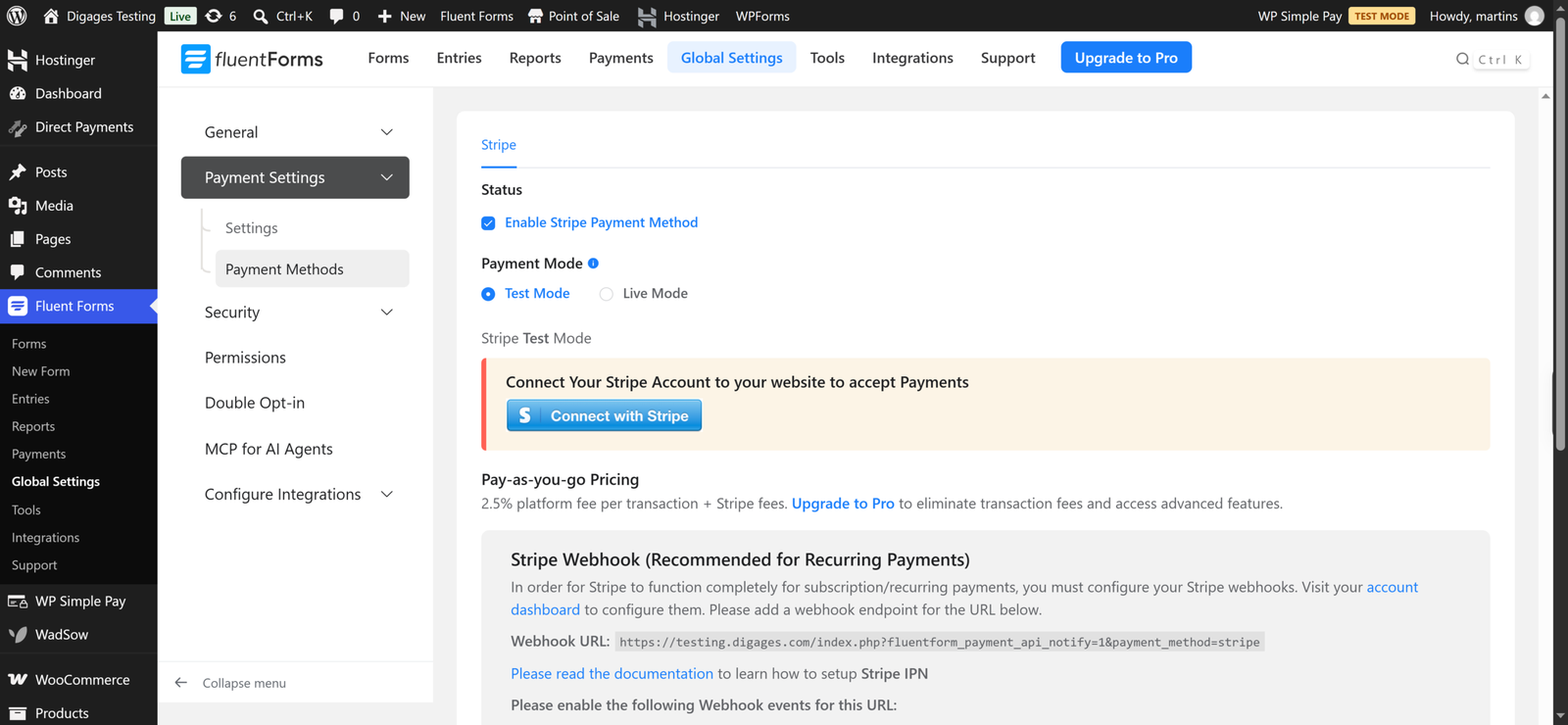
With Fluent Forms, a customer typically pays by card or wallet through a processor such as Stripe or PayPal. The processor verifies the payment and tells the form it succeeded. Your site needs an account with the gateway, and you pay the gateway’s fees.
With Direct Payments WP, the workflow is closer to “show the customer where to send money, then confirm it arrived.” The customer picks a bank transfer, mobile money, P2P, or crypto option, and you review and confirm the payment in the dashboard. That suits merchants whose customers prefer local rails such as mobile money, or businesses that cannot easily open a card-processor account.
The second difference is scope. Fluent Forms will also build your contact form, newsletter signup, quiz, and registration form. Direct Payments WP focuses on payment collection and does not set out to replace your general form builder.
Head-to-Head Comparison
Installation and Initial Setup
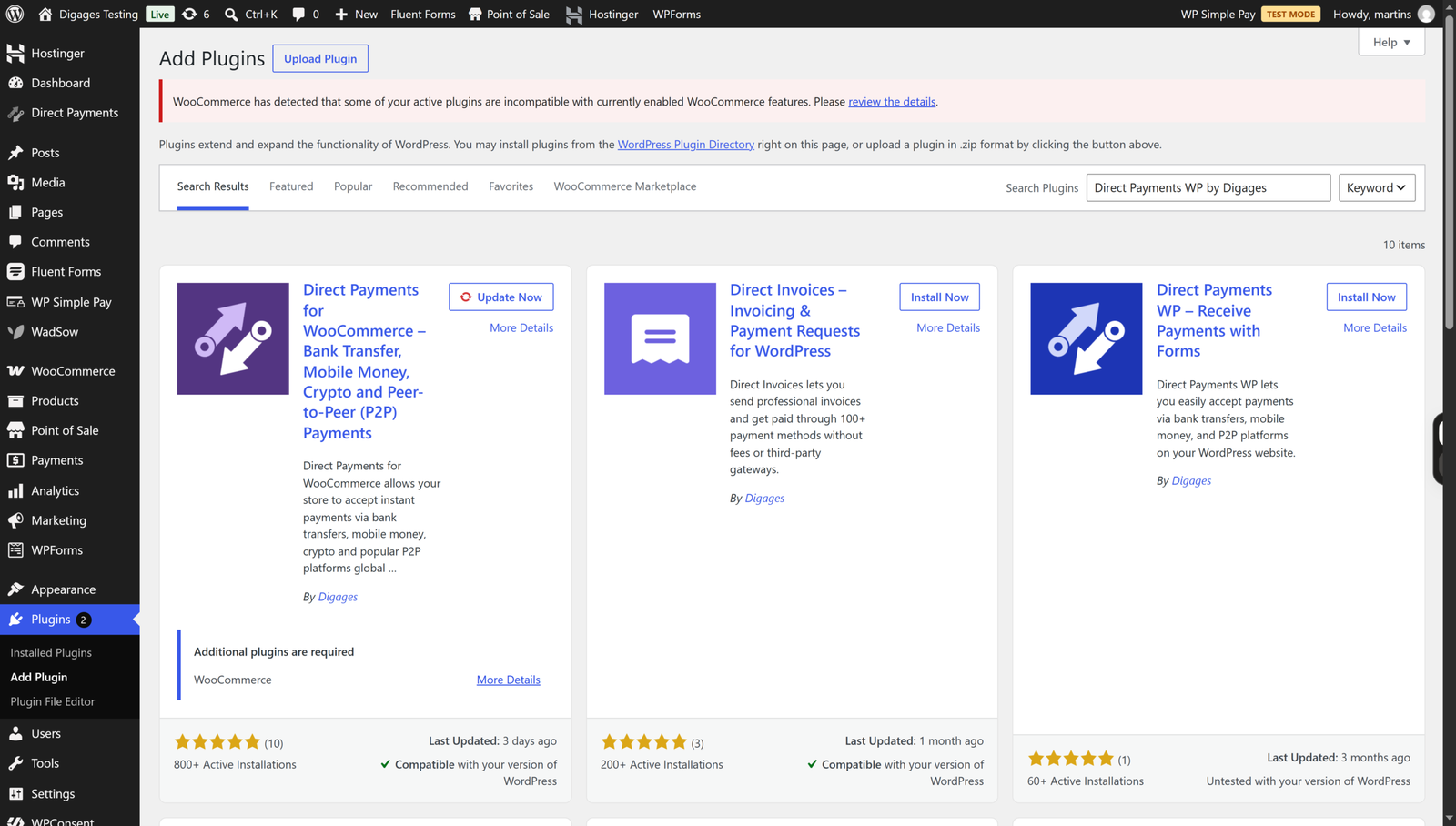
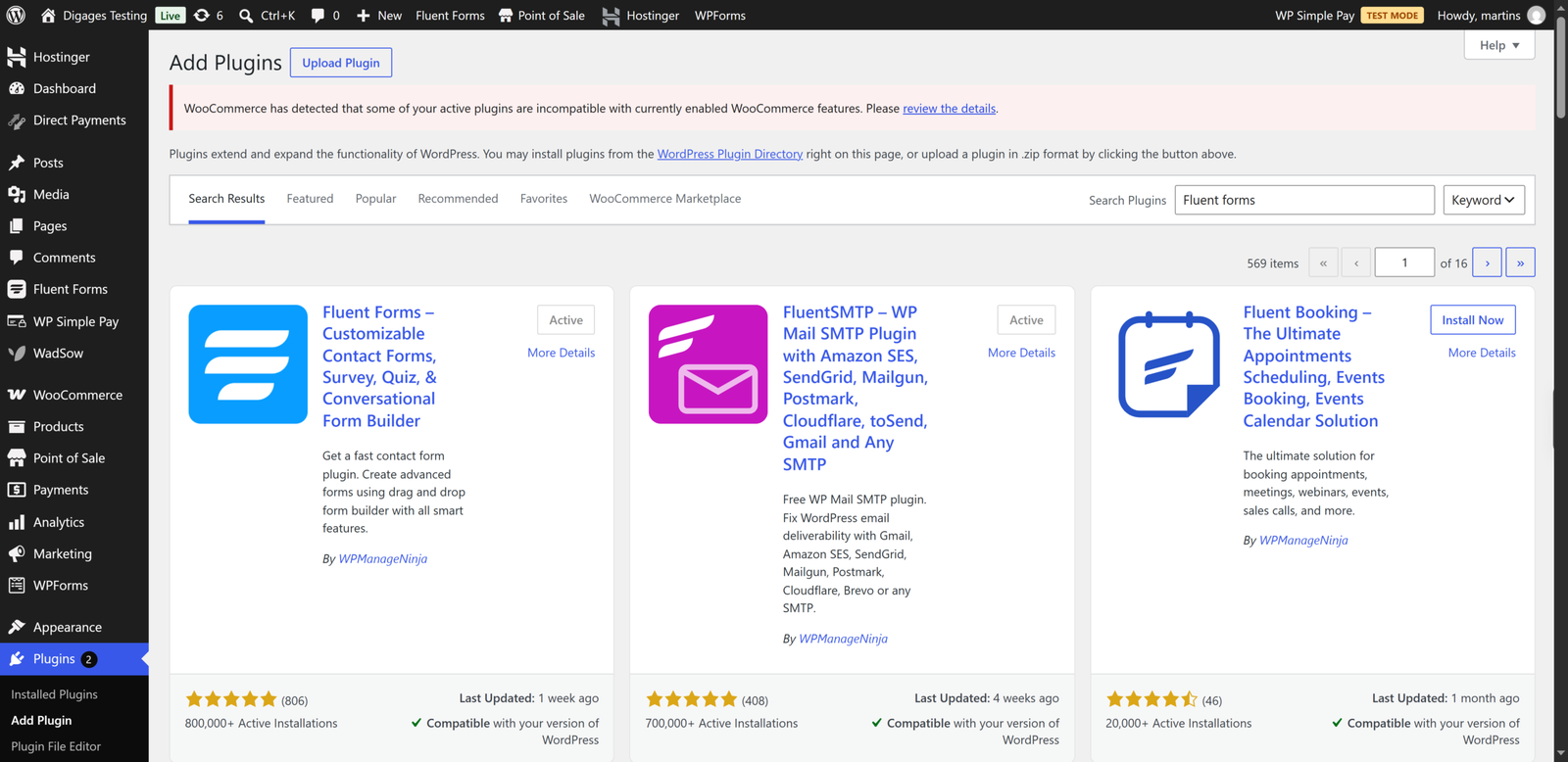
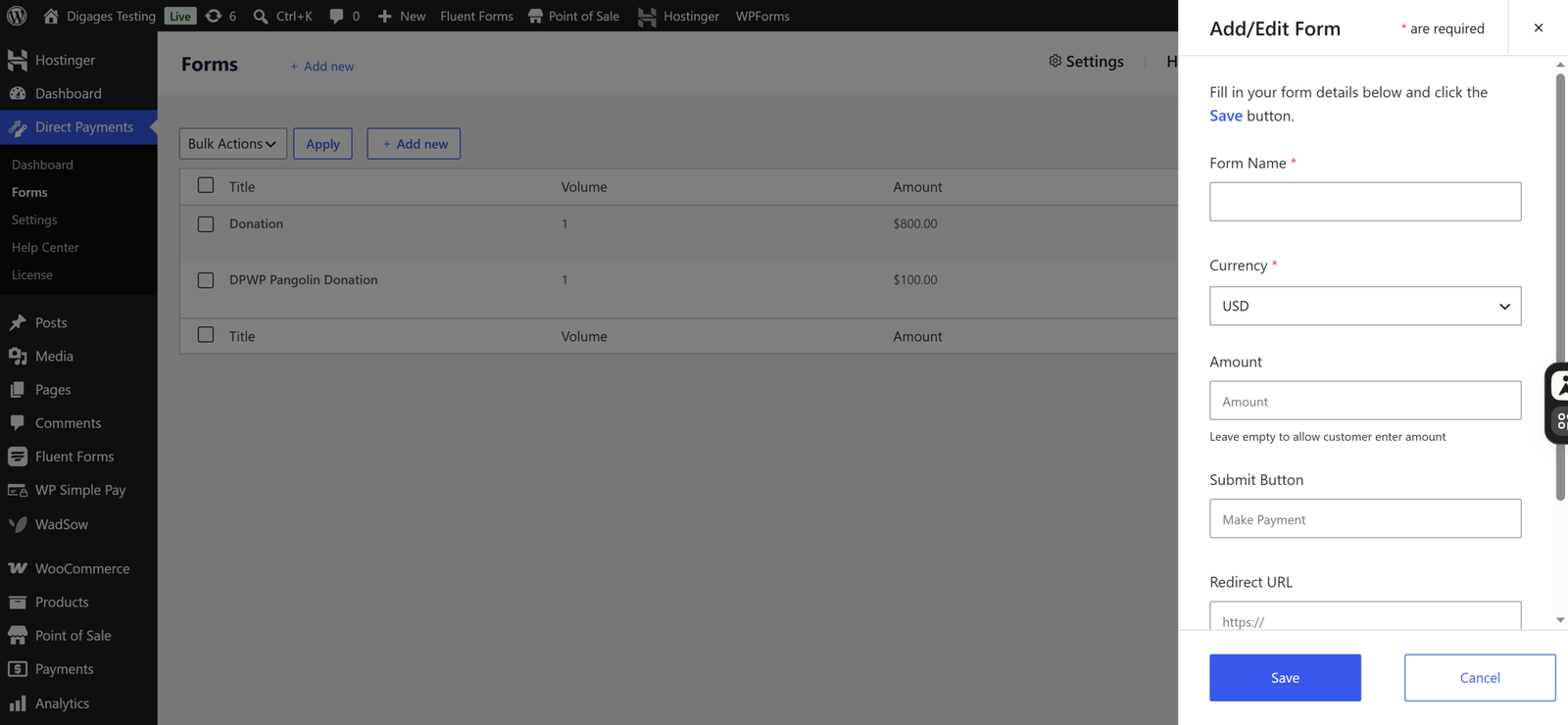
Direct Payments WP installs like any plugin: search for “Direct Payments WP by Digages” in the dashboard or upload the ZIP, then activate. Setup is three steps in the documentation: add payment methods, create a form, paste the shortcode. There are no API keys to generate, which the Digages site highlights.
Fluent Forms installs the same way, but taking payments adds a gateway connection step. Its documentation describes a one-click connect flow for Stripe, and other gateways need credentials from the provider. That is routine for anyone who has used a payment gateway, though first-timers may find it more involved than listing a bank account.
This means a freelancer who only wants clients to pay invoices by bank transfer or a P2P app can be live in one sitting with Direct Payments WP. A shop owner who wants card payments with automatic confirmation will need a gateway account regardless, which points to Fluent Forms.
Ease of Use
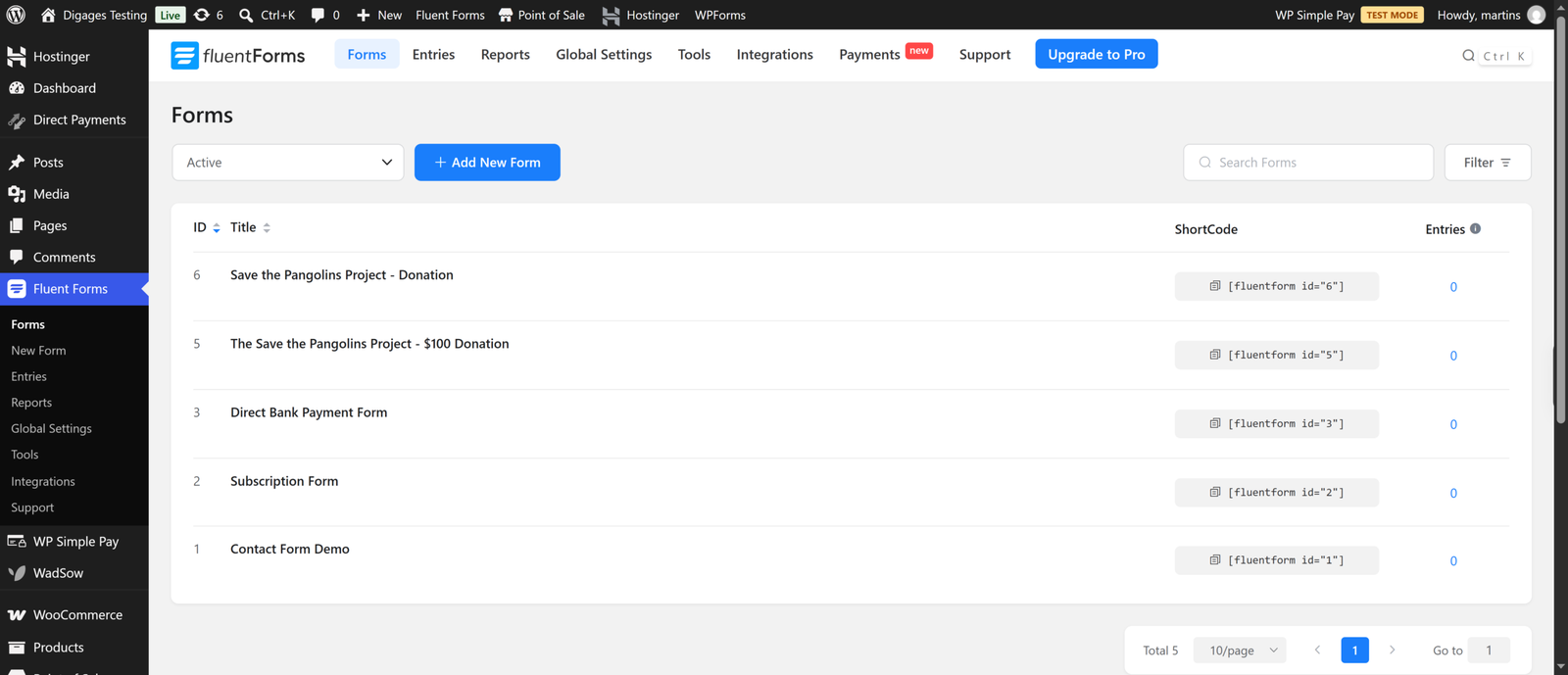
Both plugins avoid code. Fluent Forms has the larger interface because it does more: dozens of field types, conditional logic and styling options. That is a strength if you need it and extra surface area if you do not.
Direct Payments WP has a narrower interface. You work with a payment methods tab, a forms list and a settings area. The Digages documentation also notes that Direct Payments WP and Direct Payments for WooCommerce share a similar interface, so tutorials for one carry over to the other, which helps if you later add a WooCommerce store.
Payment Collection and Supported Methods
This is where the plugins diverge most.
Direct Payments WP documents four categories: bank transfer, mobile money, P2P and crypto. The product page lists logos including Zelle, Venmo, Cash App, GCash, MTN, Wise, Payoneer, PayPal, Apple Pay and Google Pay. Digages describes these as direct payment methods that you configure with your own account details, which is why the plugin can advertise zero plugin-level transaction fees. We did not find documentation of an automatic card-processor integration for this plugin, so treat that as outside its documented scope.
Fluent Forms supports card and wallet payments through gateways, plus recurring subscriptions. Its reports module includes a payments section, and Pro unlocks the full gateway list. Bank transfer and mobile money are not what it is built around, though some regional gateways such as Paystack and Razorpay cover local needs in certain countries.
Example: a Ghanaian or Filipino small business whose customers pay with MTN MoMo or GCash is describing the situation Direct Payments WP was built around. A UK training company that wants to charge cards and offer monthly instalments is describing what Fluent Forms with Stripe does well.
Payment Forms and Customisation
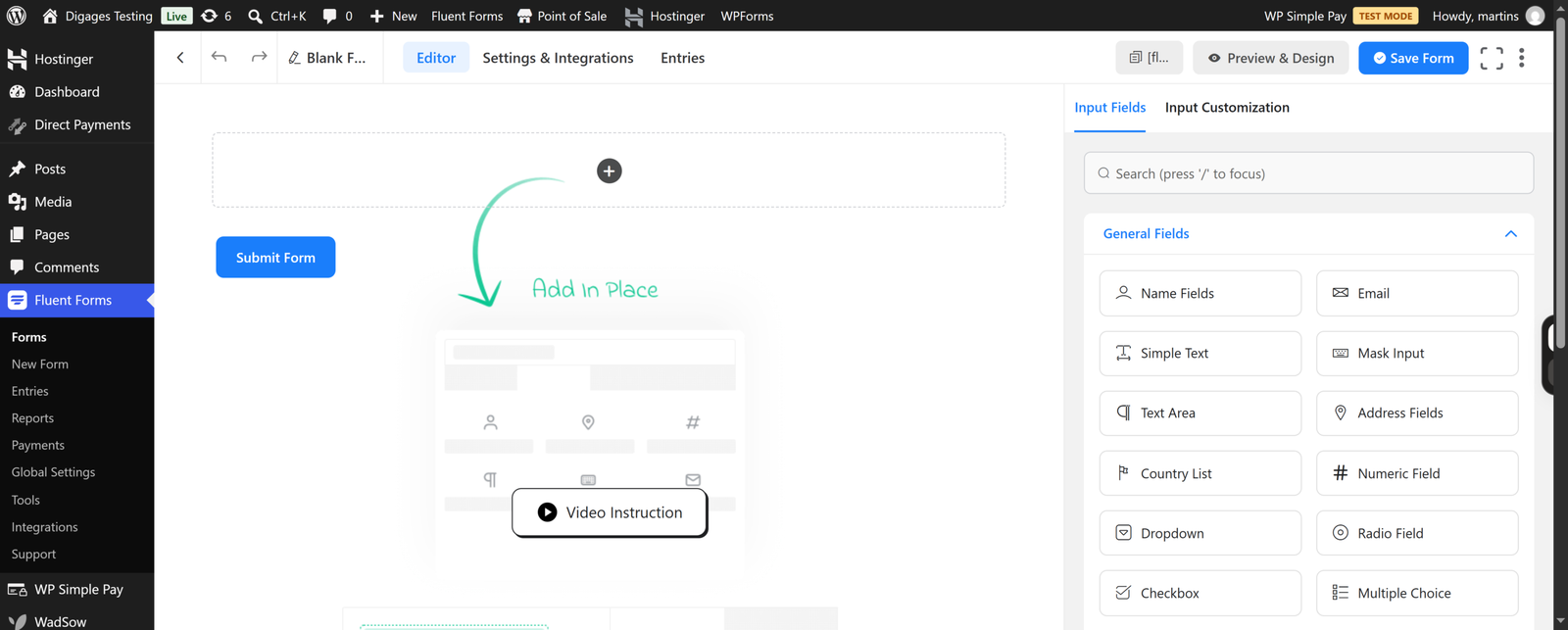
Fluent Forms offers far richer form design: conditional logic, multi-step forms, conversational layouts and a styler. If your payment form needs to ask different questions depending on the product chosen, Fluent Forms has the advantage.
Direct Payments WP lets you create payment, order and donation forms, and its payment popup is part of the experience. It is simpler by design. If your form is “name, email, amount, choose how to pay,” that simplicity is a feature.
Payment Management
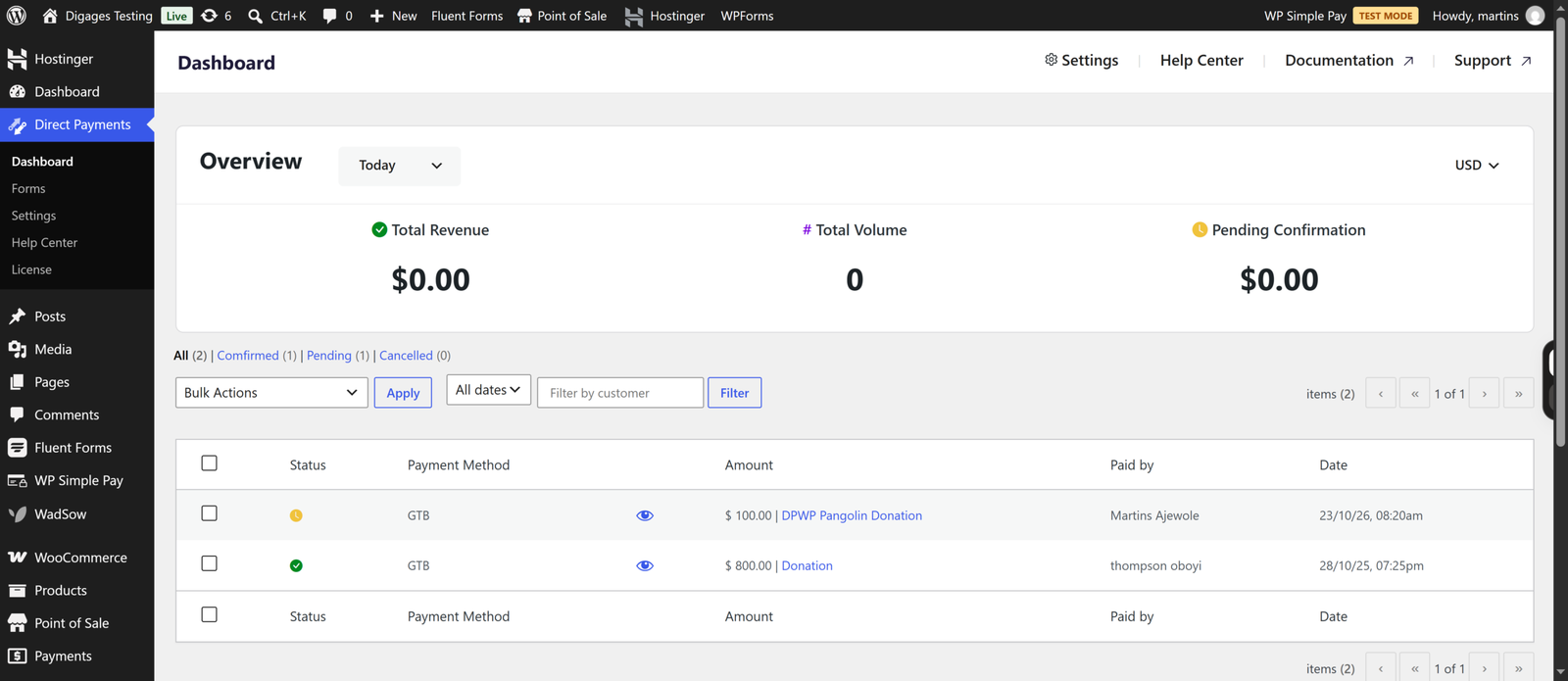
Direct Payments WP puts payments in a dedicated dashboard where you confirm or cancel each one, and it sends alerts so you know when to check. That manual confirmation step is the trade-off of direct payments: you are matching real transfers to submissions, which adds a task but gives you control.
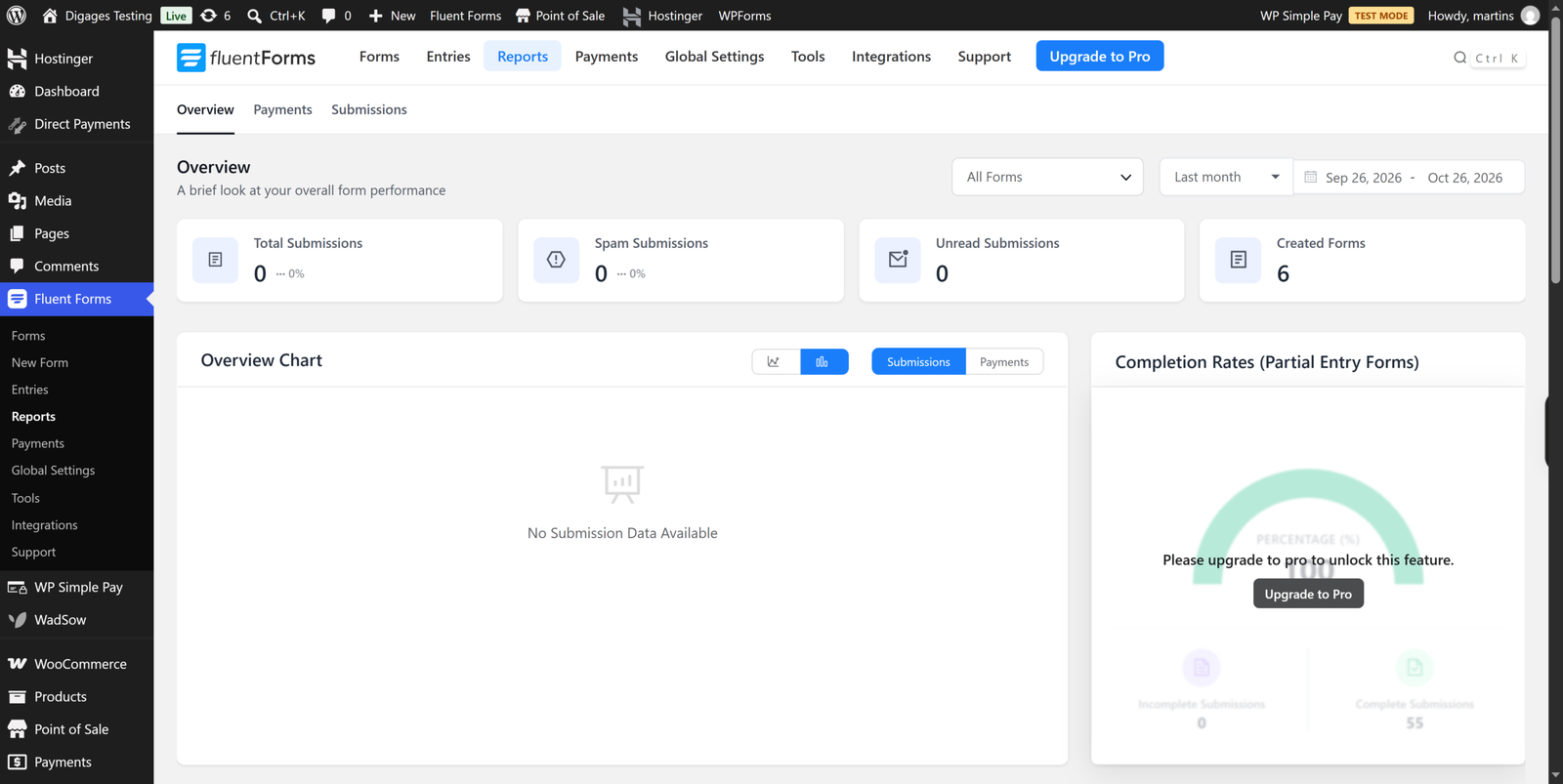
Fluent Forms tracks payments and subscriptions in its reports, and with a gateway, the status updates automatically.
Integrations and Extensions
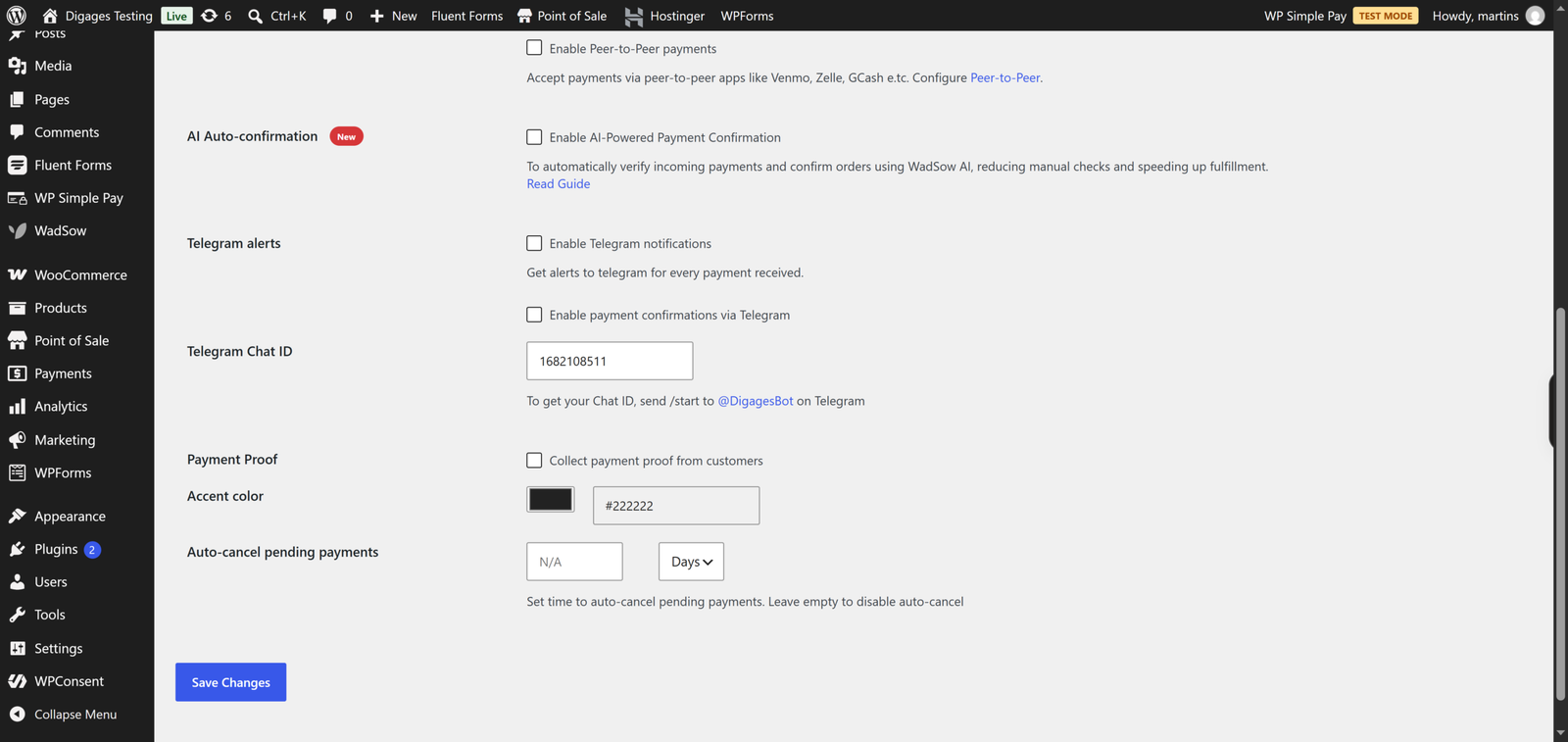
Fluent Forms is the clear winner on integrations. Fluent has about 60+ direct integrations, covering email marketing, CRMs and automation tools. If a payment should trigger a CRM entry, a Slack message and a confirmation email, Fluent Forms already speaks to most of those tools.
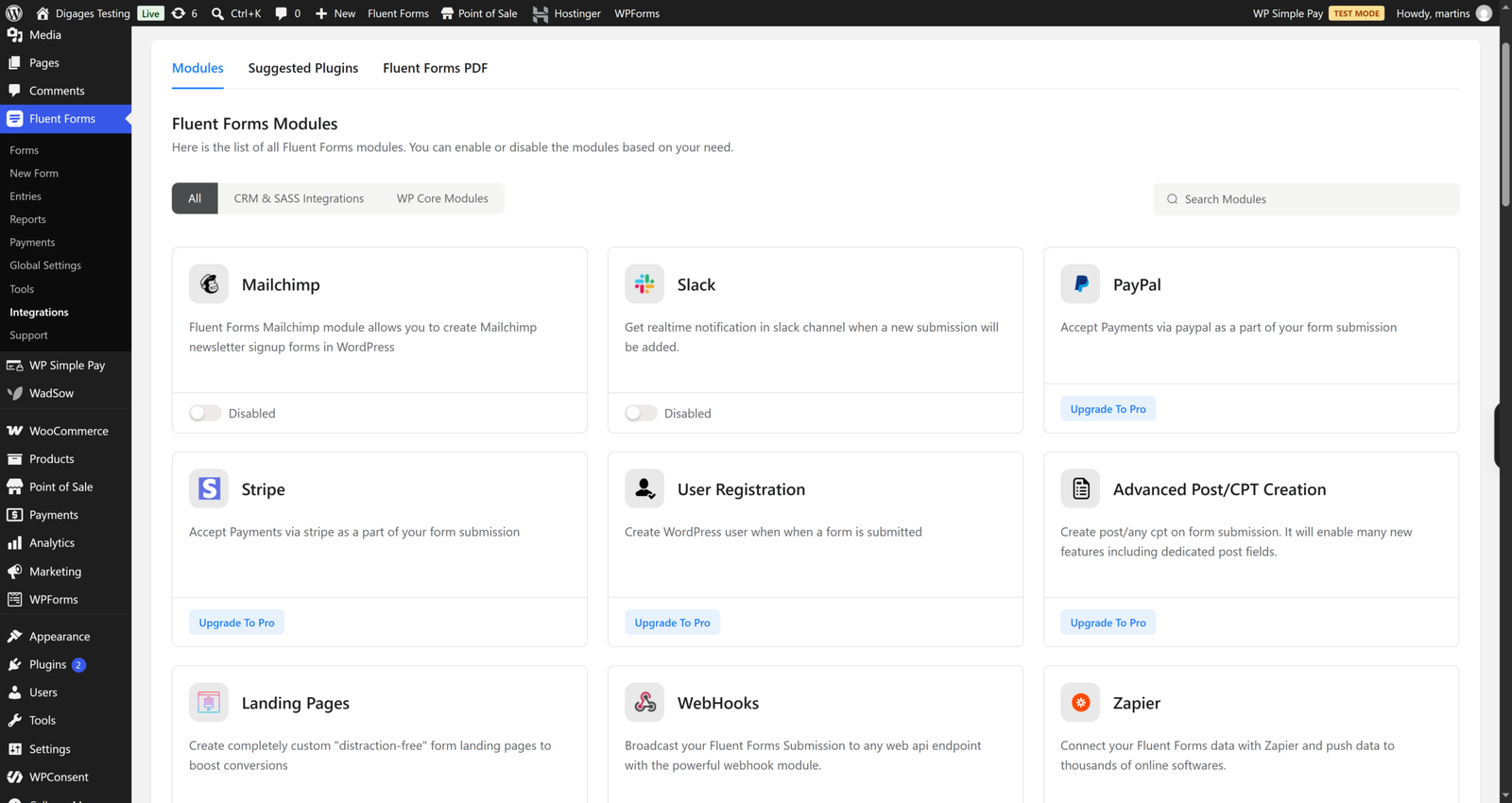
Direct Payments WP follows a minimalist philosophy and offers Telegram notifications and email receipts. It does not aim to be an integration hub.
Pricing and Value for Money
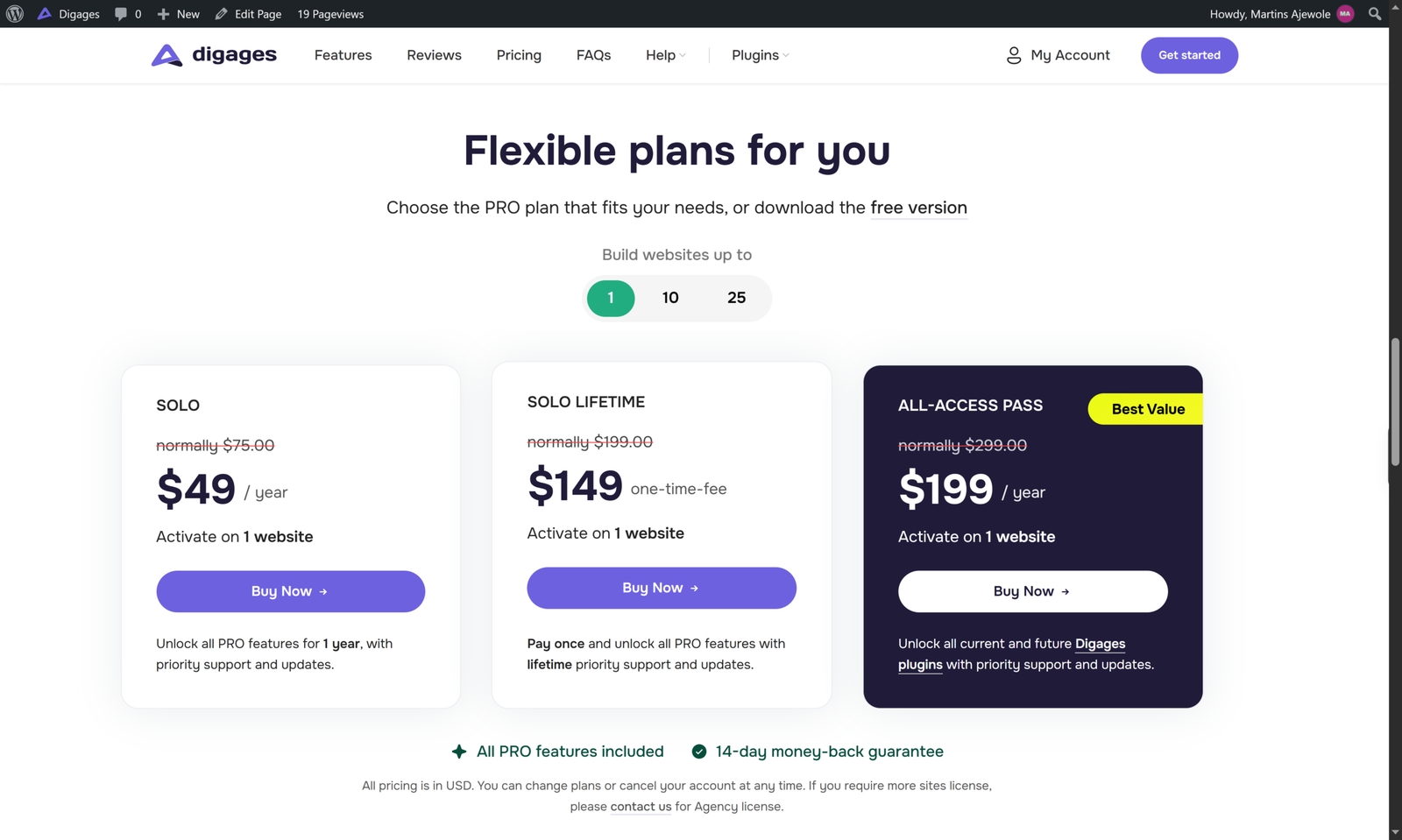
Direct Payments WP has a free version on WordPress and PRO licences on the product page. Digages lists these yearly prices: Solo at $75 per year for one site, Plus at $145 per year for 10 sites, and Enterprise at $250 per year for 25 sites. Lifetime licences are listed at $199, $345 and $659 respectively for the same site counts, and an All-Access Pass bundles all Digages plugins. A 14-day money-back guarantee applies.
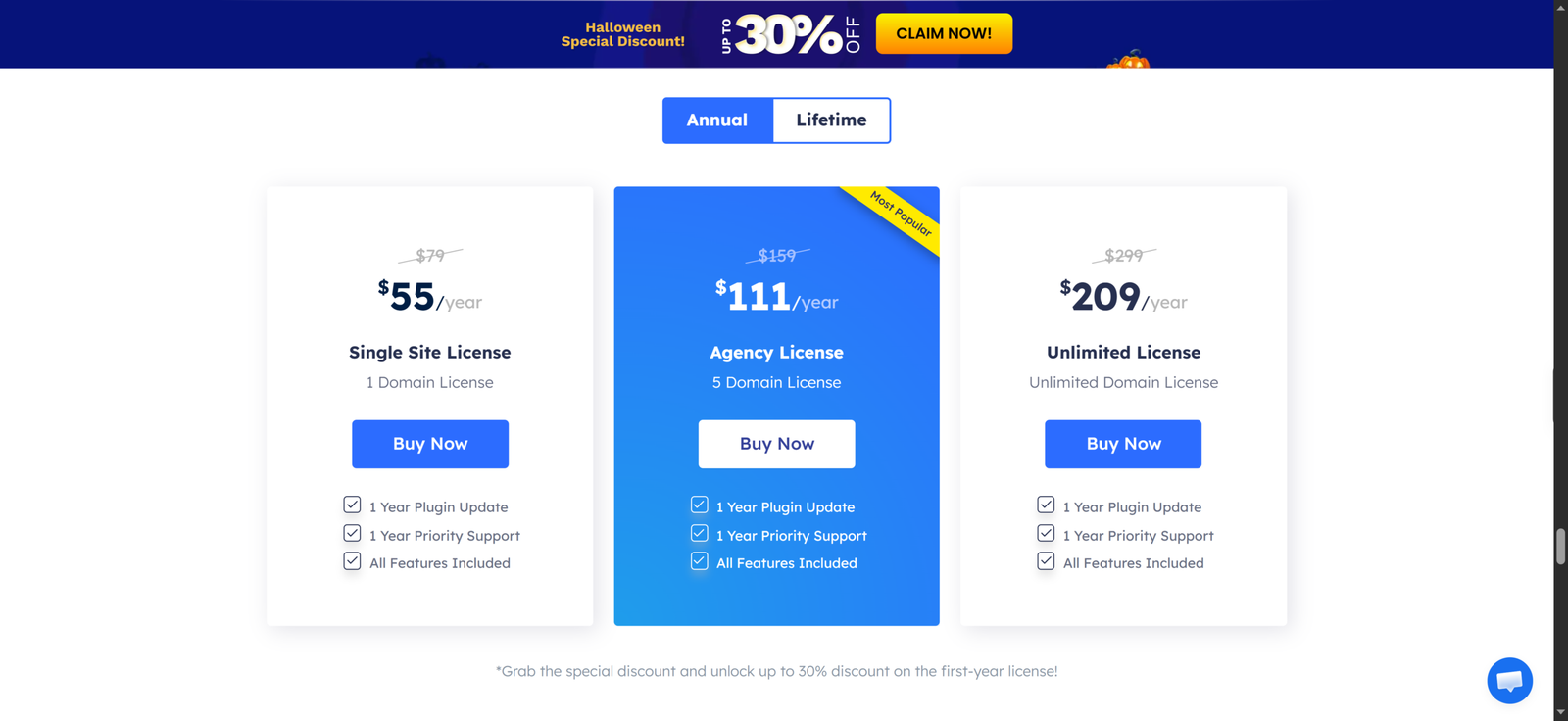
Fluent Forms has a free version. Stripe payments work in it with a 1.9% extra fee. Pro prices that Fluent Forms has published are $79 per year or $349 for lifetime for one site, $159 or $479 for lifetime for five sites and $299 for unlimited sites, though discounted promotional prices appear on their site or third-party listings and sales change frequently.
How do these compare in practice? Direct Payments WP has no plugin-level fee per transaction, but you need Pro for Unlimited Payment Methods. Fluent Forms Pro unlocks its full capabilities, but you still pay your gateway’s processing rates on every card payment. If you only need payments and would otherwise pay for a form builder you will barely use, Direct Payments WP is cheaper on paper. If you need a full form suite anyway, paying for Fluent Forms covers both jobs at once. The better value depends on what you would otherwise buy.
Conclusion
These plugins solve overlapping problems from distinct directions. Fluent Forms is the better all-round form builder and the better choice for automated card payments and subscriptions. Direct Payments WP is the more focused option for direct payment methods, especially in markets where bank transfer, mobile money and P2P apps matter.
Pick Fluent Forms if your priority is a flexible form system with gateway-based payments. Pick Direct Payments WP if your priority is letting customers pay you directly through the rails they already use. Many sites could reasonably run both.
If direct payments forms sound like your situation, try Direct Payments WP or install the free version from the WordPress plugin directory.