🎁 New: Build Customer Loyalty & Drive Repeat Purchases with WooCommerce. Learn more


On this page
Direct Payments WP vs Gravity Forms
Gravity Forms has a reputation: developers love it, agencies standardise on it, and its add-on library covers most things a form could need. But when you want to take payments in WordPress, it is natural to ask whether Gravity Forms is for you. It might be. But it also comes with licence tiers, add-on requirements and a build-it-yourself philosophy that not every site owner wants.
Direct Payments WP, from Digages, is a payment-collection plugin that uses forms as its front door. Both can put a payment form on a page; however, Direct Payments WP vs Gravity Forms is really a question about flexibility versus focus: a powerful form platform you assemble, or a payment-focused plugin that starts from the idea of getting paid directly.
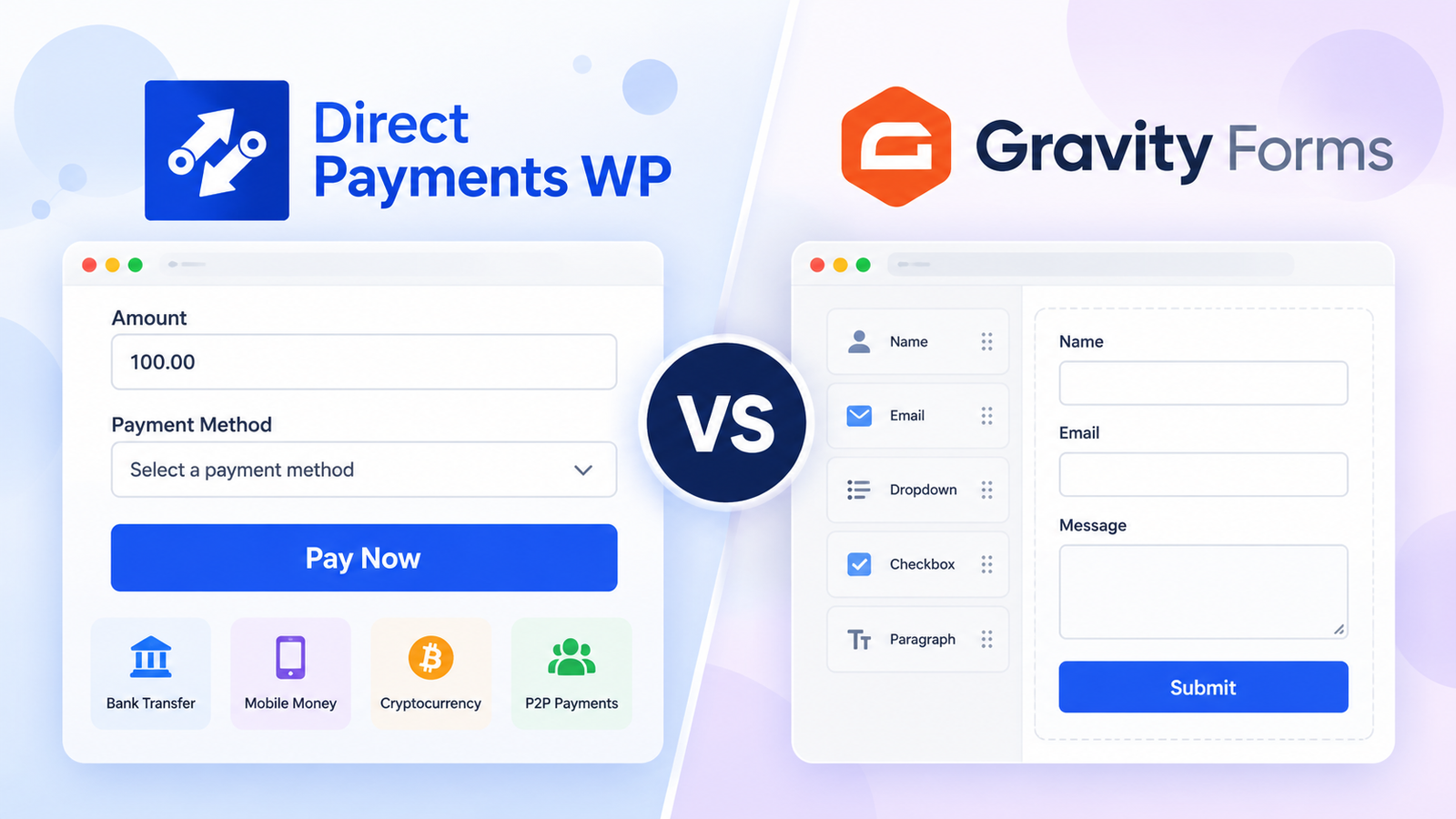
This article compares how each handles payment collection, how much setup each demands, what role add-ons play, and what you will spend. Both products update often, so confirm anything that affects a purchase before you commit.
Understanding Both Plugins
Gravity Forms
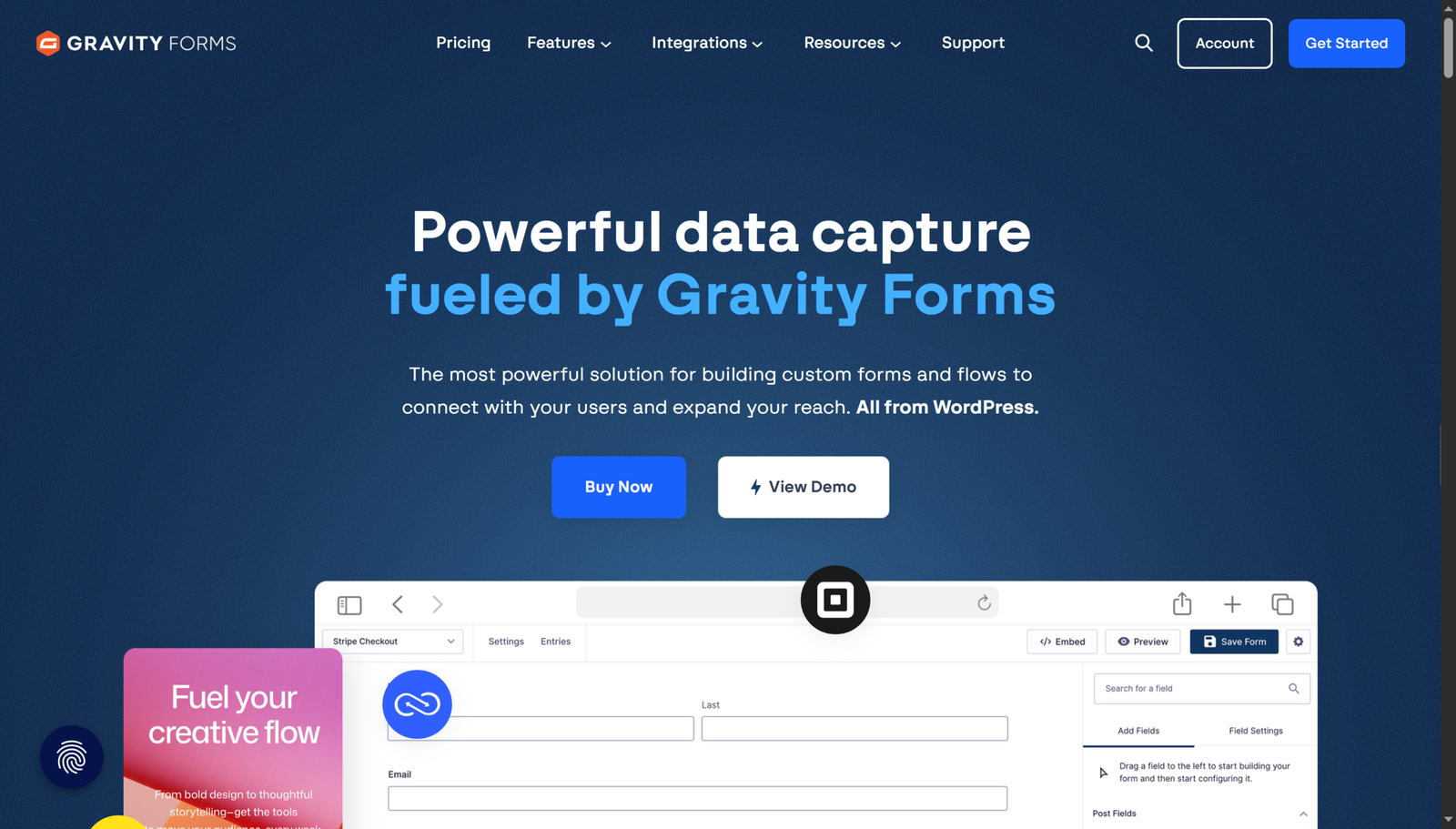
Gravity Forms describes itself as a plugin for creating data-collection forms, polls, and surveys on WordPress. It is sold through paid licences. Payment collection is done through add-ons: Stripe, PayPal Checkout, Square, Mollie and others, depending on licence level. You build forms with a visual editor, add product and pricing fields, then connect a gateway through the relevant add-on.
Direct Payments WP
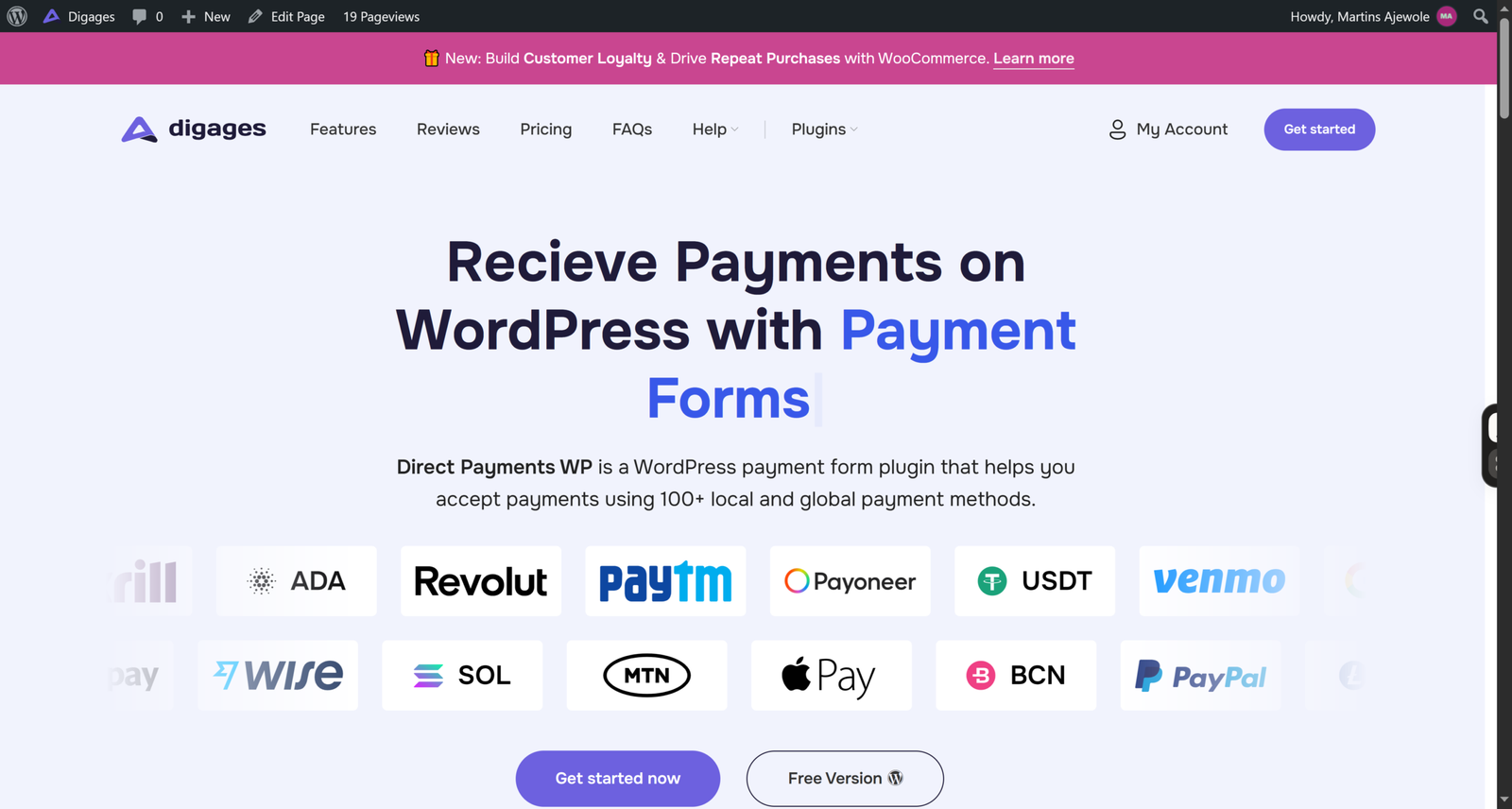
Direct Payments WP is a WordPress plugin for receiving payments through forms. You can build payment forms, order forms, and donation forms all without code, and the plugin supports 100+ local and global payment methods with no transaction fees from the plugin itself.
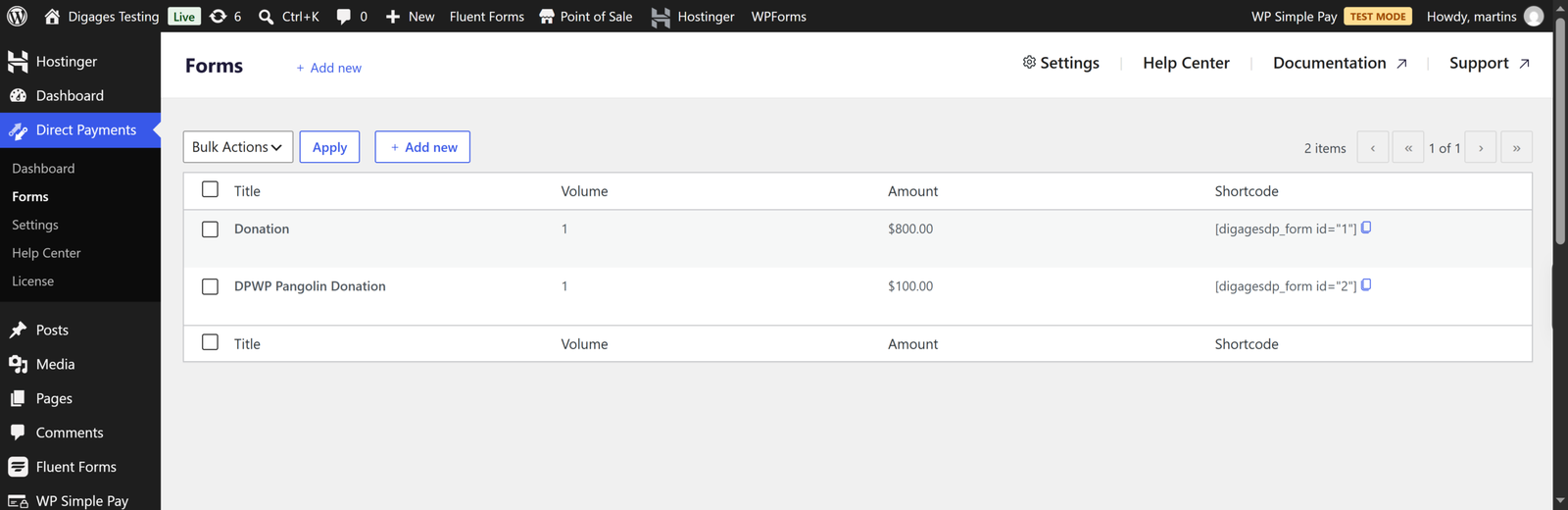
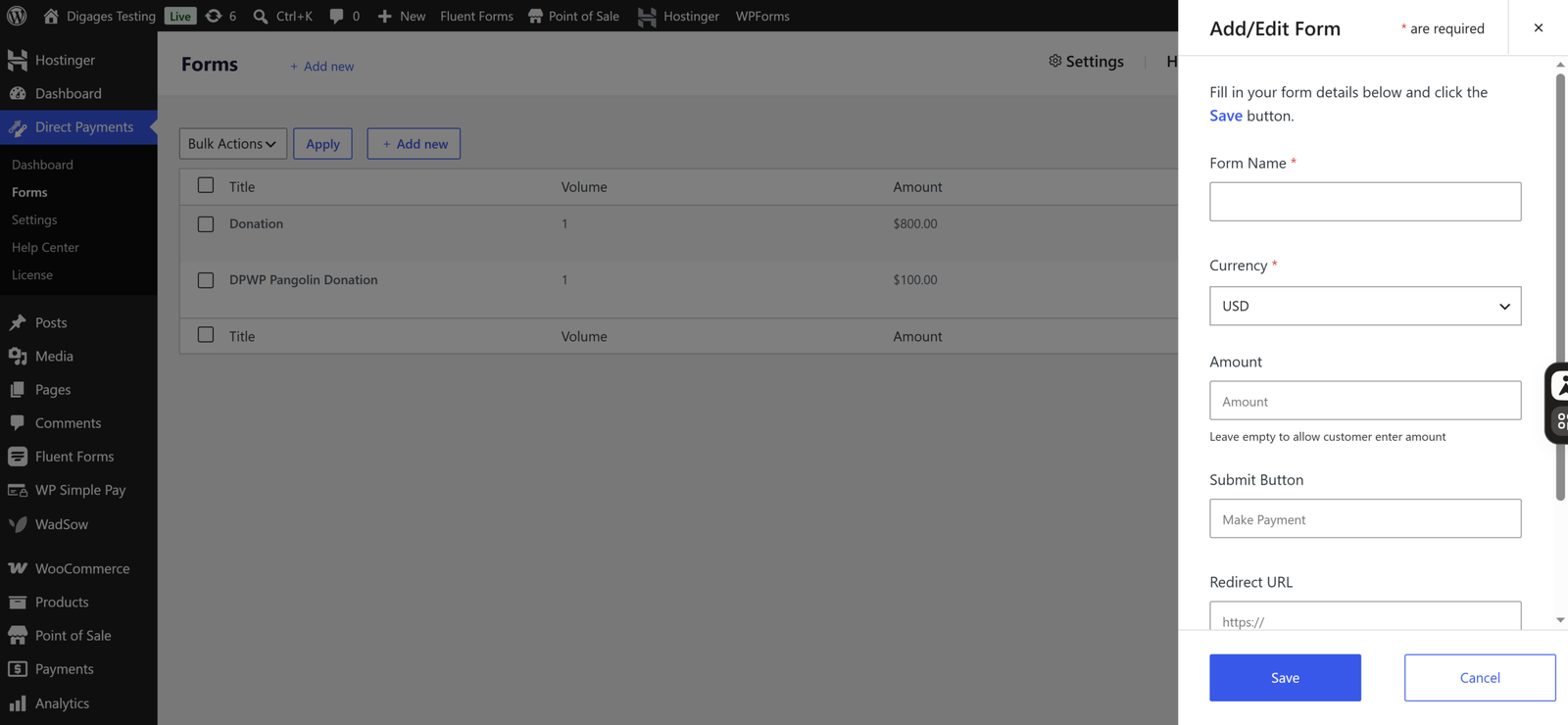
Basically, you configure payment methods in four categories: bank transfer, mobile money, peer-to-peer (P2P) apps, and crypto. You create a form under Direct Payments > Forms, and the plugin gives you a shortcode in the form [dpwp_form id="1"] to paste into a page or post. When a visitor submits the form, they see a payment popup and pay using the method they pick. You then confirm or cancel payments from your WordPress dashboard.
Free and Pro versions exist. The Pro version adds Unlimited Payment Methods and Multiple Currencies, with Telegram notifications and configurable payment receipts.
Key Differences
With Gravity Forms, you choose a licence, install add-ons, connect a payment gateway and design a form with product fields. The result can be very sophisticated, such as quote calculators, multi-product orders or membership signups, but you own the assembly.
With Direct Payments WP, you add your payment methods, create a form and paste a shortcode. It does fewer things, but the path from install to a working payment form is shorter.
The other major difference is how money moves. Gravity Forms payment add-ons route customers through gateways. Direct Payments WP lets customers pay through direct methods that you set up yourself.
Head-to-Head Comparison
Installation and Initial Setup
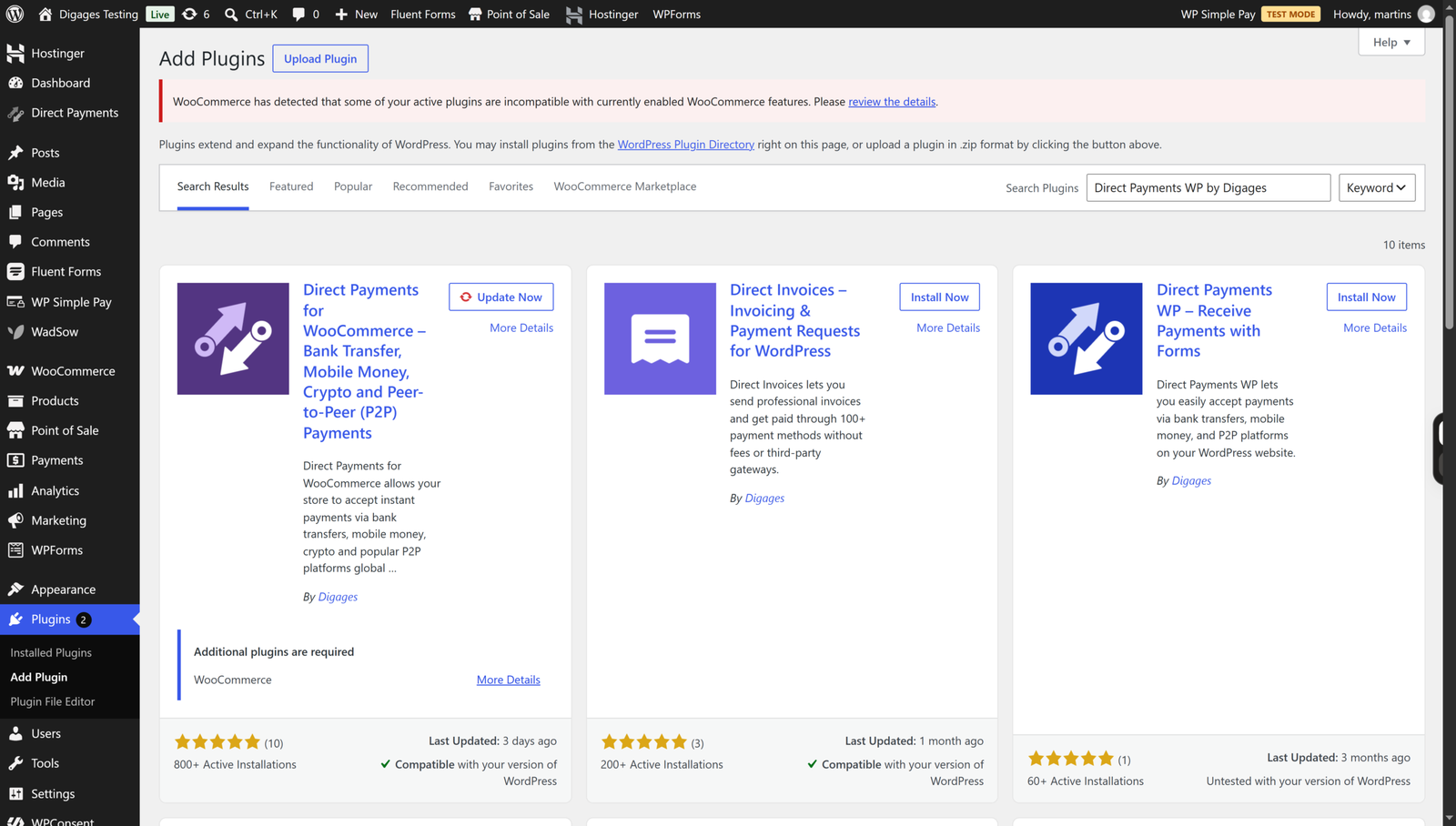
Direct Payments WP installs like any plugin: search for “Direct Payments WP by Digages” in the dashboard or upload the ZIP, then activate. Setup is three steps in the documentation: add payment methods, create a form, paste the shortcode. There are no API keys to generate.
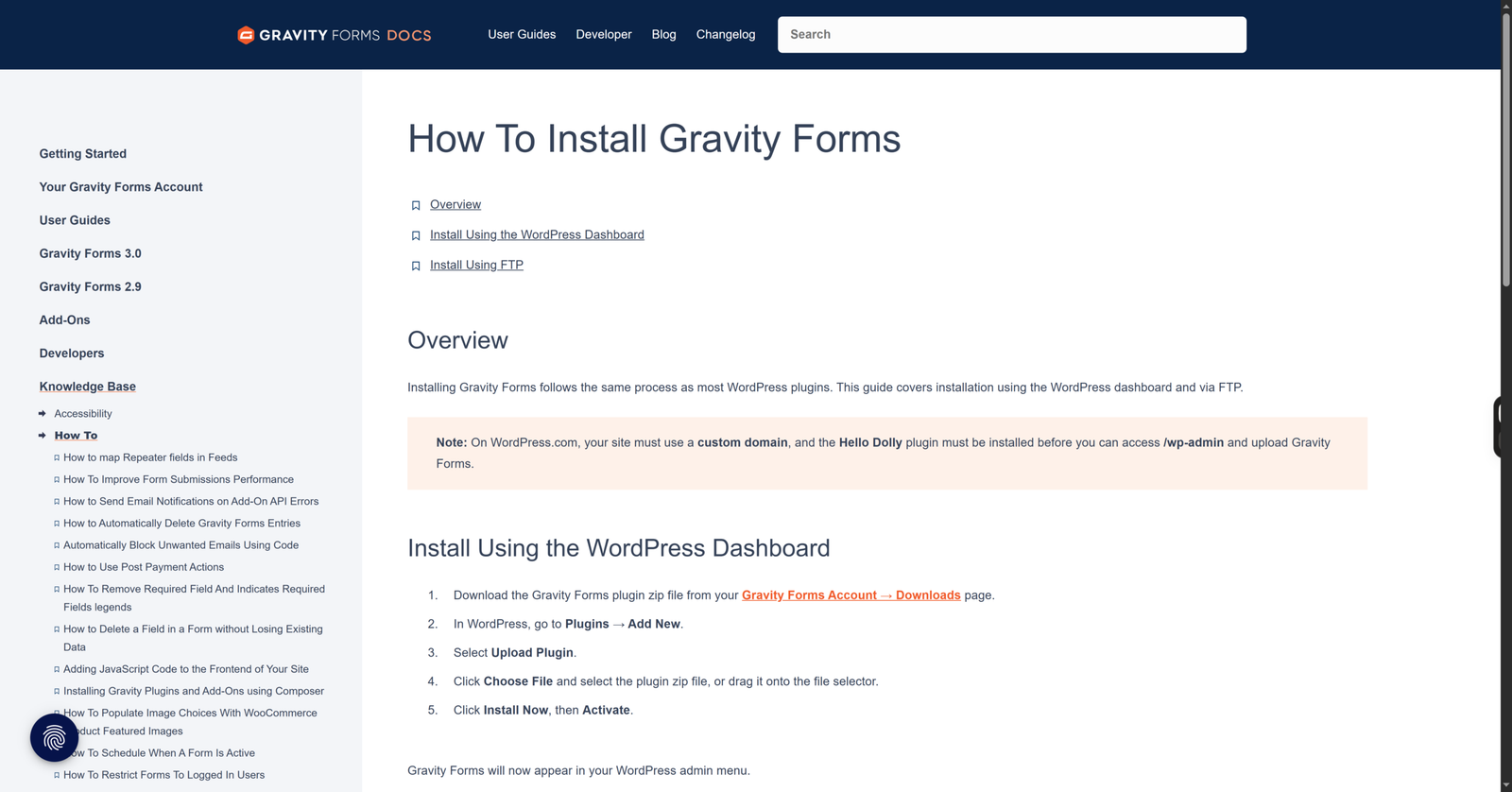
Gravity Forms is a premium plugin that requires a paid licence; there is no free version. After purchasing, you download the plugin ZIP file from your Gravity Forms account, then go to Plugins → Add New → Upload Plugin in your WordPress dashboard. Upload the ZIP file, install it, and activate the plugin.
To accept online payments, you also need to connect a supported payment gateway and configure the relevant payment feeds. You can find more information on installation in this article.
Ease of Use
Gravity Forms is approachable for a form builder, but its power is also its learning curve: fields, conditional logic, notifications, confirmations, feeds and add-on settings all interact.
Direct Payments WP has a smaller feature surface, so there is less to learn and less to get wrong.
Payment Collection and Supported Methods
Gravity Forms supports payments through several gateway integrations, with the Pro licence including:
- Stripe: Accepts one-time payments, subscriptions, credit and debit cards, Apple Pay, Google Pay, ACH debit, and supported regional payment methods.
- PayPal Checkout: Supports PayPal payments, credit and debit cards, Venmo for eligible US customers, and recurring payments.
- Square and Mollie: Offer additional card and regional payment options, including European methods through Mollie.
The Elite licence includes these integrations and additional options such as user registration. Gravity Forms uses payment processors to handle transactions and automatically update payment records through supported integrations. It does not charge additional per-transaction fees, although the selected payment processor applies its own charges.
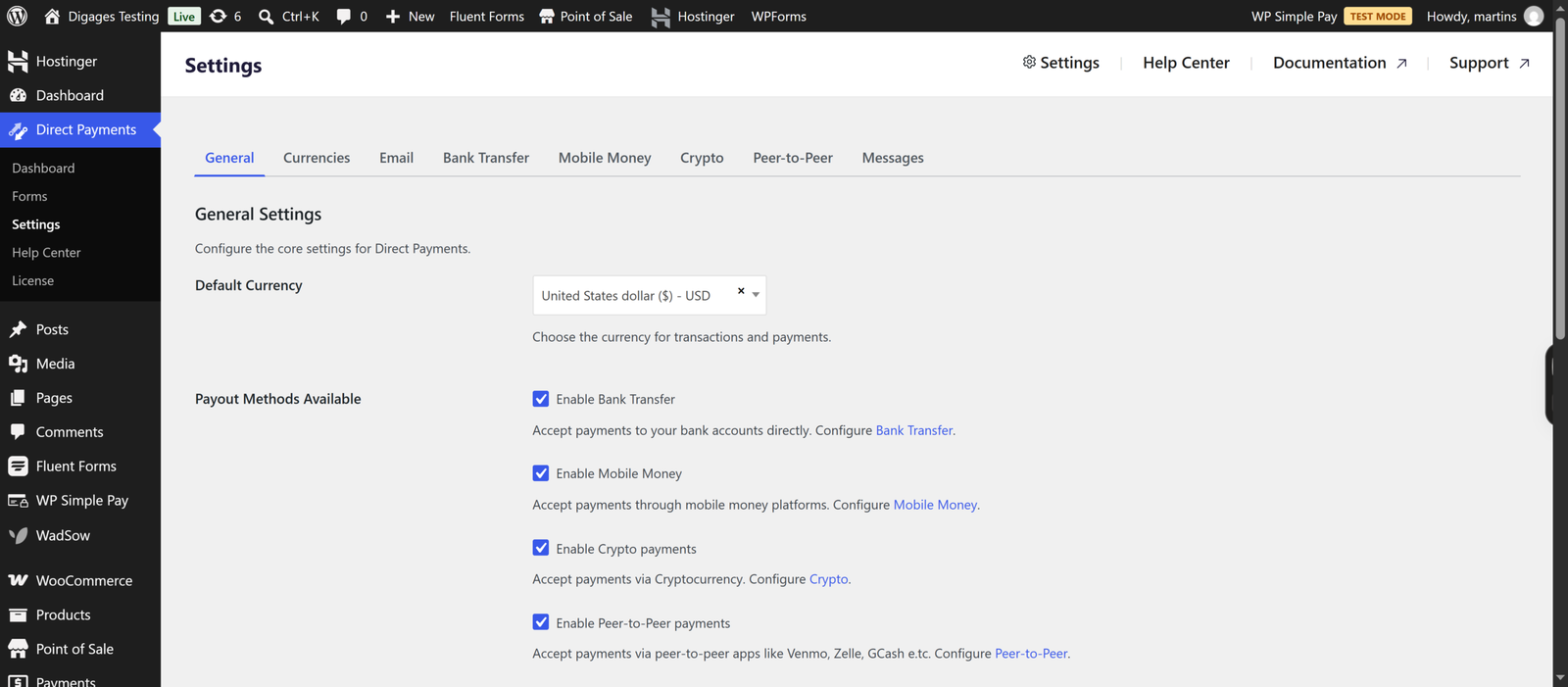
Direct Payments WP takes a different approach. It supports Bank Transfers, mobile money, cryptocurrency and peer-to-peer (P2P) payment services such as Zelle, Venmo, Cash App, GCash, MTN MoMo, Wise and Payoneer.
Rather than requiring a traditional payment gateway integration, Direct Payments WP lets businesses collect payments through their existing receiving accounts. Payments can be verified and confirmed manually, with additional payment management features available in the Pro version.
The main difference is how payments are collected and managed. Gravity Forms is better suited to businesses that want integrated payment processing, automated payment updates and recurring billing. Direct Payments WP is a practical alternative for businesses that prefer direct transfers, mobile money and P2P services without relying on conventional payment gateway integrations.
The Role of Add-Ons
Gravity Forms relies on add-ons to extend its functionality, including payment collection. Its Basic licence supports form creation and basic integrations, while payment add-ons such as Stripe, PayPal Checkout, Square and Mollie require a Pro or Elite licence. Once installed, these add-ons connect your forms to payment processors, enabling features such as online transactions, recurring payments and automatic payment status updates.
Direct Payments WP includes its core payment collection functionality without requiring separate payment add-ons. The free version lets you create payment forms and accept payments through one configured payment method. Upgrading to Pro unlocks Unlimited Payment Methods, Multiple Currencies, payment popup customisation and additional features.
The difference is straightforward: Gravity Forms uses add-ons to introduce payment processing into its form builder, while Direct Payments WP is designed for payment collection from the start. If you only need a simple form to accept direct payments, Direct Payments WP requires fewer components to get started.

Form Flexibility and Customisation
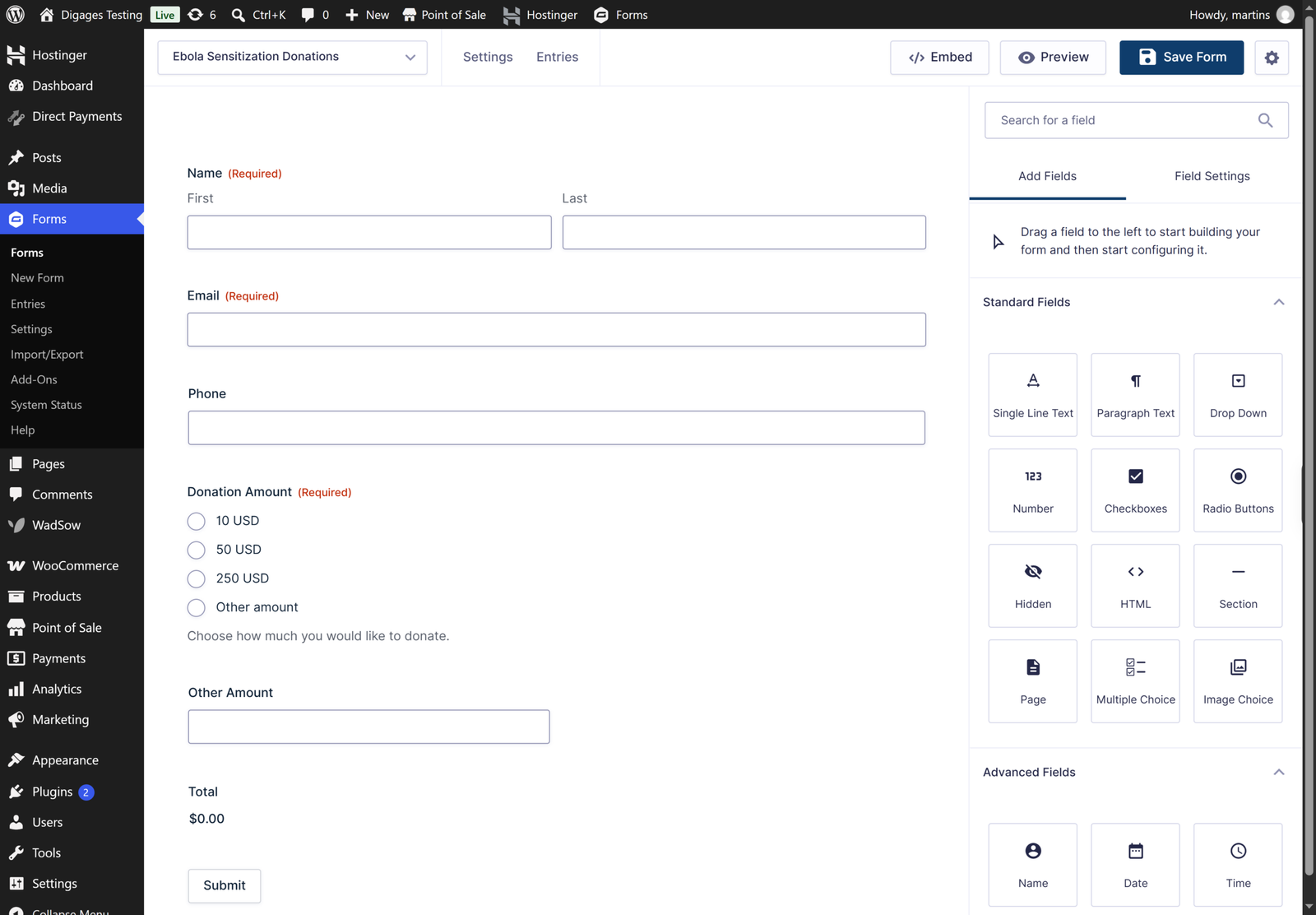
Gravity Forms offers advanced form-building features, including conditional logic, multi-page forms, calculations and custom fields. It also supports additional functionality through add-ons, making it suitable for businesses that need complex payment forms, dynamic pricing and customised workflows.
Direct Payments WP focuses on simplicity. It lets you create payment, order and donation forms where customers enter their details, choose a payment method and complete the process through a payment popup. While it offers fewer advanced form-building options, its straightforward setup makes it ideal for businesses that want to collect direct payments without unnecessary complexity.
Payment Management
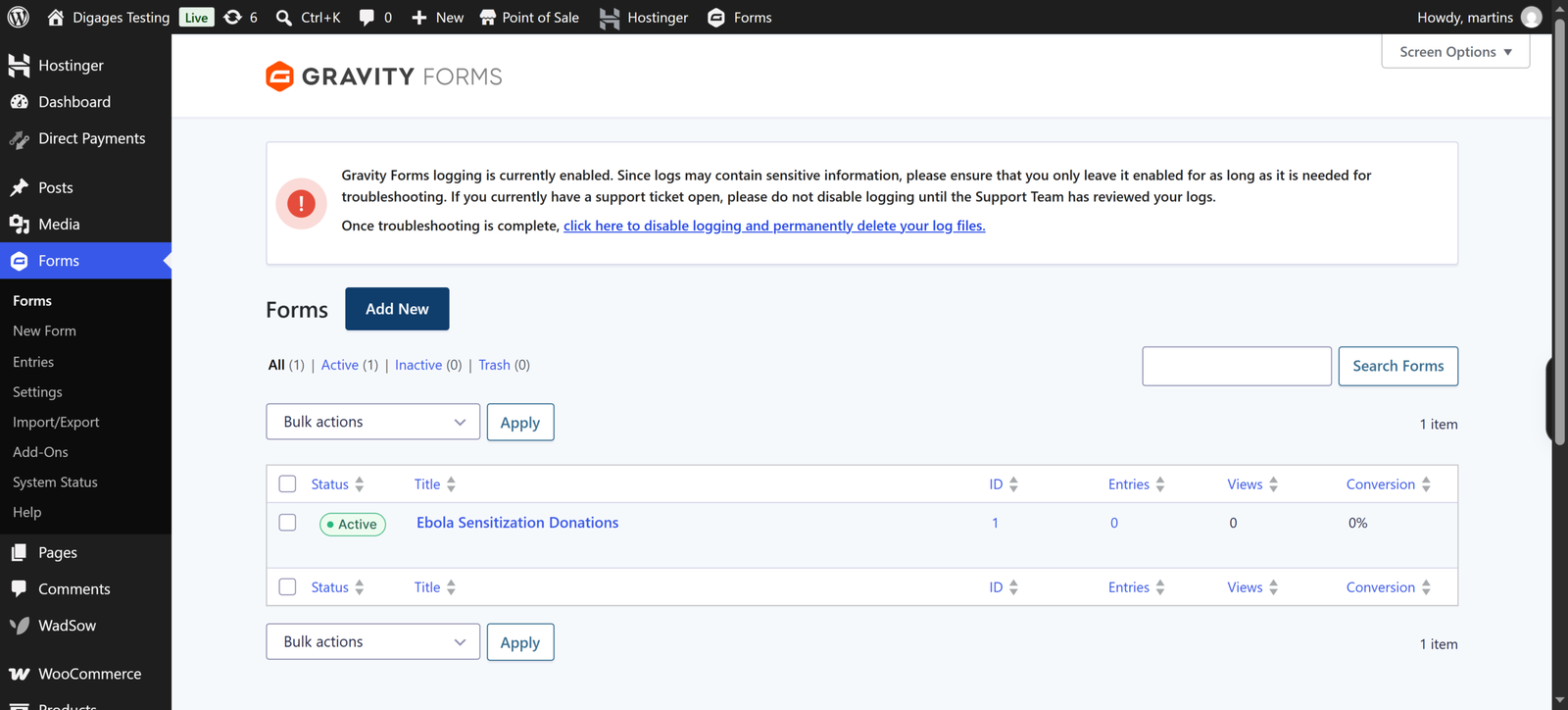
Gravity Forms stores payment records, transaction details and payment statuses in its Entries section. Supported payment gateway add-ons automatically update transaction statuses and provide subscription management features, reducing the need for manual tracking.
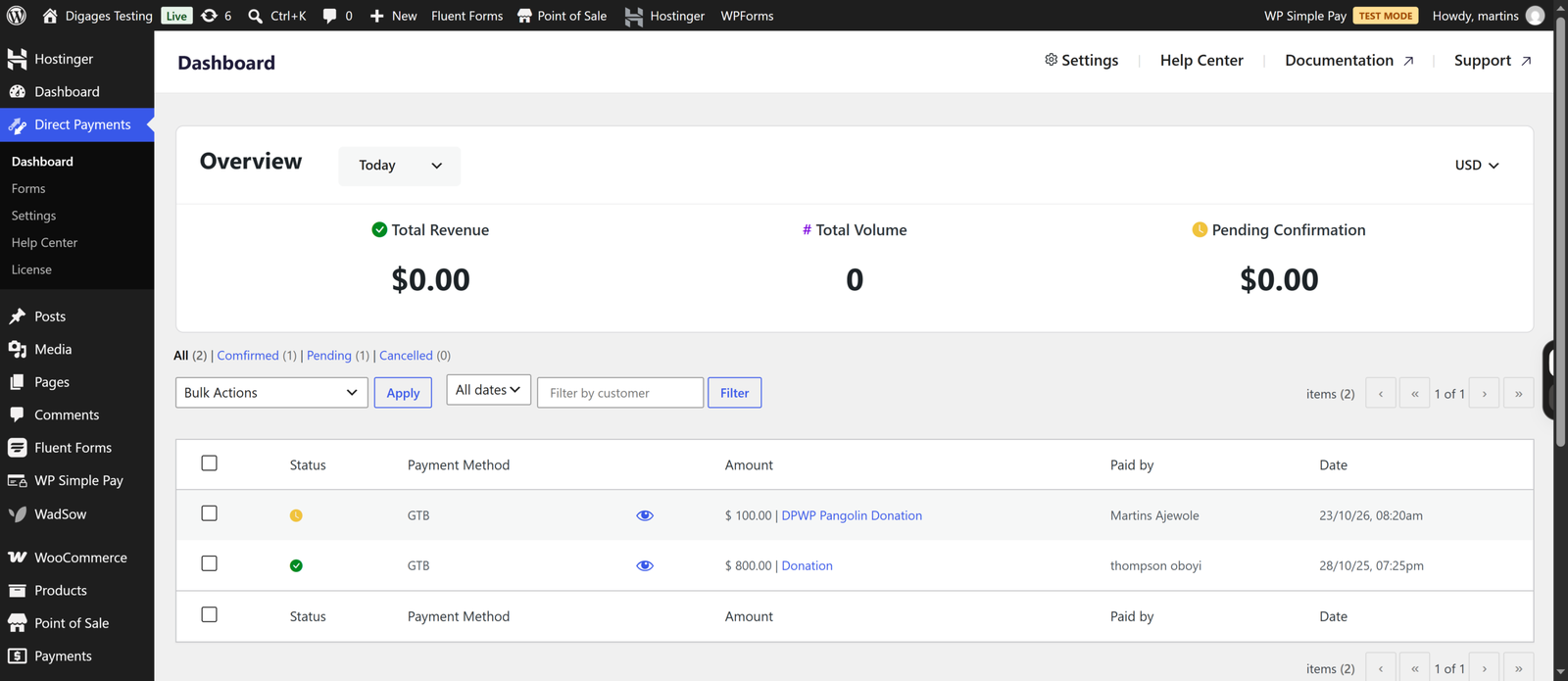
Direct Payments WP provides a dedicated payments dashboard where you can review, confirm or cancel payments and receive notifications for new transactions. Its Pro version also unlocks automatic payment confirmation.
Integrations and Extensions
Gravity Forms offers extensive integrations with email marketing platforms, CRM systems, payment gateways and automation tools like Zapier, making it suitable for businesses that need connected workflows. In contrast, Direct Payments WP focuses on essential payment management features, including payment notifications and email confirmations, without relying on complex third-party integrations. While Gravity Forms provides greater flexibility for connecting external services, Direct Payments WP offers a minimalist solution for businesses that primarily want to collect and manage direct payments.
Pricing and Value for Money
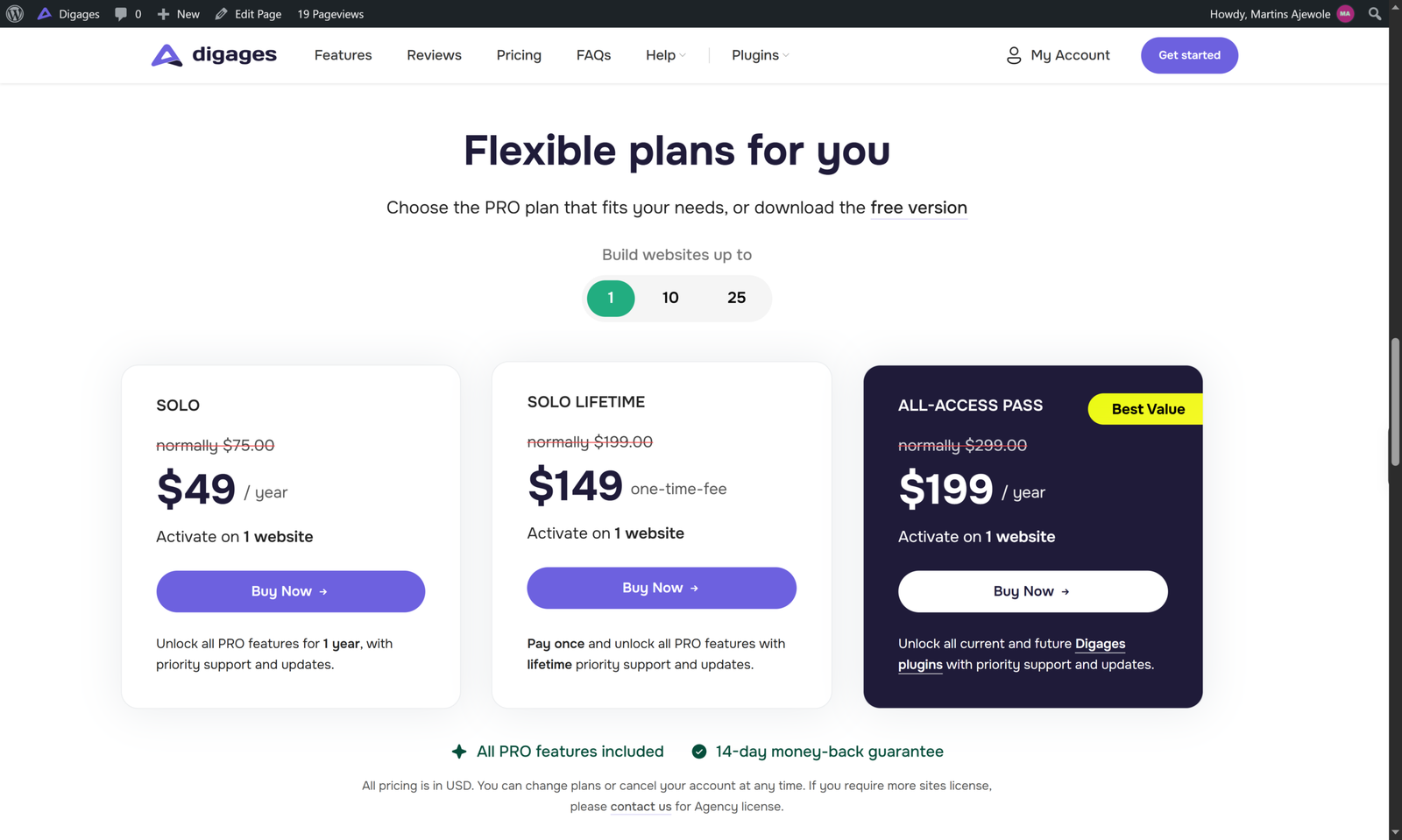
Direct Payments WP has a free version on WordPress and PRO licences on the product page. Digages lists these yearly prices: Solo at $75 per year for one site, Plus at $145 per year for 10 sites, and Enterprise at $250 per year for 25 sites. Lifetime licences are listed at $199, $345 and $659 respectively for the same site counts, and an All-Access Pass bundles all Digages plugins. A 14-day money-back guarantee applies.
Gravity Forms lists three licences: Basic at $59 per year for one site, Pro at $159 per year for three sites, and Elite at $259 per year for unlimited sites. Basic includes marketing add-ons but not payment add-ons. Pro includes Stripe and PayPal Checkout according to current licensing pages, and Elite adds more. For payments, then, the realistic starting point is $159 per year, and there is no free version to trial it on live sites.
For agencies, the site-count differences matter. Gravity Forms Elite covers unlimited sites for $259 per year, which is strong value if you need its full toolkit across many clients. Direct Payments WP’s 25-site plan at $199 per year costs less but has leaner coverage.
The real value depends on whether you need the toolkit. Gravity Forms Pro costs more than Direct Payments WP Plus, but includes a full form platform, not only payment collection. If you would use that platform, the cost is fair. If you would not, you are paying for capability you do not use.

Conclusion
Gravity Forms is the more technical platform and the better fit for complex, integration-heavy, gateway-based payment forms. Direct Payments WP is the quicker, narrower route to receiving payments directly in the methods your customers already use.
If you manage a portfolio of sites or build advanced workflows, investing in Gravity Forms may be great value for you. If you want a simple but dedicated payment form without gateway setup, start with Direct Payments WP. Neither plugin is “better” in the abstract; they are answers to different questions.
If your question is the second one, explore the Direct Payments WP demo or install the free version from the WordPress plugin directory. When you are convinced, you can try Direct Payments WP Pro.


