🎁 New: Build Customer Loyalty & Drive Repeat Purchases with WooCommerce. Learn more



On this page
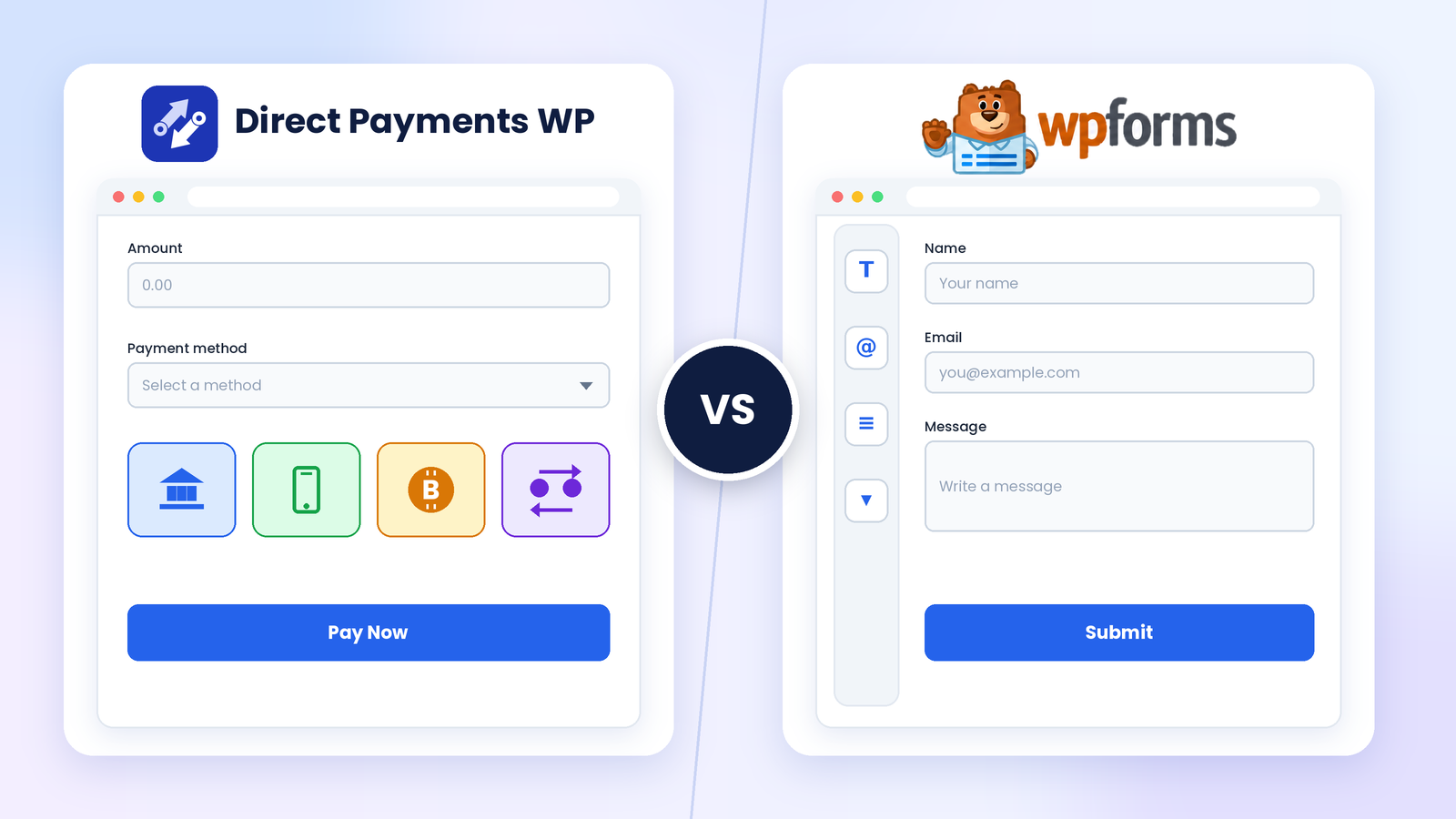
Direct Payments WP vs WPForms
You installed WPForms Lite to build a contact form, and it worked well. Then a client asked, “Can I just pay you through the site?” Suddenly, you are weighing whether to stay in the WPForms ecosystem, upgrade, or look for a plugin designed around payments.
That is the question behind this article. WPForms is one of the best-known form builders in WordPress, and it can take payments through Stripe and PayPal. Direct Payments WP, from Digages, approaches the problem differently: it is specially built to receive payments through forms using bank transfer, mobile money, peer-to-peer apps and crypto.
This comparison is for people whose main goal is deciding how to collect money online. It looks at setup, payment methods, form customisation, the gap between the free and paid plans, and what each option really costs.
Understanding Both Plugins
Direct Payments WP
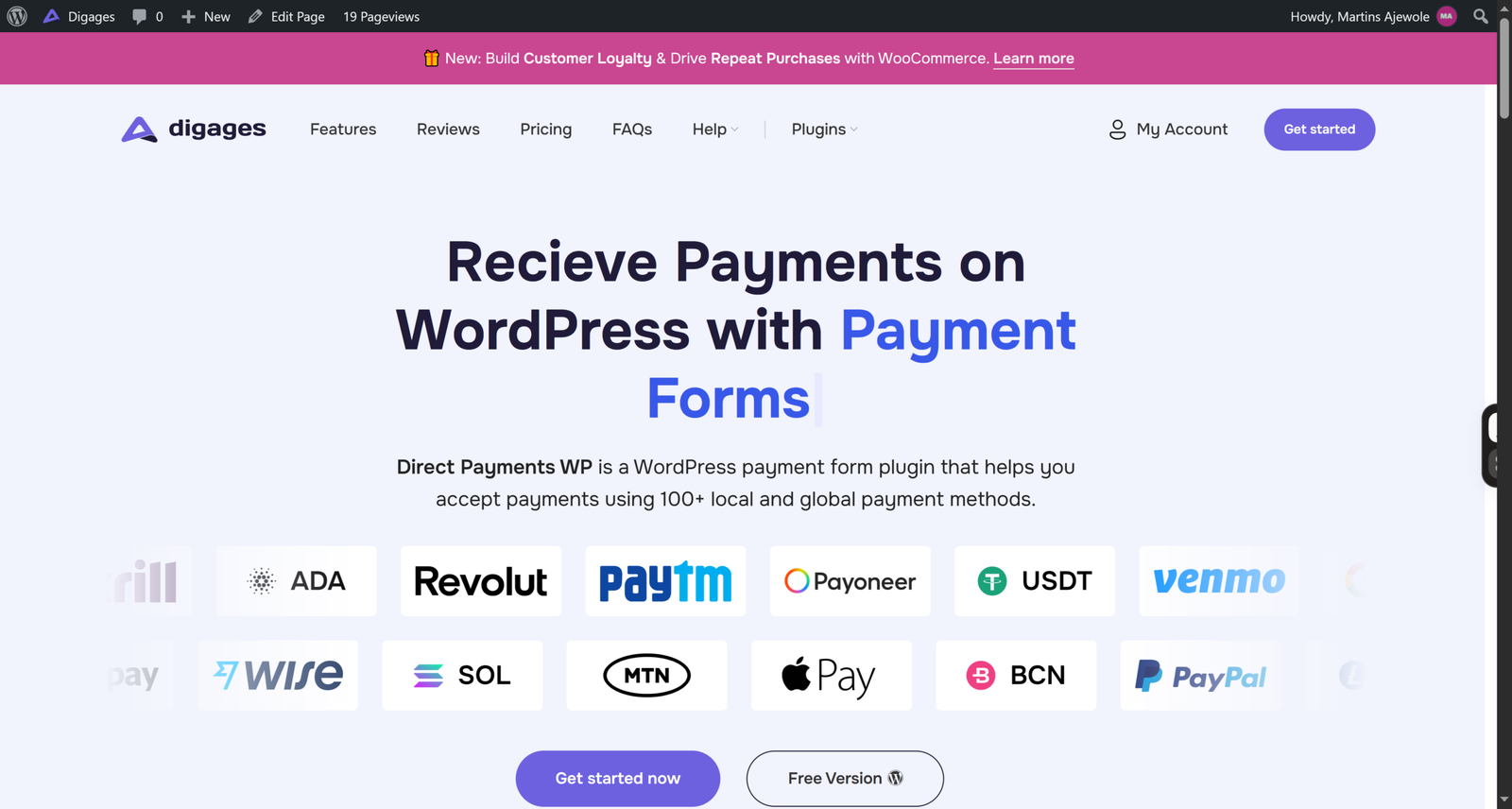
Direct Payments WP is a WordPress plugin for receiving payments through forms. You can build payment forms, order forms, and donation forms all without code, and the plugin supports 100+ local and global payment methods with no transaction fees from the plugin itself.
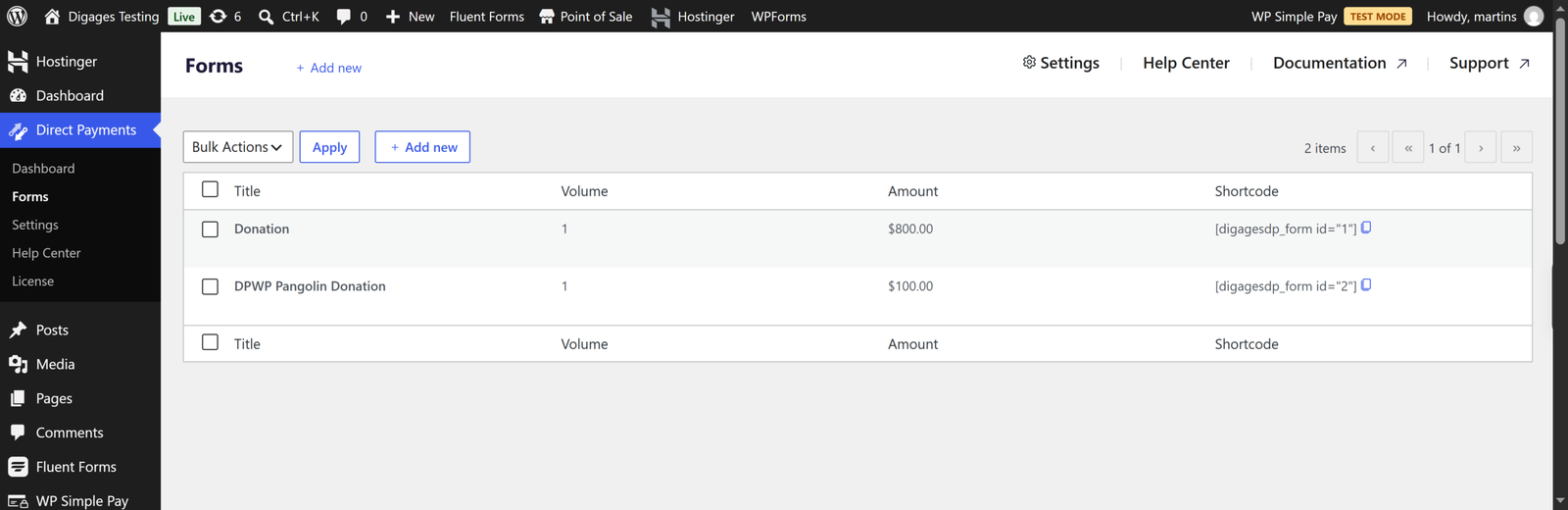
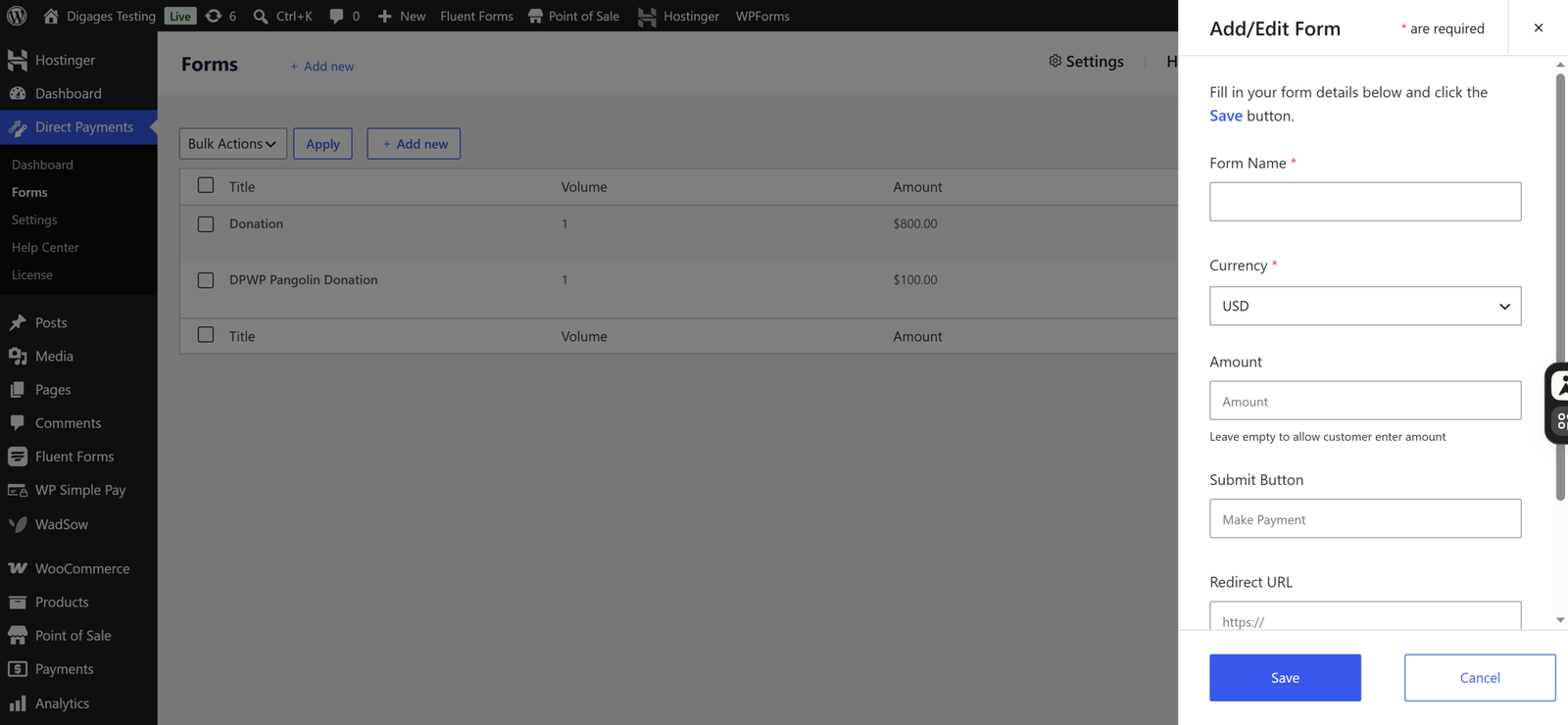
Basically, you configure payment methods in four categories: bank transfer, mobile money, peer-to-peer (P2P) apps, and crypto. You create a form under Direct Payments > Forms, and the plugin gives you a shortcode in the form [dpwp_form id="1"] to paste into a page or post. When a visitor submits the form, they see a payment popup and pay using the method they pick. You then confirm or cancel payments from your WordPress dashboard. You can configure it easily with the setup guide.
A free version is listed on WordPress.org, and Pro licences add features such as Unlimited Payment Methods and Multiple Currencies.
WPForms
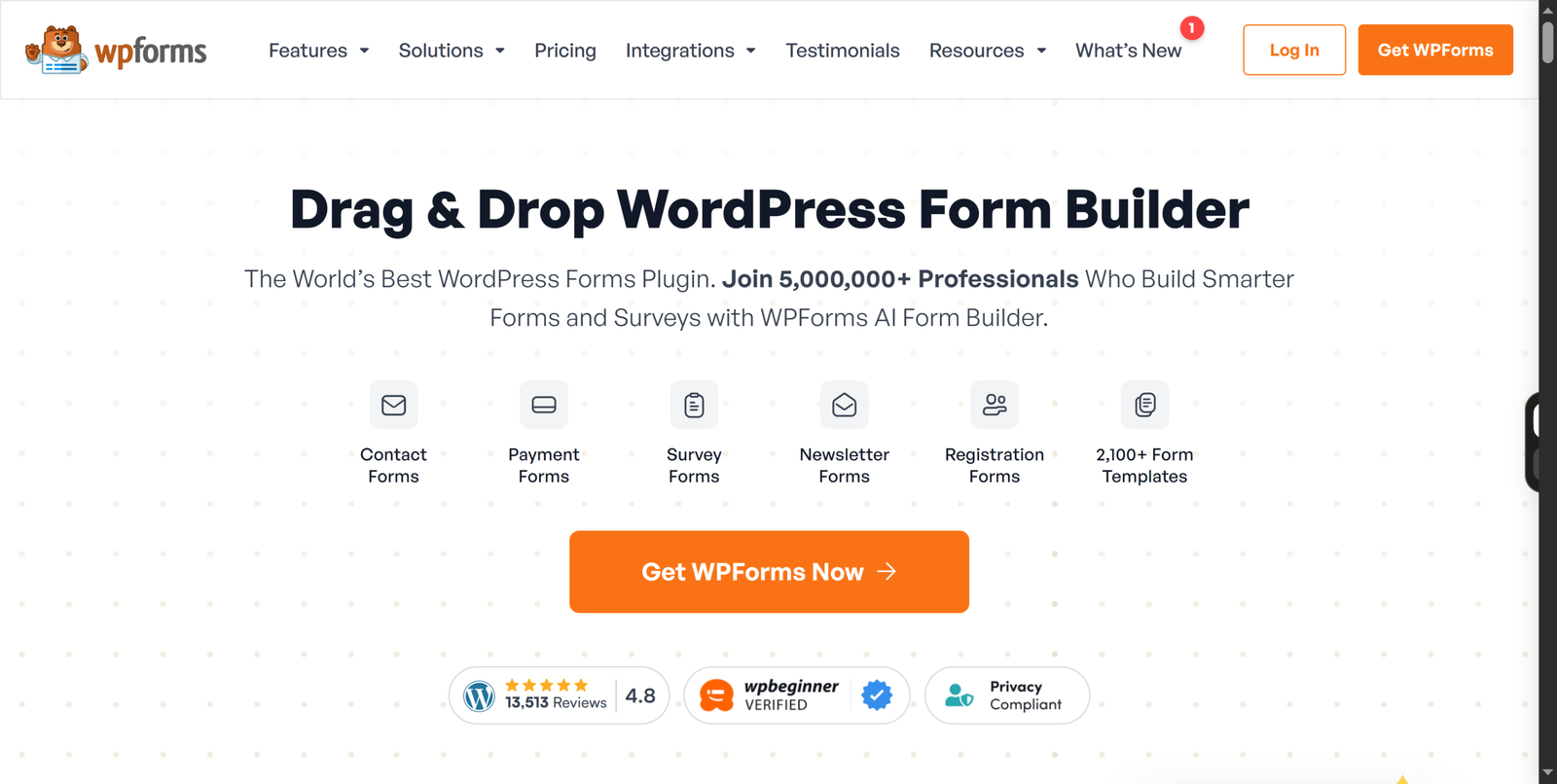
WPForms is a drag-and-drop form builder with a large template library. Payments are one feature among many. The free plugin, WPForms Lite, includes Stripe, and WPForms has also added PayPal to Lite; see how to set it up here. Paid plans add more payment gateways, recurring payments and other form features.
Key Differences
Think of it this way: WPForms collects payments through processors, while Direct Payments WP collects them through direct methods, without third parties.
In WPForms, a visitor pays with a card, a wallet or PayPal. Stripe or PayPal verifies the payment, and the form records it. In Direct Payments WP, a visitor submits the form and then pays you using one of the methods you set up, such as a bank account, a mobile money number or a P2P handle. You then confirm receipt.
The second difference is the buying journey. With WPForms, you typically start free and upgrade as your form needs grow. With Direct Payments WP, you start with a payment-focused tool and add a general form builder separately if you need one.
Head-to-Head Comparison
Installation and Initial Setup
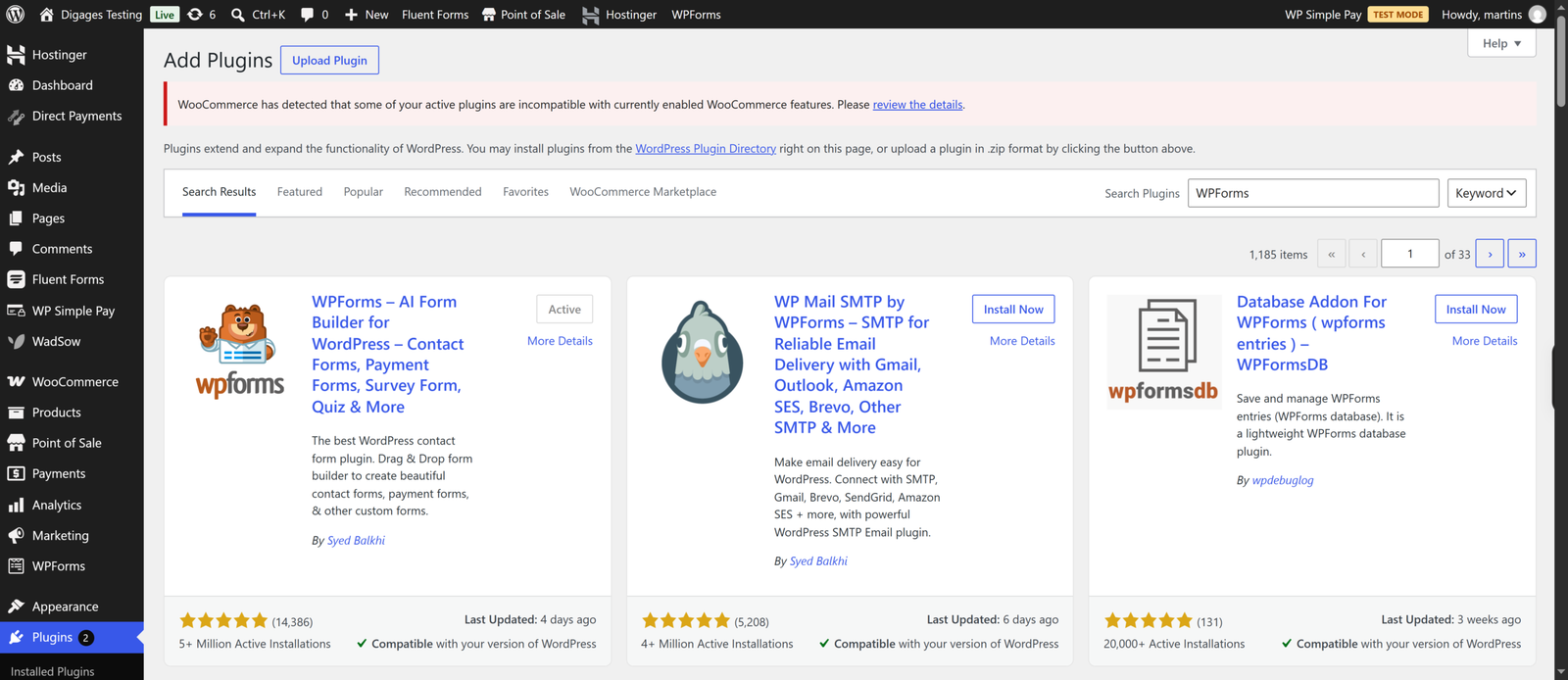
Both install from the WordPress plugin directory. For payments, WPForms asks you to connect a Stripe or PayPal account, then add a payment field to a form. Use the latest version for the best experience.
Direct Payments WP asks you to add your payment methods, for example, a Zelle account with an optional QR code, create a form, and paste the shortcode into a page. There are no processor accounts to connect.
Example: a tutor who already receives money through Wise and mobile money can finish Direct Payments WP setup without involving a card processor. A boutique owner who wants card payments will still need a Stripe or PayPal account with either plugin family.
Ease of Use
WPForms is known for a beginner-friendly builder, and payment templates help you start quickly.
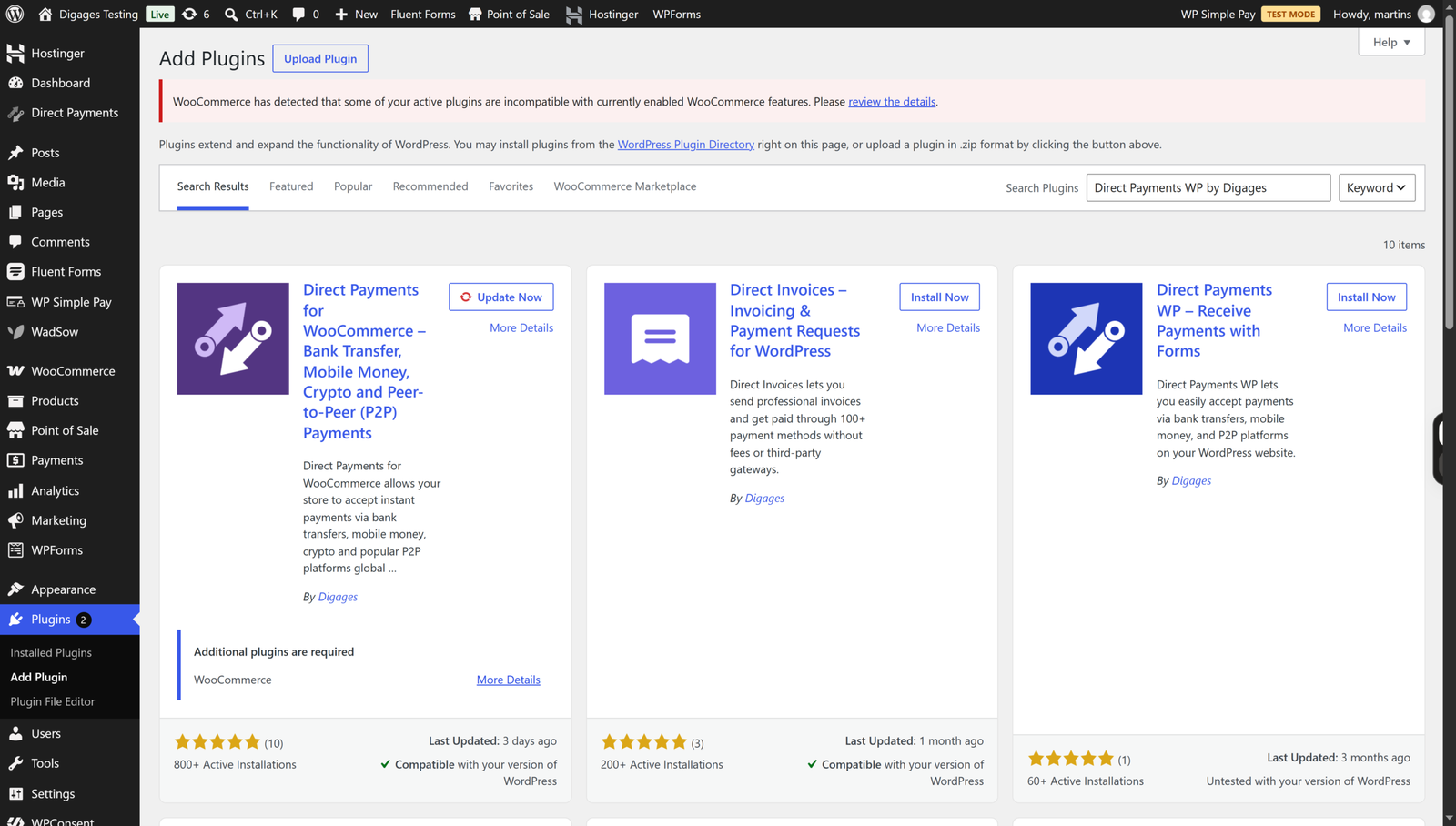
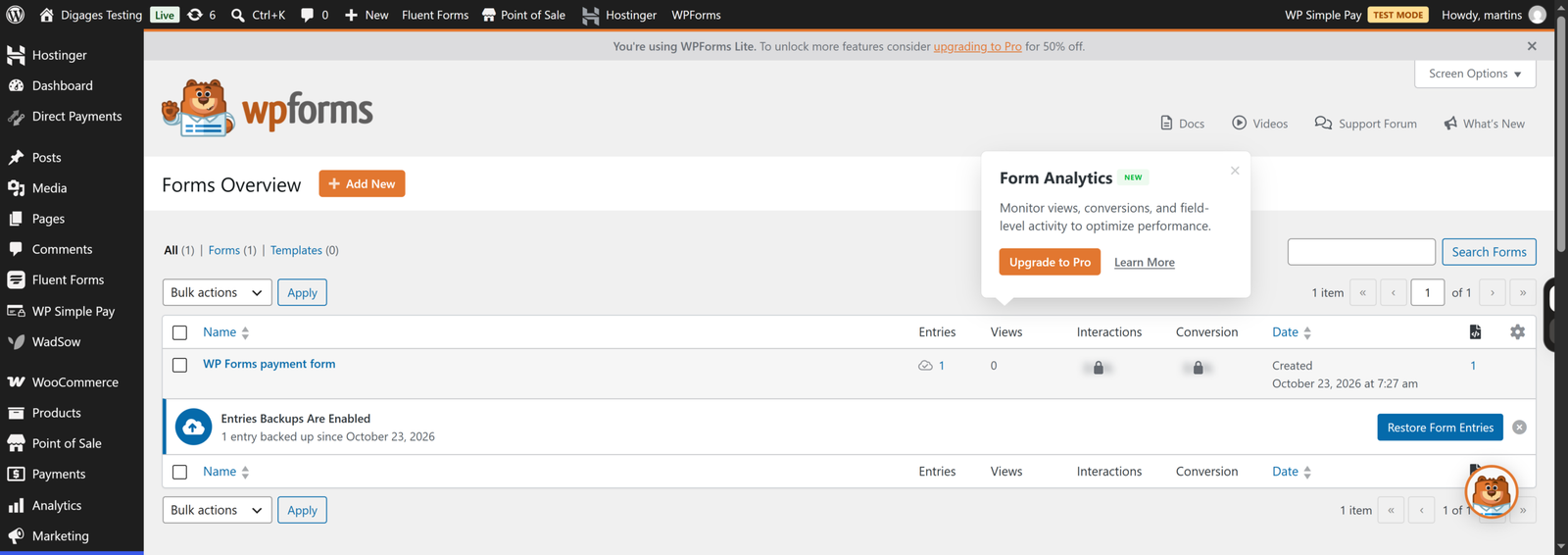
Direct Payments WP also has a simple interface. You work with a payment methods tab, a forms list and a settings area. The Digages documentation also notes that Direct Payments WP and Direct Payments for WooCommerce share a similar interface, so tutorials for one can carry over to the other, which helps if you later add a WooCommerce store.
Payment Collection and Supported Methods
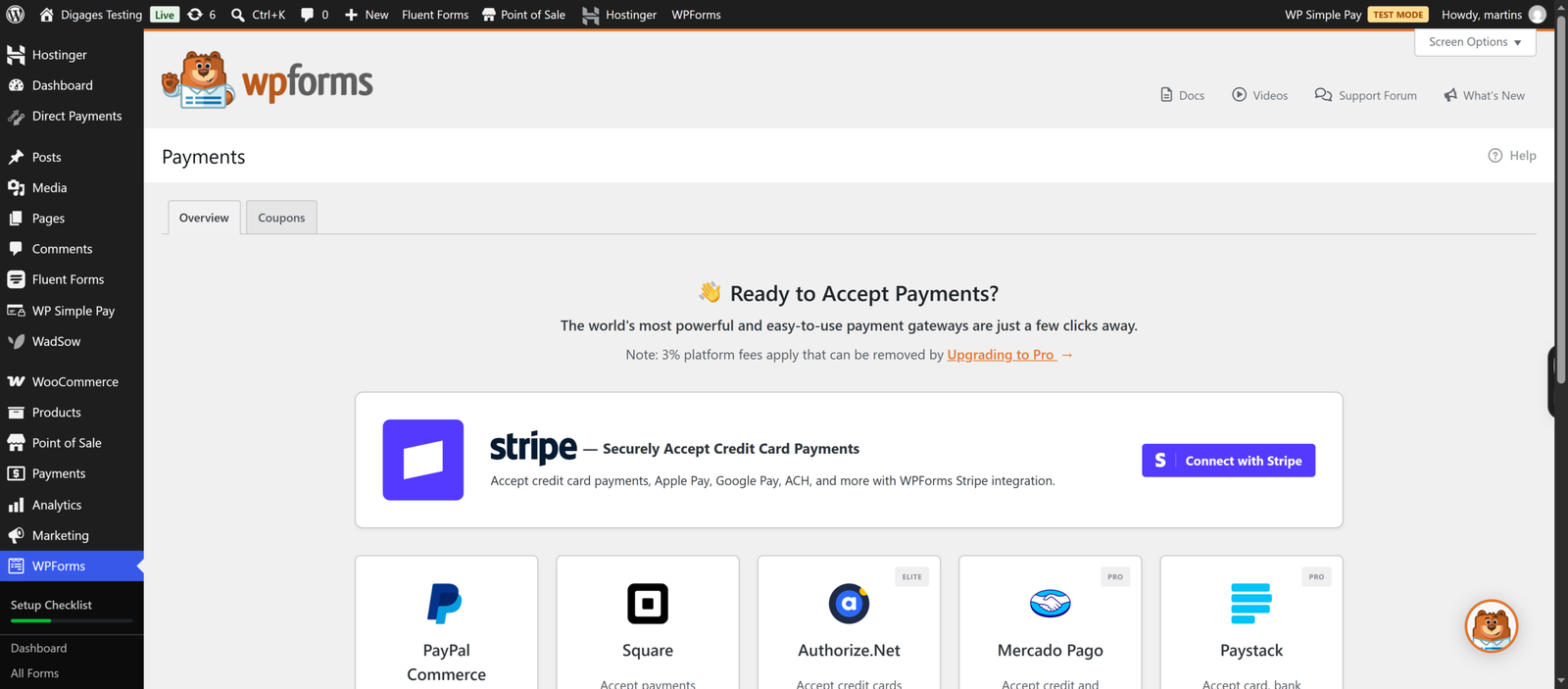
WPForms Lite supports Stripe and PayPal, and WPForms says Lite users pay a 3% platform fee on transactions on top of the processor’s charges. Per its documentation, Lite does not support conditional logic with Stripe payments. The Pro version adds Stripe Pro, Square and PayPal integrations, recurring subscriptions, and removes the WPForms fee, so you pay only the processor.
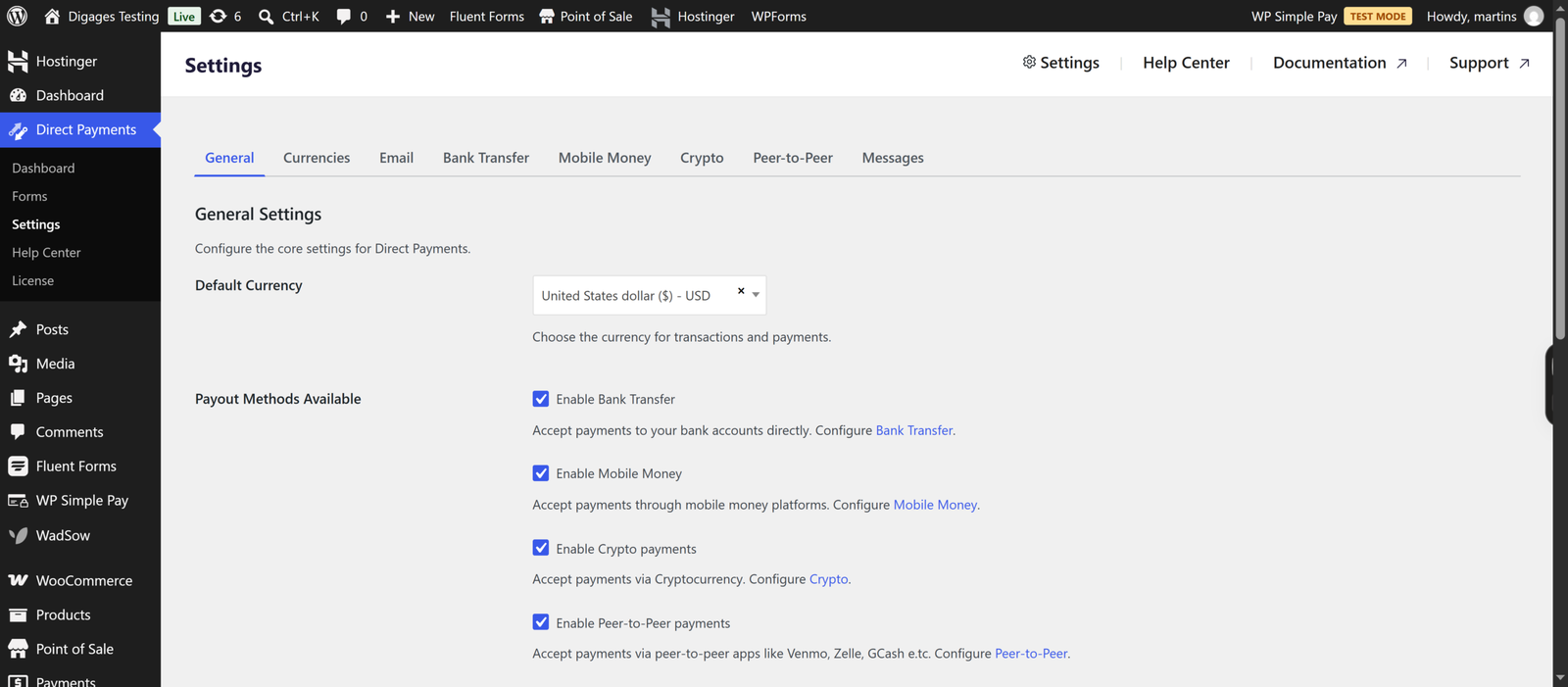
Direct Payments WP allows bank transfer, mobile money, P2P and crypto. This allows payments for niche markets through the use of options like Zelle, Venmo, Cash App, GCash, MTN MoMo, Wise, Skrill, Payoneer, Alipay and many others.
The practical effect: if you want customers to enter a card number on your form and see an instant success status, WPForms is the one built for it. If your customers pay you directly through local rails, Direct Payments WP lists those methods directly.
Payment Forms and Customisation
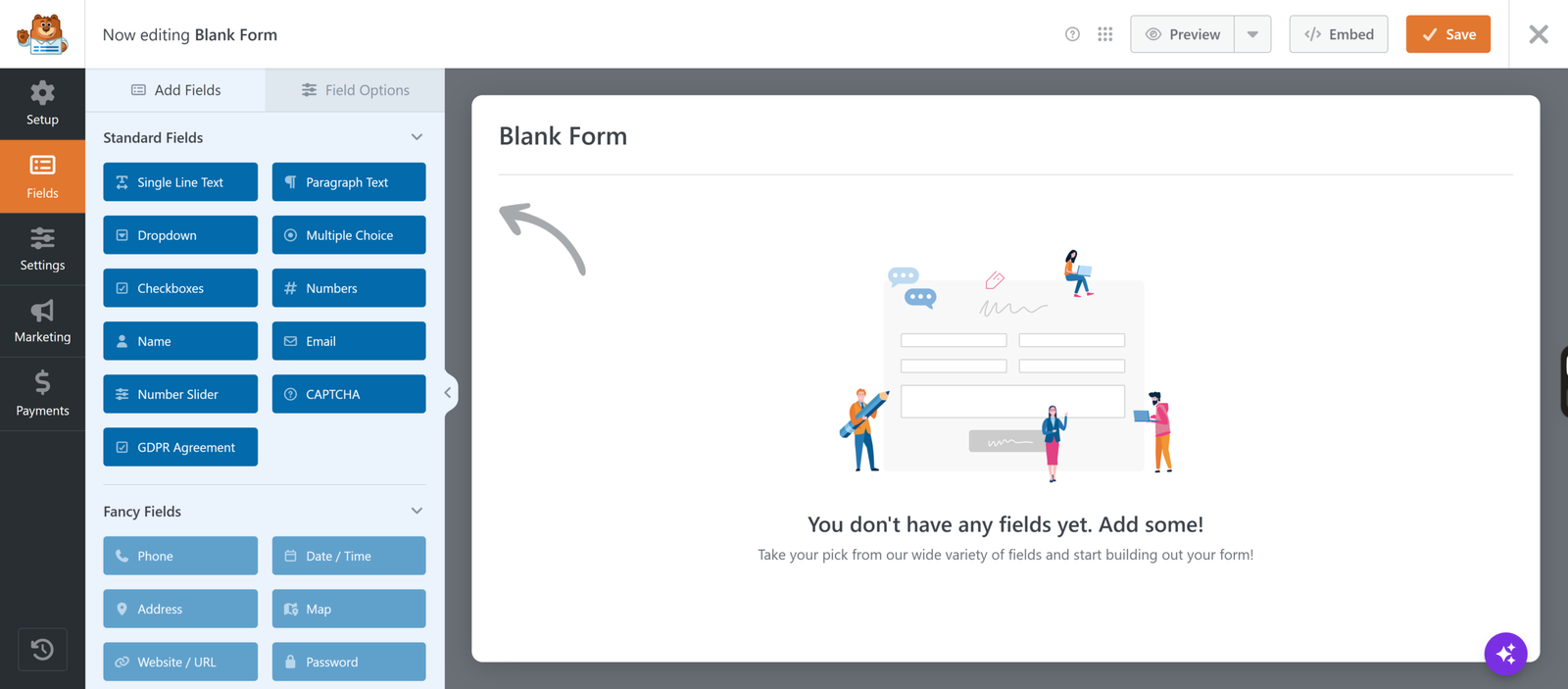
WPForms offers a broader range of field types, templates and logic, with some features gated by plan. For payment forms specifically, it offers payment fields, totals and, on higher plans, coupons and calculations.
Direct Payments WP forms are simpler, centred on a payment, order or donation. Customisation is lighter, but the form’s job is clear.
Payment Management
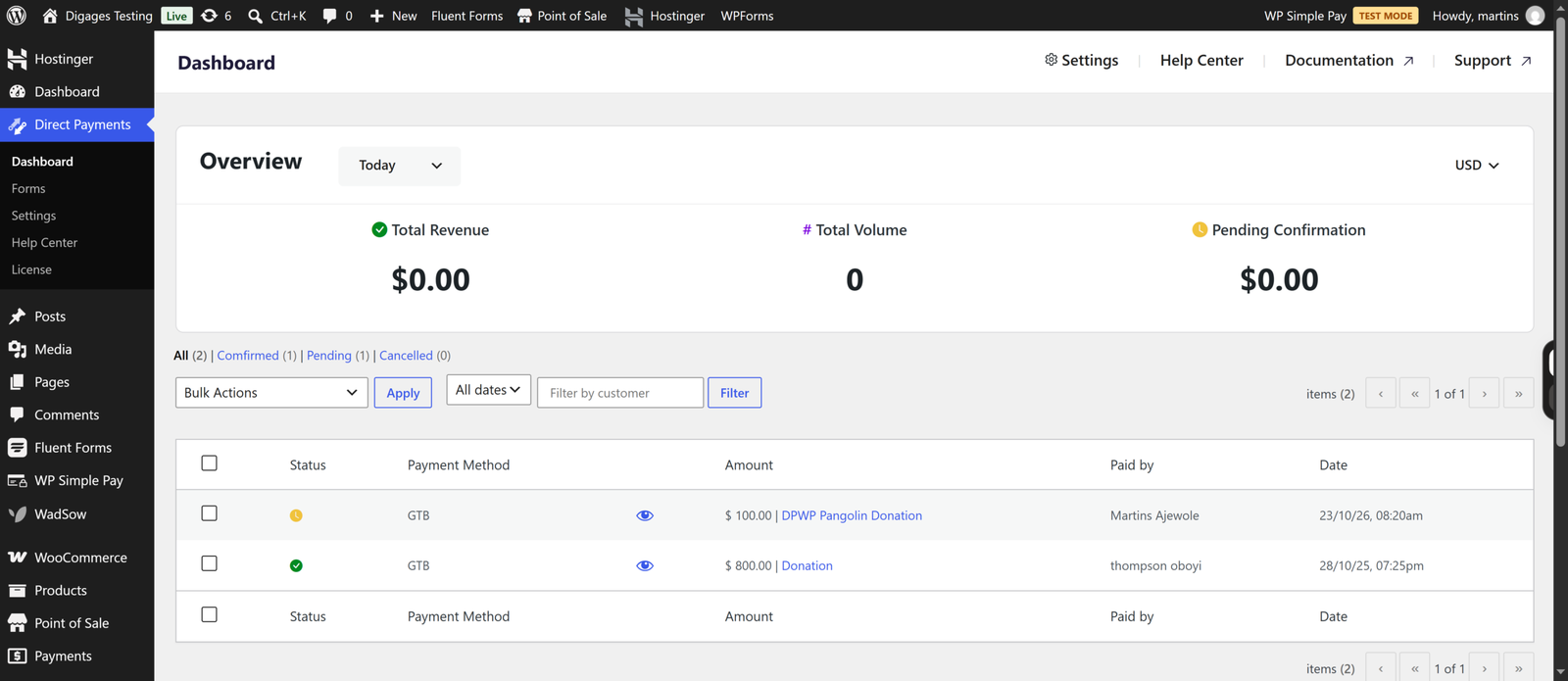
Direct Payments WP puts payments in a dedicated dashboard where you confirm or cancel each one, and it sends alerts so you know when to check. That manual confirmation step is the trade-off of direct payments: you are matching real transfers to submissions, which adds a task but gives you control.
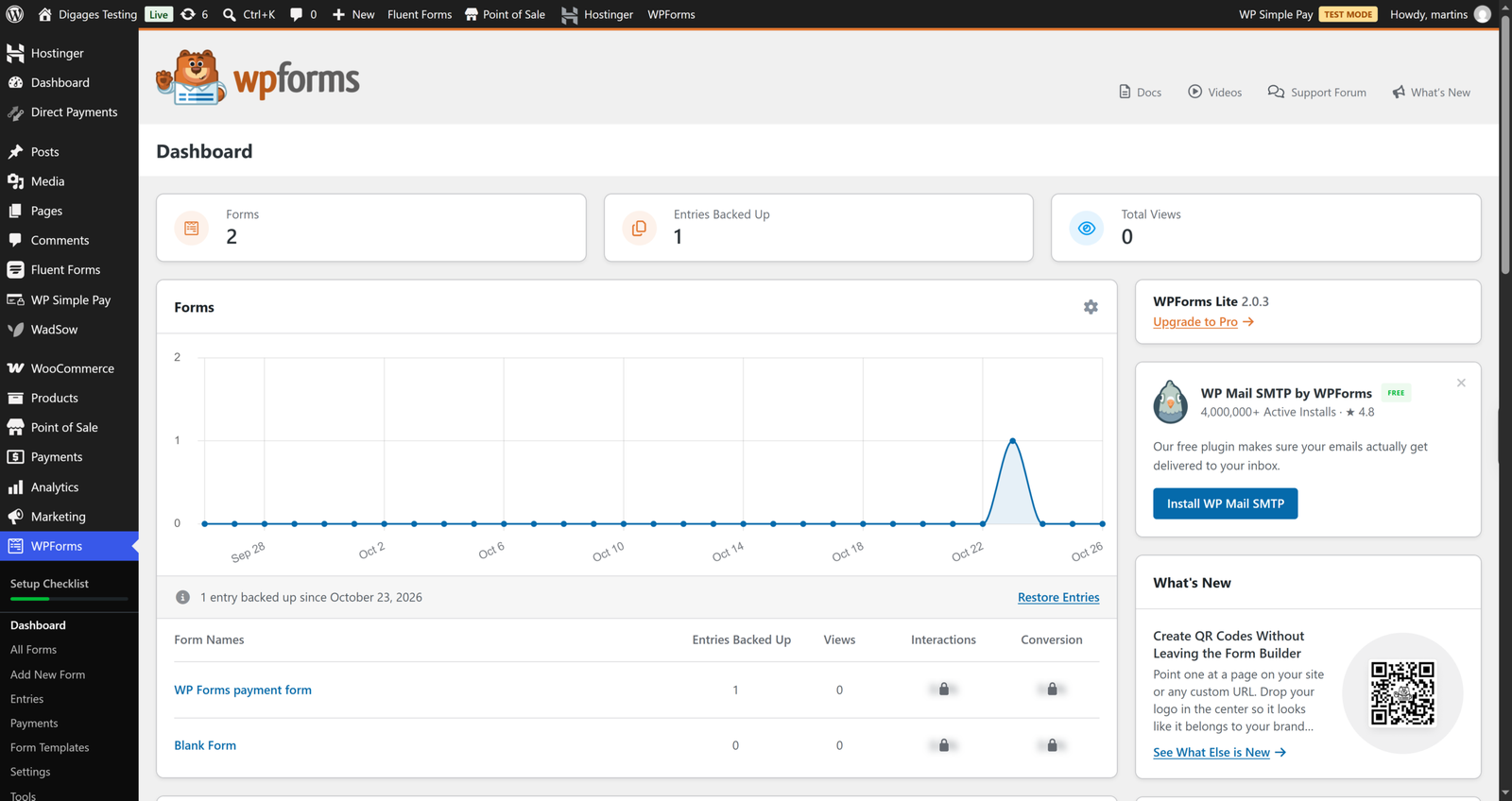
WPForms shows payments in a dedicated Payments screen with filters and charts, and statuses update automatically through Stripe or PayPal.
Integrations and Extensions
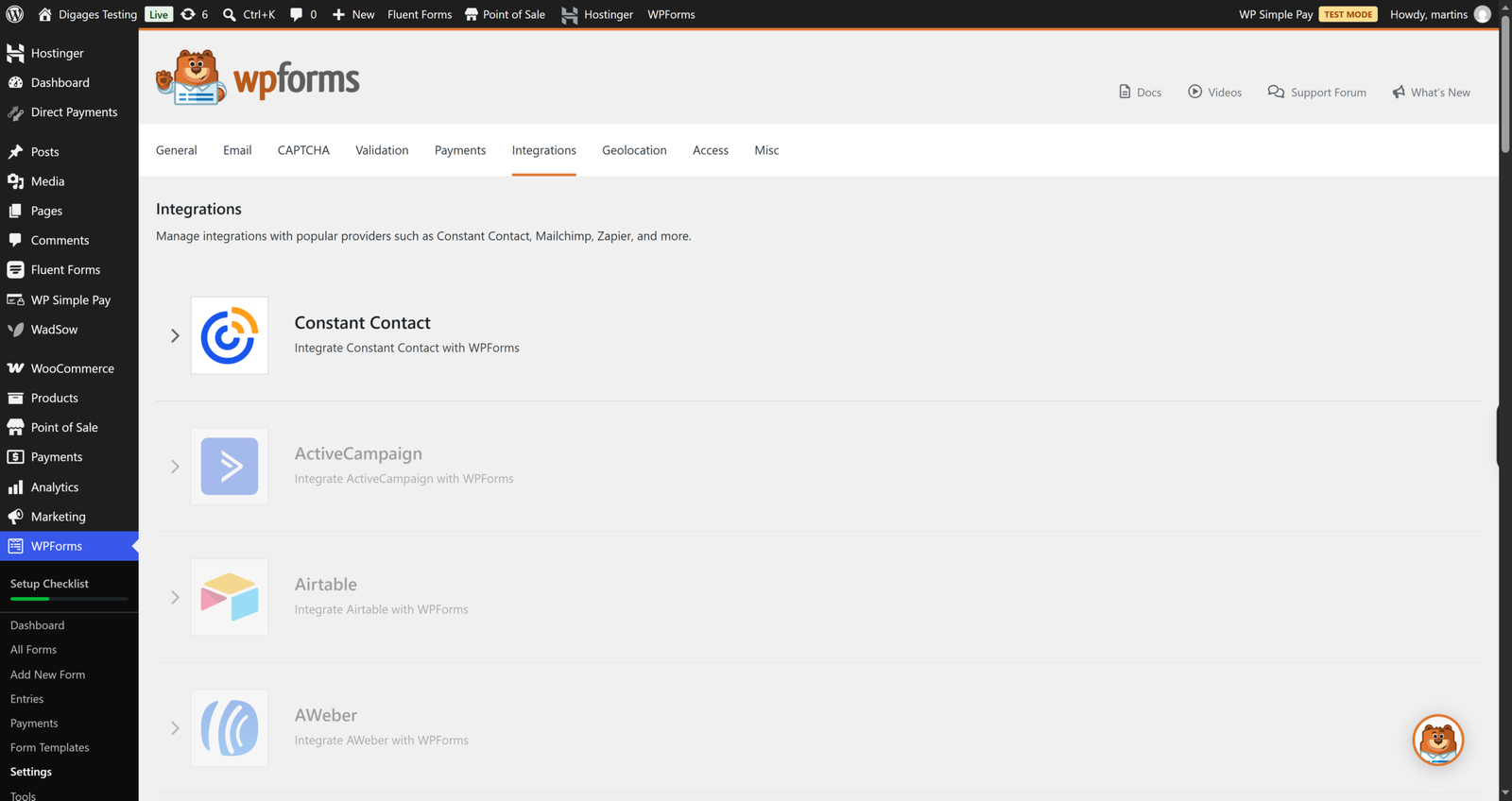
WPForms has a deep add-on catalogue spanning email marketing, CRMs and automation platforms, with many tied to Plus, Pro, or Elite plans.
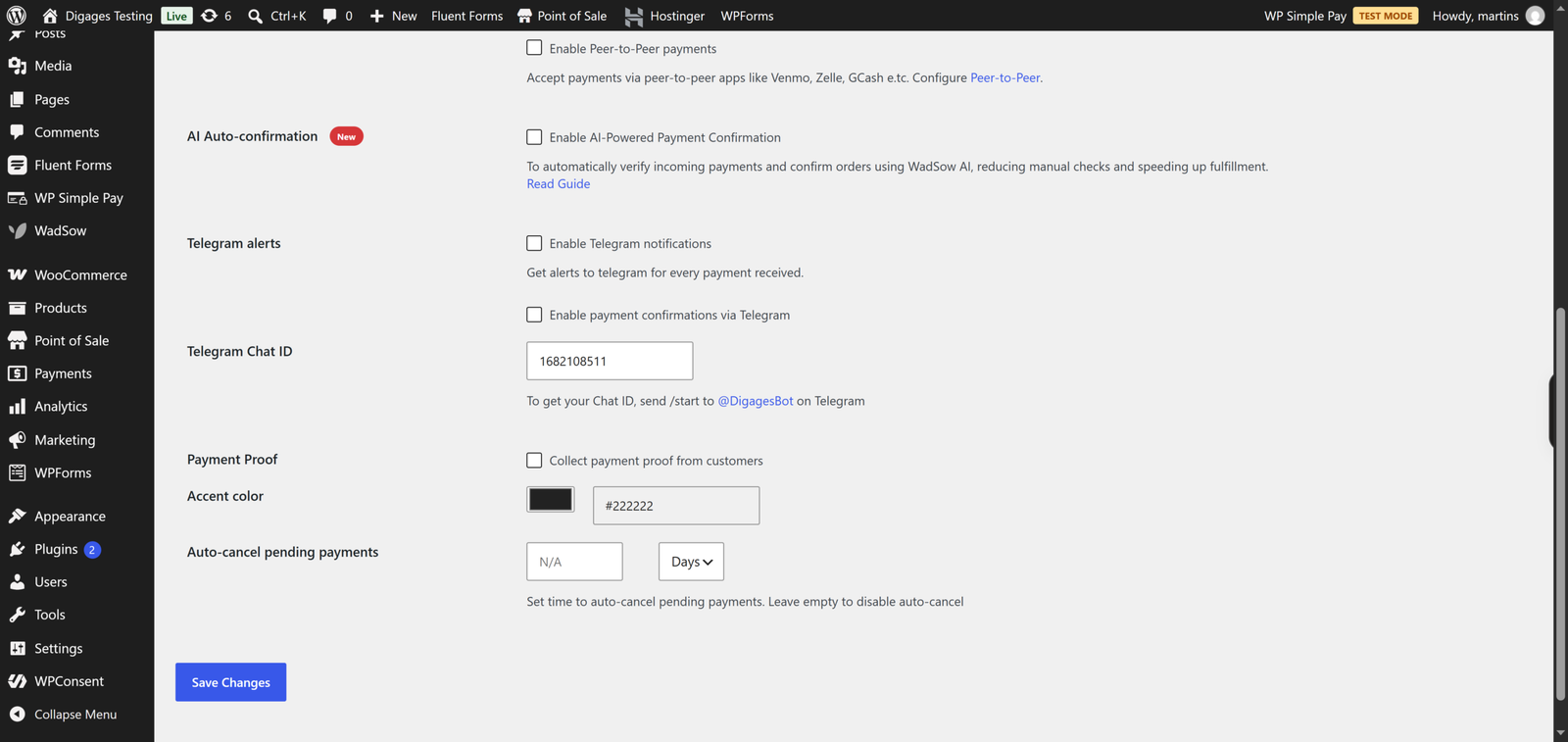
Direct Payments WP follows a minimalist philosophy and offers Telegram notifications and email receipts.
Pricing and Value for Money
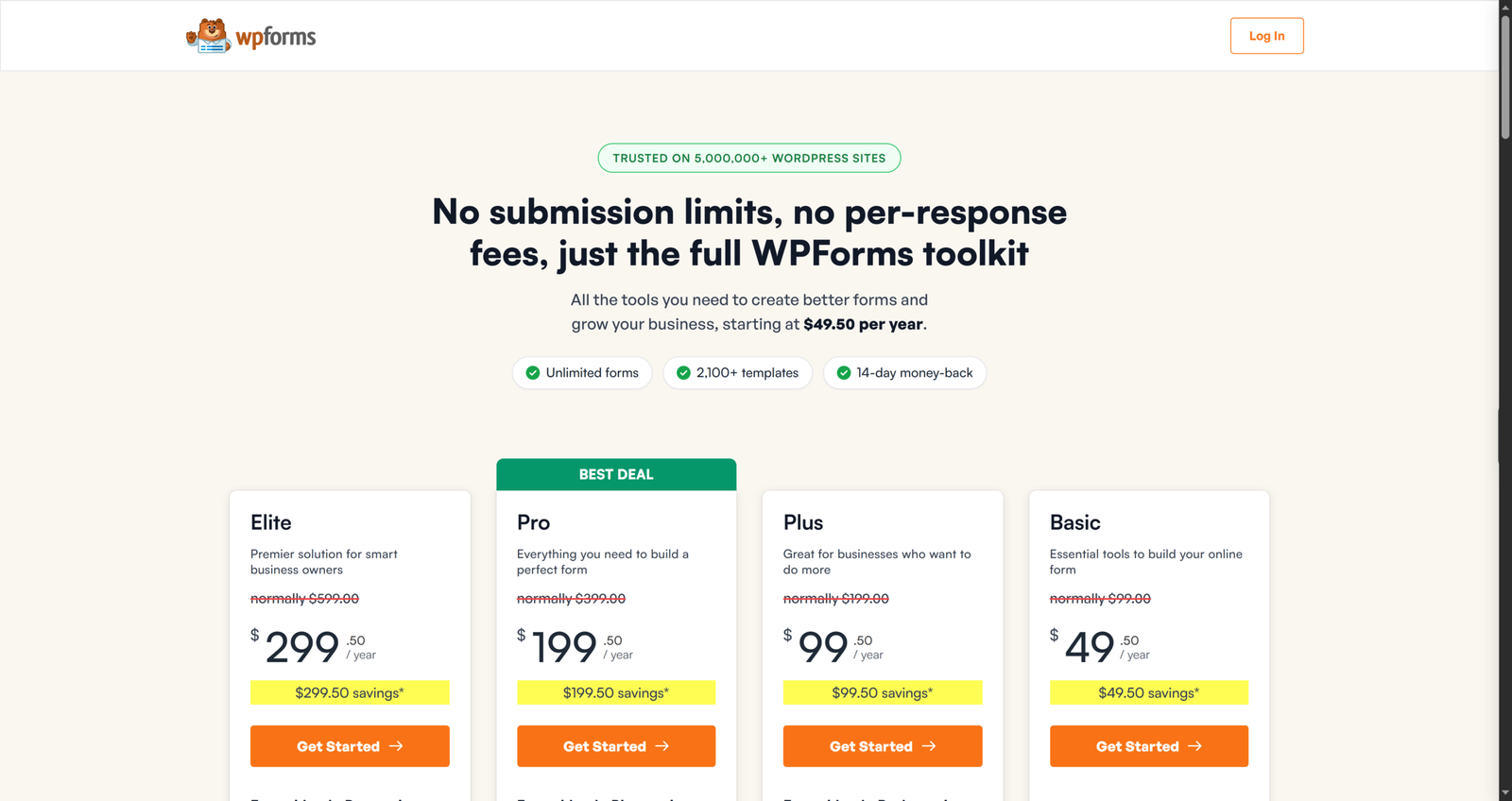
WPForms lists plans like Basic at $99 per year, Plus at $199, Pro at $399 and Elite at $599 at regular renewal prices. Stripe and PayPal work on Lite with the 3% fee, and the fee goes away on Pro, which is where most people running real payment volume end up.
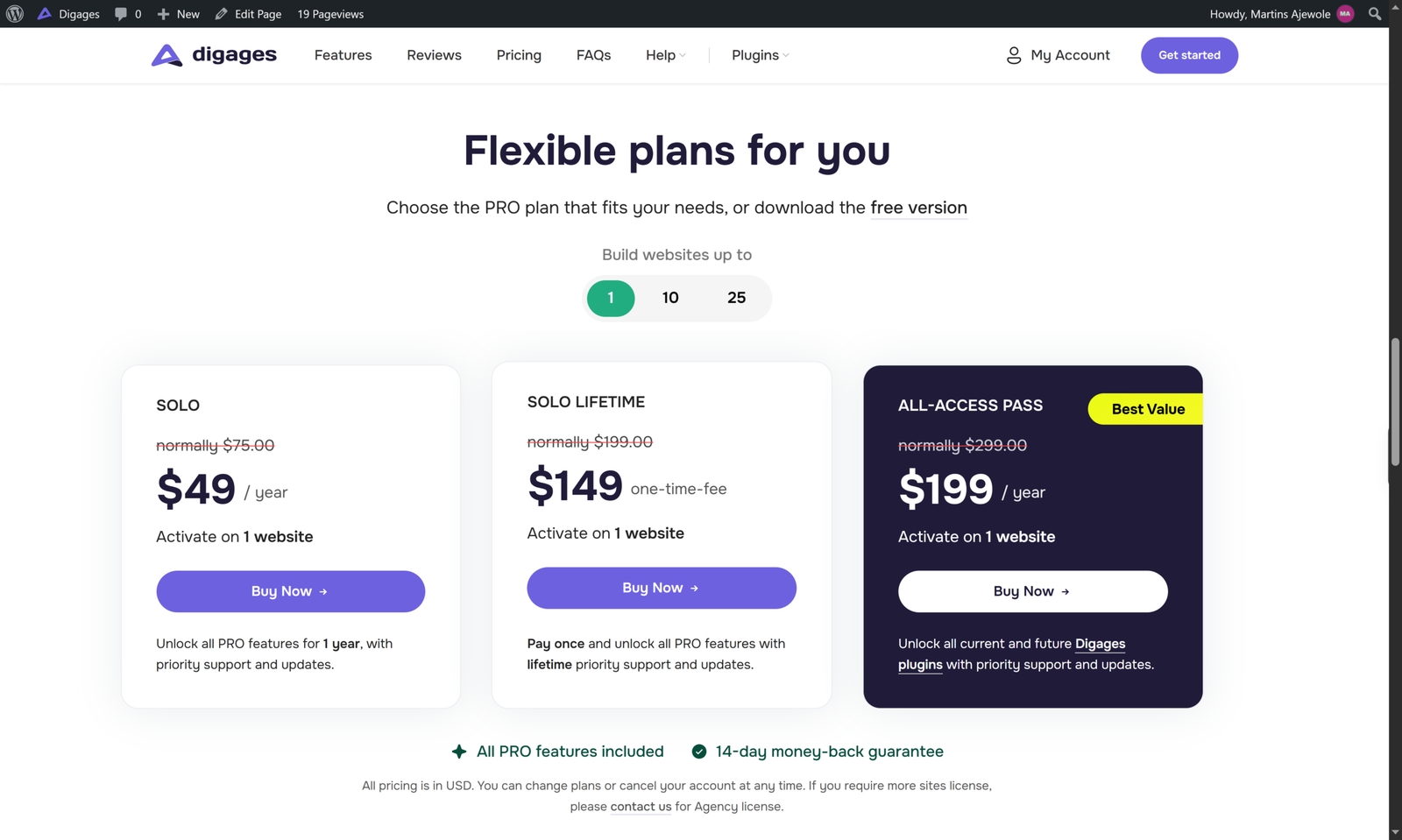
Direct Payments WP has a free version on WordPress and PRO licences on the product page. Digages lists these yearly prices: Solo at $75 per year for one site, Plus at $145 per year for 10 sites, and Enterprise at $250 per year for 25 sites. Lifetime licences are listed at $199, $345 and $659 respectively for the same site counts, and an All-Access Pass bundles all Digages plugins. A 14-day money-back guarantee applies.
If you only want to accept payments, Direct Payments WP costs less than WPForms Pro. But the products are not equivalent. WPForms Pro includes a whole form-building suite, and Direct Payments WP does not try to be one. If you would use WPForms for other forms as well, the extra cost buys real value.
Conclusion
If your question is “which one handles card payments most smoothly,” WPForms is the stronger answer, especially on Pro, where processor payments, recurring billing and automatic statuses are built in. If your question is “which one lets people pay me directly by the methods they actually use,” Direct Payments WP is the more relevant tool.
Stay with WPForms if you already rely on it for forms and your customers pay by card. Choose Direct Payments WP if direct methods are central to your business. If your pricing page is not bringing the payments you expect, it may be because customers cannot find their preferred way to pay.
To see the direct-payment flow yourself, open Direct Payments WP or install the free version from the WordPress plugin directory.