🎁 New: Build Customer Loyalty & Drive Repeat Purchases with WooCommerce. Learn more



On this page
How to Sell Personalized Products on WooCommerce
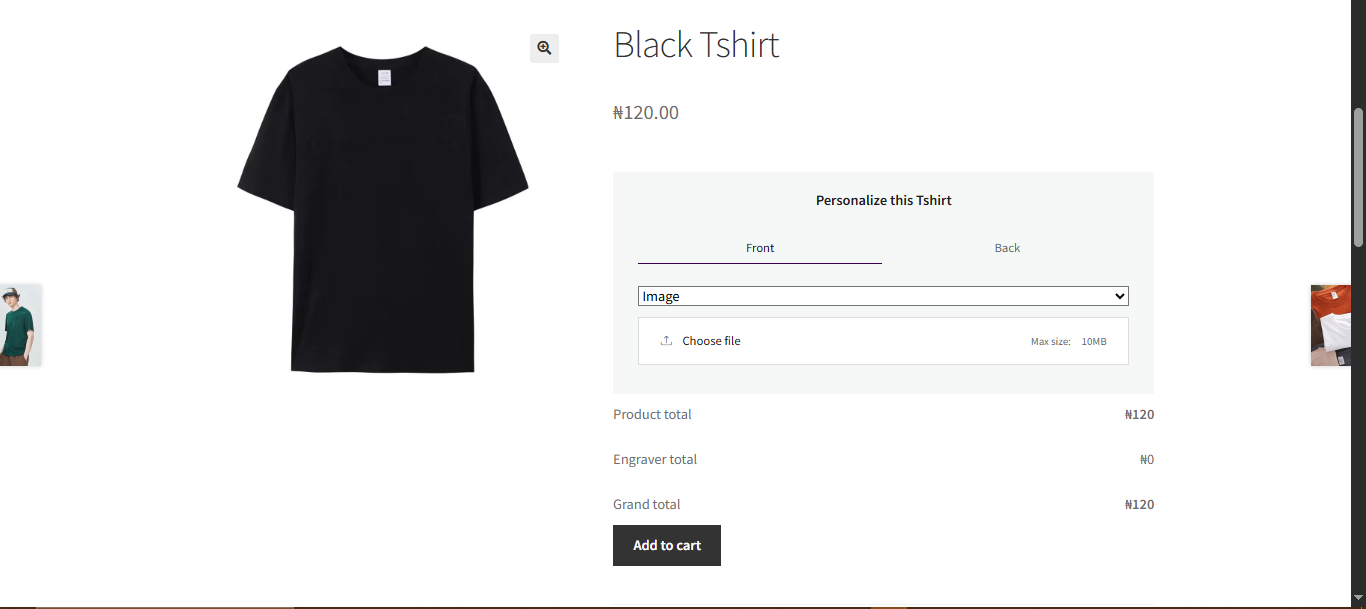
Personalization is no longer just a bonus feature in eCommerce — it has become what customers expect. People want products that feel like they were made for them, whether that is a mug with their name on it, a piece of jewelry engraved with a meaningful date, or a T-shirt printed with a custom design.
If you run a WooCommerce store, the great news is that selling personalized products is very achievable, even if you are starting from scratch.
This guide walks you through exactly how to do it — from understanding what personalization means in practice to setting up your store and managing orders efficiently.
By the end of this article, you will have a clear picture of how the whole process works and the tools that make it possible.
What Does It Mean to Sell Personalized Products?
Selling personalized products means giving customers the ability to add their own input to a product before they buy it. This is different from offering product variations like color or size. Instead, you are collecting something unique to each customer — a name, a message, an image, or a specific instruction — and using it to create or modify the product.
Examples of personalized products include:
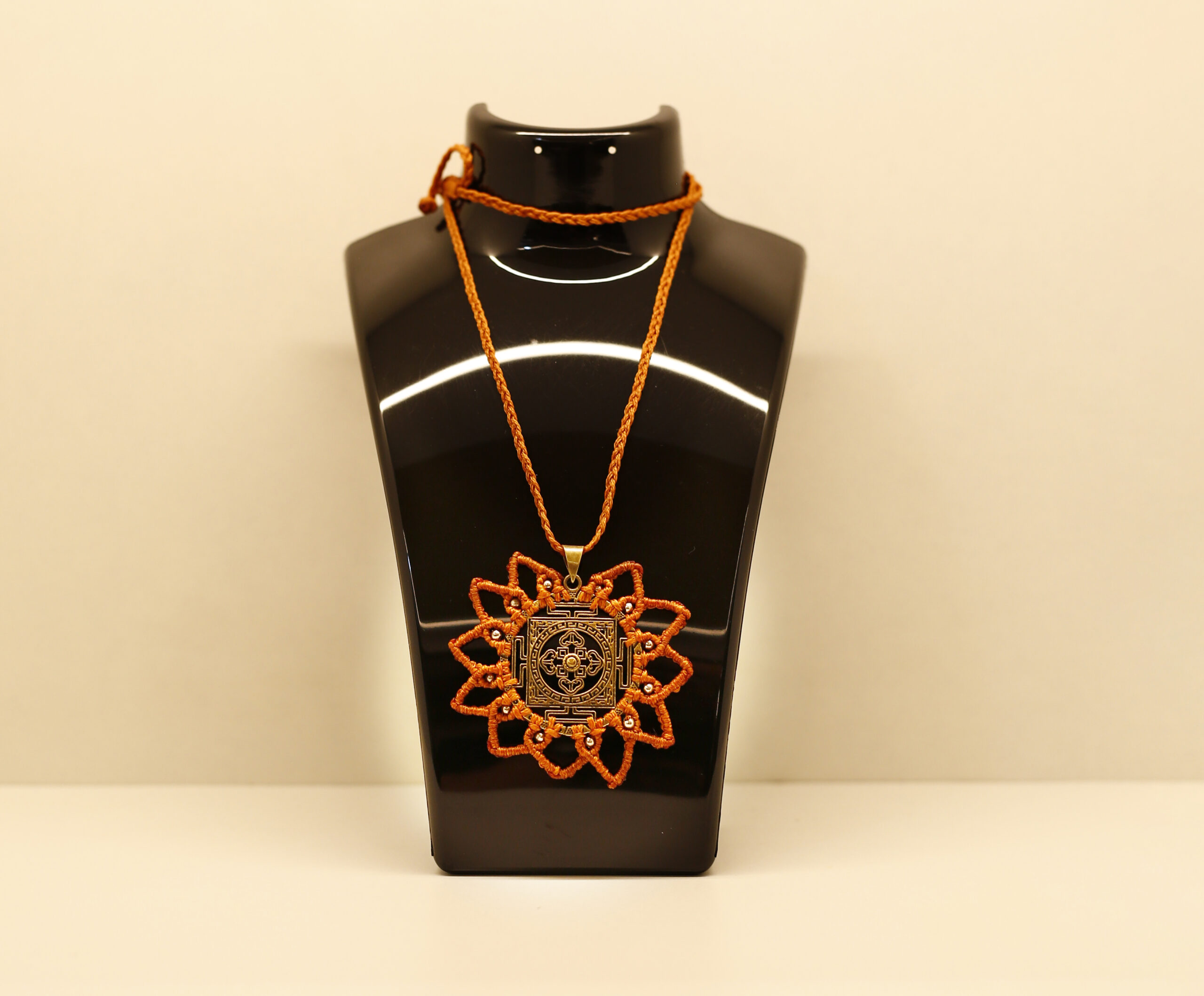
- Engraved jewelry: Rings, bracelets, and necklaces with names, initials, or dates.
- Custom mugs or glassware: Items printed or etched with photos, names, or messages.
- Personalized gifts: Keepsakes, frames, plaques, and home decor customized with meaningful text.
- Custom apparel: T-shirts, hoodies, and hats with names, numbers, or uploaded designs.
- Awards and trophies: Items engraved with recipient names, dates, and achievement text.
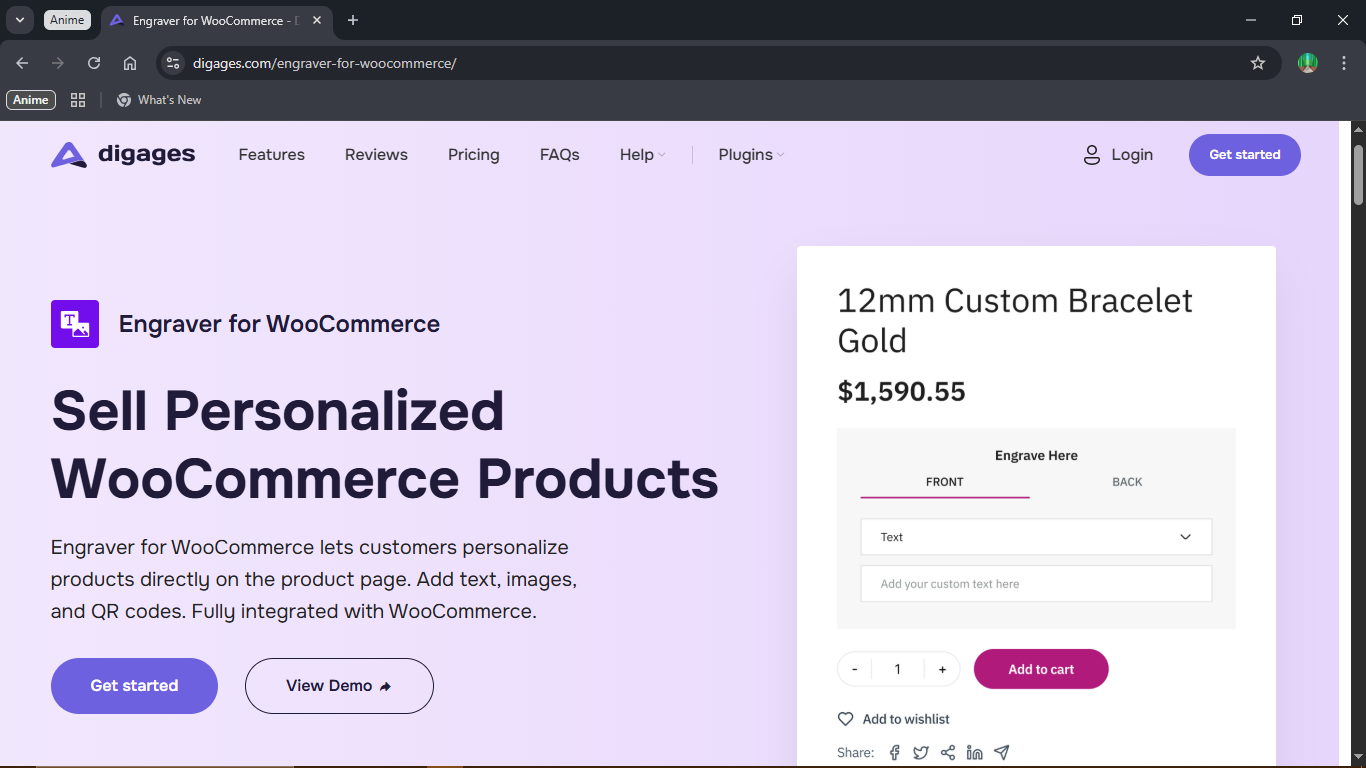
The key thing to understand is that WooCommerce does not come with built-in tools for this kind of personalization. The platform allows you to set up product variations (like offering a ring in gold or silver), but it does not allow customers to submit custom text or upload images directly on the product page. For that, you need a plugin.
Tip: Personalized products are especially popular around key gift-giving seasons: Valentine’s Day, Mother’s Day, Father’s Day, anniversaries, birthdays, and Christmas. Positioning your store for these moments can dramatically increase your seasonal sales.
So What are The Next Steps
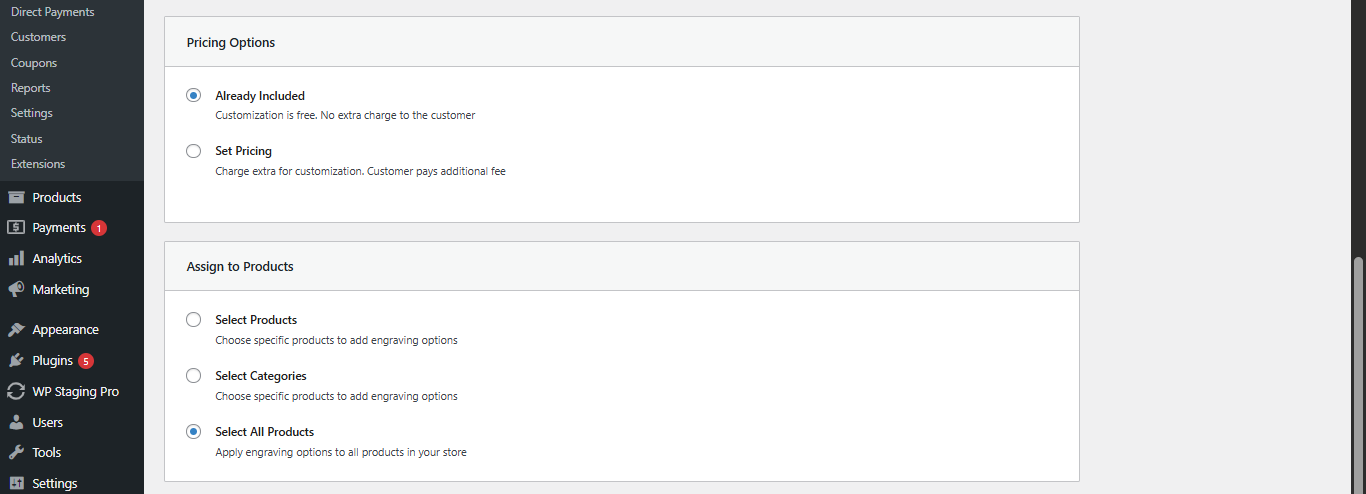
Tip: After setting up your customization template, always test it yourself. Add the product to your cart, submit some test inputs, and check that the order data captures correctly in your backend. This prevents fulfillment errors from day one.
Tip: Before investing in ads or influencer campaigns, test your entire WooCommerce personalized product flow.
Common Mistakes to Avoid
Conclusion
Selling personalized products on WooCommerce is one of the best decisions you can make to differentiate your store, increase average order values, and build a loyal customer base. The key is setting up a clean customer-facing experience and a reliable backend workflow — and having the right tools to support both.
Start with Engraver for WooCommerce and follow the complete usage guide to get your first personalized product live today.








