✨ New in v2.4: AI Powered Payment Confirmation & Custom Workflow Controls.


Direct Invoices Settings Overview
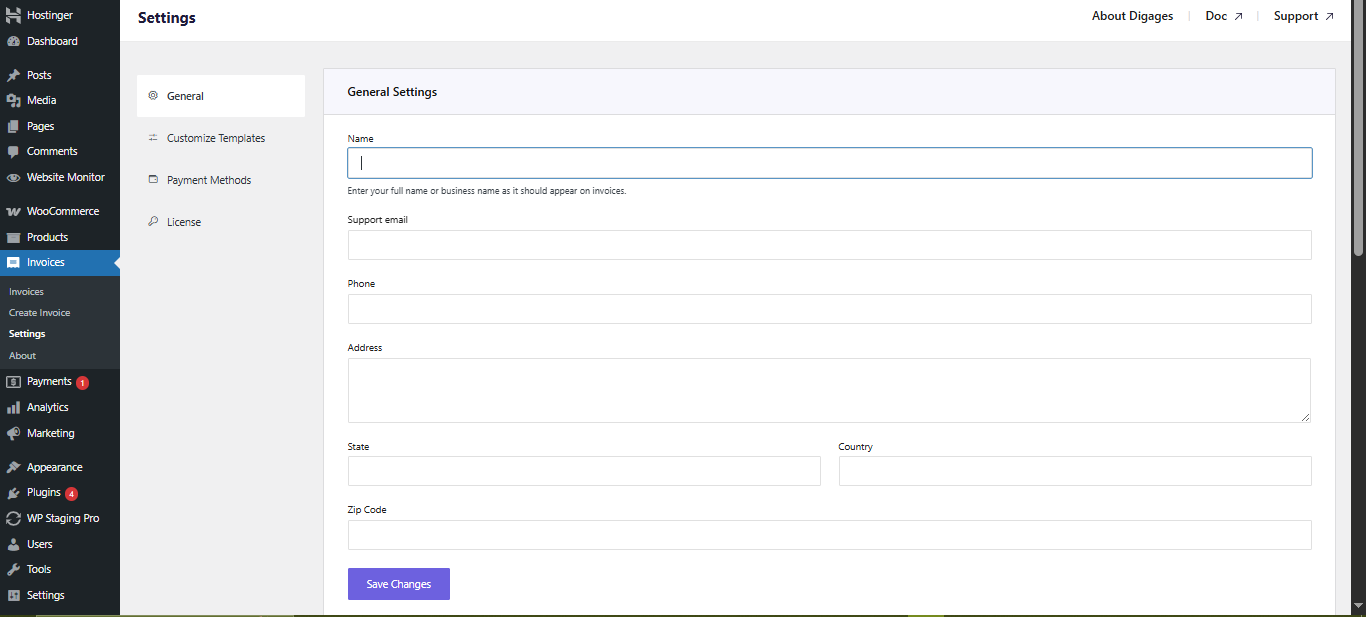
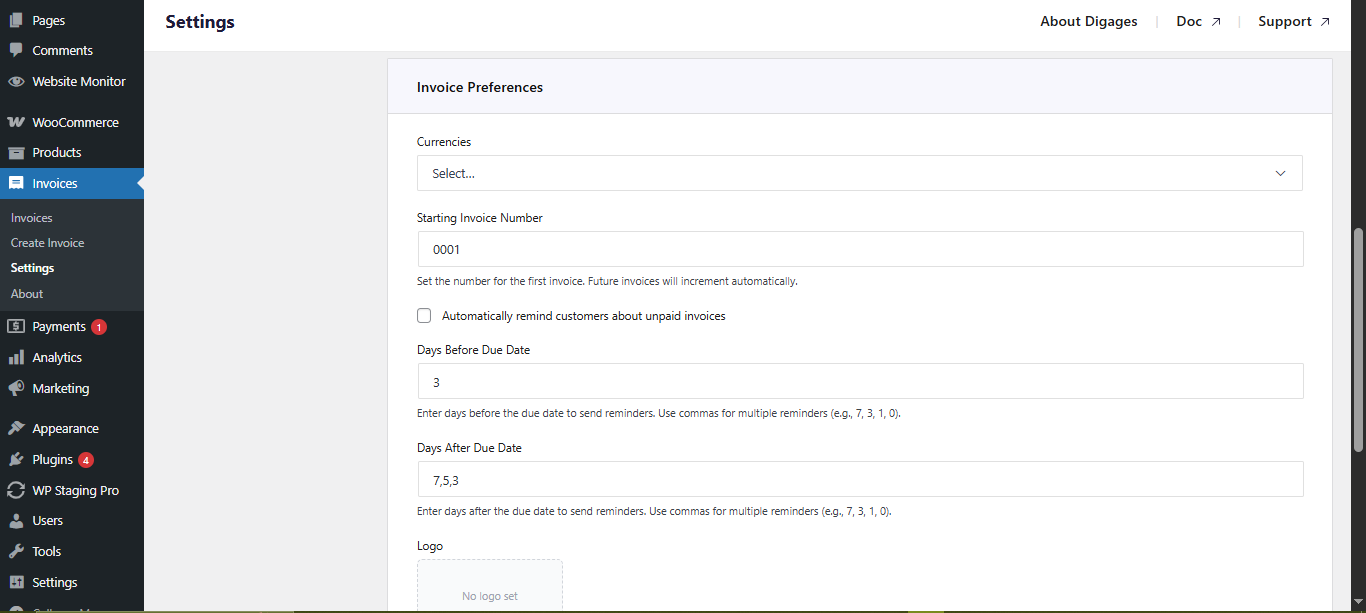
General
Customise Templates (Customer Communication)
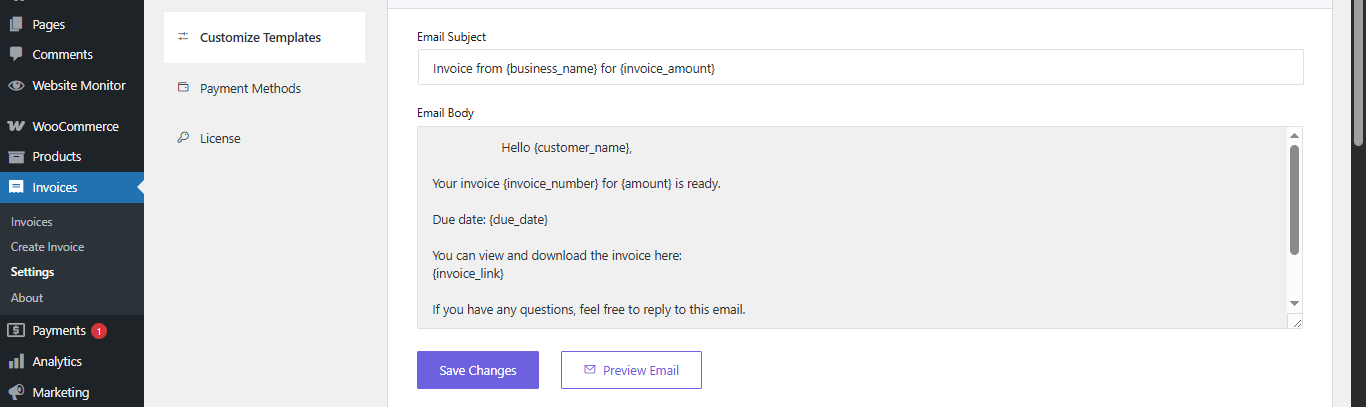
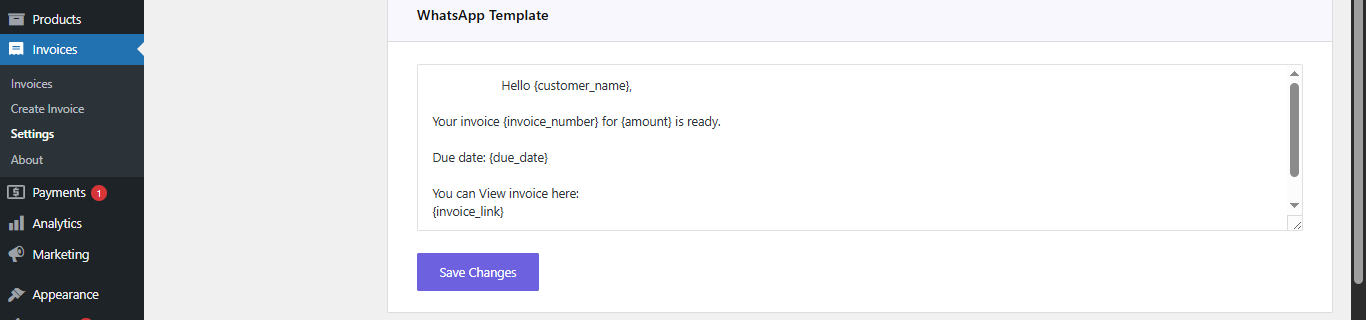
Always test templates before using them in production.
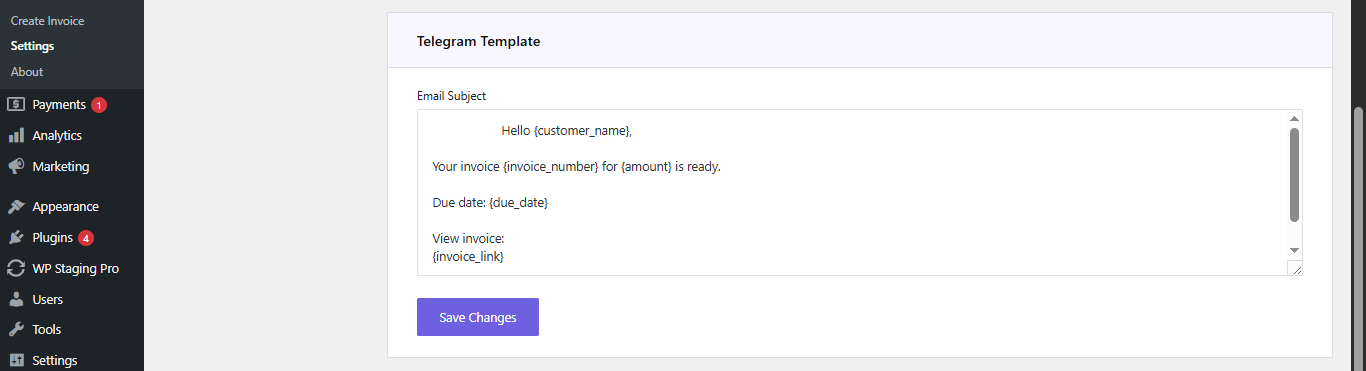
Best Practice:
Short messages improve readability and engagement on mobile devices.
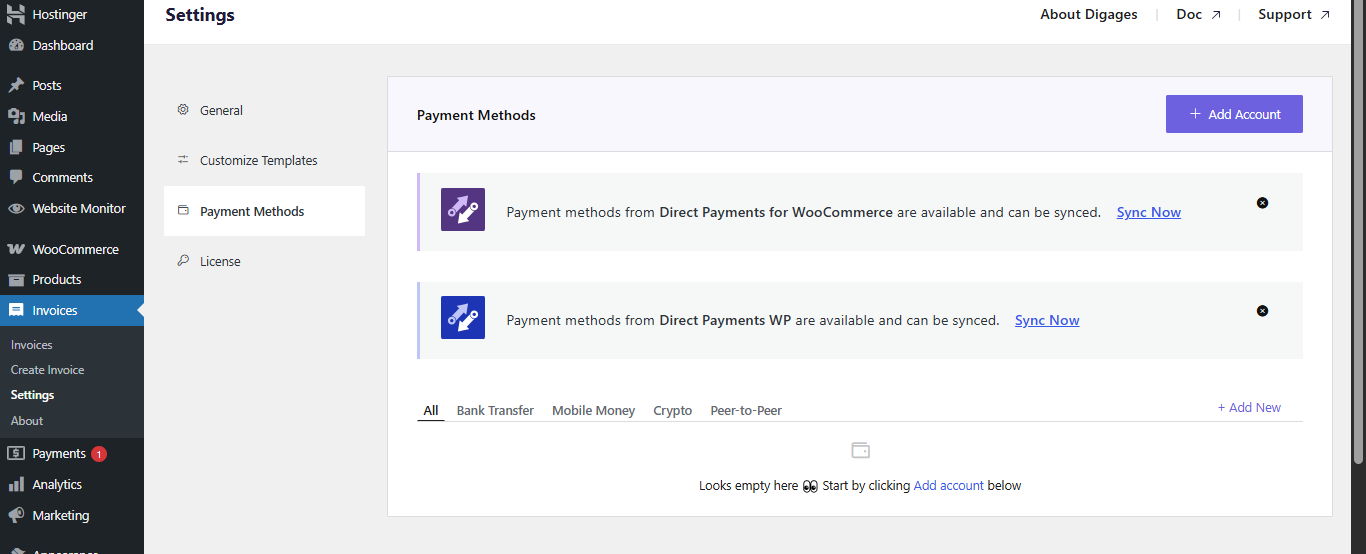
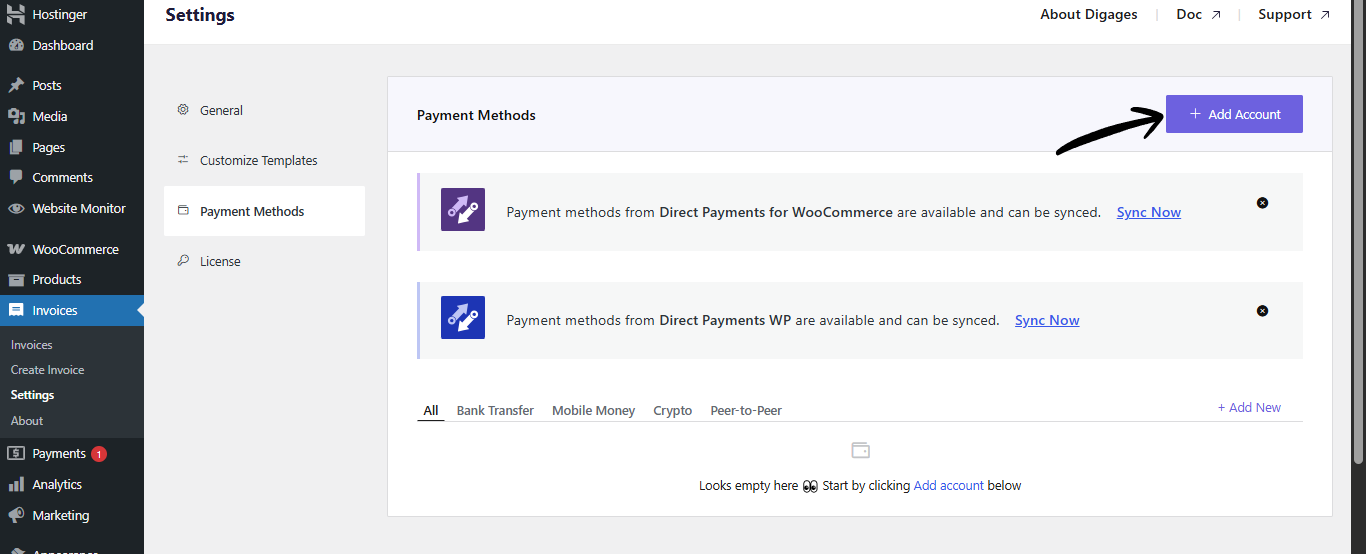
Payment Methods (How Customers Pay)
License Activation
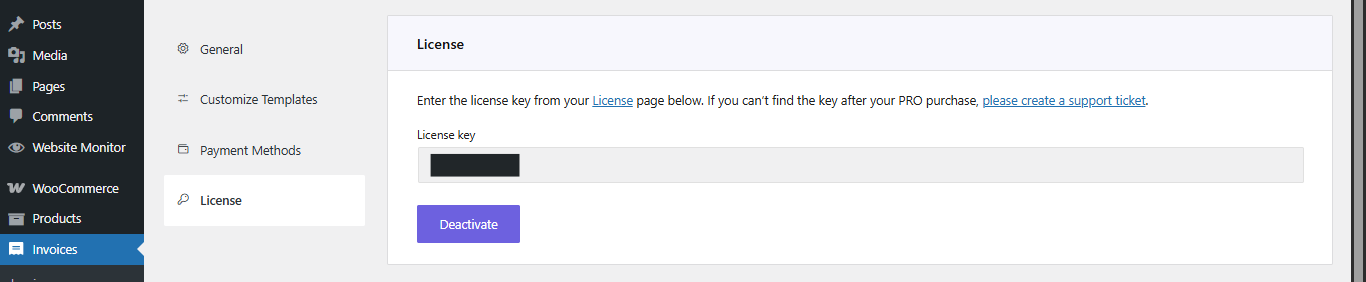
Activating your license unlocks all Pro features and continued support. Without activation, some advanced functionality may be unavailable.
Direct Invoices Dashboard
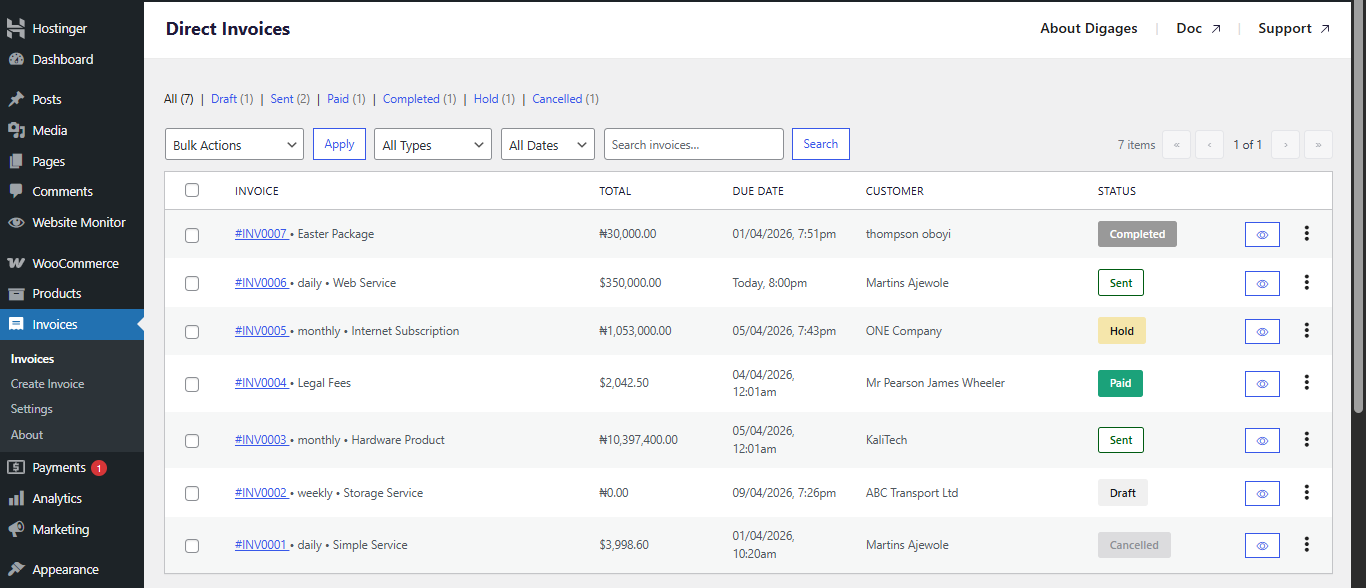
The typical invoice flow looks like:
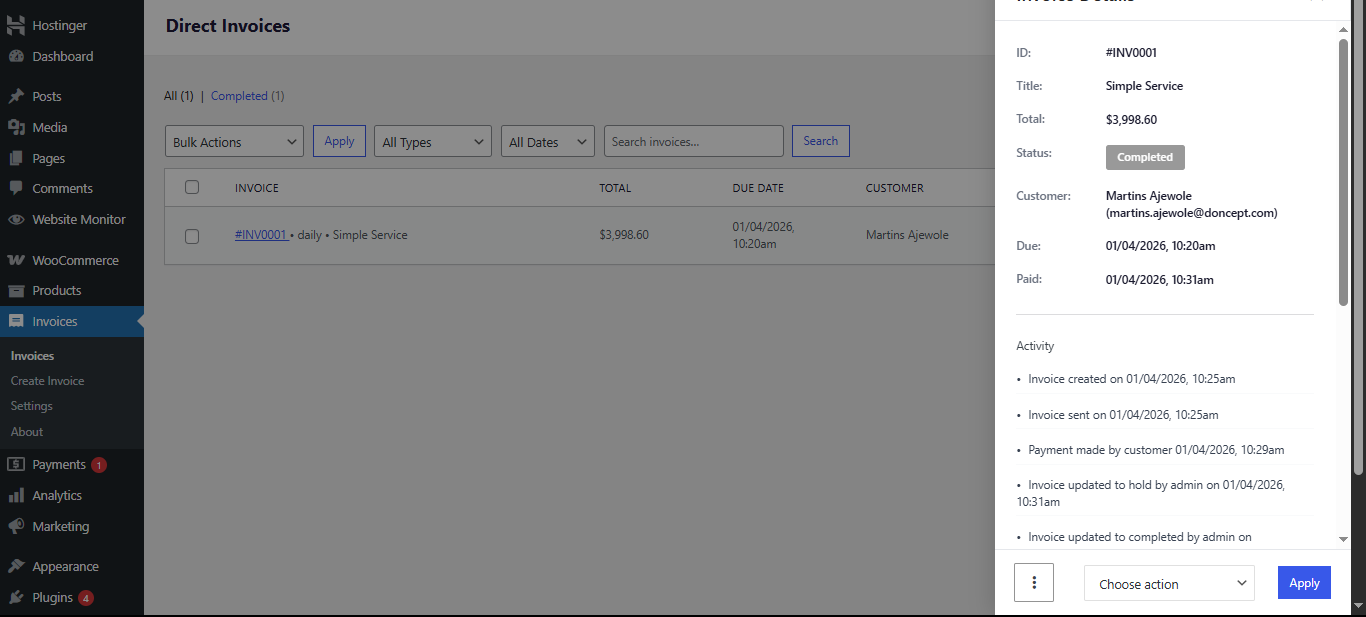
Draft → Sent → Paid → Hold → Completed
This structure means that customers confirm payment first, and you verify before finalizing.
Getting Started
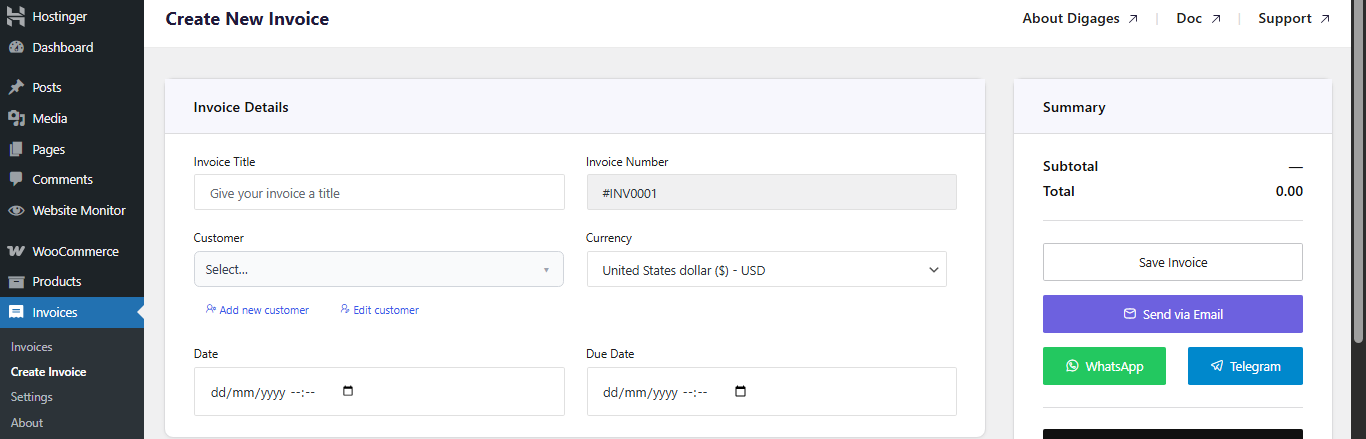
Always set a due date to enable automated reminders.

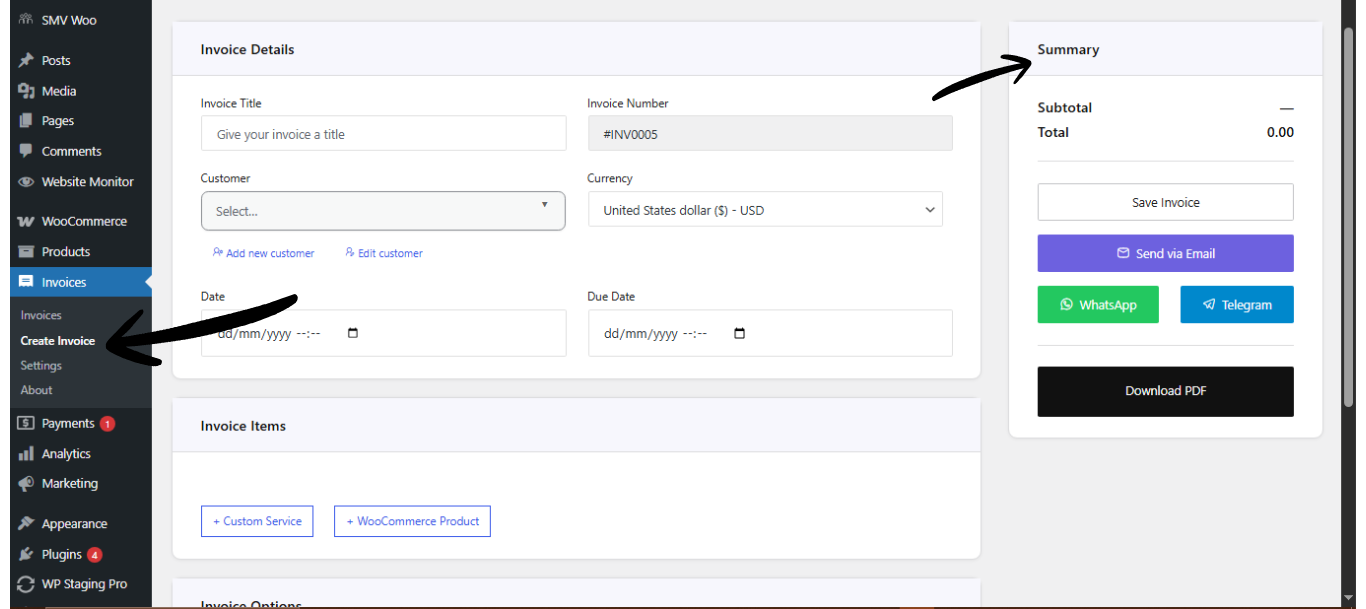
Invoice items defines what the customer is being billed for.
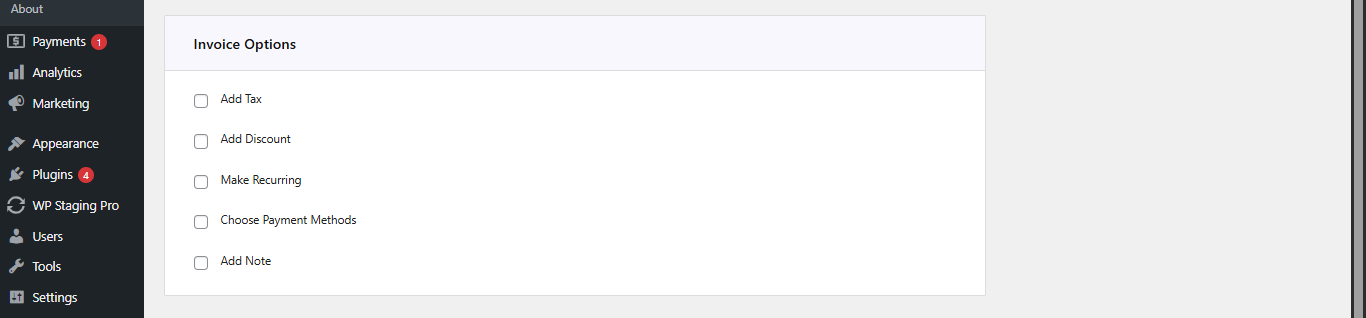
Tip:
Sending invoices via WhatsApp or Telegram often results in faster responses compared to email alone.
Get started now | Demo Direct Invoices | Free vs PRO | How to setup Direct Invoices | Documentation





