🎁 New: Build Customer Loyalty & Drive Repeat Purchases with WooCommerce. Learn more


If you’d rather not give every applicant instant access to dropshipping prices, you can build a registration form that collects applications first and only assigns the Dropshipper role once you’ve reviewed and approved them. Here’s how to set that up with Dropshipfy.
For this article, we would be using Fluent Forms to collect applications.
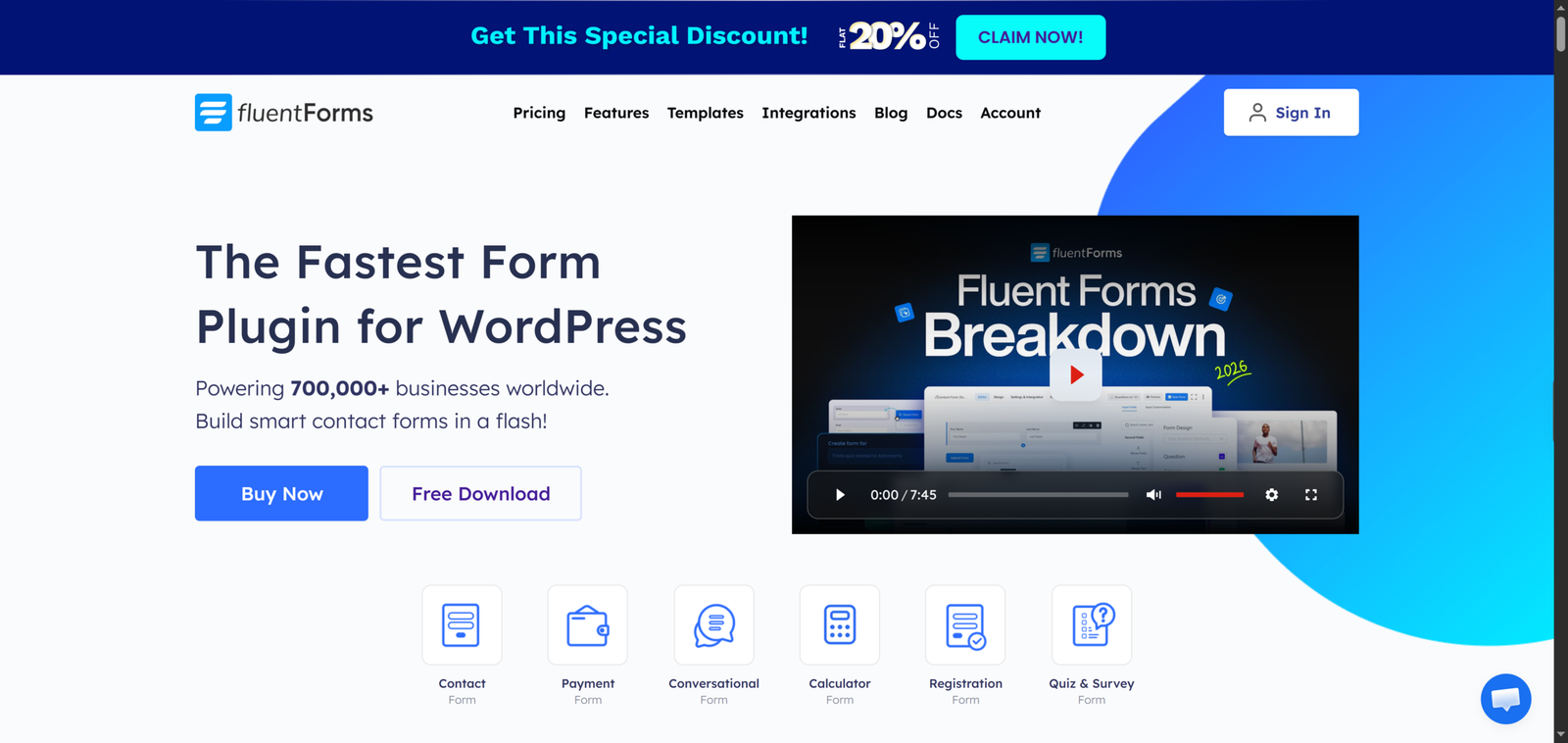
Step 1: Install Fluent Forms
- Go to WordPress Admin > Plugins > Add New, install Fluent Forms, and click Activate.
You can also download it from their website.
Step 2: Build the Application Form
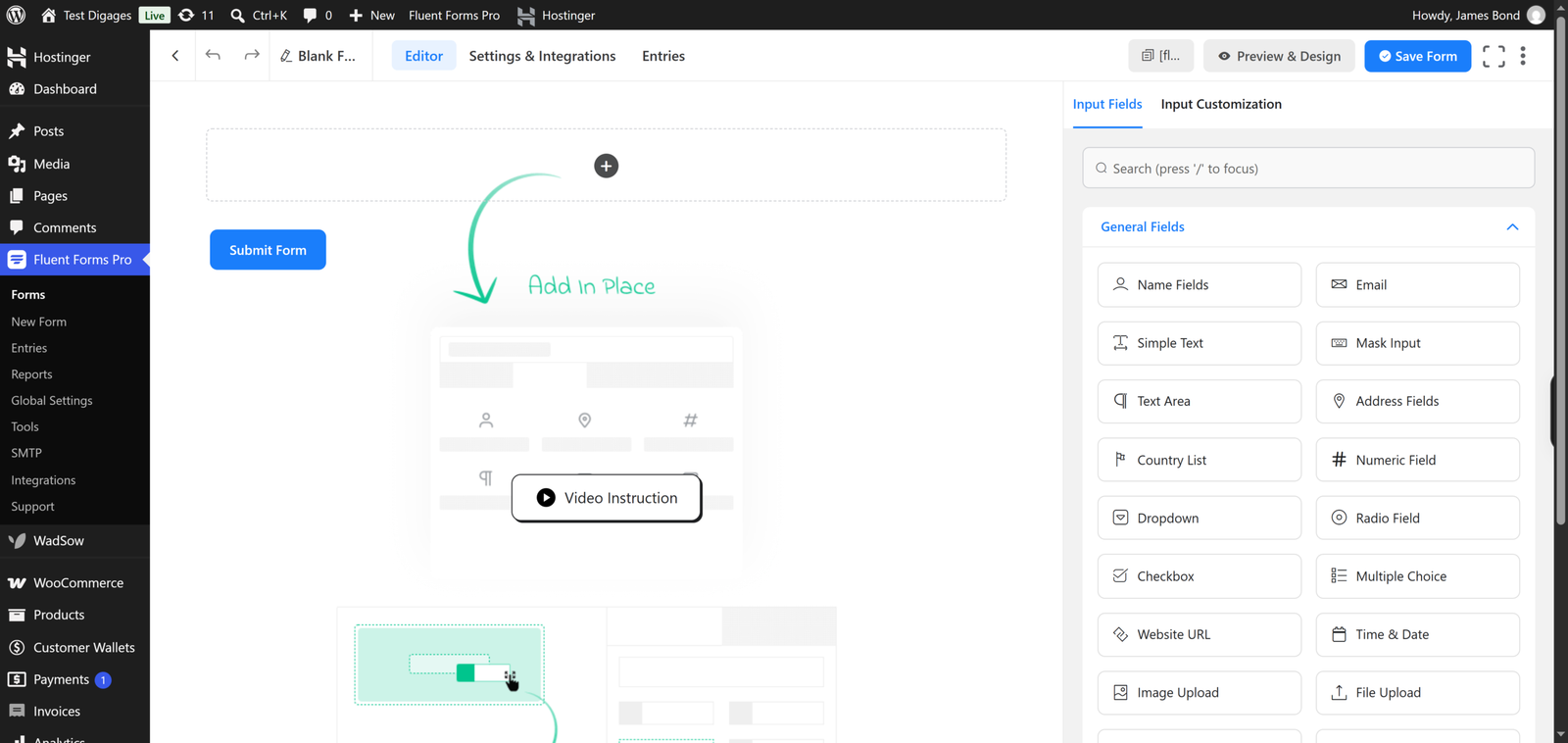
- Go to Fluent Forms > New Form > Blank Form.
- Add the fields you want applicants to complete, such as Name, Email, Password, and any details that help you assess whether they qualify (business name, website, order volume, etc.).
- Click Save in the top-left corner.
Step 3: Set Up the Registration Feed
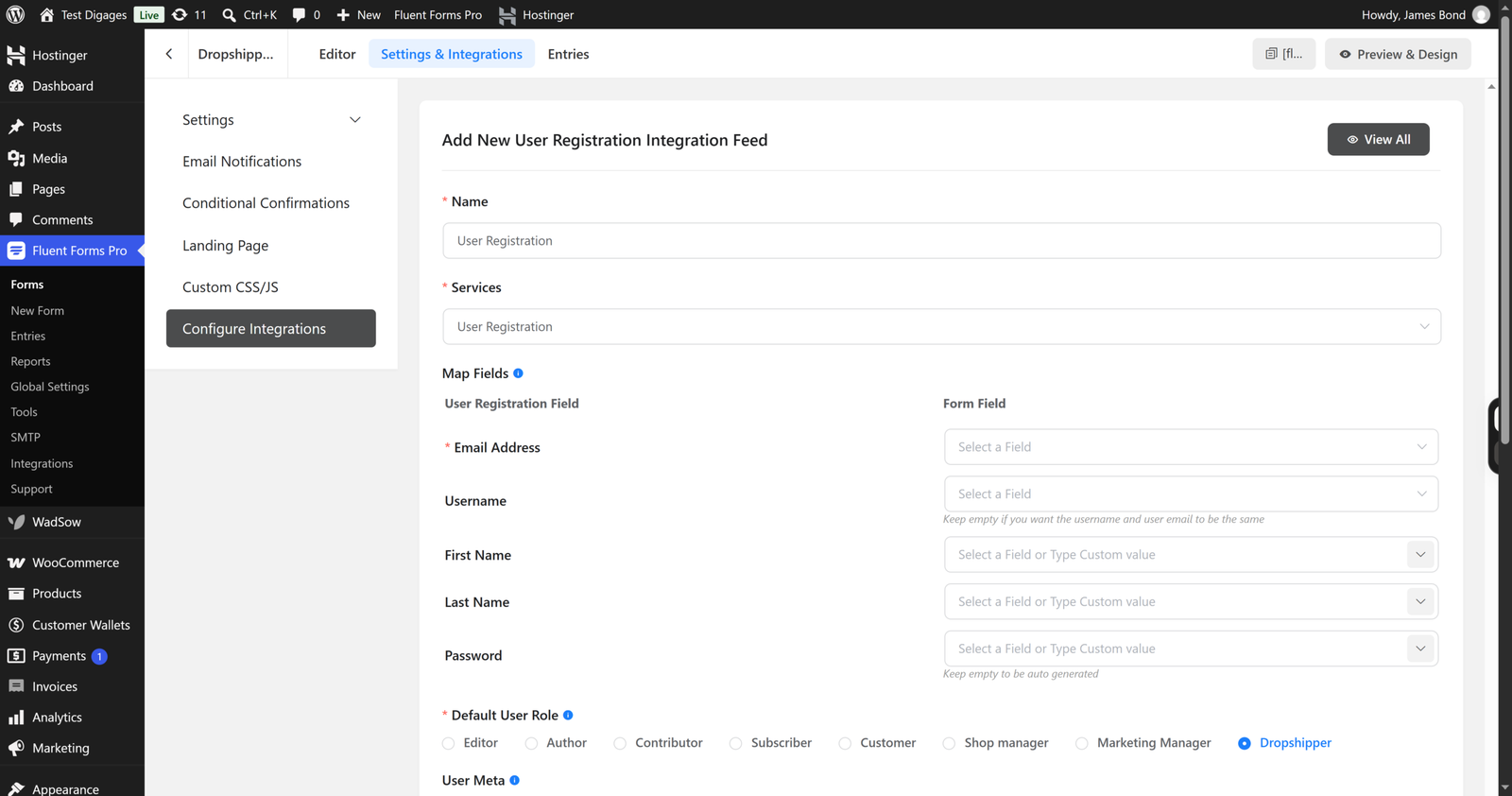
- Click Settings & Integrations at the top.
- Scroll to Configure Integrations, then click Add New Integration.
- Select User Registration or Update Integration.
- Map your form fields to the matching user fields.
- In Default User Role, choose a default role such as Customer rather than Dropshipper. This registers applicants as regular users first, so they don’t get dropshipping access before you’ve reviewed them.
- Click Save Feed.
For a closer look at each field in the integration feed, see Fluent Forms’ guide to creating a user registration form.
Step 4: Review Applications
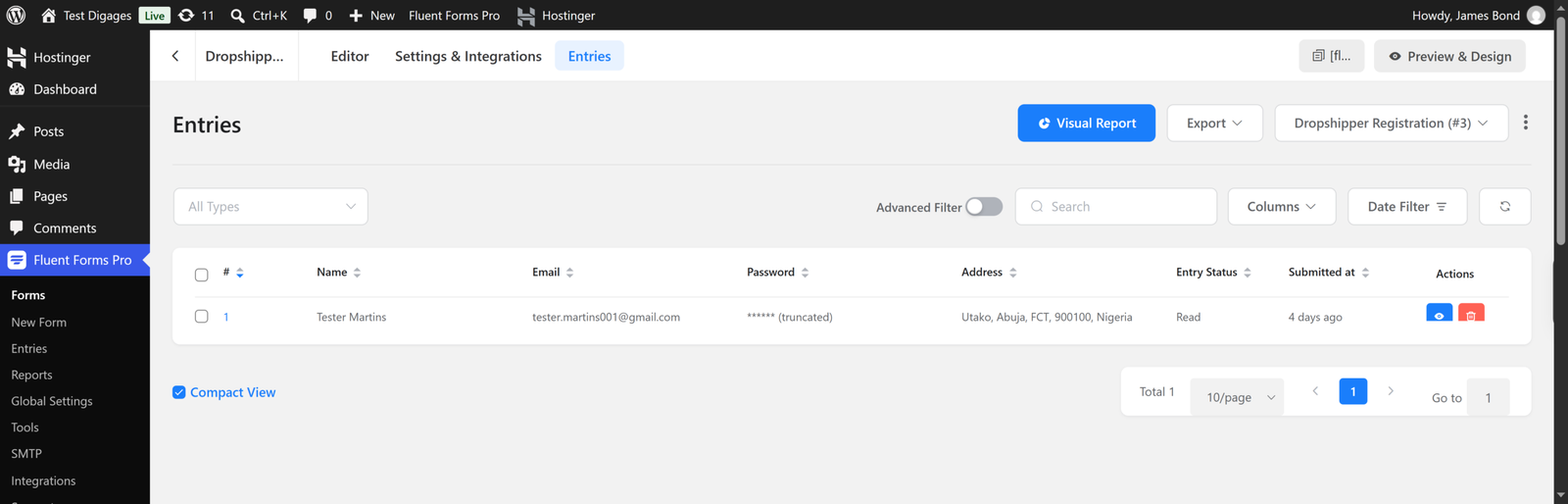
Every submission is stored in the form’s Entries section in your Fluent Forms dashboard. Check this regularly to review new applicants and decide who qualifies for dropshipping access.
Step 5: Approve Qualified Applicants
For each applicant you approve:
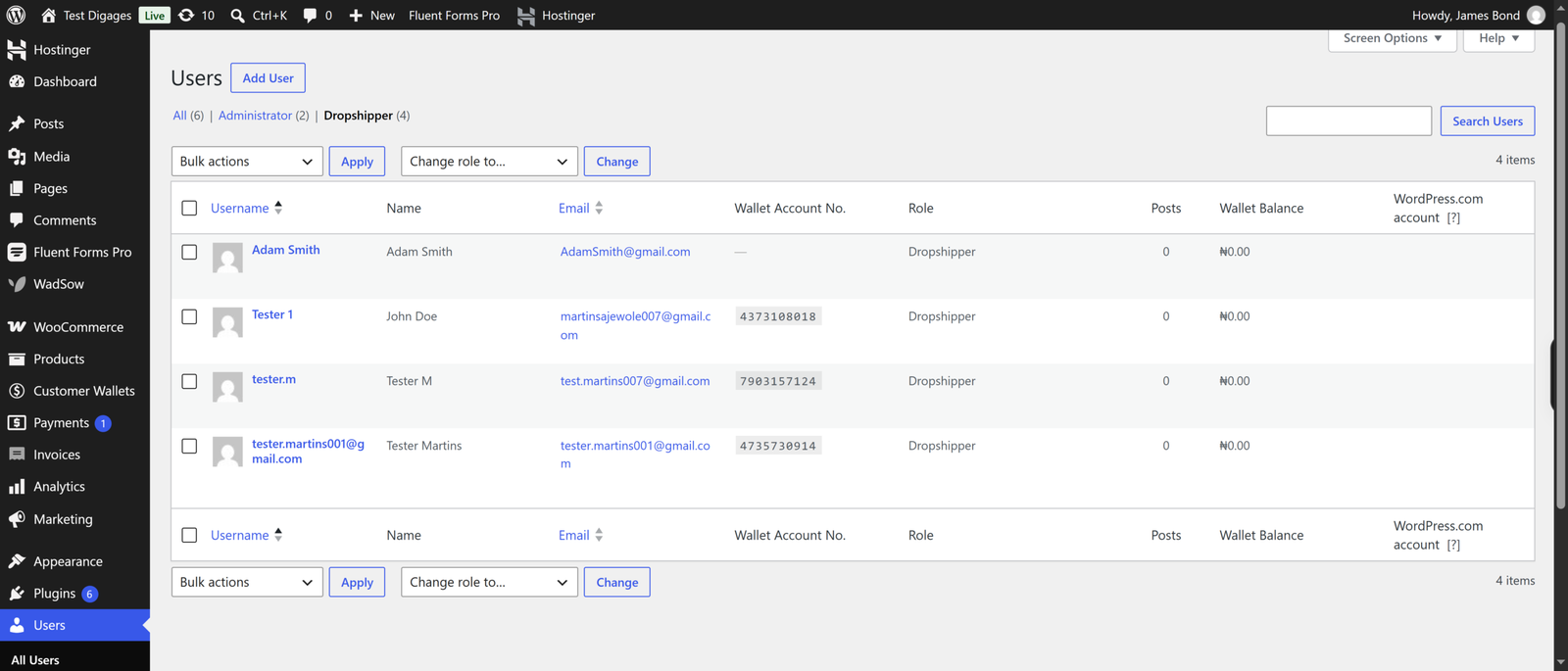
- Go to Users > All Users in your WordPress admin.
- Find the applicant’s account.
- Change their Role to Dropshipper.
- Click Update User.
The customer now has access to dropshipping prices on eligible products, without having had automatic access from the moment they registered.
Step 6: Notify Approved Dropshippers
Let approved applicants know their account has been upgraded, so they know they can start using dropshipping pricing on your store.
This two-step setup gives you full control over who becomes a dropshipper, while still letting customers apply through a simple, self-service form.
Get started with Dropshipfy today.


