🎁 New: Build Customer Loyalty & Drive Repeat Purchases with WooCommerce. Learn more


Digages Customer Wallet for WooCommerce can reward customers with points for account sign-ups, product reviews, and purchases, plus let you send manual wallet credit for anything else. This guide separates the automatic triggers from the manual ones.
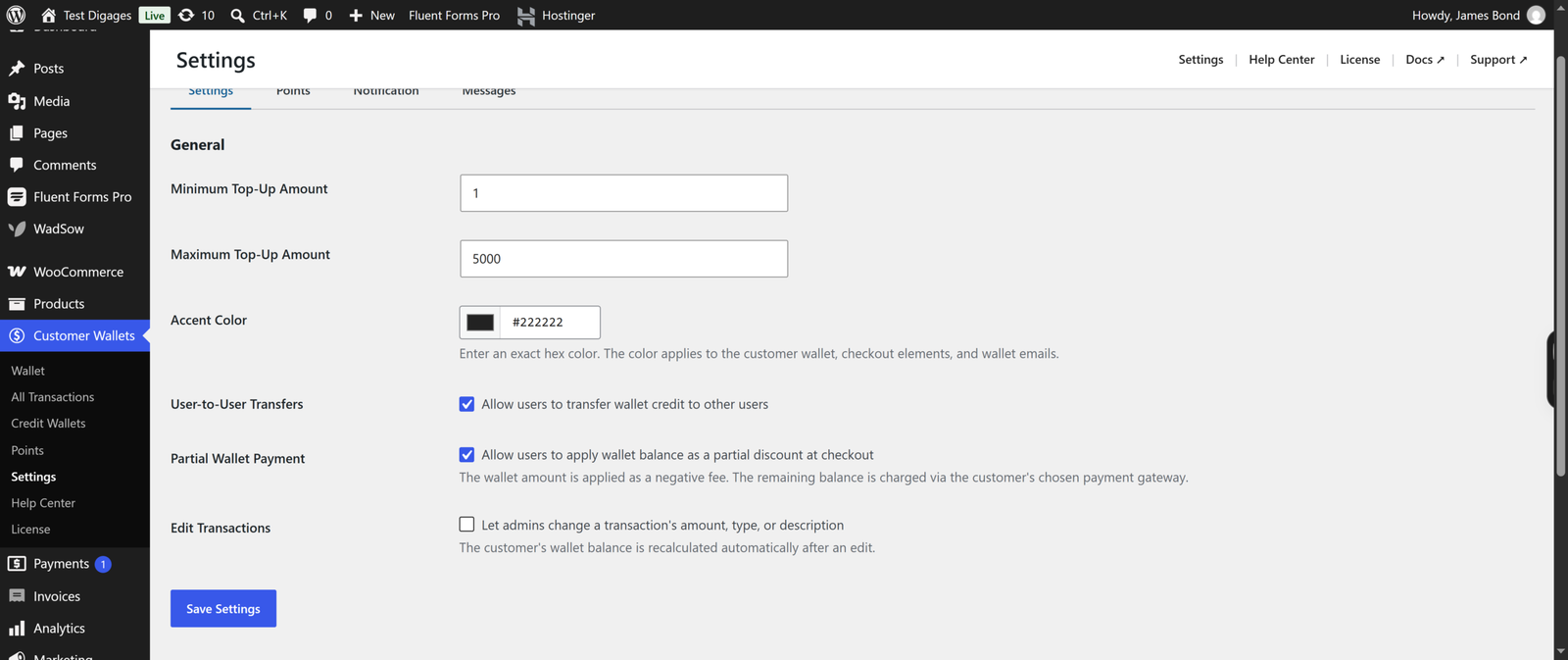
1. Turn On the Points Program
- Go to Customer Wallets → Settings.
- Open the Points tab.
- Check Enable Points & Rewards.
- Click Save Changes.
2. Reward Customers for Signing Up
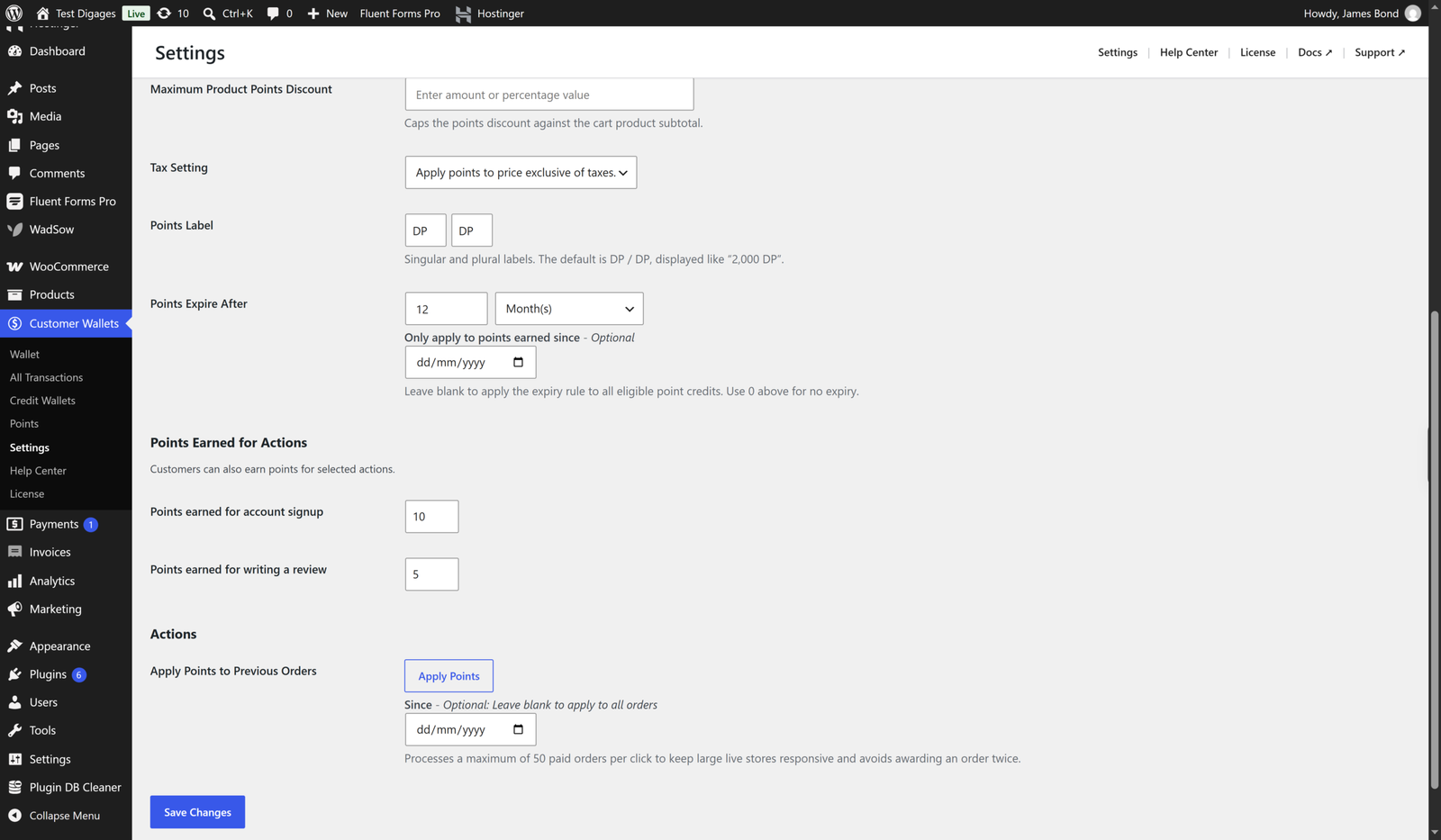
- On the Points tab, find Points Earned for Actions.
- Enter a value in Points earned for account signup. Example: 10.
- Click Save Changes.
New customers who create an account automatically receive this number of points, shown under Points earned for account signup.
3. Reward Customers for Writing a Review
- On the same Points tab, enter a value in Points earned for writing a review. Example: 5.
- Click Save Changes.
Customers automatically earn this amount when they submit a product review.
4. Reward Customers for Purchases
Purchase rewards are handled by the Earn Points Conversion Rate, not the “Actions” section:
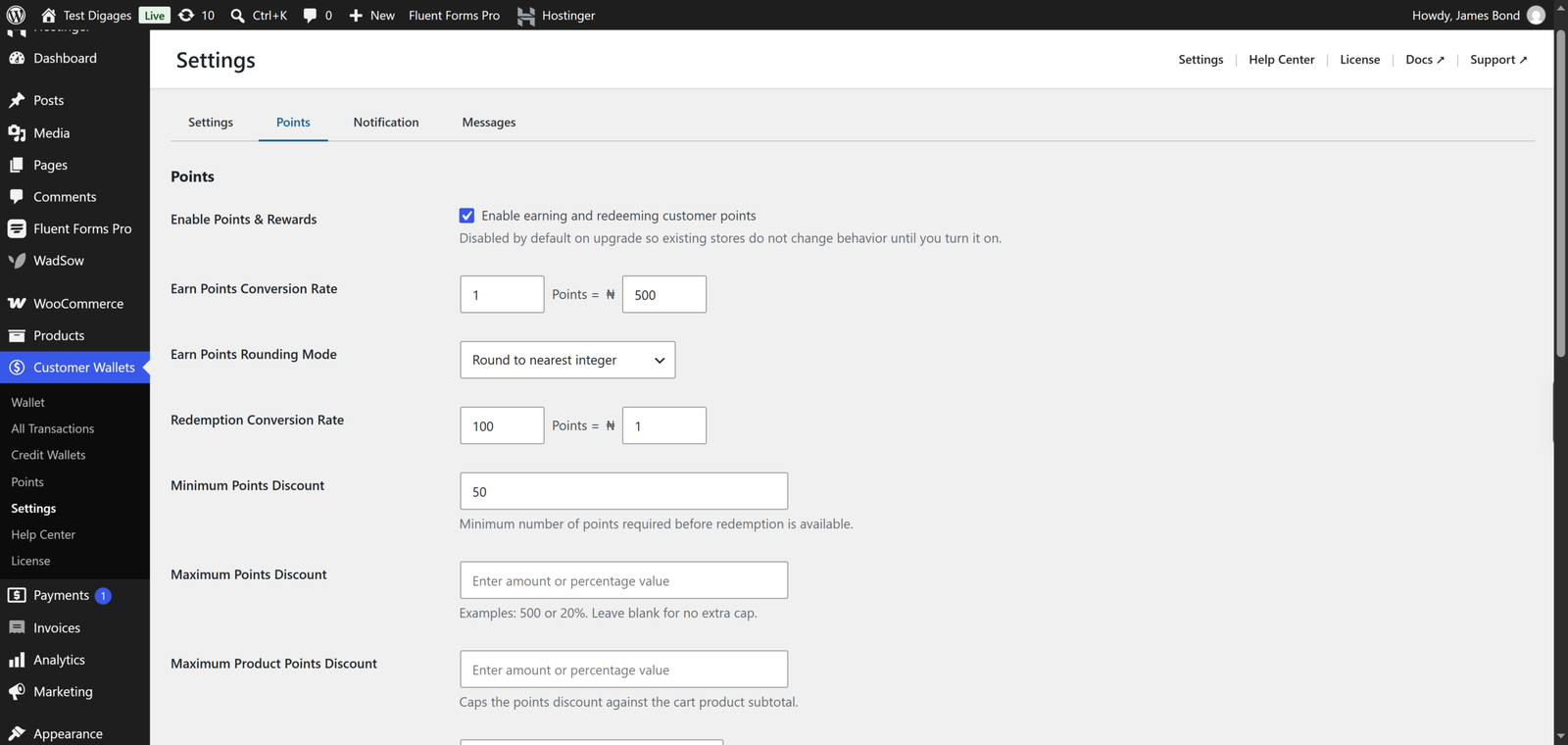
- On the Points tab, set Earn Points Conversion Rate: how many points customers earn per amount spent. Example: 1 Point = ₦500.
- Choose an Earn Points Rounding Mode.
- Click Save Changes.
Every eligible order then earns the customer points automatically, based on this rate.
5. Letting Customers Redeem Their Points
Points are only useful if customers can spend them. On the Points tab, set:
- Redemption Conversion Rate (e.g., 100 Points = ₦1).
- Minimum Points Discount — the minimum points balance required before redemption is available.
- Maximum Points Discount / Maximum Product Points Discount — optional caps.
Customers see their points balance under My Account → My Wallet, and the messages shown to them at each stage (product page, cart, checkout, thank-you page) can be customized on the Messages tab.
6. Rewarding Anything Else Manually
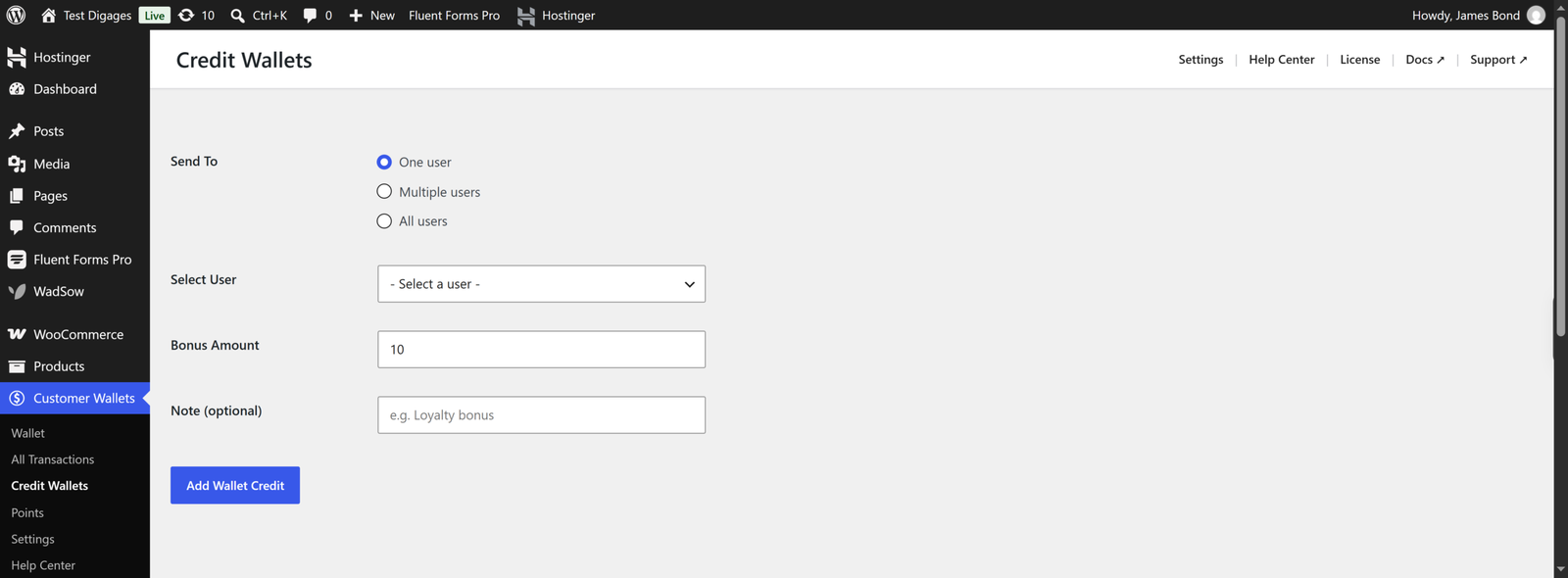
Sign up, review, and purchase are the only actions that automatically trigger points. For any other scenario — a contest winner, a referral, a customer-service gesture — use manual wallet credit instead:
- Go to Customer Wallets → Credit Wallets.
- Choose One user, Multiple users, or All users.
- Enter the Bonus Amount and an optional Note.
- Click Add Wallet Credit.
This adds wallet balance directly, separate from the points system.